opacityのTwitterイラスト検索結果。 1,333 件中 6ページ目


I started adding layers on color mode and overlay, the key here is to not overdo it. It's all about the subtleties, In this case I lowered the opacity on the layers so my cold base tones still come through. Then, I changed the color on the dragons eyes to make it more dramatic.


@sytryzz I use multiply if I wanna add static!! Makes the drawings look NICE 🥺😩
Over the whole drawing I add a white layer, make it static (in procreate somewhere under the blur), set it to multiply and turn the opacity down a bit! I love it!
Example below, if u zoom in you'll see it❤️


I paint my shadows very lightly, I generally lower the opacity of the layer to have something softer. Once you are done, add a new layer on top the other one. Same settings except for the opacity. Draw more dark shadows to add depth. I usually do this thrice.


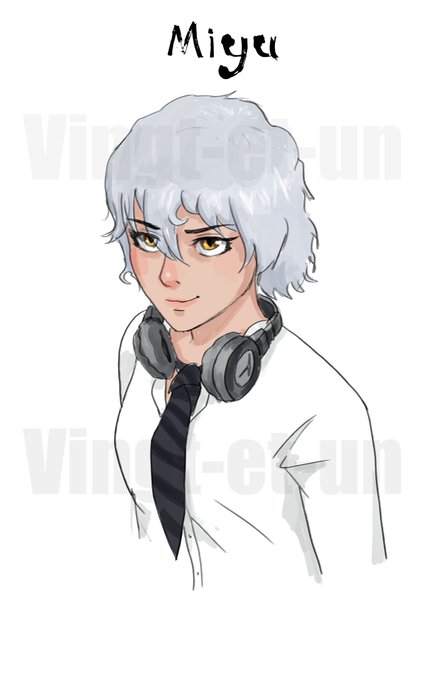

@HeavenlyTape the default soft and basic round brushes and a third one which is custom with oval shape and lower opacity 👌


@butchjpg Digital artists using thin line art + color on line layer+black 30% opacity for shading. You did it. I did it. We all did it. For the love of god, if you’re starting digital art or you if you call this your style PLEASE take a day to learn about layers and color theory 😩😩😩

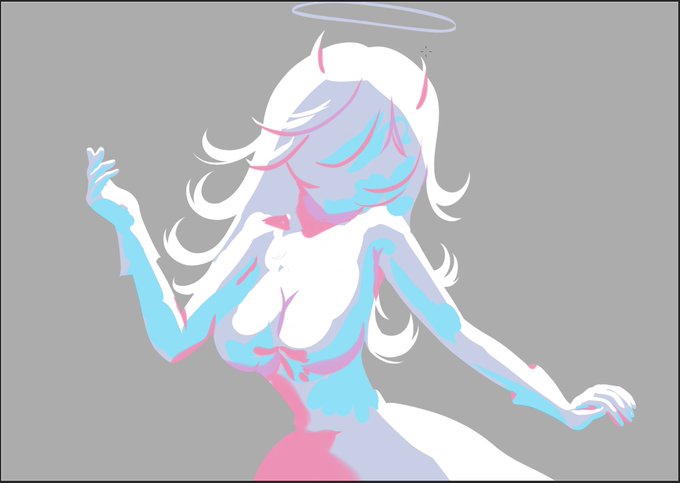

rendern be like... Auf "Normal" und "100% Opacity" vs "Multiply/ Glowdodge/ Softlight / Overlay etc" in geringer Opacity

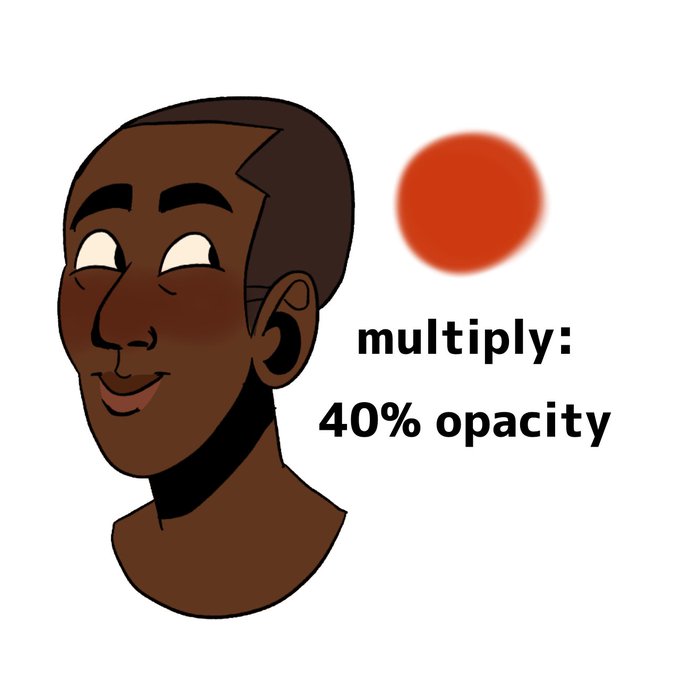
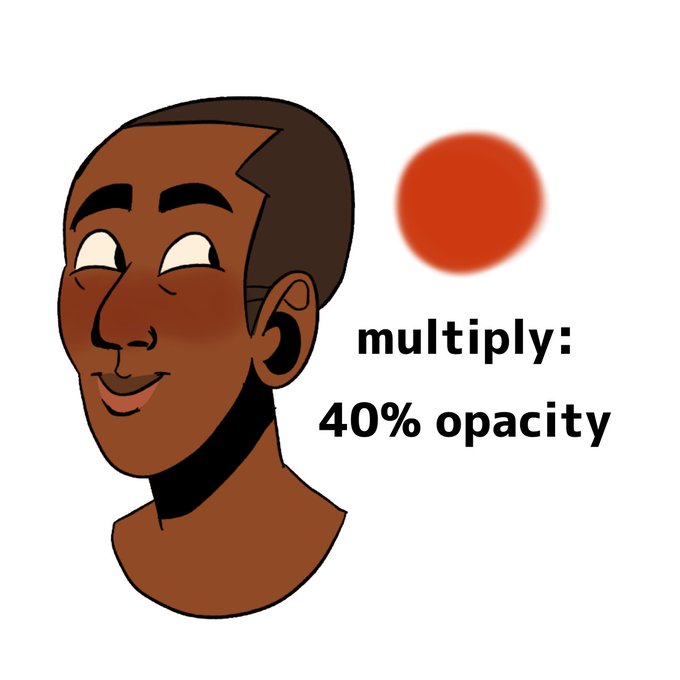
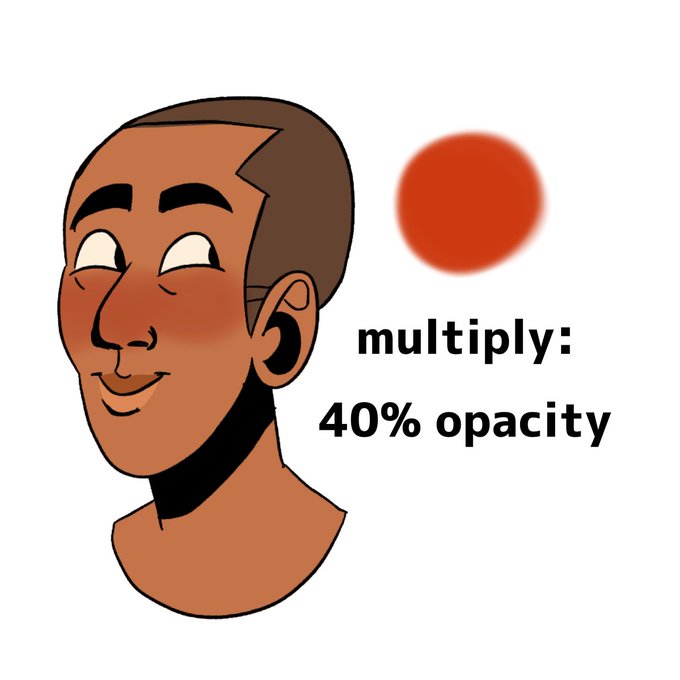
@panda_gem @EtheringtonBros @nikofii I just use de same dark-ish red color on de skin and use multiply and lower de opacity, i dunno if it works for ya doe...but its kool if ya wanna try it out!


@sjdrakeiii having flooshed in low opacity with the vine boom effect sounds like it'll make me wheeze watching the clip www


Quick demo I did in response to a question about workflow. R==>L Basically I start with a big hard multiply brush at low opacity to get massing w/ the eraser to clean up edges and highlights. I'll paint over this in a more conventional way in a wider tonal range


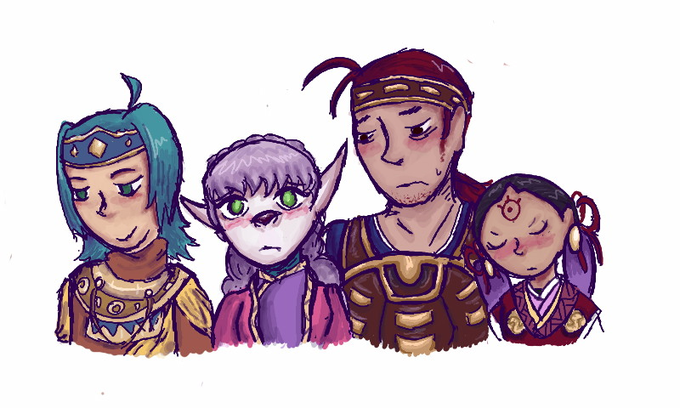
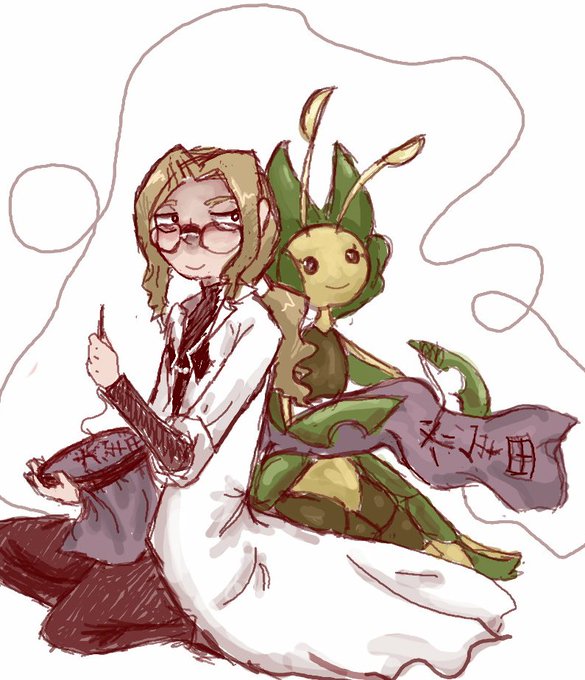


also it's funny that in the much earlier points of this thread, lining was like, my least favourite thing to do so i had no real confidence in my lines and would default to using a low opacity brush and drawing over things several times to give it a sort of "fuzzy" effect


❌downloading grass brush on CSP store
⭕️use black border effect with white brush, then convert brightness to opacity
pros : good for making non-repetitive imagery
cons : the lineart can go bad a bit


@cdrunz__ Really? Like I SWEAR this one had a constant stream but now you have to press so hard to get full opacity 😭 I hate it


I deep-fried it a lil too much with @MrmoTarius's awesome CMYK shader so I had to layer the original back in at 50% opacity. but the closeups look so delicious... i'll get the hang of it eventually

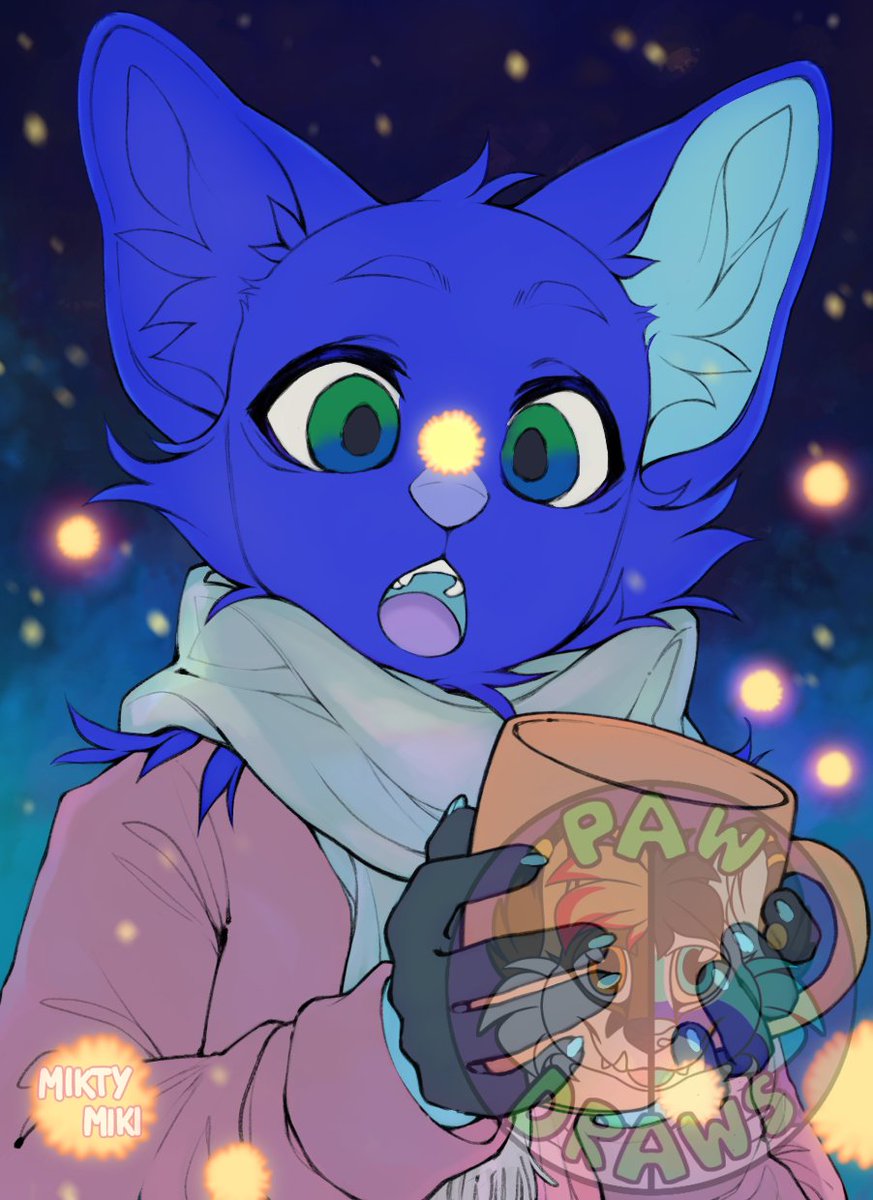
Got a WiP I'm working on from a base on telegram. Doing this on Ibis Paint X I'm just frustrated I cannot keep the subtle glows & what not without lowering the opacity. I've tried other filters but they don't cut it. Idk what to do


I wonder if twitter can detect this as nudity if I tone down the lineart opacity


And these are some of the stages of painting the face itself.
Used nothing but a simplest Hard Round brush with pressure opacity and flow.


@Panose_wl Shibuki Ran from Aikatsu this was an old png where I didn't notice the low opacity on her skin layer lol