opacityのTwitterイラスト検索結果。 51ページ目


i use a purple shade and just. swoop over the top portion of the eyes and then erase the excess. im sure theres an easier way to do that but im dumb. change the opacity as needed


@Eoilock saya has little fangies in most of her toothy smiles and it's good!!
also lmao sheer fabric isnt as hard as it seems. i just set my normal coloring pen to whatever opacity i want and then layer on top of it for folds/overlap
have fangy saya

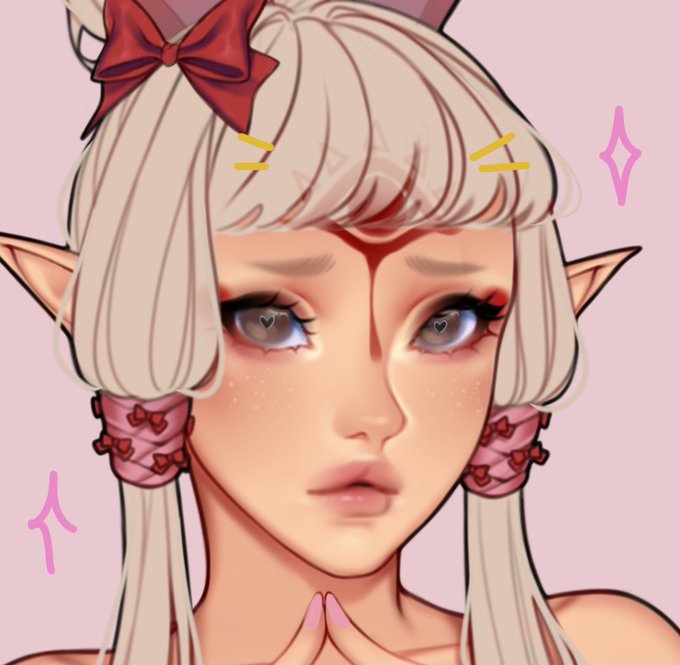
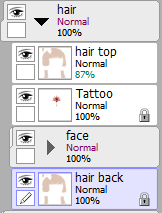
So, This is how i do the '' hair looks transparent '' thing. just make sure you play with the opacity of the top hair layer and u good to go. I know this is simple to some but when i started i didn't know and i wish i did. if you have any question don't be shy.

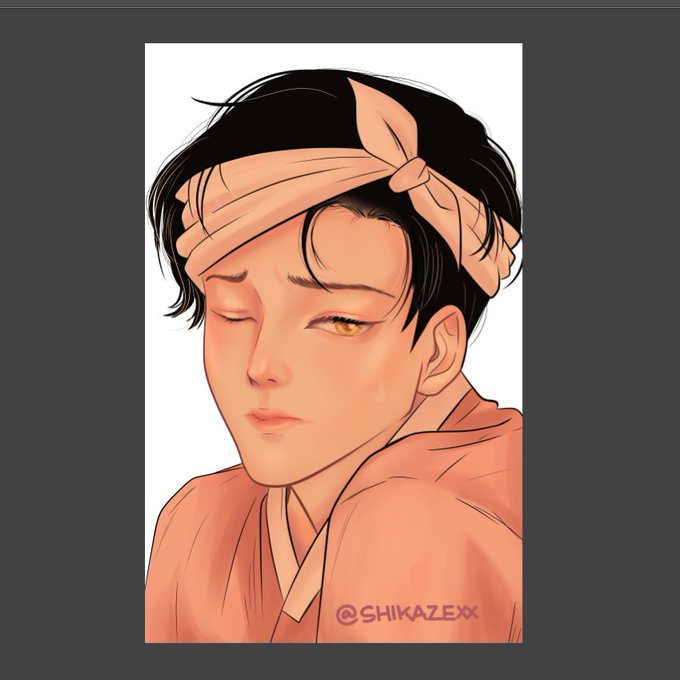
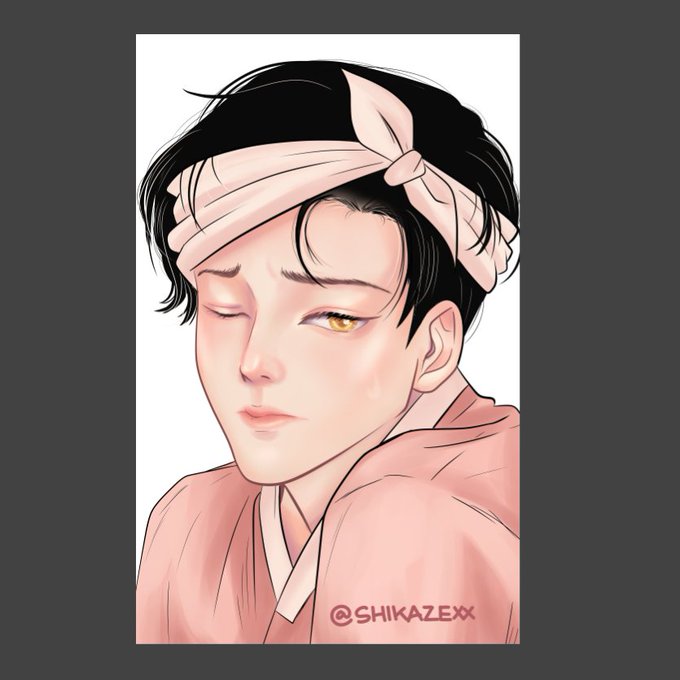
Step 19 :
Nah abis tuh, layernya disetting multiplay, jangan lupa opacitynya di kecilin, terserah sampek berapa, suka-suka. Ini gw kecilin opacitynya sampek 26


@nodeone_ @zonakaryaid Aku coba bikin ini mungkin bisa jadi refrensi juga bikin waves terus make efek lighten opacitynya disesuain,semangat!


@zonakaryaid gini doang sih di pojokan dg opacity dikecilin
dan pake tanggal biar gampang nyarinya (also karena aku pelupa ini penting banget)
pengen sih bikin yg kek logo gt tapi belom ada ide :(((


thats right, i drew a warrior cats OC
attack on Herontuft on artfight
(opacity is fucked for some reason?)


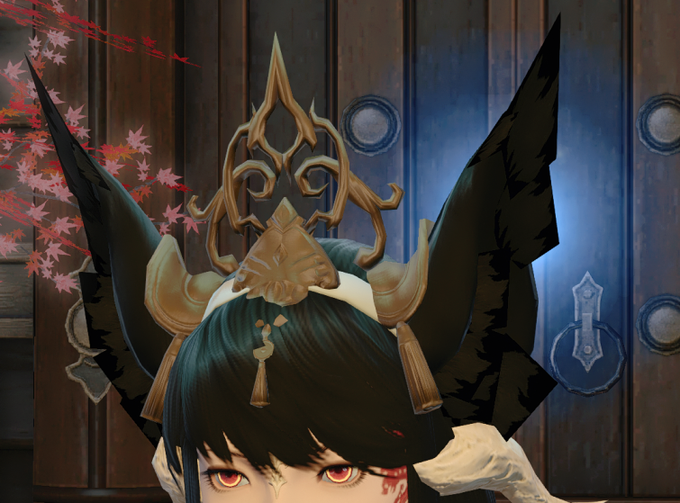
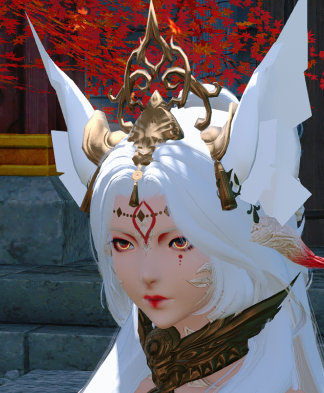
So there may be a slight bug with opacity on items. It's being looked at tomorrow but uhhhh....
The new textools updates allows you to apply shaders and if you apply "Hair".....
Yeah... so this is a game changer.


WILL DELETE LATER
hey does anyone have any CSP brushes the have this kind look (lineart). Looking for a soft-ish, round brush with opacity for lines like the examples below
(THIS IS NOT MY ART, work by @/2_gold, if ya like whatcha see, dont like this post, go follow them plz)


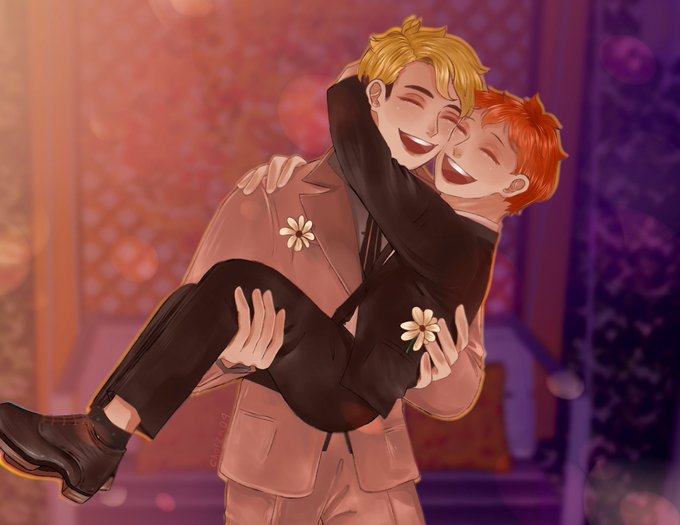

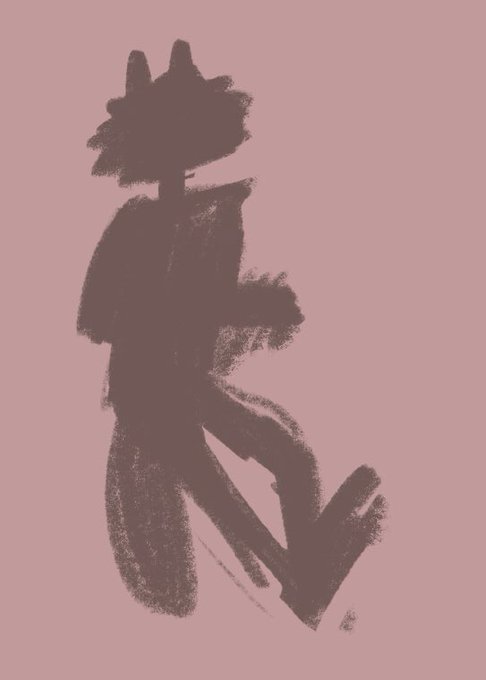
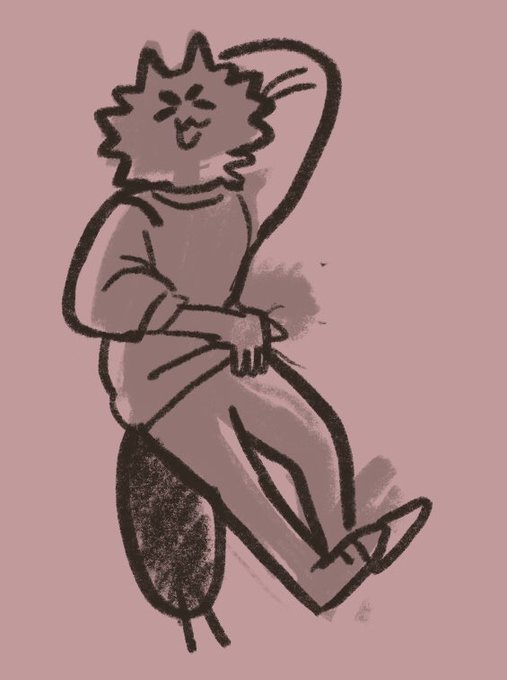
Very quickly going to share this based on my last warmup post.
Silhouetting! For those who don’t know, is when you roughly draw out the form of your idea/subject!
Lower the opacity and sketch over! It really helps ground your idea and make it easier to figure out! :) 💓

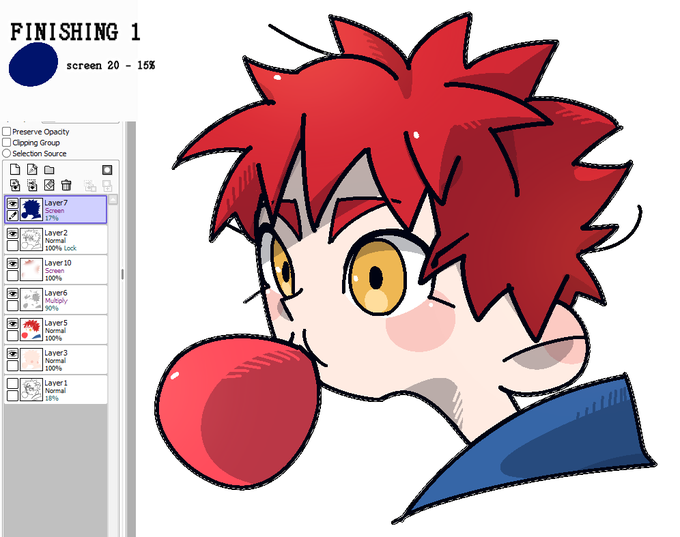
Nah ini warnanya bisa nyesuaiin mau dibikin dingin pake shade biru atau panas pake shade merah (warna lain juga oke sesuai selera aja). Pastikan pakai warna saturasi tinggi biar keliatan efeknya.
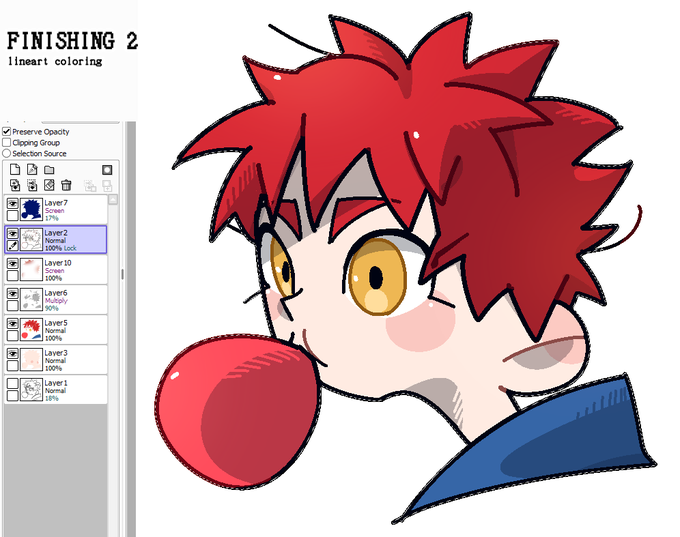
Aku biasanya langsung pakai lock opacity / preserve opacity buat warnain lineart


@kiiboloid I normally do three but I also use this cool grid brush and lower the opacity to go along with the brush

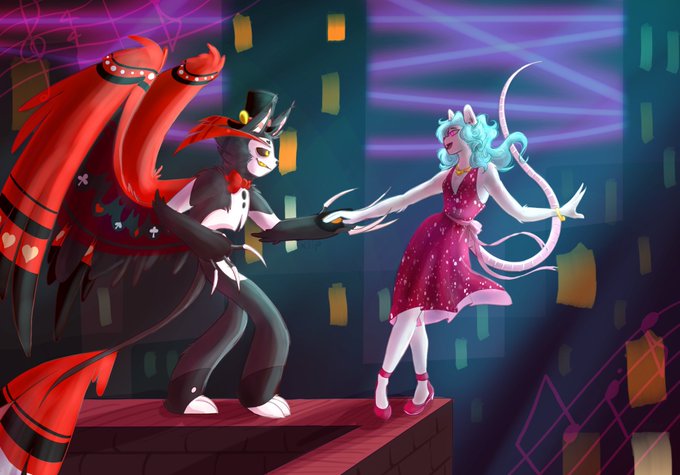

Without vs with
Magenta, soft light layer setting, 36% opacity, and bam the colours pp a lot more and the whole thing looks cleaner and technology is amazing https://t.co/tRDuFrhnmB


The diffrence white makes on a character is huge, It changes the entire skin tone, (Im using the opacity setting of what ive seen 'bad lighting' look on other characters)
It takes a completely POC and makes them white/very light skin compared to their normal tones.


@Aeroon7 Here's the settings using one color and 100% opacity on the layer.
Overlay- think tinted windows, brings the entire color pallete together
Multiply- good for shadows that don't look bleak!
Add- for shiny things like gold and fire, makes things g l o w
Screen- best for pastel!


@zonakaryaid Dengan pas di finishing lu kasi tekstur pointilis yang opacity-nya lu sesuaiin, kamu bakal dapat kesann shading yang uwuu

