SmudgeのTwitterイラスト検索結果。 54ページ目


I still don’t know what I’m doing lol but i did sort of figure out the smudge tool!!


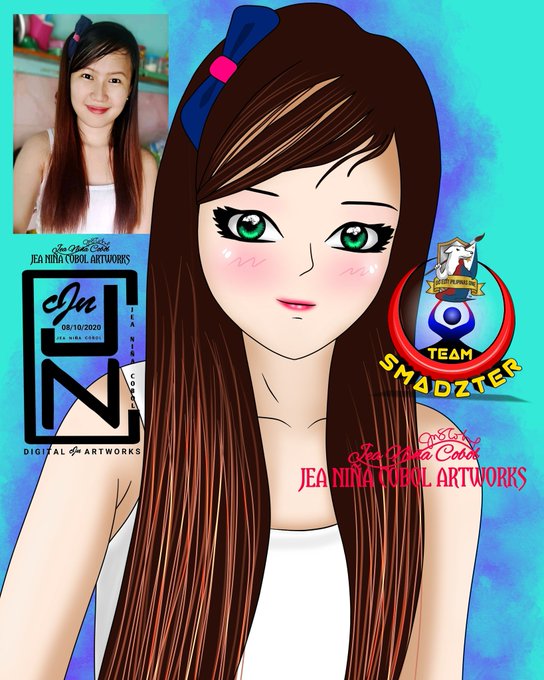

Anime and Basic Smudge Manipulation by Jea Niña Cobol. #DigitalArts #ArtWorks #AutodeskSketchbook #Anime #Cartoon #Chibi #Kawaii #Caricature #LineArt #Portrait #Portraiture #3DSmudge #3DArt #Cute #VexelPhilippines #Drawings


Oh yeah! My favorite cat from CATS uh..
*Looks at smudged writing on hand*
Jockstrap!


@dsamowen Another way to do it, is to just use the studio pen with the opacity lowered and the noise smudge tool. Like what Oda likes to do in recent Jump covers

@dsamowen First do your flat colors. Then use the studio brush and have a low opacity when shading colors and use it like any other marker. After that use the smudge tool of the the Noise brush or dry ink brush. But don’t smudge it too much, only bits and pieces.


been a while since I last p̷a̷i̷n̷t̷e̷d̷ smudged something, it's refreshing I must say.
#artph #artistsofSEA


Arts done by Norwin Rojas and Zhyrus John Michael Tolentino of #TeamAspire #LaCasaDePapel
Thank you so much for these wonderful pieces of arts. 😍
#DigitalPainting #DigiPaint #Smudge #SmudgeArt #DigitalArts #ArtWorks #VexelArt

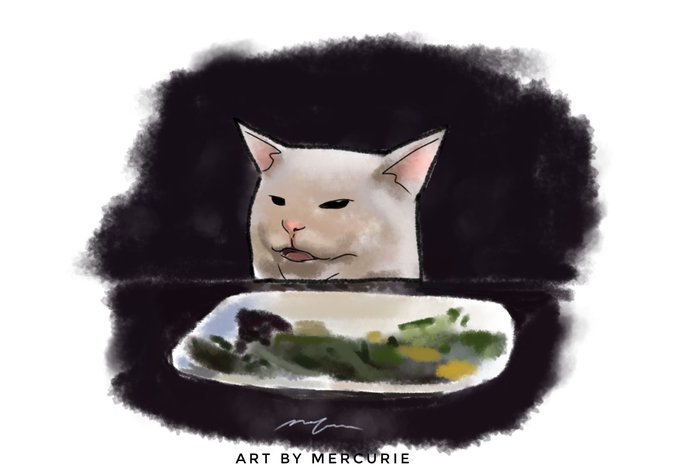
Here's Smudge, the legendary cat meme #InternationalCatDay


Spent all afternoon painting Yuri on my new eyeshadow palette. It got a bit smudged but it is what it is lol. #yurileclerc #FE3H


Art done by RJoy Estanislao
Thank you so much 😍
#DigitalPainting #DigiPaint #DigitalArts #ArtWorks #AutodeskSketchbook #VexelArt #Vexel #Anime #Cartoon #Chibi #Kawaii #Caricature #LineArt #Portrait #Portraiture #3DSmudge #3DArt #Cute #Drawings #hairstyles


finally learned where the smudge tool is located (completely on accident too, I’m dumb as shit!)


A reference study in lighting and trying out the smudge tool (an absolute nightmare, ngl LMAO) #MyArt

Sapat na sakin ang lineart lang. Salamat sa magandang reference. Art done by Jea Niña Cobol #TeamSmadzter #GEPO
#DigitalPainting #DigiPaint #Smudge #SmudgeArt #DigitalArts #ArtWorks #AutodeskSketchbook #VexelArt #AnimeArt #Cartoon #Chibi #Kawaii #LineArt


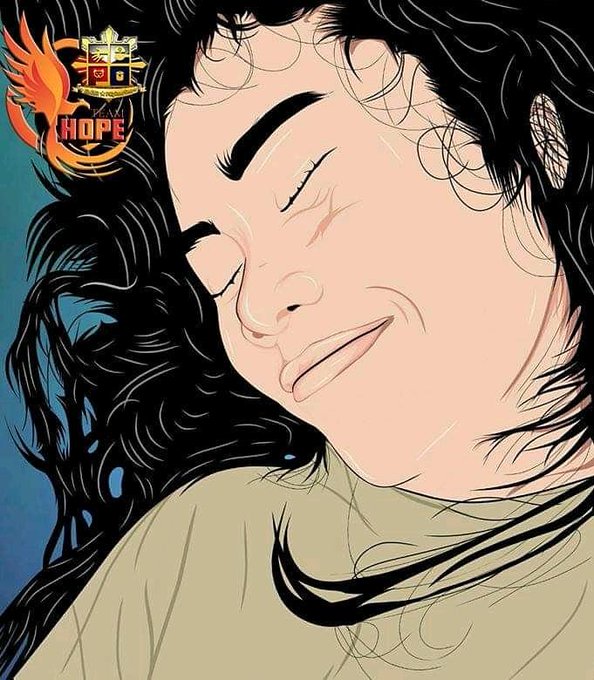
Thank you Team Hope for this wonderful Vexel Art. I love it! 😍
#DigitalPainting #DigiPaint #Smudge #SmudgeArt #DigitalArts #ArtWorks #AutodeskSketchbook #VexelArt #Vexel #Vex #Anime #Cartoon #Chibi #Kawaii #Caricature #LineArt #Portrait #Portraiture


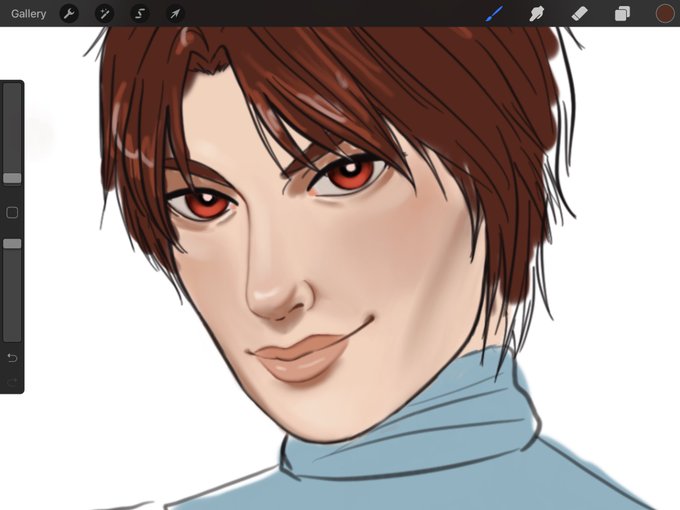
Been kind of inactive the last few days haha 😅 Here’s a wip where I finally learned how to use the smudge tool in procreate ✌🏻