opacityのTwitterイラスト検索結果。 1,333 件中 54ページ目


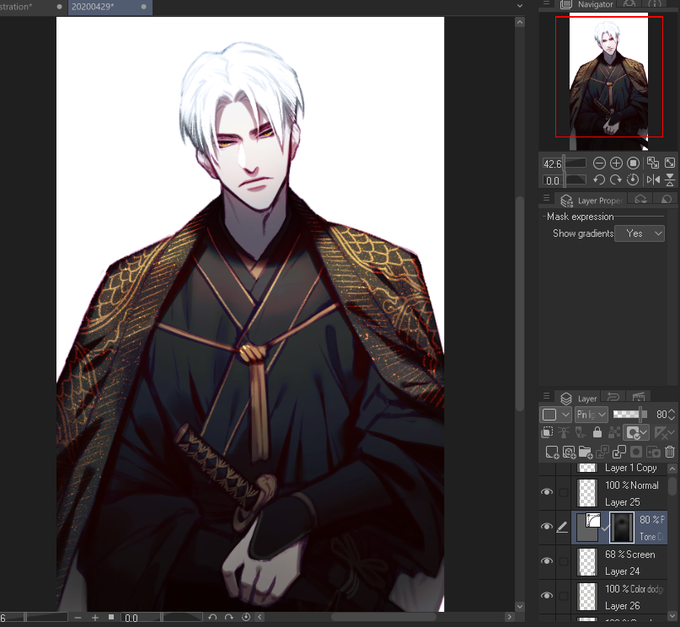
[Auto action]
- ปรับสีหลัง Finish งาน
- มี 2 Auto action ในลิ้งค์ สีจะต่างกัน แล้วแต่ความชอบ
- ใช้ดีกับงานโทนดำ จะเคลือบสีดูหลากหลายขึ้น
- ใช้ Air brush แต้มส่วนที่ต้องการ ปรับโหมดเลเยอร์ตามชอบ ส่วนมากเราใช้ Overlay, Pin light และปรับ opacity
Link: https://t.co/j1t3HL51V4


@Gee_lly I add a bright orange over my entire piece and put the opacity at 23%-30% to give cool colors a warm feel. I like doing it a lot, it’s kinda my default now. xD


The next stage in my process is to bring the thumbnail into Photoshop. I’ll reduce the opacity and draw over it to work out the drawing. The values I add in this stage are just to make sure everything works. #arttips #illustration #kidlitart #snowwhite


Fawn in the Night Garden. Been playing around w/ several layers of watercolor & gouache to get more opacity, as well as experimenting w/ markmaking. I ❤ this color combo! I used D. Smith watercolors: indigo, rare green earth, perylene red, & raw umber.

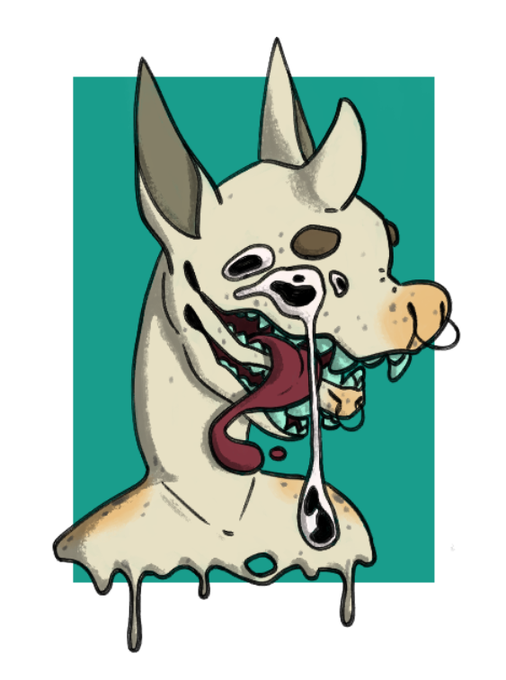
a redraw (kind of?) of an old drawing of @sourscape 's RJ from a while ago
I still can't export cause I'm on trial version so Fs for the opacity


@yueongg "I used a reference"
is said reference using the line tool and putting the original image at 50% opacity to traced over it and changed very minor things? LMAO ok jan
Its 100% copy and tracing when you can put the images on top of each other and not see much of a diff.

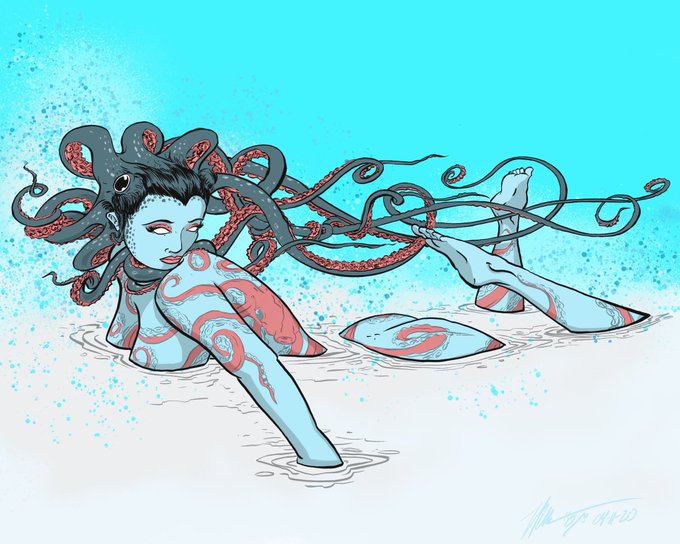


I was gonna post a handful of more sketches...but I just wanna highlight this one today. It’s a current favorite and it took me hours ontop of hours figuring how to do a new thing. Many layers and all with their opacity levels adjust to perfection...I wanna draw more like this!


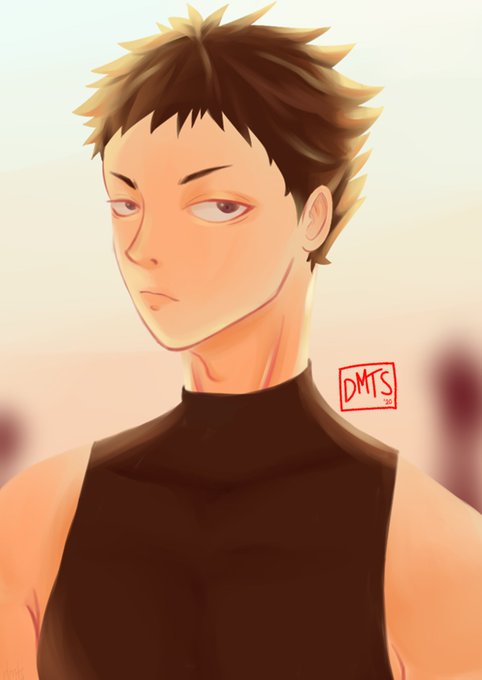
2012-ish vs 2020
I used to be so dem lazy, i've never redrawn my lineart back then when i'm still a mouse user. Nurunin opacity brush sama layer adalah jalan ninjaku🤘mana dulu lining tradinya parah banget, diulang-ulangnya kentara. Gara" kayak gini juga aku give up digi tadinya


@ianjq convert brightness to opacity saves lives y'all


Added some opacity and outer glow to the blue to make it glow more than before. @CaseyWColler #QuarantineColoring


10-shading. because this is the lazy person's quick doodle method just go ahead and use a multiply layer on low opacity. i like to use layer effects to tint the layer a color and use black brushes. its lazy but effective [8/10]


Doing the base colors of the drawing. By doing a sort of "Vector" type of drawing so that I could just set the flat colors to "Preserve Opacity" and I could just freely add details on them. I removed the lines and started cleaning up the open areas, gonna work on her hat soon


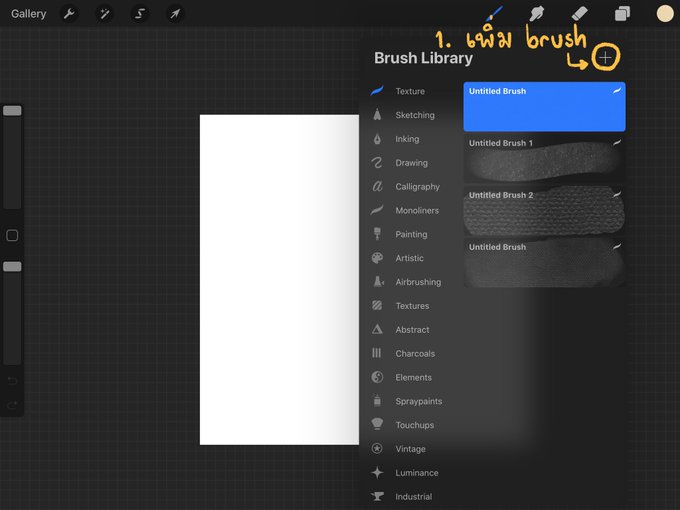


มี Texture มานำเสนอครับ (Procreate)
1.กดเพิ่ม brush
2.เลือก grain > edit
3.เลือก import
4.เลือก source library
5.เลื่อนหา เลือก graphite
*เป็นการเพิ่มบรัชใหม่ ปรับหัวให้ใหญ่ๆ ระบายถมทั้งกระดาษ ปรับลดopacity แล้วเอาไว้เลเยอร์บนสุดค่ะ นำไปปรับใช้หาtextureที่ชอบได้เอง*


🌸🌻 share the first and latest drawing you posted on twit~
First pic was from 2017 when i didnt have a tablet and used mouse with low opacity brush. Those were the dark ages. https://t.co/iCds7GvQu6

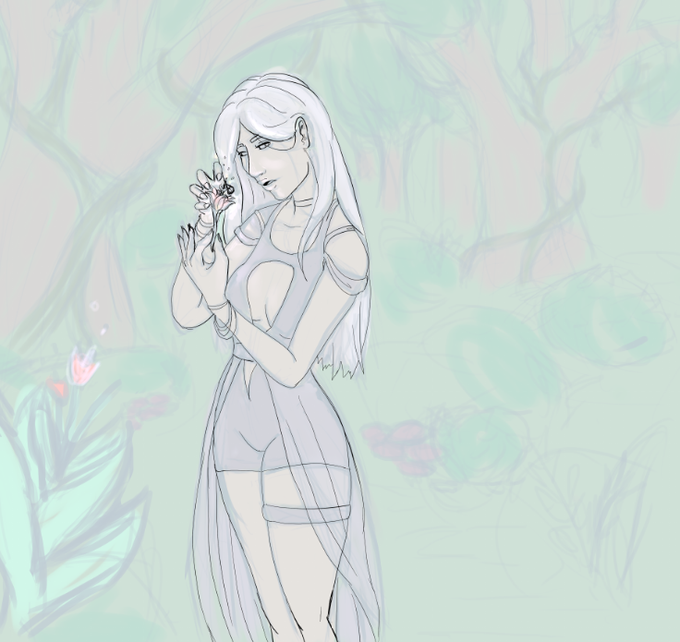
@BrianMX34 Some random Fantasy thing lol here check it out! I have the rough sketch on low opacity and am working on linearting

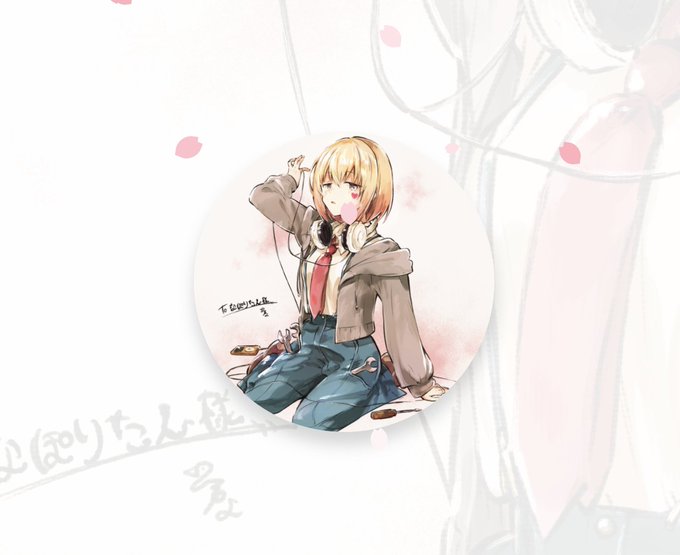
@naporin24690 これが z-index だけ正しくしている ( opacity: 0.1 の img が奥になってる ) 状態でアイコンは透過されてないですよ

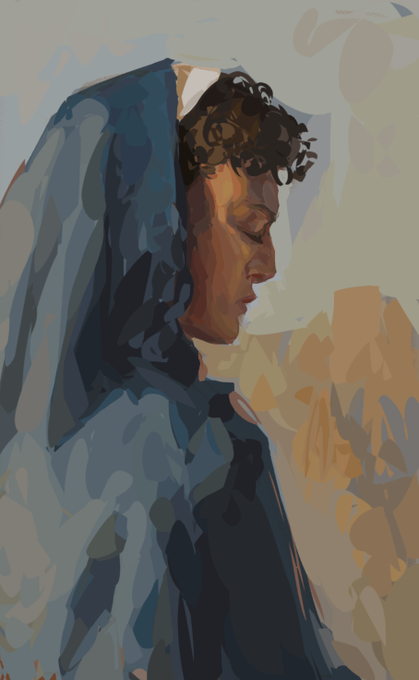
anyway, i'm doing emotional support studies with the lasso tool. no opacity, we die like men


trying to recreate photoshop's opacity brush in CSP is...a surprising struggle, but I think I did it


Brass Kettle study - Fake real media study
Flow opacity only. Hard round brush only. No color picking. Colors only from color selector. No undo. One layer.