opacityのTwitterイラスト検索結果。 1,333 件中 58ページ目

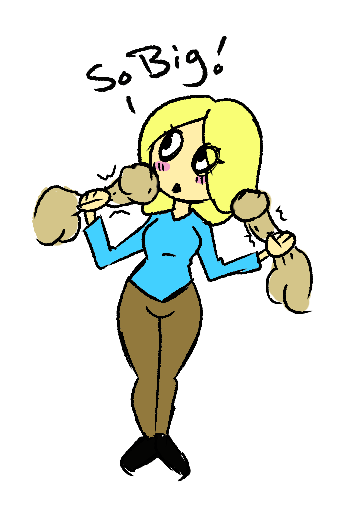
when your friend tells you to use photoshop because its better but you don't know how to mess with the brush setting, stability or the opacity brush so you half hazard make a milf stroking two dicks


I accidentally screwed up and saves the image with the opacity down 🤡🤡🤡 I only recovered like a bit of it from screenshooting my time lapse so maybe I’ll post that later ig


got a trial of clip studio paint and having fun testing out the brushes and stuff! only problem is my pen pressure + brush size/opacity is not working?? so if anyone has any tips on that please let me know! #CLIPSTUDIOPAINT

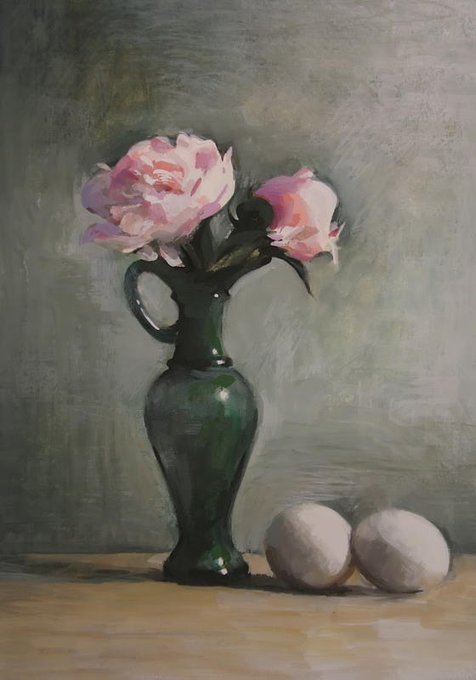
Gouache combines the immediacy of watercolor with the opacity and physical presence of oils. It's a great sketch medium and a terrific option for 1-session, limited-duration paintings! https://t.co/Lm0q4YtBd0


Removing the underlying bones and increasing the opacity makes the comparison even more striking. (not to scale).


@Pixel_Unknown_ and in theory it should look something like this! at which point i add the spots in the darkest color and the shine on a higher layer with low opacity in either white or v light green
but really thats just my method and by no means the most efficient


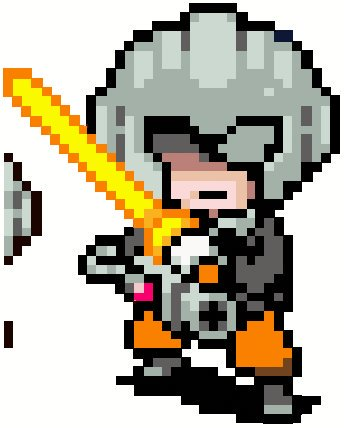
@gogglefennec It's because the Sprite had a piece of the actual fanart, but was like 1% Opacity


Day 2 finished! I played more with opacity in this one. Had a lot of fun doing it :>
#Inktober2019 #Portrait #Art #OriginalArt #DragonGirl #InkDrawing


Experimenting with zinc white and #Watercolor paint to add opacity.


The power of opacity, this is the outcome of my experimentation 002. Just searching for a better way to color my arts

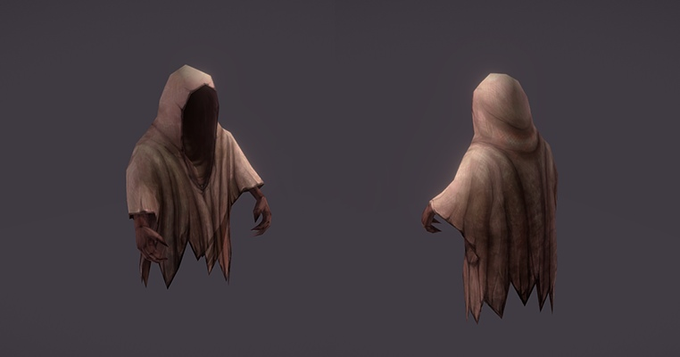
I finished worck on ghost. Long time i was thinking about death animation, ghost shouldn't lie on the ground, instead it should disappear. But I can't use opacity. Well, now ghost fall through ground.
Check animations: https://t.co/ZfUADimzHr
#ghost #model #3d #sketchfab


Experiment 01 (Opacity Juggle)
#mintagen_artworks #digitalart #character


someone asked how I color eyes so uh here
the way I color eyes changes all the time though
(1/2)
1. flat color
2. first layer of shading on a layer above, clipped to flat color layer
3. lock opacity of shade layer, airbrush darker color in
4. highlight layer


@gravislizard turn down fill and not opacity, turn off the 'blend clipped layers as group' option in the blend options of the layer that you're using as a mask


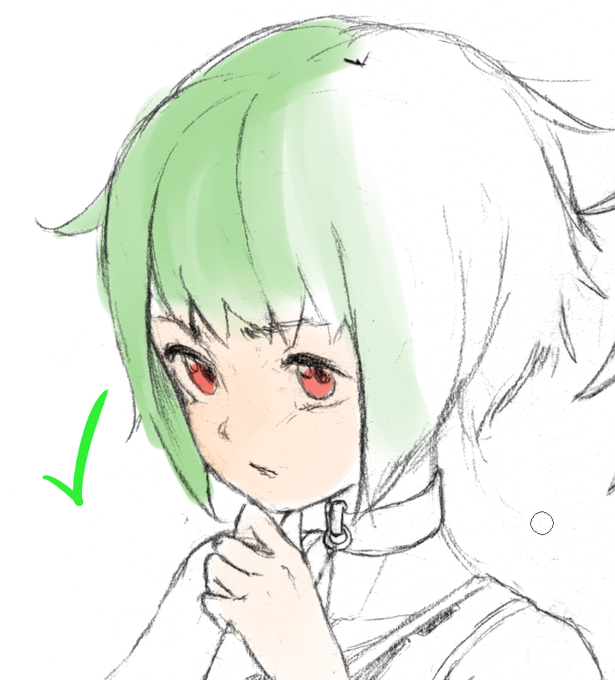
@wyiten The best way I've found to color my scanned sketches (in Clip Studio) is to first adjust the levels so that the white of the paper is pure white, and the pencil sketch is dark. Then, I convert the brightness to opacity, and voila! It's a transparent sketch layer!