opacityのTwitterイラスト検索結果。 1,333 件中 60ページ目


Another illustration in one hour for my personnal challenge on @Procreate : using only flat colors, lasso tool and a round brush shape with full opacity. No other tool, just normal and multiply fusion mode for layers.
Video process coming soon :)


Did some fanart of Hollow Knight for practice today, had fun breaking the usual pixel art rules and using layers with lowered opacity.
Hope you enjoy! :)
.
.
#pixelart #gamedev #hollowknight


@LinavaArt Adjusting layer opacity makes shadows and shading very easy, and threshold (or binarization as it's sometimes called) makes getting crisp lineart much easier.

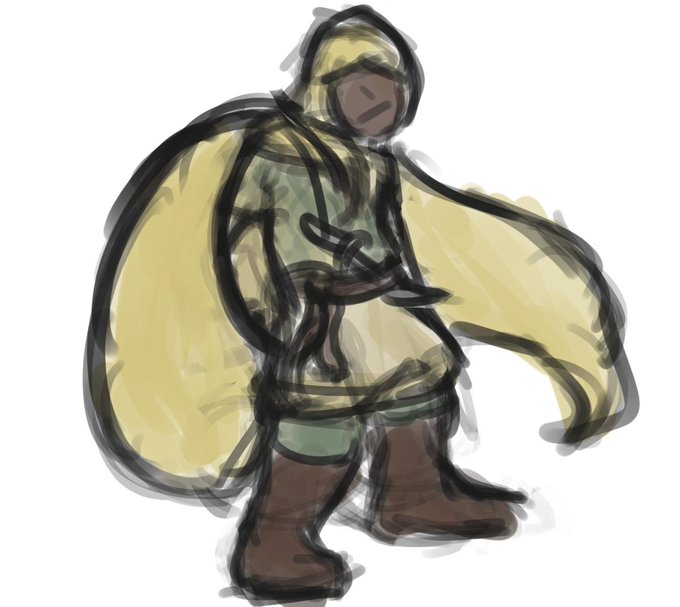

I thought I had posted these 2 a while ago but I suppose it slipped my mind. Reflecting I've been using the opacity (I think it's called) brush for the most part. Controlling the pressure for line width kind of felt weird and ended up too thin at thinnest I felt.


little thing I like to do when I colour
grabbing the atmosphere/BG colour to bring into your characters so in this case the red/orange
lay it where the cloth/hair hits the light then blend it with either a blur or watercolour brush, can also use an airbrush low opacity/density


decided to test out a limited colour pallete
i think im getting back into the flow.
(also included a version where i cheat a bit by adjusting the opacity on the shadows)
#strawberryPunk #oc #art #limitedpalette #digitalart #pastels #green #red


Reposting #1stCartoonCrush with both sides. 'Front' and 'Rear' eve;; I fixed some of the coloring on the original as well, tail was off and I forgot to adjust shading opacity to where I wanted it before exporting…
It's a Hoppopotamus~


19:54
Made a bit revision to the Q one cause i forgot his glasses Shade
Well both Dr. Alto Clef and Q done. Bit experimental
Dr. Alto Clef is Pure shade while Q has adjustments in opacity
#drawing #SCP #DrAltoClef #Q


Study is finally done... Rules that i set for this study were: One layer, Small brushes, 100% zoom only, smudge only for "smoke" effect, no-blending brush (only opacity controller)


opacity SUCKS it's the dust that got me but it was fun drawing a tiny tretij


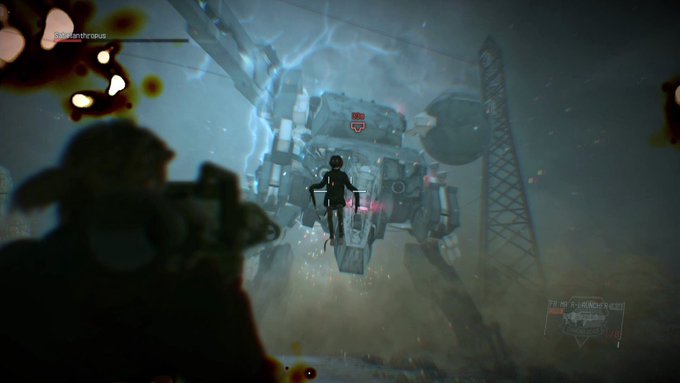

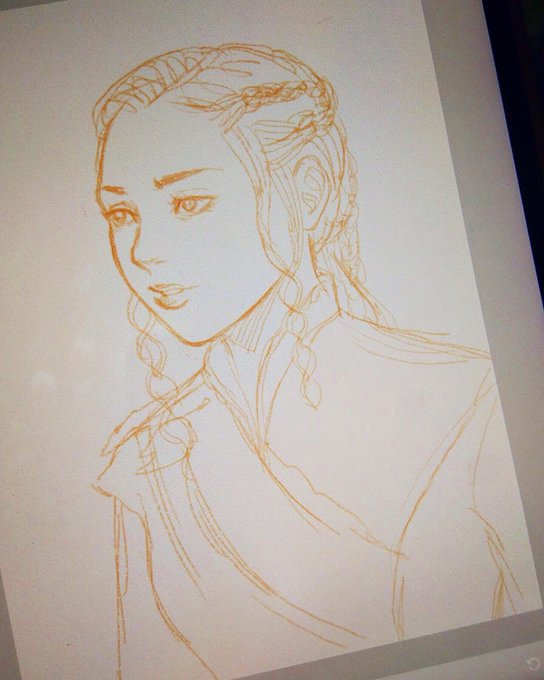
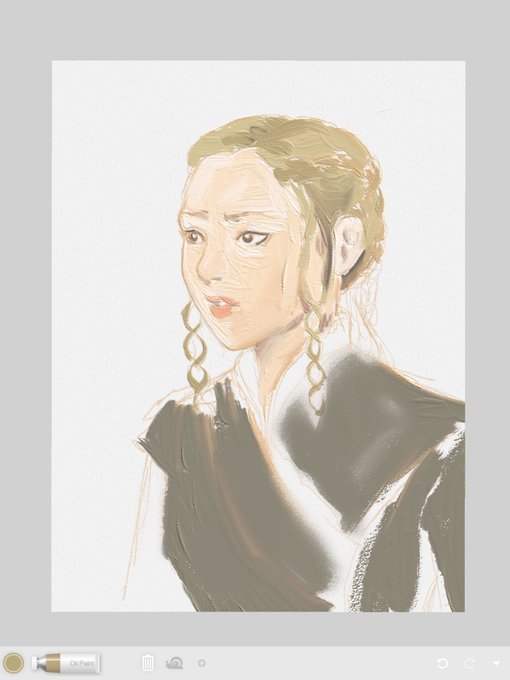
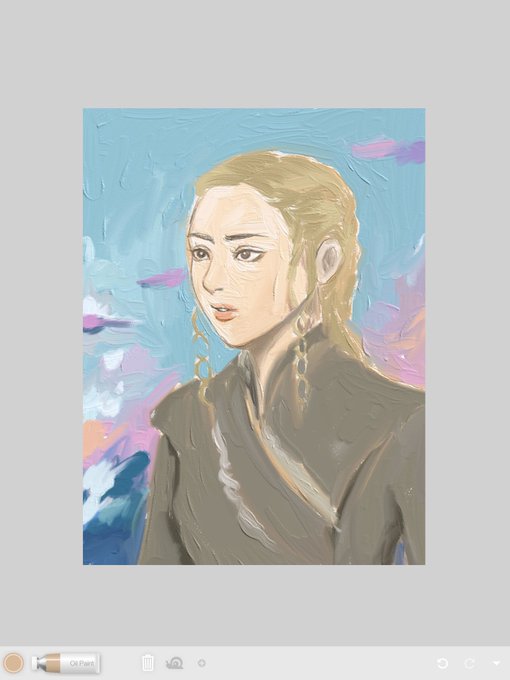

#drawingprocess
The brush is so natural & intuitive, but too bad you can’t adjust the settings (size, opacity, flow, etc) if you use the free version 😂😭 You can’t even add more layer, there’s only one layer in each canvas lmao


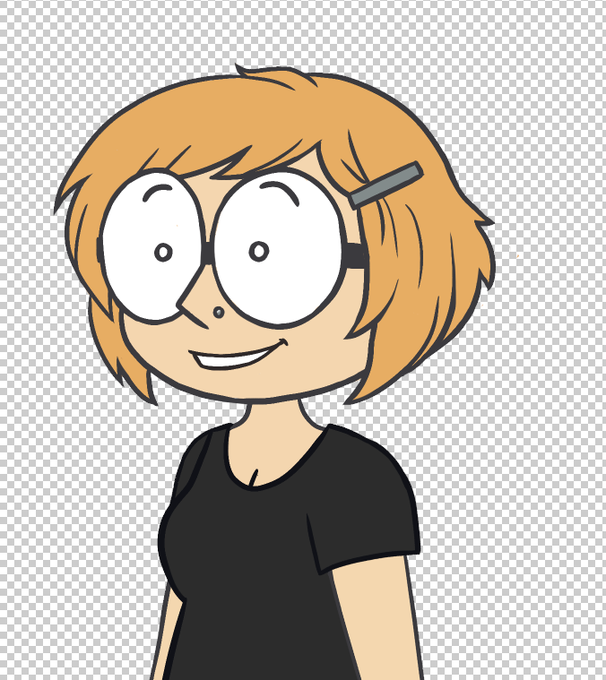
Worked a bit on myself yesterday. Fixed the lineart (it was antialiasing and opacity gore EVERYWHERE), got a little haircut, and simplified things down a bit. Nearly ready to put myself back together again but first gotta fix those hands..... ugh

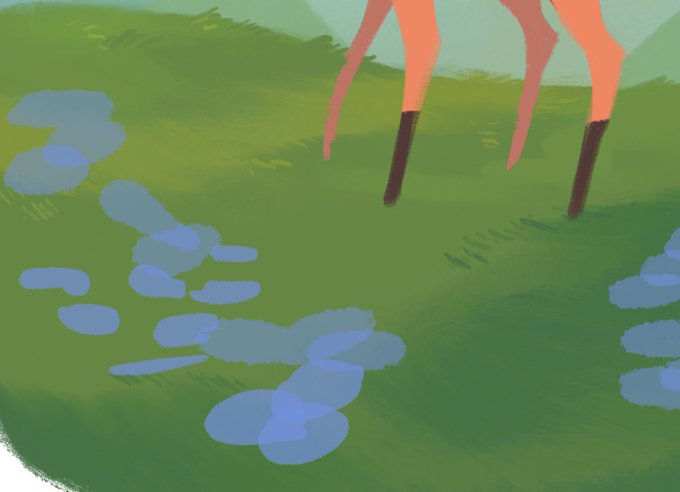

For anyone who (like me) has struggled to figure out how to get a non-streaky opacity build up in Procreate, these settings help out a ton! And then adjust the opacity in the side toggle. Really helpful for layering up translucent colour like PS or CSP


#digitalpainting of #ninja lineart I posted earlier. Tested' @Krita_Painting's colorize mask, applied shading over the flats with normal layer then with a multiply (65% opacity) layer brought all of the colors together. Rim light was on a layer set 2 screen.
#shinobi #OC


@JLeighBralick 2: I always start with skin, so clip a new layer above your base. Now you can't color outside that boundary! Use a hard pressure brush and lower the brush opacity (40%) and flow (20%) and start shading with a warmer, darker color of skin tone.