opacityのTwitterイラスト検索結果。 1,333 件中 61ページ目


@JLeighBralick 1: Ok, so I have my lineart and my base colors first.
Lineart: Pick a dark reddish brown color and set the blending mode to multiply, drop the opacity down ~60%
Base: I made 3 different layers: skin color, the stone, and the rest. Your shading layers will CLIP onto these ones.

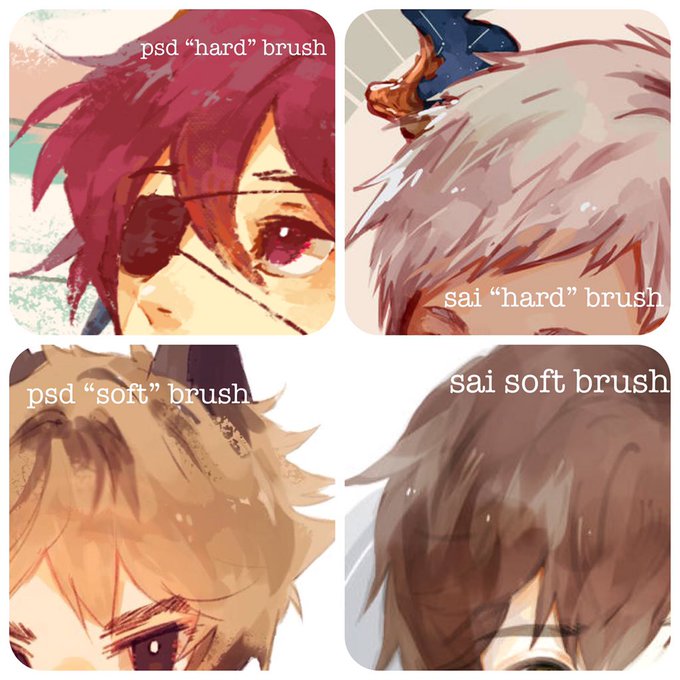
Here’s some visual examples for reference- I mainly use the marker and blending flatbrush for sai to create the soft look and even with the “hard” brush it’s pree soft in comparison to ps brushes... except for the design pencil which functions on lower opacity to make blendy look


#แมวของโชโตะ
ก้อนอะไรไม่รู้ขาวๆ opacity 15%เหรอบาคุโก แสบตาจัง💕
#Todobaku #โทโดบาคุ

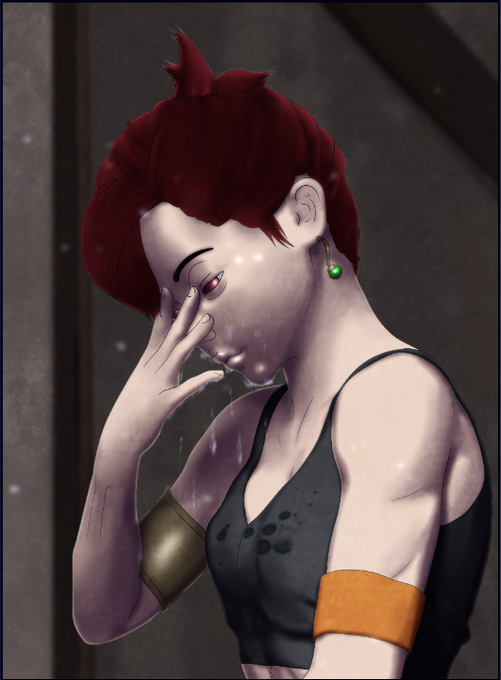
Using a soft eraser, erase the defining lines on the face of this new layer, as well as any lines that are in shadow. Once it looks ok, reduce the opacity to somewhere between 30-50%. This is 38%. Ok, now get outta here. I'm sick of lookin at ya.


I'm doing this thing where I take my line work, duplicate it, and set it to white. Then I erase parts of it that are in shadow and reduce the opacity by about half. I want to take the edge off the hard lines. I don't have the technique down yet, but I feel like its getting there.


Trivial but cute fun fact:
On a whim, I decided I'd add little cat print designs on the soles of her shoes! It's tricky to see due to the shading and the angle her foot is in, but it's a detail I added in none the less 😄 (I lowered the opacity to make it easier to see here!)


Not a shitpost (for once lmao), just trying to experiment a bit with opacity and lighting. Got some nice feedback from some friends about background- and opacity colour too, noice. I think its some jellifish/mushroom/lady monster? idk, lmao


watorcolor...waddercolor... its opacity is so nice but sometimes it hard to work with!! anyway hav some dirkjohn


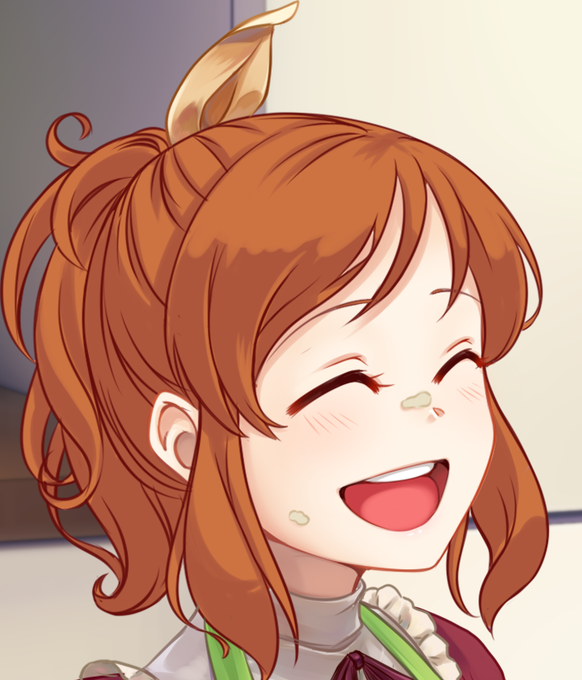
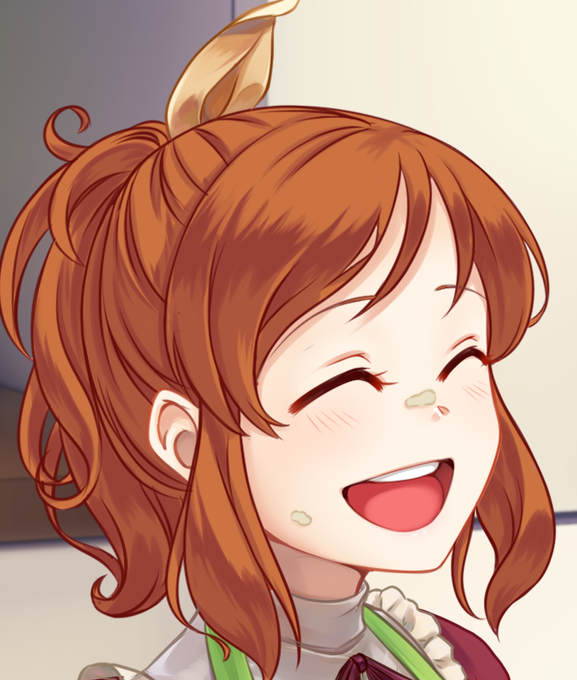
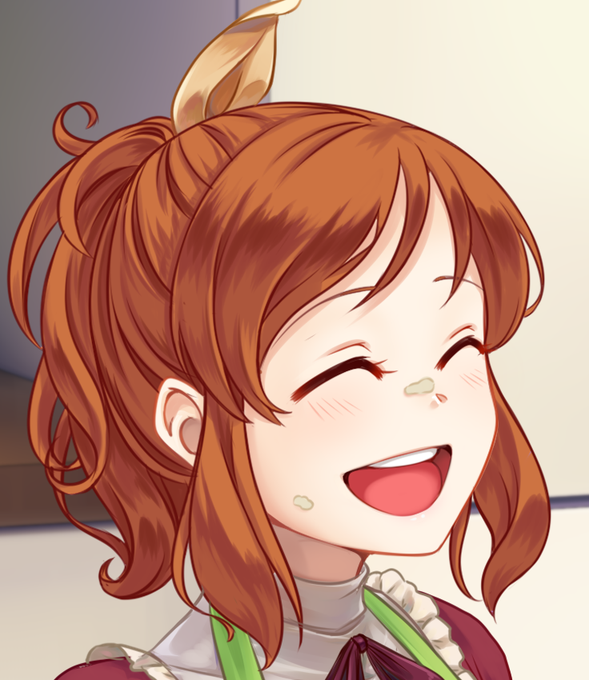
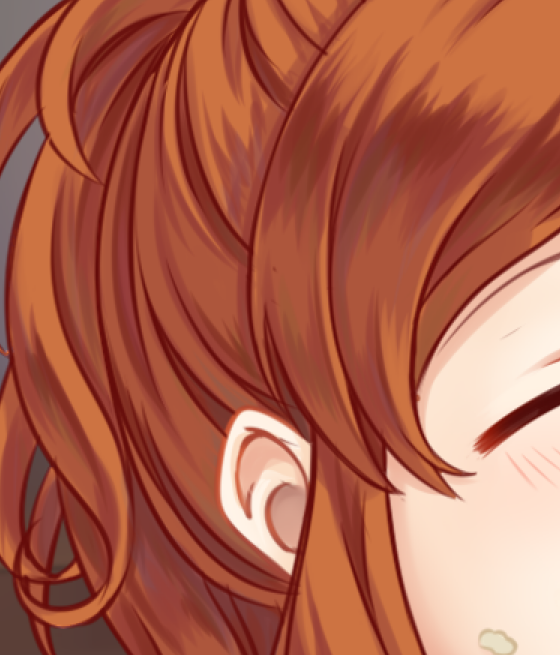
@space_ferret I can show you the steps, since I do them in a separate layer each xD
step 1: simple shadows
step 2: darker shadows on the edges of the simple shadows (stroke,stroke!)
step 3: repeat with even darker shadows xD
step 4: add some extra color, low opacity greens and blues


50% opacity of water vs 100% opacity of water; what do you think?

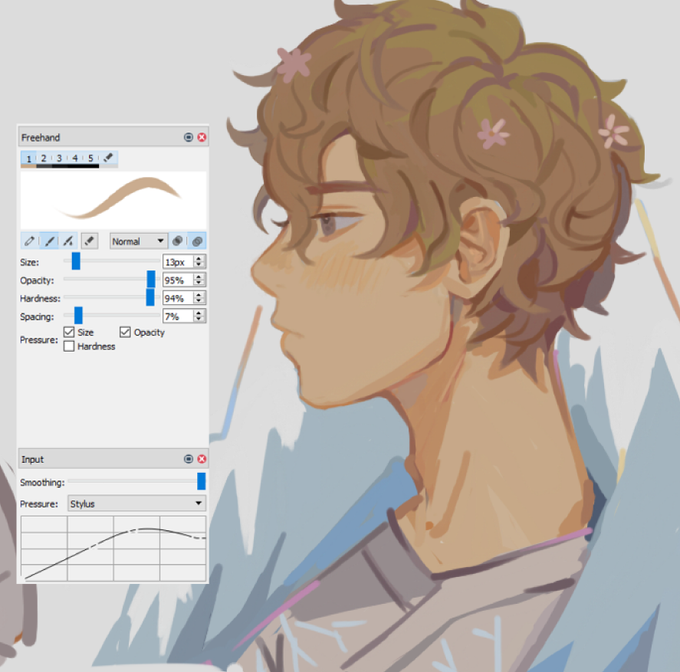
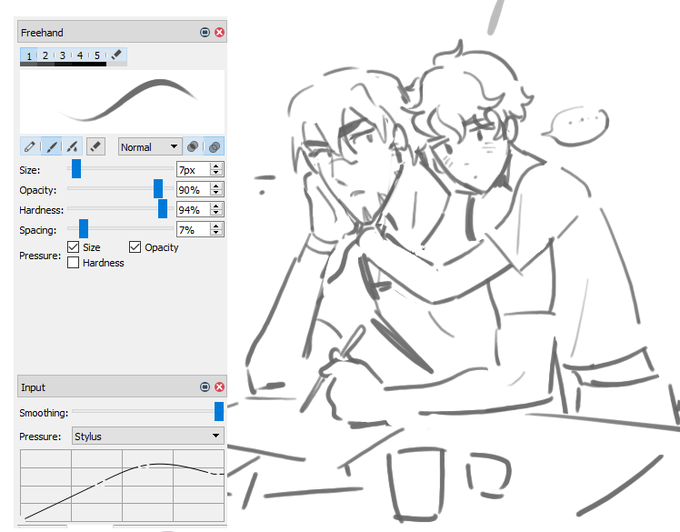


A quick experiment. I wanted to play with messily slopping down tones using only black & white—no line drawing & all about pen pressure/opacity. https://t.co/zpVMfpXSP8
#art #drawing #sketch #cartoon #animation #animated #design #characterdesign #character #warmup #sketchbook


I probably could've like stitched most of these into one bigger thing or resized some down and fit more in but like. I could just do this too I guess?
Anyway doodling with opacity thing is a lot easier for me to actually get stuff down and feel about? Expect more prob a bit mayb


Foxy Alistair
after some time I managed to actually continue last years idea!!
Here be Foxy Alistair!!!! (Fox Alistair Genderbend)
(I put some low opacity iris so that its easier to know where she be lookin’)
cuter than I expected >//< personally (hope you like her!!!)
#RWBY