opacityのTwitterイラスト検索結果。 62ページ目


I died bc I made a shading practice and finally my cell shading looks how I want but I cannot decide which technique to use
1st is only adding shading 2nd focusing on lighting and just shading in a low opacity layer


Iseng-iseng mencoba melukis di aplikasi Autodesk Sketchbook yang kini gratis di Playstore, seperti biasanya saya pakai Galaxy Tab A dengan S-Pen. Bedanya dengan Artflow, brushnya ada opacity sekaligus flow dynamics secara bersamaan, jadi mirip Photoshop di PC begitu.


Spoiler: I ended up putting the holographic display on a separate material because the emissive/opacity masks were conflicting with each other
but enough of that, here's some deer to finish off the night and die in my sleep


Warm up sketches, figure I'd attempt a more anime style with the stipulation of no erasing and no pen pressure opacity changing


so i did this on low opacity for a rp bg- so the colours weren't vibrant at all - pretty interesting #art #challenge -dab-


@feardeerest These two were very important pieces for me last year. I learned how to mimic watercolor and use my brushes more effectively, how to use opacity to my benefit, how to apply texture and overall how to incorporate line-art into the painting. This marked when my art felt more pro.


a guide on a particular way of color adjustment I use sometimes ^___^;; mostly for SAI/CSP because photoshop doesn't really have a brightness to opacity function but i'm sure there's a way in PS too


Feeling pretty unsatisfied with my art so I tried making some studies using a brush with no size and opacity jitters
#doodle #digitalpainting


I made some changes to that Jester art... Realised I forgot her freckles and had a whole layer opacity turned down for no good reason lol whups Now she's EVEN CUTER


So I started really using reference and opacity lock layers and it is changing my life. (I changed my cook to a stand vendor btw). #art


Practicing #digitalpainting is more fun than I thought. All Might from #MyHeroAcademia . 1 hard brush size, no pressure size/opacity.


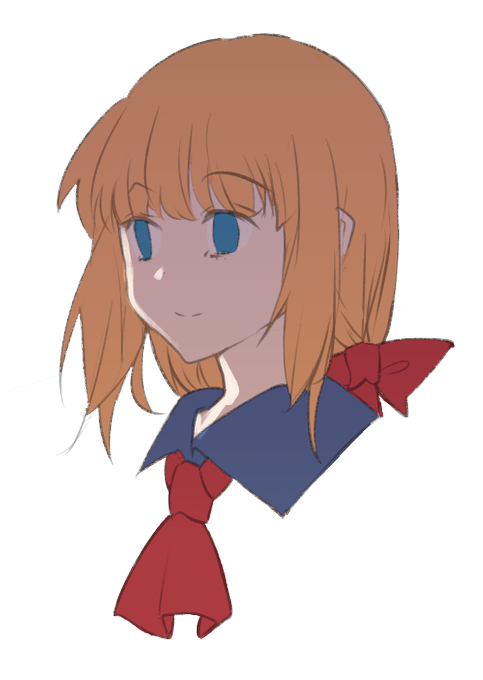


simple step by step
1. color base (lineart 50% opacity)
2. multiply
3. new layer+shading (normal mode)
4. color adjustment+overlay+add glow


@BrooklynWildDog @ppeachwater I use Photoshop. Brushes are mostly default of Photoshop, but lowering the opacity a bit.


