opacityのTwitterイラスト検索結果。 66ページ目


กะกะกี่เพ้าาา ส่งกิจกรรมตรุษจีนค่ะ @yoi_challenge #yurionice /ส่งใหม่นะคะ ลืมปรับopacityค่ะ ;-; /ง่าวมาก

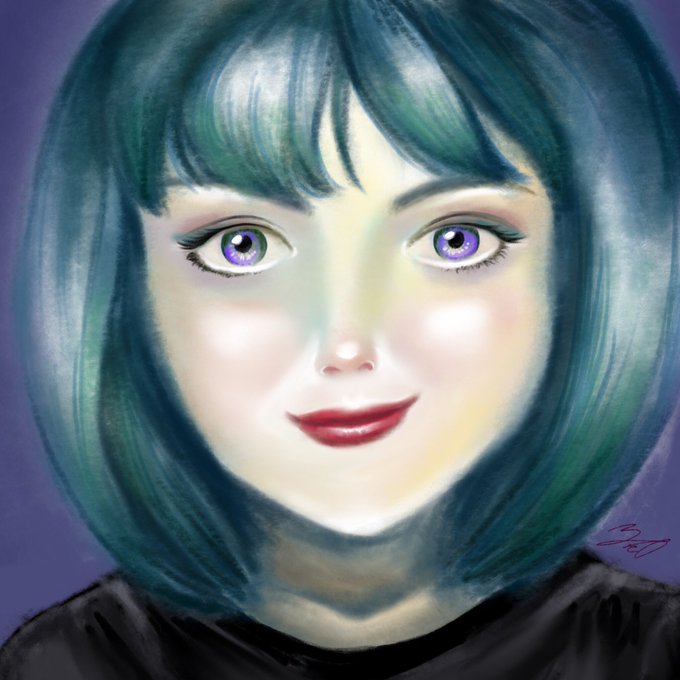
going for a watercolor look here... idk i got lazy and upped the opacity but whatever. will try again later 😓 @Procreate


@LuckyyLucii I accidentally hit the opacity button but its actually cute???


Lowering the opacity on artwork to show the sketch sometimes looks better, I love accidentally doing things like this <3


For a more watercolour desat look, I paint over the base colour at lower opacity so its not opaque colour it still retains the colour of


@PenguinCanDraw 9. Slap on an overlay layer or two on the whole thing, lower Line layer's opacity to around 85% and call it a day


WIP of YCH Before I scavenge for food! Colors are set to 75% Opacity but I think it actually looks better :s I'll figure it out after food!


Finally worked on another digital piece. This time I messed around a bit with the opacity.


This ended up taking a while. Using a flat square, no pressure, 50% opacity. So much more precise control, love it


@AutodeskHelp @CJJacaba This also could be due to your layer- the opacity slider could be activated.


.....I realized the fact that my brush strokes looked so flat was because of the opacity of the brush. KUSO.


drawing one of my fav OP side characters ´ 7 ` struggling w/o the opacity option though hhh #paintberri


Canvas size 500 x 1500 px, hair by hair 5 pt px at 15% opacity with shape and color dynamics on the pen stroke. x-x


Because I hadn't discovered opacity/pressure sensitivity/common sense. 2008 vs 2014.
#anyonecanimproveatdrawing


Brush opacity and shading tut.
https://t.co/rgvinkJENd
#tutorial


Great #Rebelle 1.3 update! Love the layer lock and canvas texture opacity @escapemotions