layeringのTwitterイラスト検索結果。 8ページ目

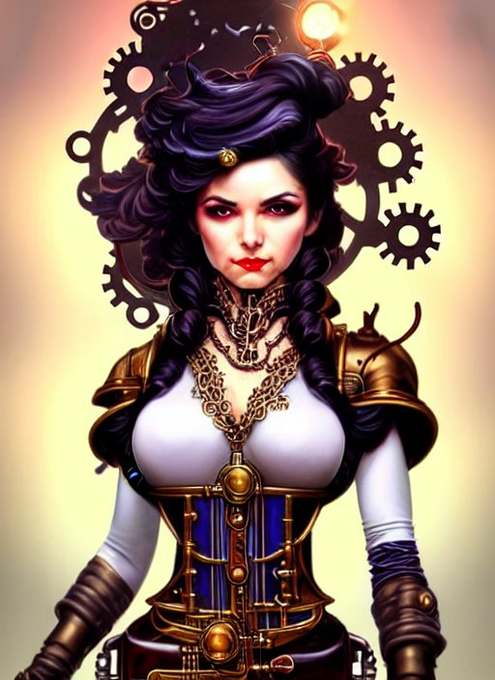
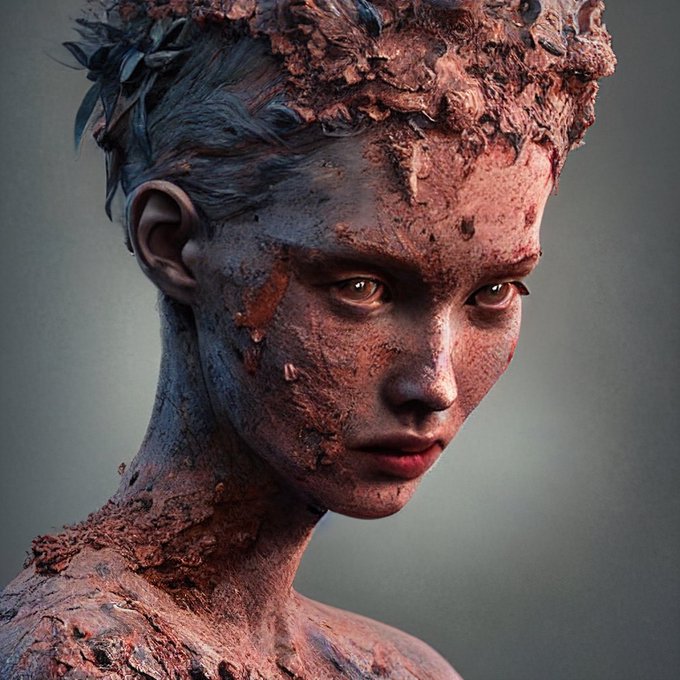
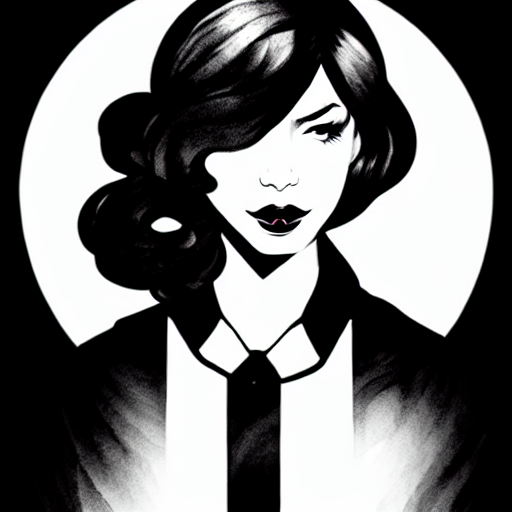
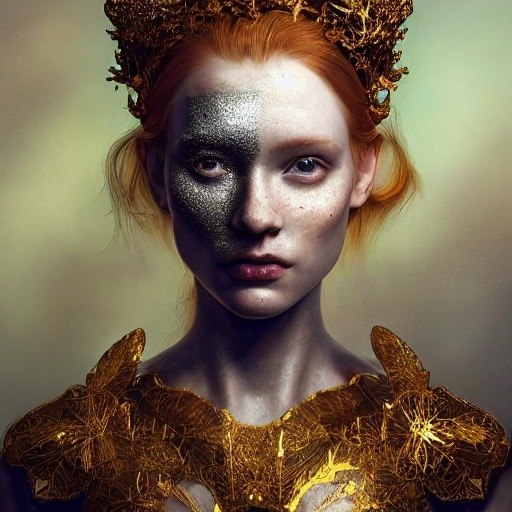
@KevinWPage @AiAppArtCollab #AiAppArtCollab 4 Ladys came from #stablediffusion
- raw or with a bit of #GIMP to retouch (mainly symmetry or layering).
Hope you like the art and the meaning.
[Brief explanation of each in ALT ]


What I painted in my art class today! I’m experimenting with the layering of colour & different brush strokes - I’m pleased with it!


@lou1e_eth @HabboNFT My concept is a new 'collar' item, which i think would have to sit in the face mask category to have that sort of layering, but hey i just want to be able to modify my clothing styles more. Shoutout to my husband to be @HabboTea for showcasing that this is a gender neutral design


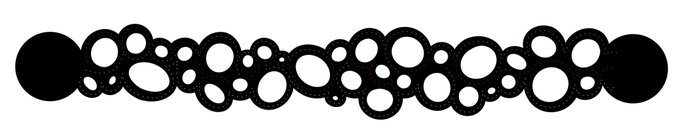
2) The layering affects aesthetics as well — will it look cool to show the traces?
3) And if I do show traces — thoughts on engraving the full path for aesthetics versus just cutting the holes? (3/4)


Sandman completed.
Had some fun playing with some colour contrasts and layering effects.
@Netflix_Sandman @netflix #fanart #portrait #art #artist #ArtistOnTwitter #creative #portraiture #myart


Art update on Oxulys: I am making a peacock feather skirt. I love a good challenge but I might have pushed myself a bit here. This is how it looks so far with the way I'm layering them.


One of the hurdles we had to overcome is the complexity of recreating hair like mine for the @BlueVariants Series. Illustrated here, we highlighted different portions of the hair in different colors to show the layering involved before it goes in Unreal Engine and Motion Capture


@SuperchiefNFT @NEO_SHIBUYA_TV @objktcom Ive created this piece by using AI - generated over 100 variations and picked 4 of them for layering. Repainted the background a bit so I have my animated glitch style 👌🎸👽
Would be happy if I can showcase my art somewhere and that would help me a lot 😊🙏


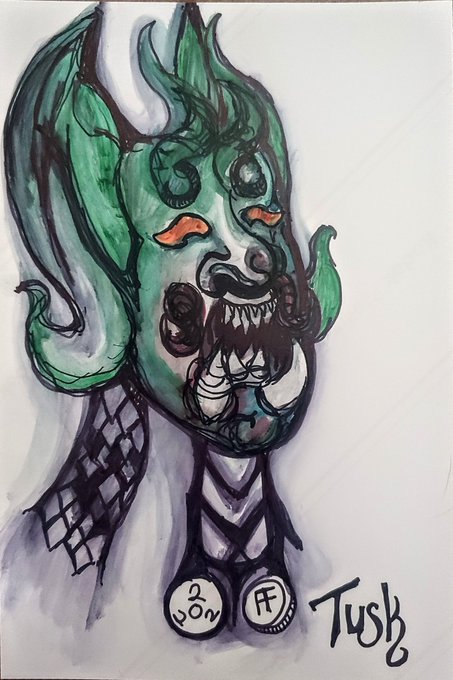

Day 14: Tusk
Something a little more complicated: generated an image in #Nightcafe, sketched a character portrait with Sharpie & isopropyl, took a picture, then digitally painted over it in Autodesk Sketchbook b4 layering the 1st pic over the top.
#AuGHOST #AUGHOST2022

@kdean I forgot to write a description about my usage of dall-e on that piece 😅
Ive created 100 different variations, chosed 4 of them and repainted the background a bit for layering and animate them as glitch art 👌👽🎸🤘

@ClaireSilver12 @Dabirds23 Oh i missed that 😳
Ive created this piece by using Dall-E and made a collection with 100 variations. Chosed 4 of them and repainted the background a bit for layering.
It was my experiment if I can create animated glitchart with it instead of a still image. I love it 🎸👽🤘

@DrY70126107 It’s my first AI experiment where I tried to use AI for creating art within my animated glitch art 👌
After creating 100 different variations I’ve picked 4 of the, and repainted also the background a bit so I could layering them 🤘👽🎸
https://t.co/3Y5oXYV6z5

@ProfessorJun_ This piece is an AI experiment.
It’s a test if I can get similar results in different poses to create an animated glitch Art! I’ve created about 100 different variations and picked 4 of it for layering them.
„Hard rockin Alien playing e-Guitar in front of an exploding sun“

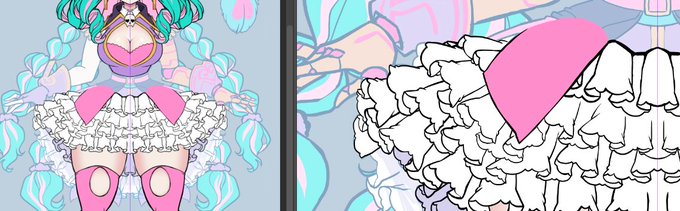
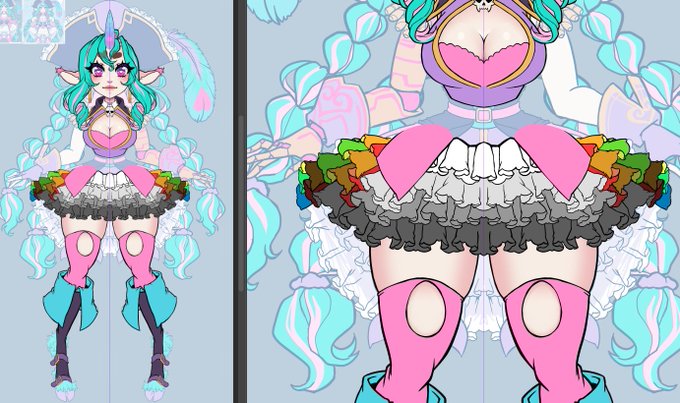
All I did today in stream was draw ruffles 8') the second image is to show the actual layering

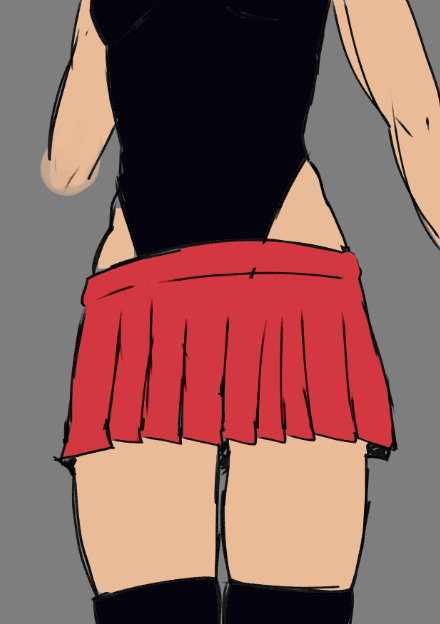
@FreyjaErlings dym smth like this? I think its a cute look but personally i'd try and go for smth to break up the silhouette some more if youre going with both of these, maybe a cropped jacket or some other layering


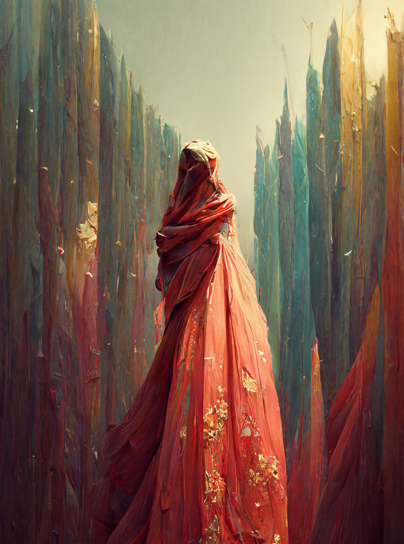
🌺Origami Mami is my AI Collaborative genesis on the $ETH blockchain with:
🔸 over 3000 curated images
🔸 hundreds of hours of research and prompt engineering
🔸post processing: collaging/layering, illustration and digital paint in Procreate, Photoshop, and Blender.
🔽


layering enchanted candy potion lotion with wicked vanilla woods bodyspray and a touch of the pumpkin carving body glitter


The Unstoppable Bowser Shell: Spikey exteriors with a luscious vanilla meringue on the sides. The shell Drenched in a rich dark chocolate. Inside layerings, light and creamy coco and an extra kick(candied chili) representing the burning core. Your insides might just melt.