MultiplyのTwitterイラスト検索結果。 77ページ目


#OutfitAugust #OutfitAugust2020 Day 3: Beach!
This is my first time in a while tht\at I've shaded without just using overlay or multiply! I also used this to practice proportions and posing. Really glad with the results!

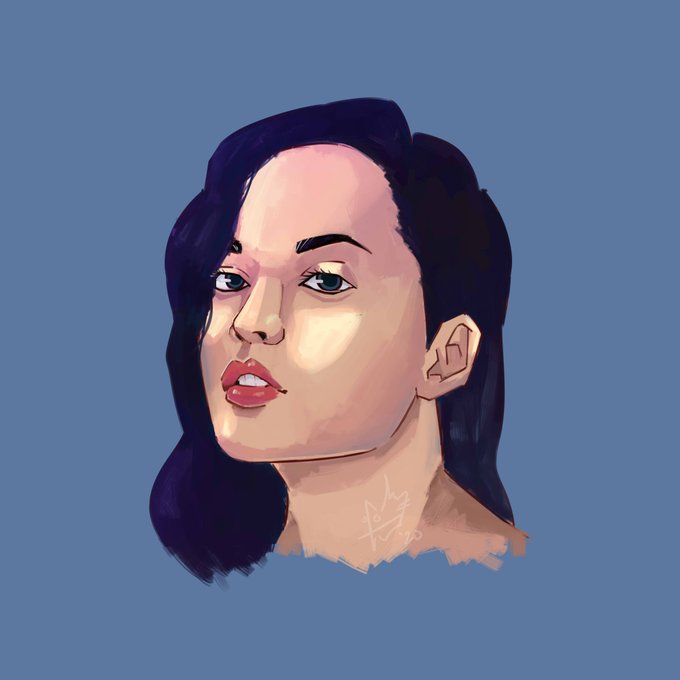
today i discovered the powers of multiply and overlay layers
[1 hr face study]
#artph

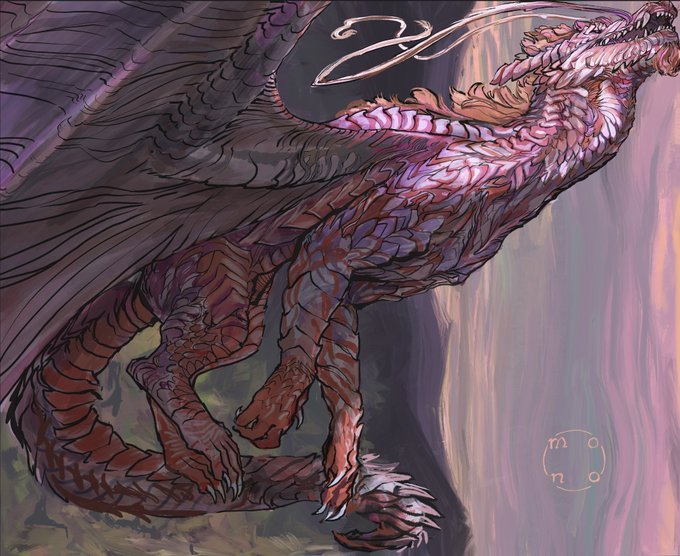
https://t.co/hEytu9Vh9Q
Windfall.
My first use of actual clipping masks with overlay and multiply! The flexibility allowed me to adjust the lighting so much better. I’m gonna get used to this rq.


Experiments in ClipStudio Paint. I like using Glow Dodge and a shadow via Multiply to give cool effects
#clipstudiopaint #art #artistsoninstagram #digitalart #granbluefantasy #summer #leaves #green #plants #alexiel #animegirl #anime #japan #videogames #jrpg #swimsuit

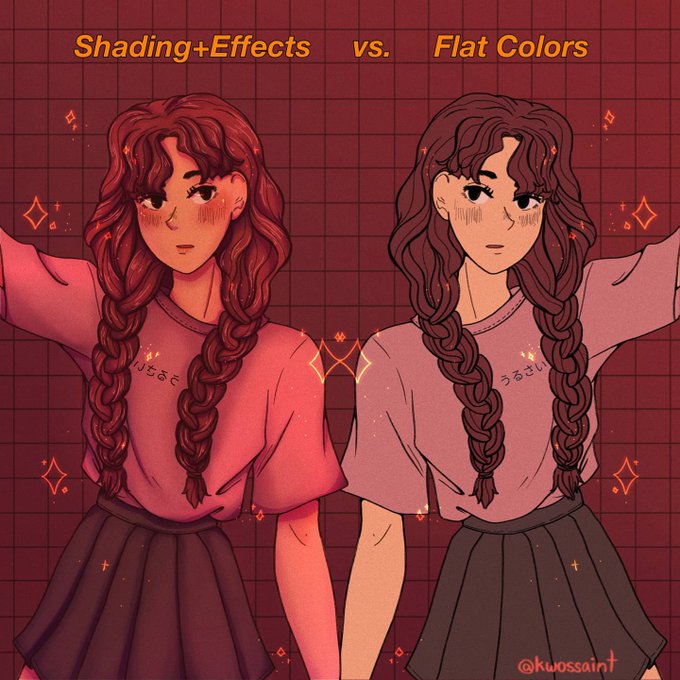
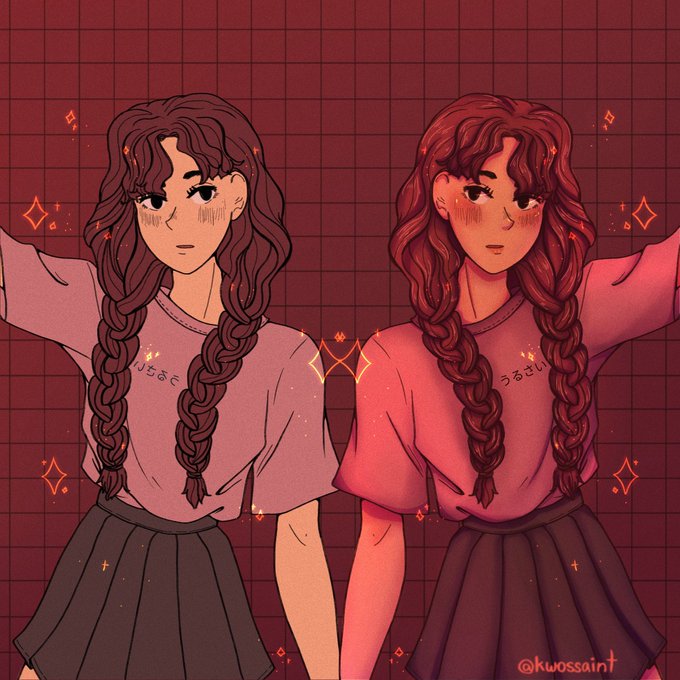
We reached 500+ follows! Thank you so much 🥺💓 were growing hella fast. Here's a flat vs. shaded art challenge from insta✨
This makes me thankful for multiply and overlay layers really
#artph #ArtistsofSEA

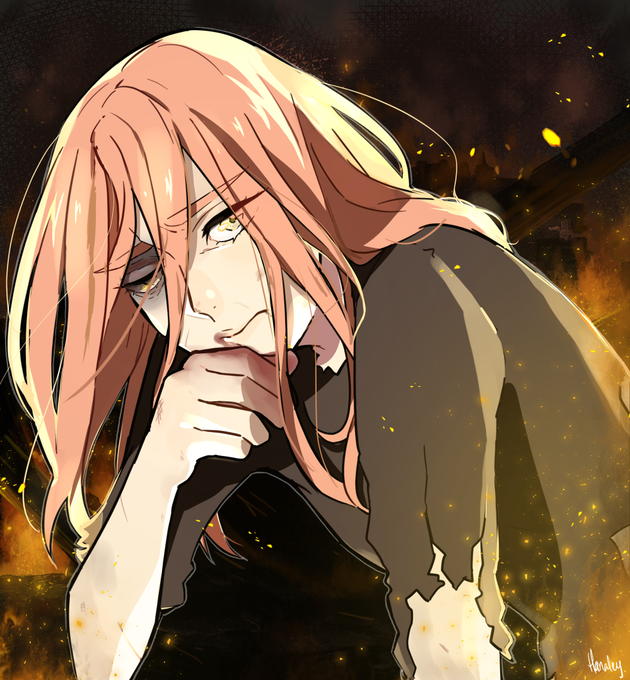


Sessão HD externo: Ahhh esse é velho tbm, no lápis ainda. Eu fazia o desenho no lápis e colocava uma camada Multiply pra dar essa corzinha nos desenhos. Esse é um dos poucos antigos que gosto (2006)


@GhostlyGhuleh @ArcosGameDen Also, using straight black for the lines i wouldn't always recommend either, but a dark color is good. Dark red brings out skin tones a lot. and there's a lot of people who would draw their lines, duplicate the layer, add a blur and put it to multiply. Adds some AO ex:


@adobetrash HAHA FAIR to dip your toes in i would suggest doing this for a while!! shade with all one fairly saturated color and then set the shade layer to multiply and adjust the opacity, and play around with overlays if you like too, don't be afraid to try all the colors on the wheel lol


Work in progress, still adding colors
(Multiply + screen mode) using a mouse not tab #beInspired #art #manga

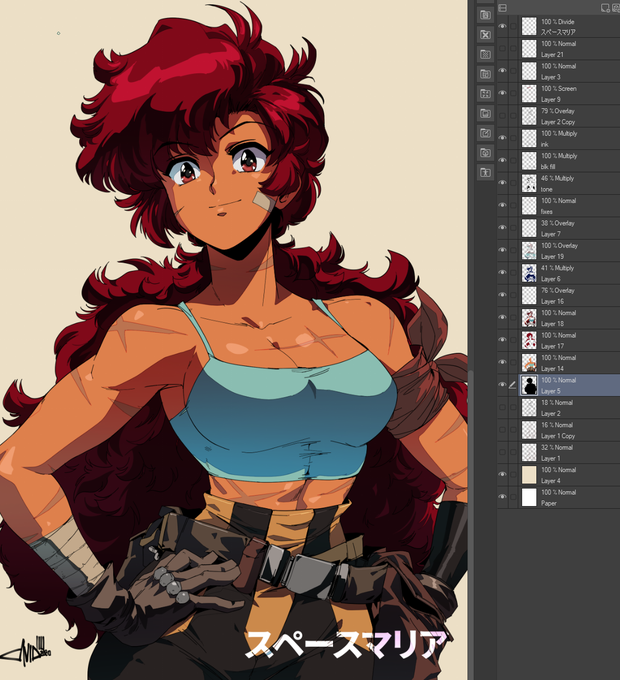
@SteP__Arts @Dennis_Pulido @TributeGames @_Harleequeen It's super interesting hearing ya'll's processes a bit bc it's different than mine but we are all aiming for similar styles, ya know? For cel style work, it's usually a bunch of multiply layers, overlays, screens, and using layers as selection masks etc


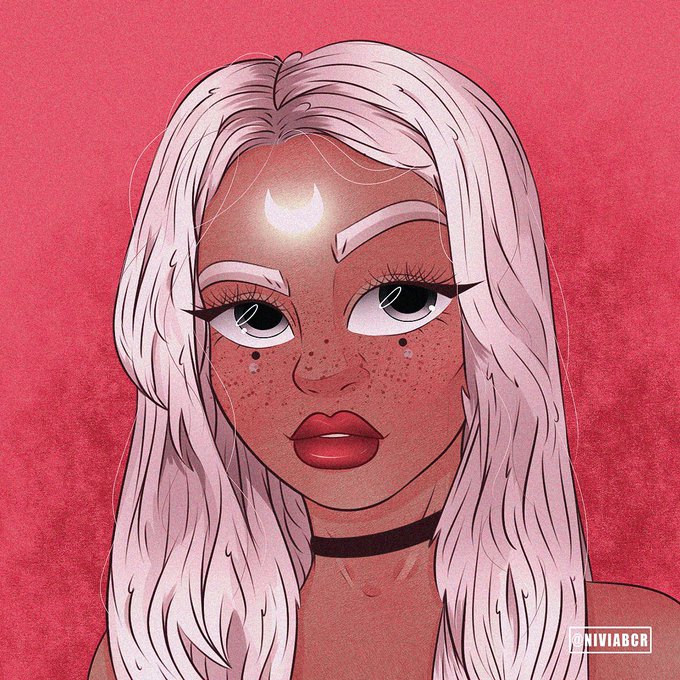

@arthur_de_ Na verdade é bem simples meu anjo, você pode pesquisar por texturas no Google e fazer o desenho na camada multiply (por cima, onde a textura permanece visível) ou adicionar a texturização nos filtros prontos do Photoshop + granulação, eu usava bastante antes de criar as minhas:

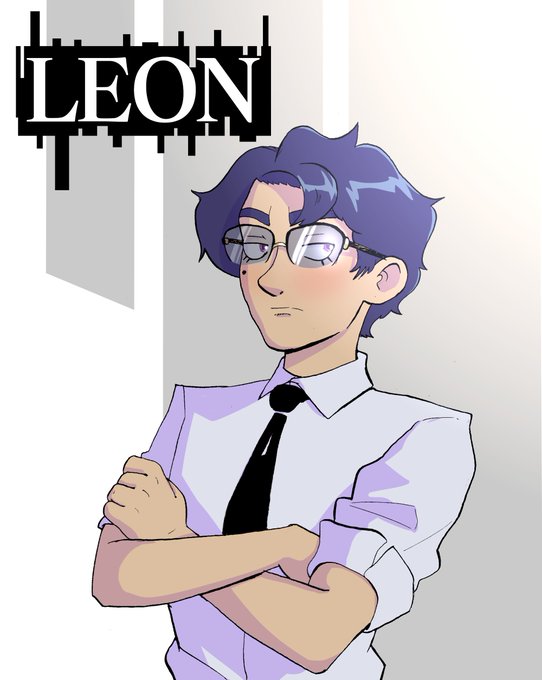
And now, Leon, by @BPomelos. I've started leaning into using one multiply layer to shade, it's a lot faster than doing unique shading for each color and looks good to me

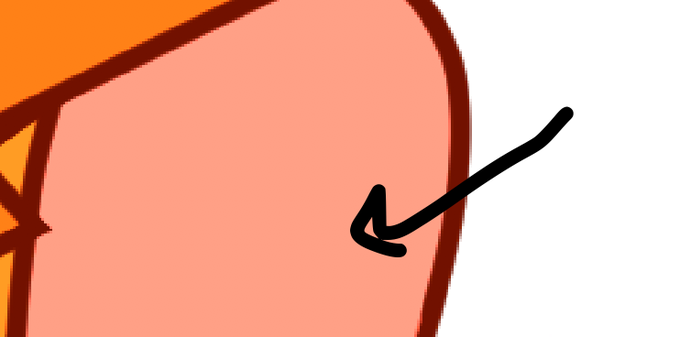
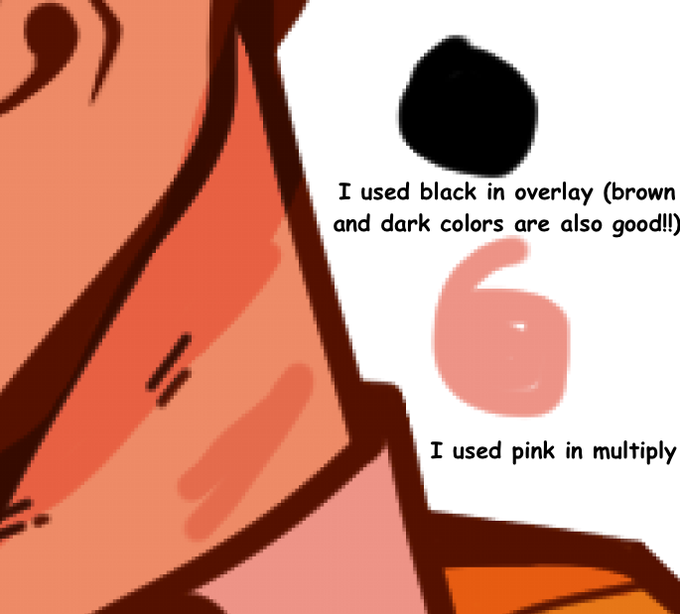
Then, I pick the color that white became and place it where I want to shade the marked areas. I then put it as multiply (you can also use overlay for a different experience)


SO i have finally learned how to use the multiply and dodge tools in medibang
anyways, this is one of the pierced anime/game guys I like.... Its kinda sad that the two cool pierced fictional guys that I like are from lewd things, isnt it? maybe I should get a life :')

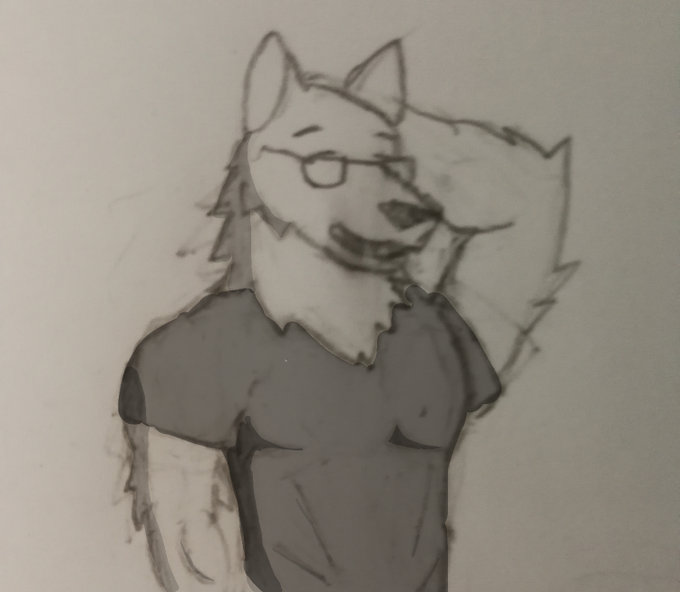

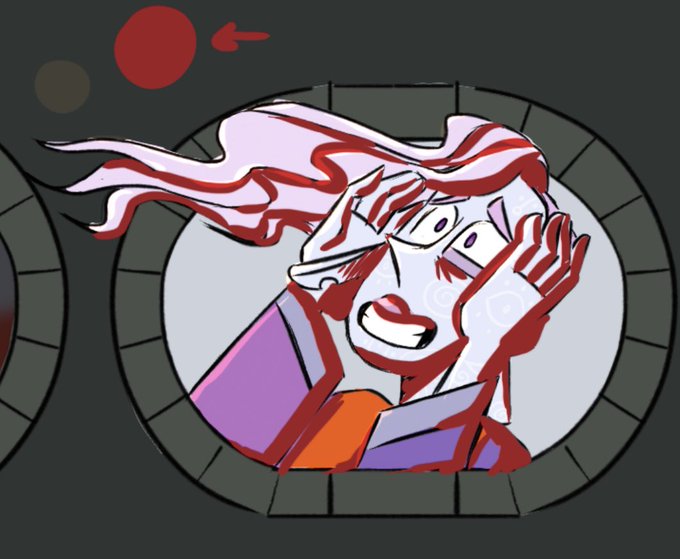

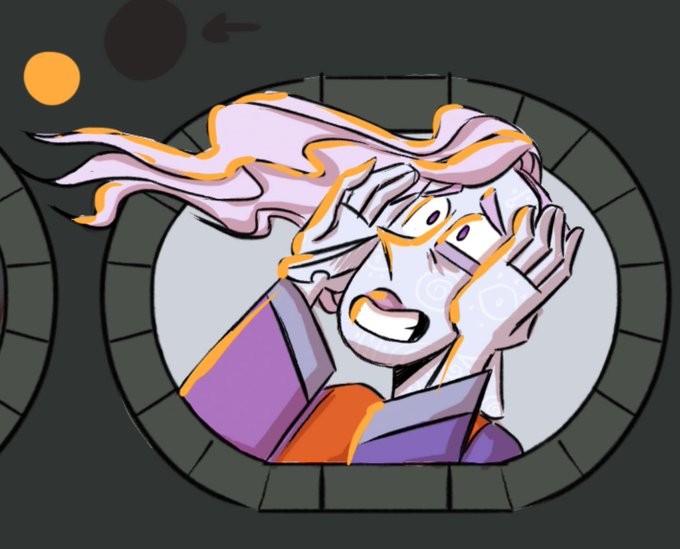
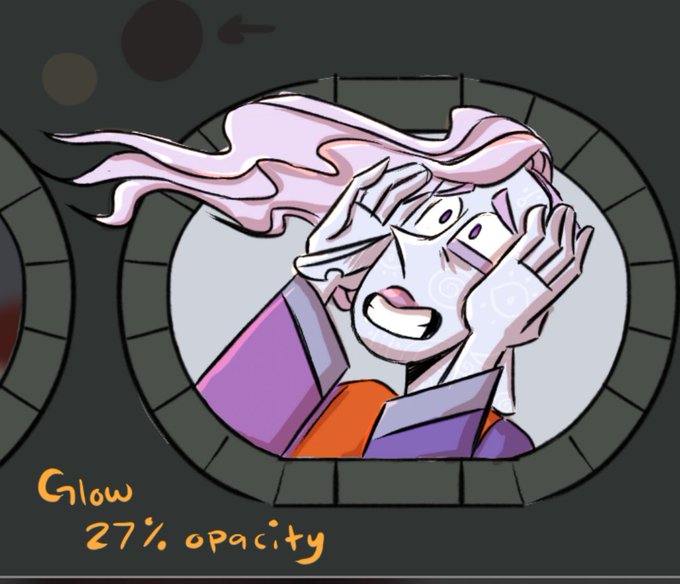
@ainara_trindel I use blending layers. For shading, I usually find a color, based on the color of the lighting in the environment I’m drawing them in, shade, then set that layer to multiply and adjust the opacity accordingly. Same with lighting effects but set to glow or overlay


