PENのTwitterイラスト検索結果。 2ページ目


Here are what I'm using
Laptop: ASUS Vivobook 14 (runs in Windows 11 OS)
Portable monitor w/ stand
FURYCUBE IP98 Pro Gaming Keyboard
iMICE G-1800 Wireless Mouse
Kusky FS200 mic
PS4 controller
XP-Pen Deco 01 v2
Art program: PaintTool SAI 2
Asagi deskmat :3

That's another quick drawing and here's a Stylus version! 🐯
Not sponsored by XP-Pen XD


【1-2 "FIELDSTRIP STYLE" C0MM1SSION SL0TS 0PEN】
-Quality level will at least be on par with the rest of the series
-Not limited to GFL characters
-Targetted completion before the end of the year
-Includes mailed physical copy of the Artbook to be sent after Comiket
-DM me with


I thought my pen pressure had disappeared. No matter how I drew with the fine pen, the lines were always too thick. I even reinstalled the driver twice and restarted the computer five times!
Turns out I just accidentally enabled the Border effect. An hour has already passed🤡🤡


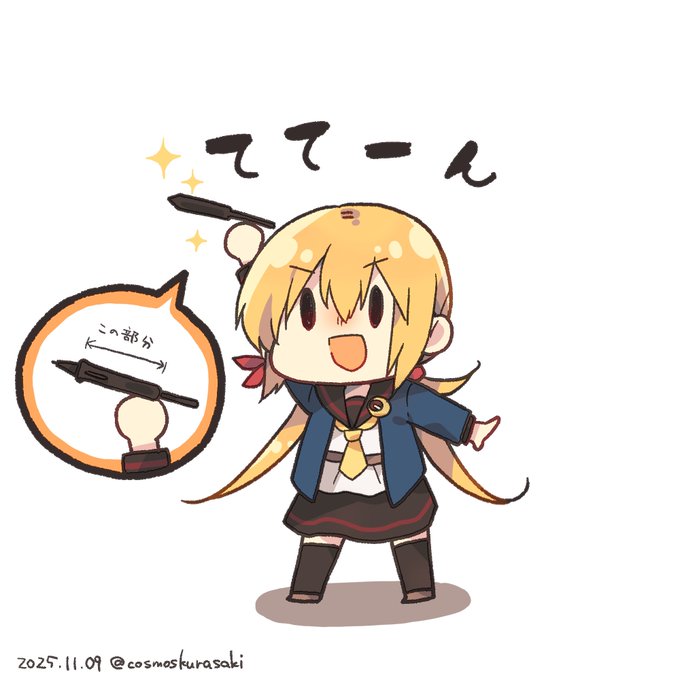
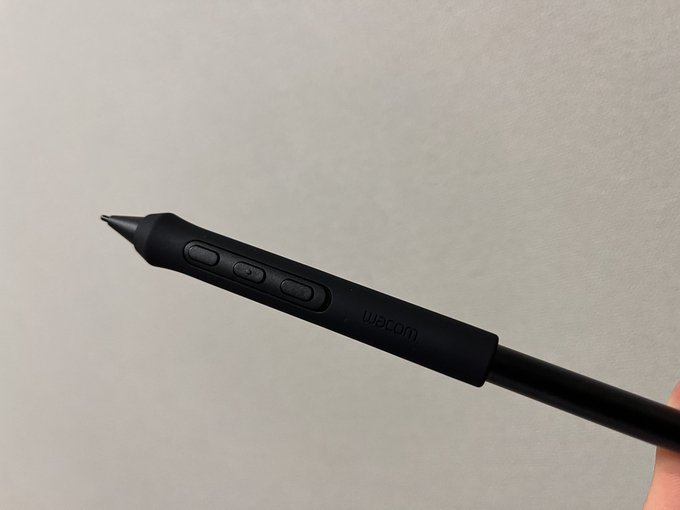


[WIP] Since one of the replacement nibs for my newly bought drawing monitor wore down after just a month of use, I've been practicing how to control my pen pressure lately.
This sketch imagines drawing on the Steam Deck’s touchscreen, with lines so relaxed they’re barely there.


still recovering but i can hold a pen lightly and a friend helped me color take this nol

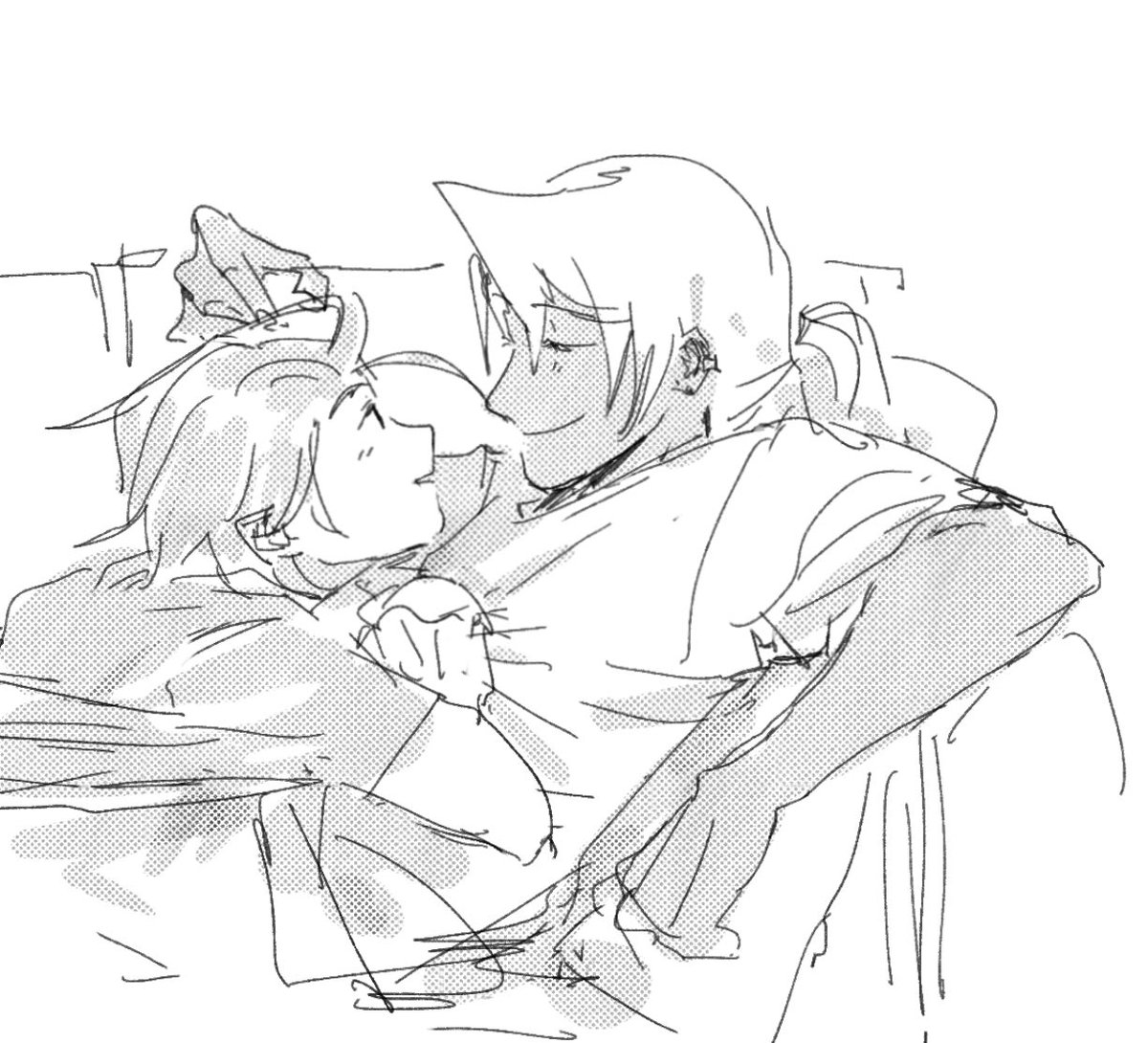

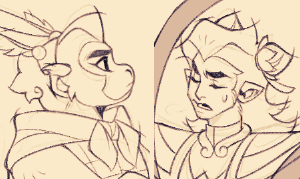
dropped my pen and it started bugging and drew this-


While I was working on a comic (left) I realised that my linework is always really funky but it turns out i had pen pressure settings both on brush pen AND the CSP pressure settings so both pressure settings conflicted
so I was lining with broken pressure settings for 2 years


@xppen_uk was kind enough to sent me a drawing tablet just for me to draw miku in batik! for your viewing pleasure❤️
I'm using the XP-Pen Deco Pro MW Drawing Tablet for the entire process, my review below!



I can't control myself to draw thisthing😭😭
me top female Builder 南离x bottom pen doodle!
#MyTimeatSandrock
#mtaspen
#myart