opacityのTwitterイラスト検索結果。 1,333 件中 11ページ目


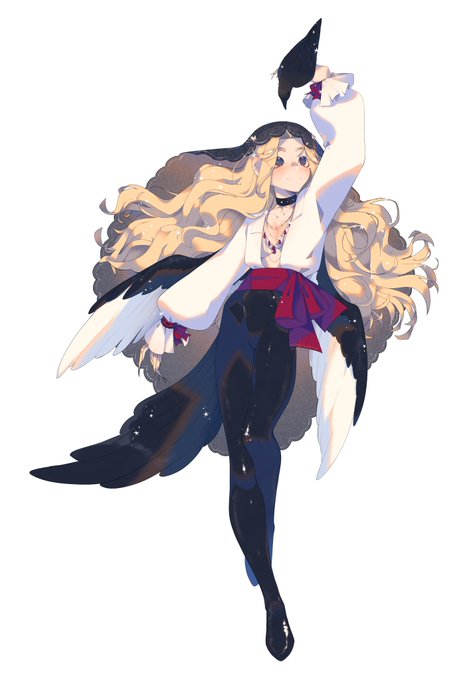
2020 -> 2022
friendship ended with multiply, now blue with lowered opacity is my best friend <3 https://t.co/WDZ3prJFcn


@ZiraFrost Then I do something i call a 'color map'. i pretty much use a super, super saturated red on an Overlay layer to splash some color around.
Then i chuck the opacity down until you can't see that much of it.
It adds a bit of variation and nuance in the hair.


@koopiiyt yeah no that does not work for lineart
i do it for shadows though by turning down the opacity and making it a multiply


@X234Kyle @TheEmuEmi @SonicLorepost I mean it's hard to tell due to the effects they put on her but that looks a LOT more like regular Blaze's colours to me and her wrists/ankles aren't altered from her regular form model when they should have transformed
This is just regular Blaze with lowered opacity and a filter

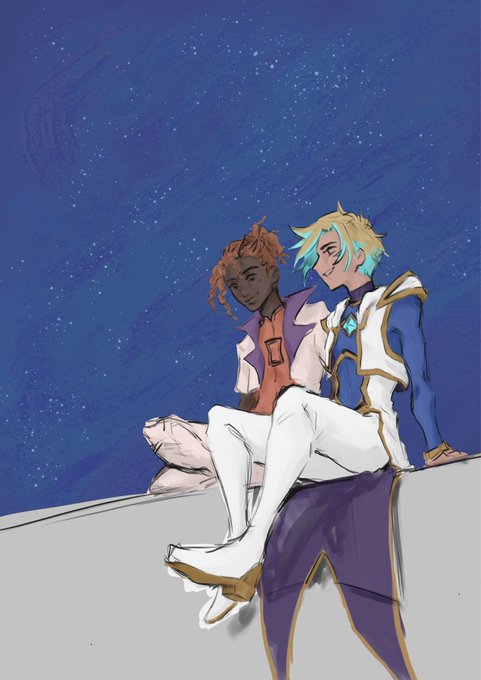
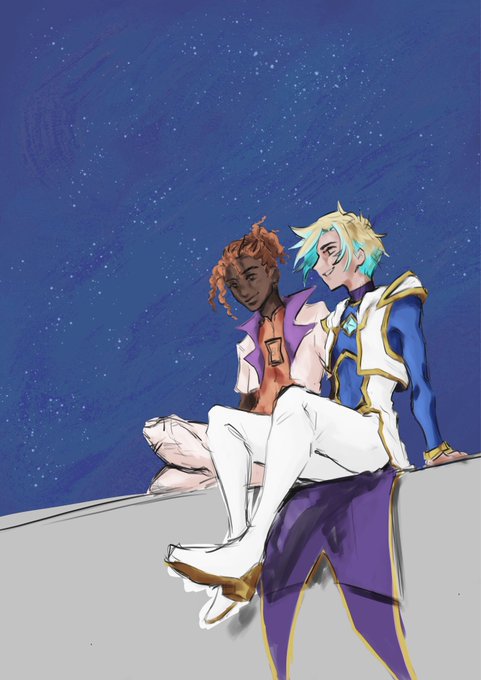


@df5natalino just copy on what's written on the right pic (any numbers are fine) and you can decrease text opacity by this, and if u still dont know much on how to put any colors on text just type <#(hex color)>for bgs with any colors just use the size one and type the hex color


Printed out my digital lineart at a lowered opacity, and colored him the traditional way. #pinocchio #DisneyPlusDay

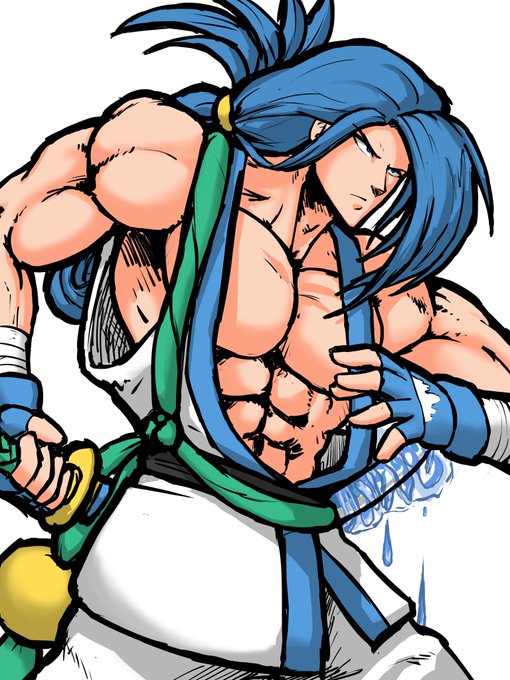

Then I just color everything in. I make sure all layers are set to multiply so the shadows work. Then after it’s colored I add a layer above all the colored layers and do the highlights. I just use white and then lower the opacity a tad.


@ladymcscope Here we go:
1) Dragged one pic over the other.
2) Lowered opacity
3) Eyebrow, hairline, bridge of nose and upper eyelid matched exactly …
4) It took me 2 minutes
It’s Occam’s razor.
Simple explanation is likely the truth.
Sorry no “AI Cryptid” …
Just AI working normal.


Turned up the jitter opacity settings and I'm really liking the results. Just random doodles based on internet pix


A Peasant Woman, by Hilaire-Germain-Edgar Degas, 1871.
A Peasant Woman is part of small series of works where Degas tackles the problems of painting white material against light with its opposing qualities of transparency and opacity.


Oct 28, 2014. By: Sigurd_Arkh
[2 Yeahs!] [0 replies] (US)
https://t.co/iWgZ25oIbM
"Jirachi! The hardest part of this lesson was being easy on the shading. Even one stroke at the least opacity can be enough!"


Suddenly think about my early time doing digital art. I fucked up the effect and ended up with being accused for white washing. Lesson learned: dont put lumiosity on high opacity.


i love this stage, just doodling with effects and tweaking speeds and wave widths for the warps. I'll add in loads of variations in colours, noise, grain, warps, opacity, distortion. Kind of helps to go overboard and then rein it back a bit

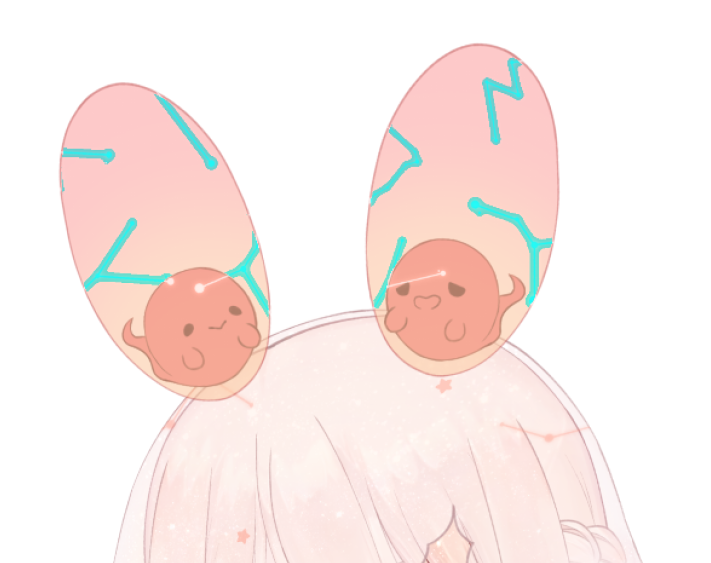
#Live2D
Does anyone know why is it when i export png in live2d this part is blue? Its in the texture atlas properly so im not sure why ;v;
the layer mode is additive and the opacity is around 15-40


A quick tutorial on how I have fun with textured brushes and color effects. 🎨
Flat colours -> 60% opacity -> new layer on linear burn, select a not super dark colour and just have fun with what ever textured brushes you have.


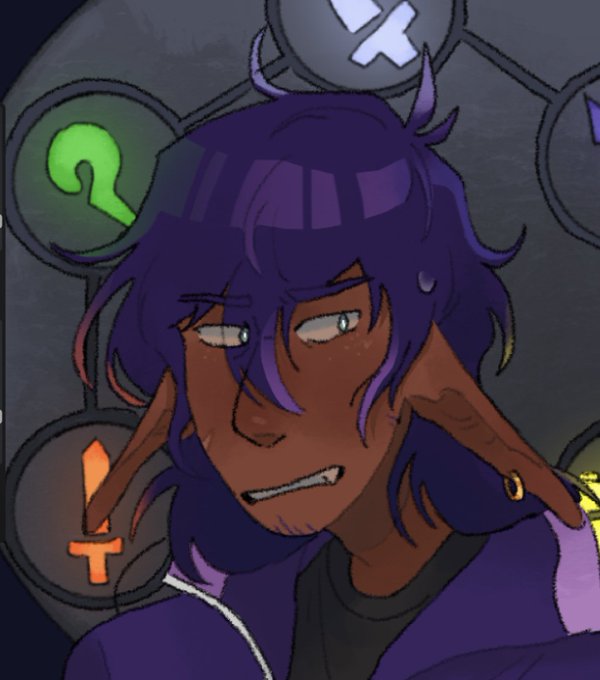
@dexterityemma specifically the hair - SORRY FOR THE QUALITY - i typically use a gradient on the base from the og color to a slightly darker and different hue then use a lighter or complimentary color as highlight and lower the opacity in some places


So i kinda did a scene redraw of the music video for blackjack by yuchaP bc its got the temptation luka model and its my favorite bc luka is my wife and shes beautiful and im just yeah
I got lazy w the background tho. Its got the og pic at a lower opacity w some flat colors


@ZhonglisPole So basically I lowered the opacity of lineart and combined it with the layer of rough colouring into one layer (pic. 2) and coloured from there! I think the brush I used worked really well for one layer (edited medium brush + a watercolour ish brush called Nikko rill for blend)