opacityのTwitterイラスト検索結果。 1,333 件中 12ページ目

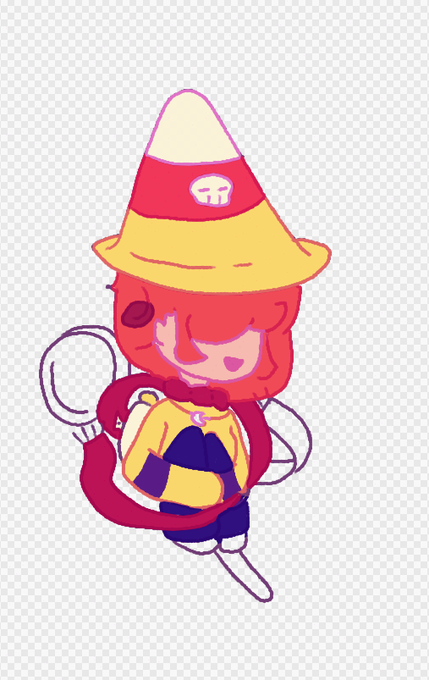
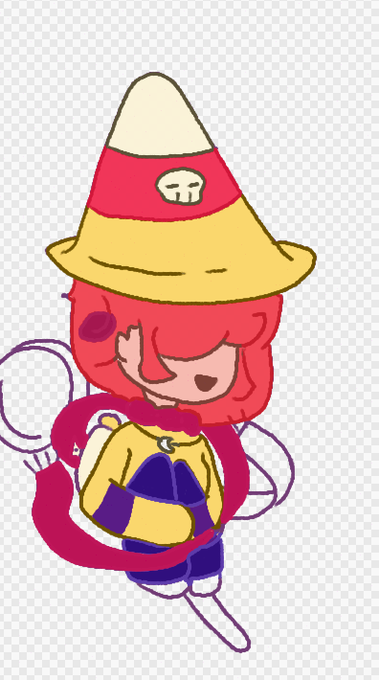
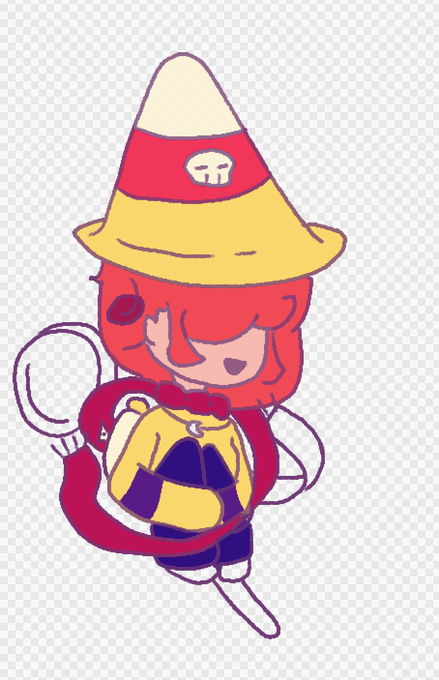


For the color editing we need to give shadows a greenish tone and mid and light tones a warm bend. For this we can meld all the layers in one new layer and apply a gradient map. After that, lowering the opacity and using the mode "overlay" will get this characteristic effect.


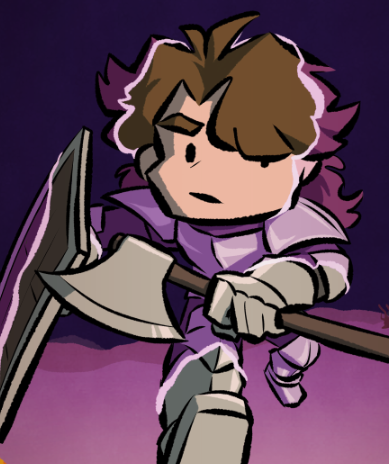

@JeberdieZen on top of the colour and shading layers, i made a layer where i covered the outside bits with magenta, then made it more translucent with opacity and blend modes. i went over the edges with a lighter line, which i then added ripples around. then added some glowy + swirly effects!


Next I do undertones using teal, red, and yellow. This helps the skin look more alive and less grey. It’s important to know where to place each color in order to not make the colors above muddy or weird looking. I then lower the opacity of this layer to about 25%

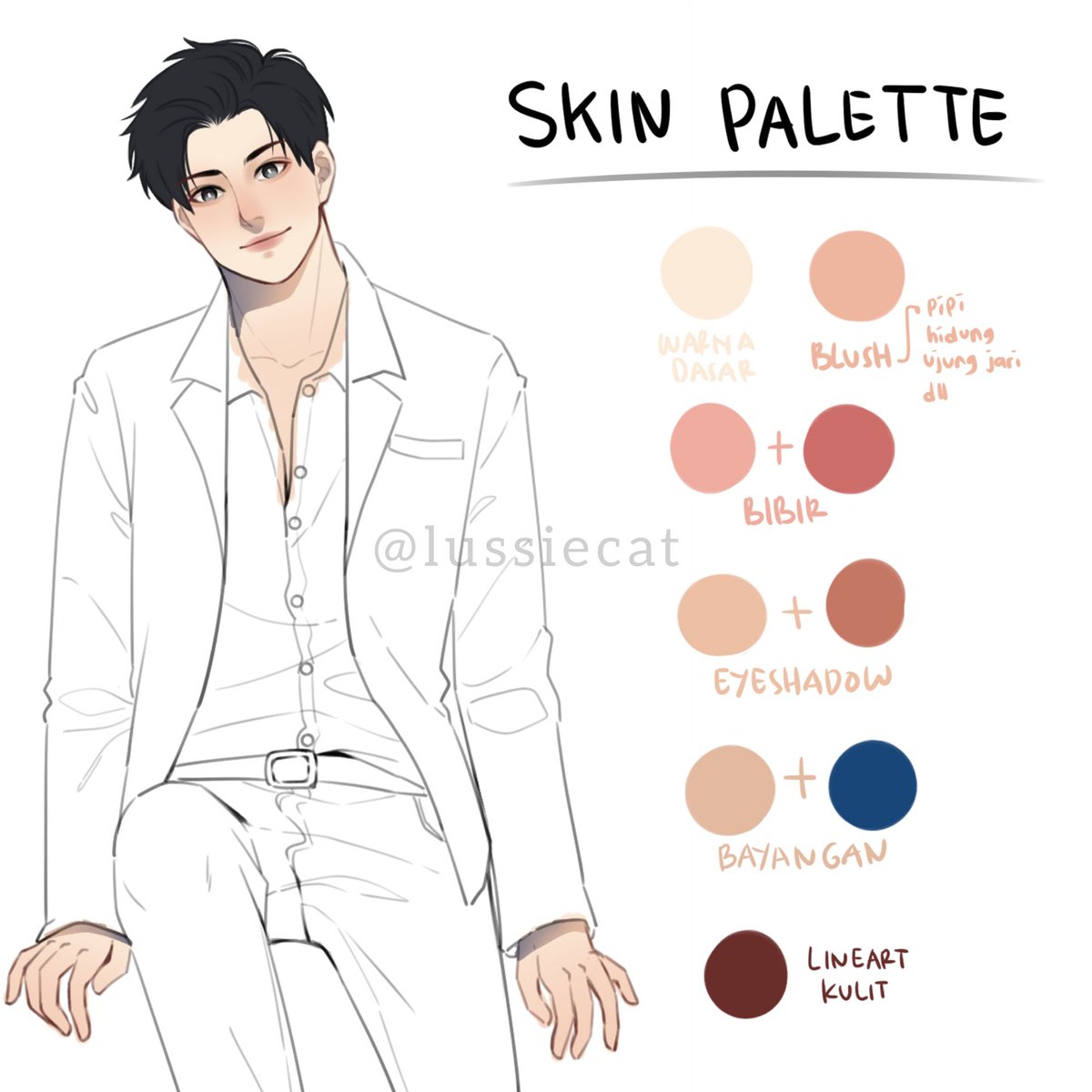
art! Mau berbagi skin palette versiku, siapa tau ada yang mau dan bisa kepake 😊 jangan lupa atur2 opacity kalau warnanya dirasa terlalu tebal yaa. Semoga bisa membantu 🙌


First piece of Raffle Art is out =o @puppiwuppi I hope you like it!!! I'm using a new drawing program so The lineart i did kinda fuck up on xD So there is a weird white outline bc I lined with like 90% opacity...BUT ITS STILL CUTE!!! #furry #digitalart #vtuber


@DeerOssian I use the same brush that I do with my lines, and just increase the size.
I use black, & start a new layer & lower the layer to about 40% opacity. I use my magic wand tool to select the area I'm shading & just follow the curve of the body.
Hope that helps you!


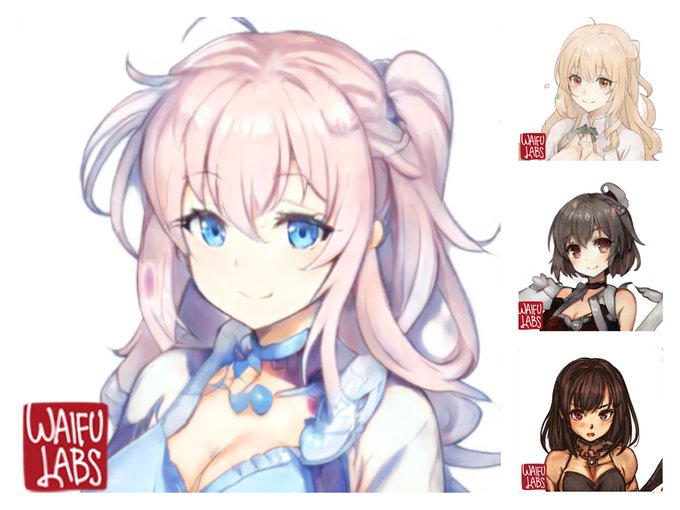
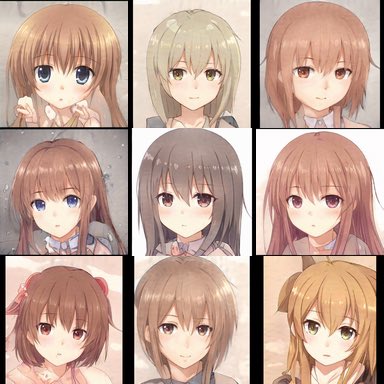

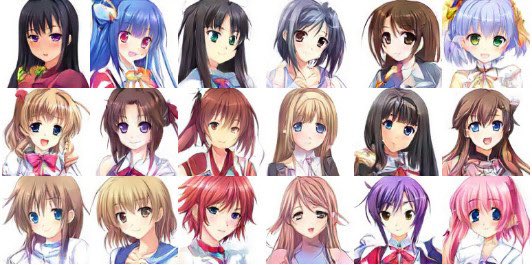
@toffee_32 The curse I put on everyone who draws generic looking art of anime girls with a opacity 100% hard round brush so long ago is finally coming to fruition and they will be outpaced soon by machines


@artistsbase Ini bag. kacanya aku pake layer warna putih, opacitynya kuturunin. Ada bagian yg kuapus dan diblur gitu.


Finished piece of nyx and era, there's a few issues with this one messed up opacity of the lines and couldn't undo it and her nose is too big but neh I'm really happy with it either way.

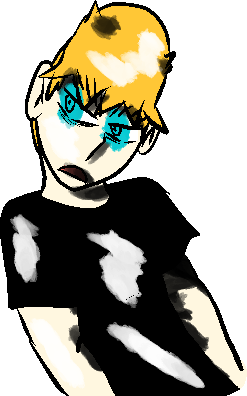
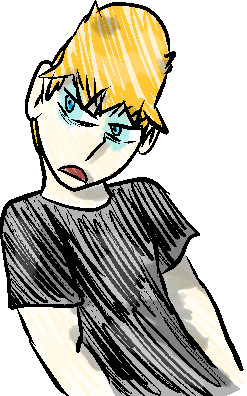
It's funny seeing how my characters look with full opacity on their colors and shading. Looks really goofy. #WebtoonCanvas #ArtistOnTwitter


Have no permission to post Marisa yet but I'm sharing a trimmed, low opacity pic of the draft I made from before!
#東方 #東方project #digitalart
#MarisaKirisame #Marisa #Touhou


@VentilianVexus I just duplicate the line art layer and put blur filter on the layer under normal lineart, I don’t mess w opacity or anything but I love the results every time


@VentilianVexus I’m assuming you mean this :0?
I duplicate the layer and blurr the layer about 1-2 percent (if it’s too much, I lower opacity on the layer)
I do it mostly to hide missing colored pixels as well as the line art being too pixelated for my liking.


Then I’ll go in and, mostly in the deepest parts of the shadow, add this blue tone in a normal layer on top of the shading then lower the opacity. You might opt to use another color than blue based on your chara/piece, I like warm shadows/cool depth.


Now soft shading! Excuse the pixelation of the tutorial slide, these are 300x300px pagedolls so that’s an even tinier slice of that aha. I soft shade muscles mostly, again keeping in mind the light source. Fill, then erase towards the light with a soft brush and adjust opacity.

Next, once I’ve lined, I’ll go in and add hard shadows to the harshest areas. Think abt the subject outside in bright sunlight. There are some gradients in this phase but not many. Some areas are lower opacity (like shoulder wrinkles & lower legs) as they were too dark at 100%.


I want to wish @SerMeemer a Happy Birthday, & I decided to draw Mimi wearing a blue dress just for a different outfit to wear 2 improve. Plus I drew the plague doctor mask with or without it & 50% of it using opacity. I hope you like this drawing Mimi & Happy Birthday. 🎂🎁🎈🎊🎉


