PixlrのTwitterイラスト検索結果。 357 件中 13ページ目


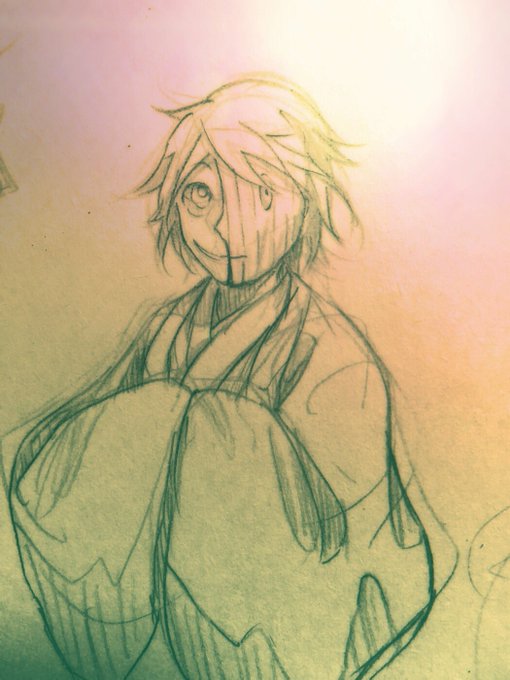
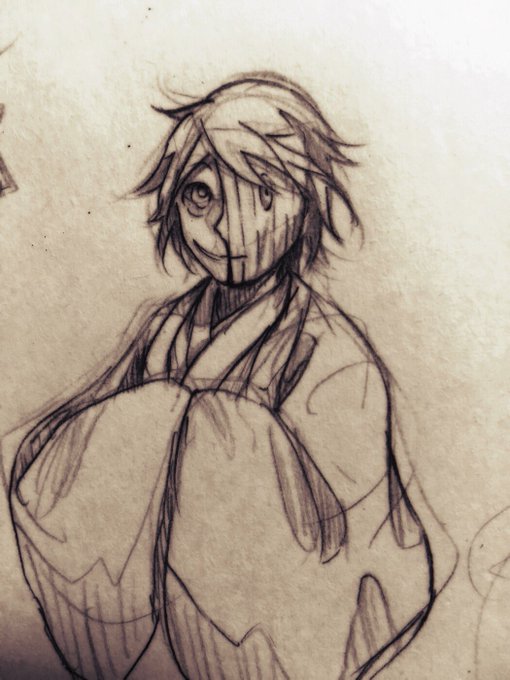


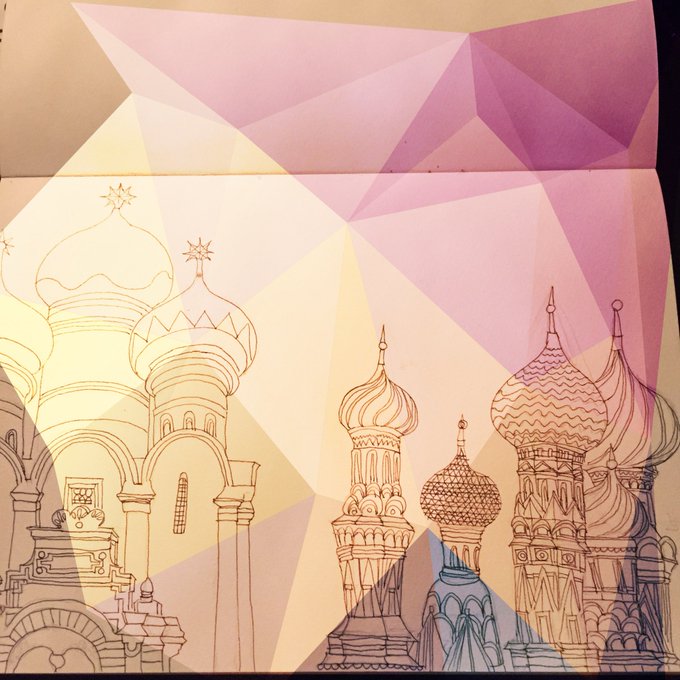
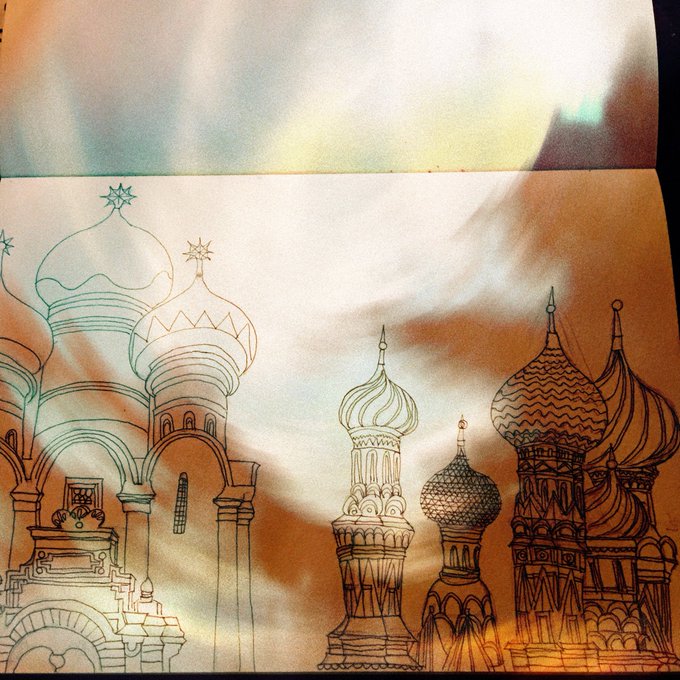
⒏アナログのラクガキを加工する際はpixlrというアプリにお世話になってます。
トリミングやコラージュ、スキャンせずとも線画抽出のようなことが出来ますし簡単にオーバーレイなどで色もつけられるのとても助かってます。


Pixlr, the site I use to make my Saber Says posts is down so this is what you get today:


It's only a mock up (now need to work how to keep colours bright/transparent! in Pixlr & save as png) - another learning curve
What do you think?
Do you like this style on items such as cushions/mugs?
I fancy painting hares/pigeons next.
Tired now so will stop for the night


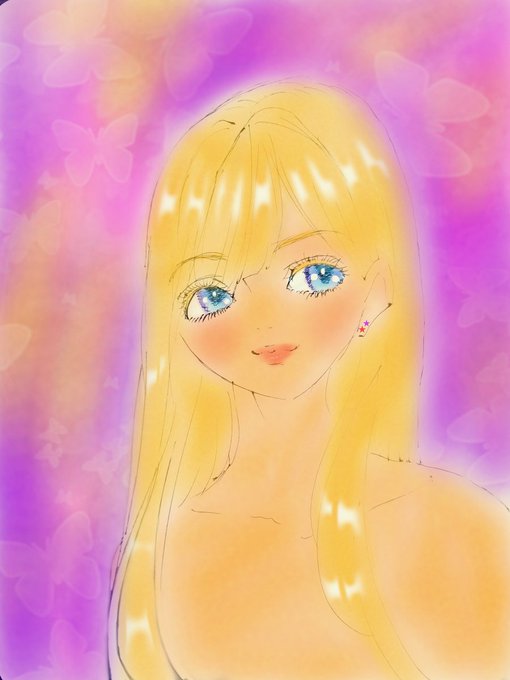
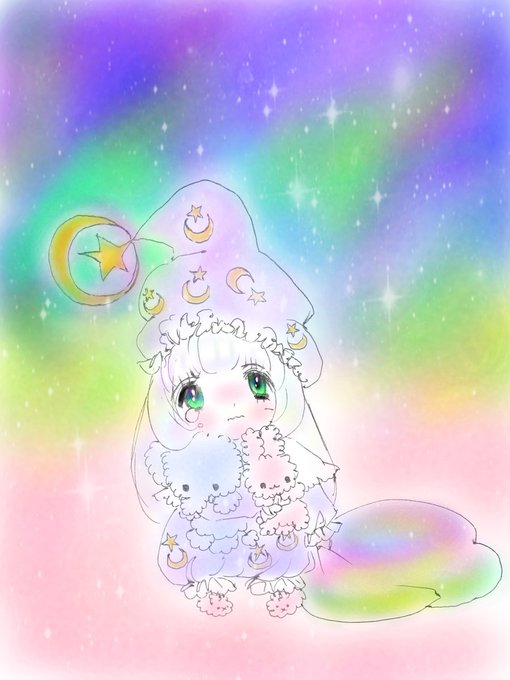
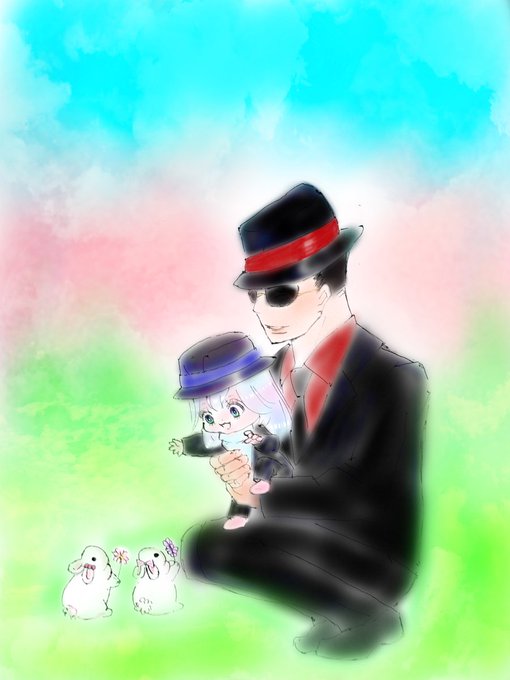


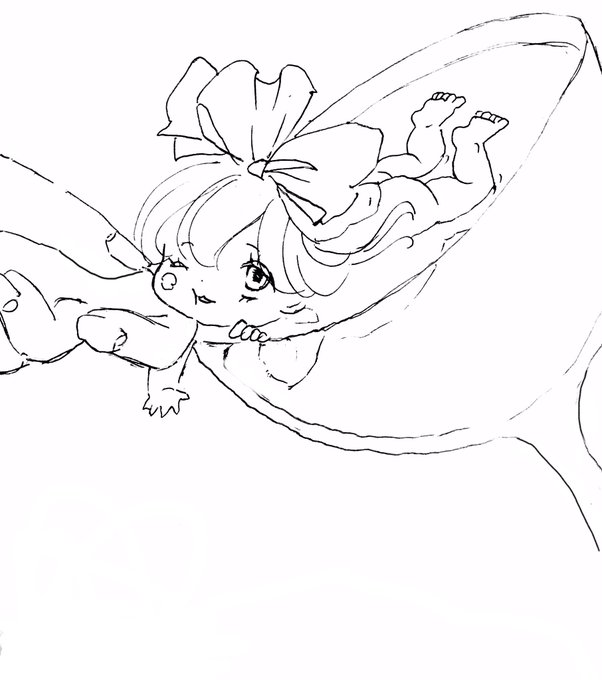
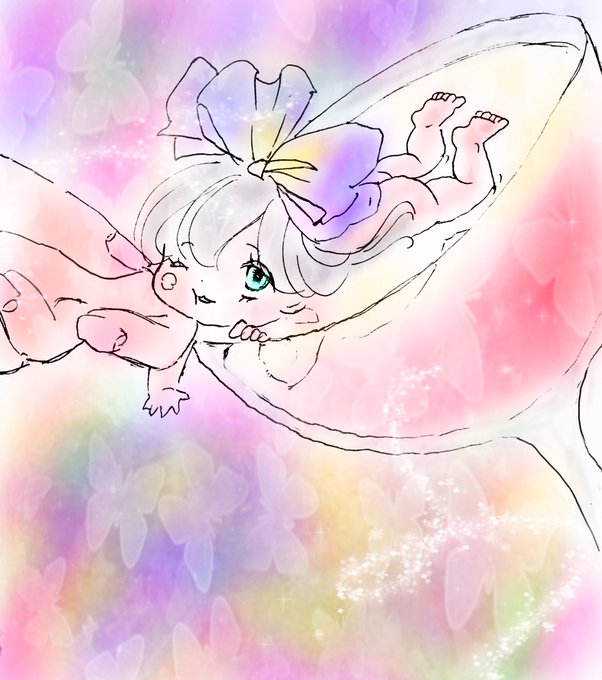
@renofa33 スマホいかがですか?ボールペン線画を写真に撮って線画のコントラストや彩度光度を調節した後自由に書ける機能でペイント。
コレはスマホ版pixlr です。

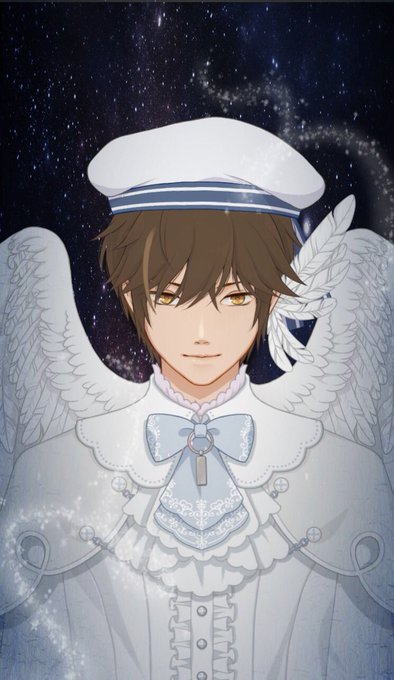


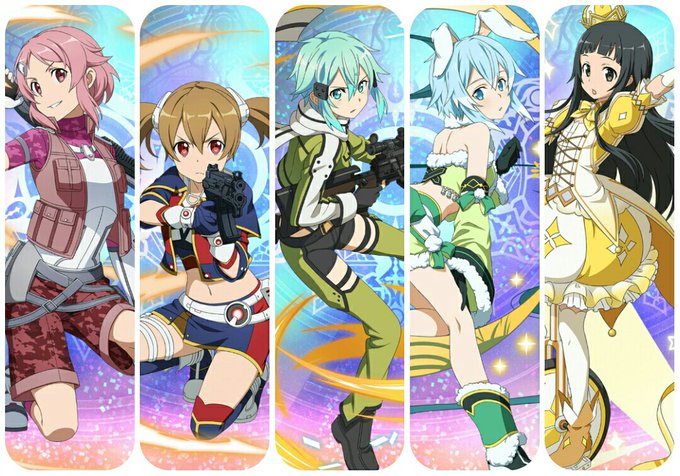


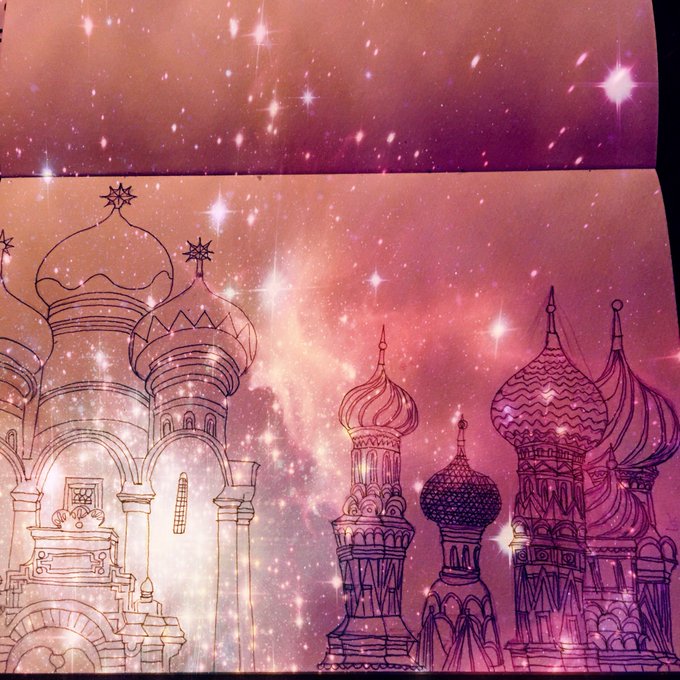
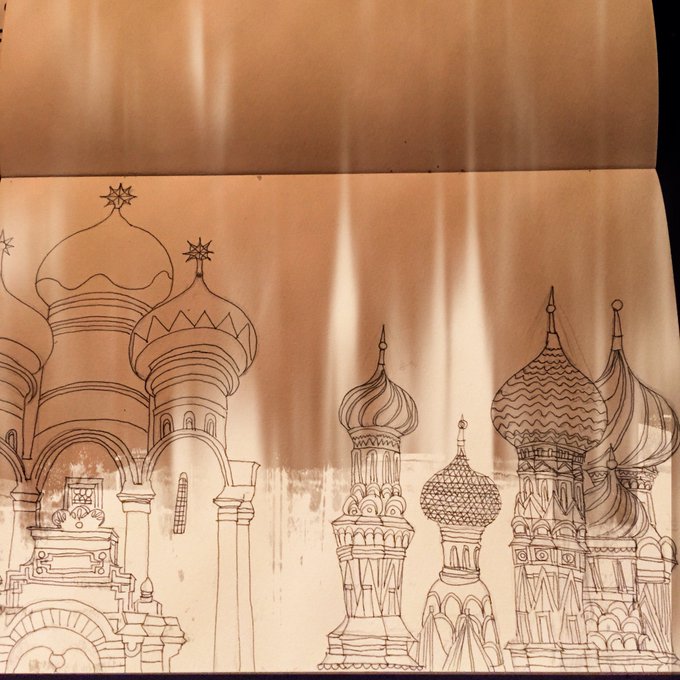
Latest drawings (backgrounds made on pixlr app)


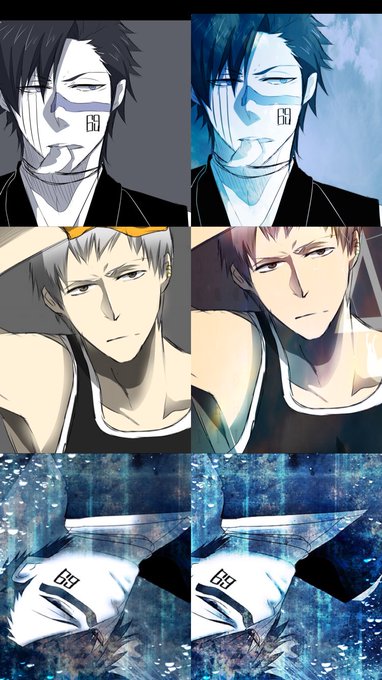



Oh hey, speaking of Unromanceable Blonde Veterans...
#Fable3 #BenFinn #art #sketch #medibangpaint #pixlr #galaxytab

Pirate Angel & The Critters Galactic
#Avengers #AvengersInfinintyWar #Thor #RocketRaccoon #Groot #art #medibangpaint #pixlr #galaxytab


Lime Pro and Pixlr-o-matic do it for me every time #KaleidoSaturday

Not so fast, lil' goblin!
#CriticalRole #criticalrolefanart #NottTheBrave #Fjord #art #sketch #medibangpaint #Pixlr

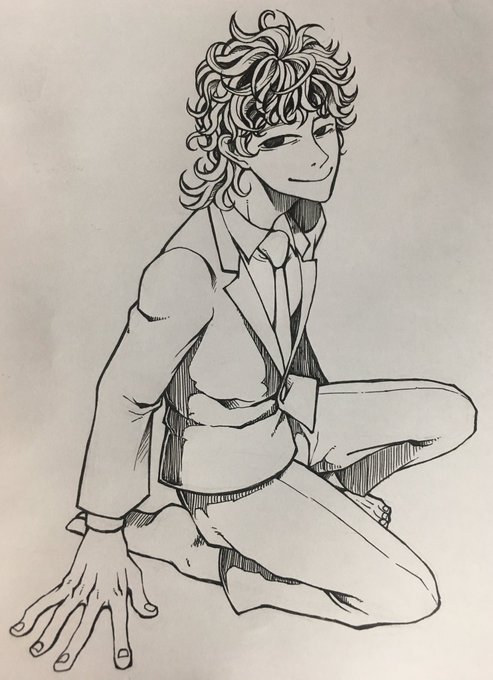
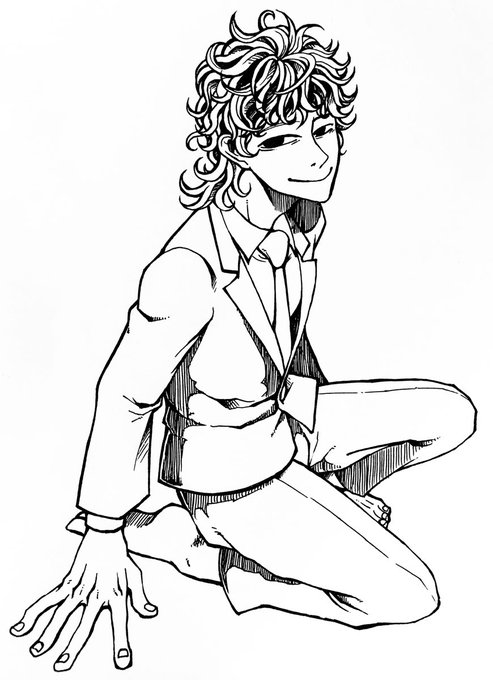


できました
(折角なので加工までの流れ)
①アナログ写メ
②【Fotor】でコントラストを何度もMAXにしてから【ibisPaintX】で透過
③【ibisPaintX】で着色(アプリ内の背景ストライプ素材使用)
④【Pixlr】で加工(エフェクトのSophiaとHarry)