GradieのTwitterイラスト検索結果。 8,735 件中 134ページ目


Capulong Colophon: Butterfly Brand
4/10/22
Digital
~✨𝓫𝓮 𝓷𝓸𝓽 𝓪𝓯𝓻𝓪𝓲𝓭✨~
black on mauve: https://t.co/xGCq7JmgXH
gradient on black: https://t.co/bMbdxRjumX
purples: https://t.co/TUkJj2dUi6
was playing around w/ brushes, still editing my channel sprites-- y'all know how

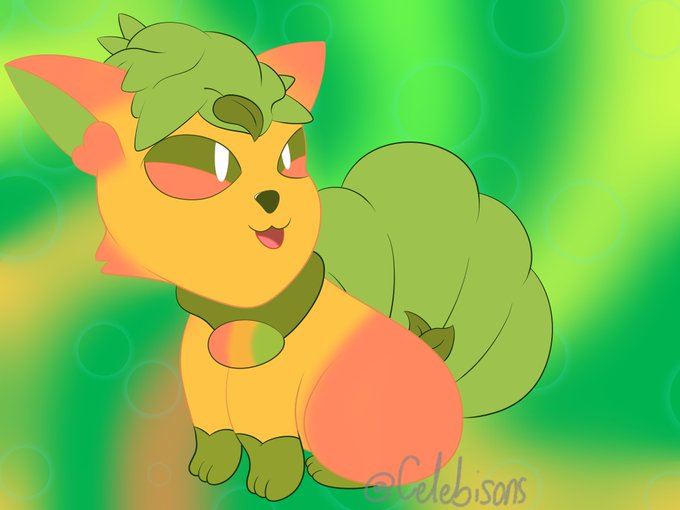
I made a drawing of @itzFunSizeMini ‘s OC Mango! I really like this design and the color gradients on the body were fun to draw!

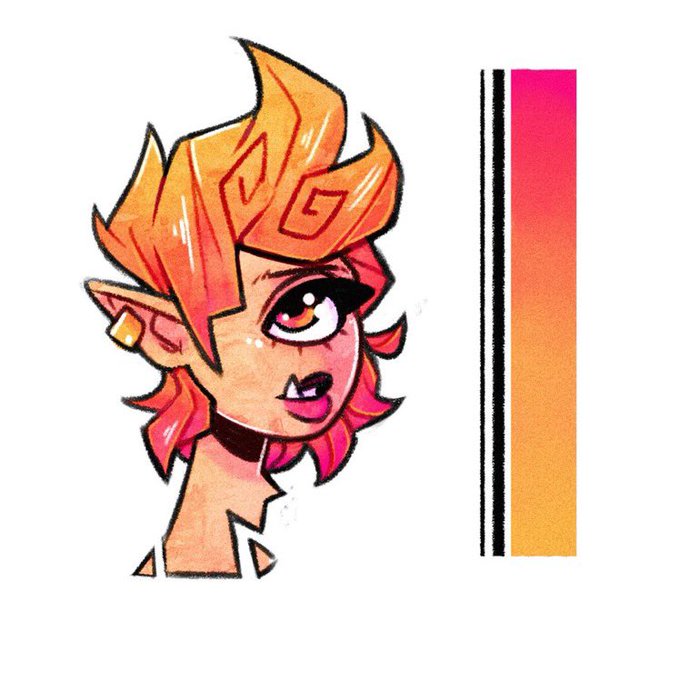
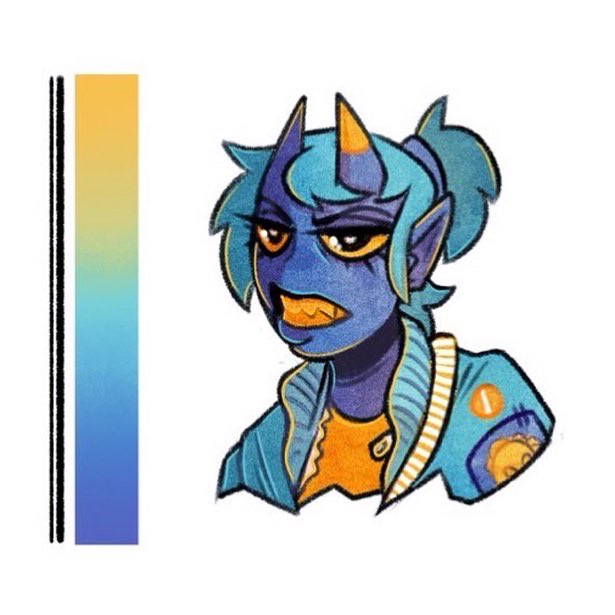
Colour practice with gradients!
//Comment two colours below and include as many as I can in my next study sheet! ✨

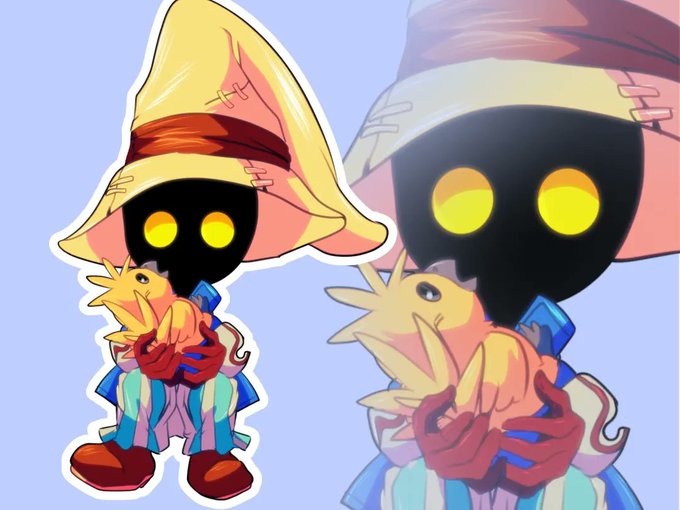


$7 chibi art because of emergency
Per character
2-3 day turn around.
No previews or changes. Simple flat or gradient background.
Finished illustrations.
PayPal only
Payment up front
Tips appreciated

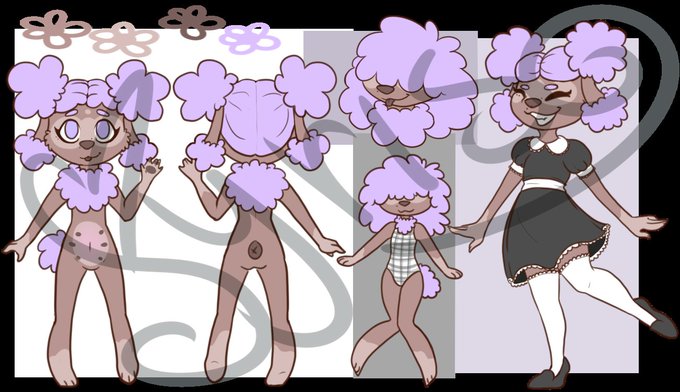
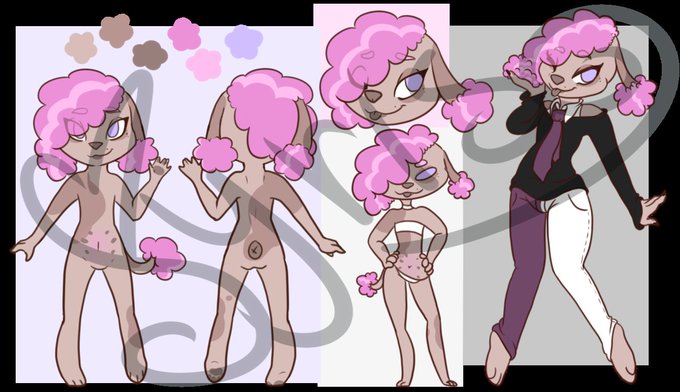

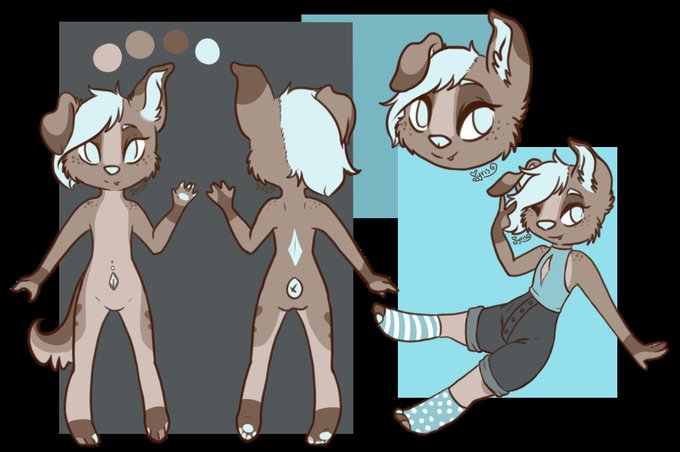
@PinkusCottage Personal standouts- also none with gradients. Some of my favorite designs from when I was using this ref sheet style ^^


Remembered I could make grayscale drawings and then color them with nodes, had to do a bit of finagling with gradient texture nodes to split up mouth/eye/brow colors but got it workin, and of course some vertex shading:3
gn


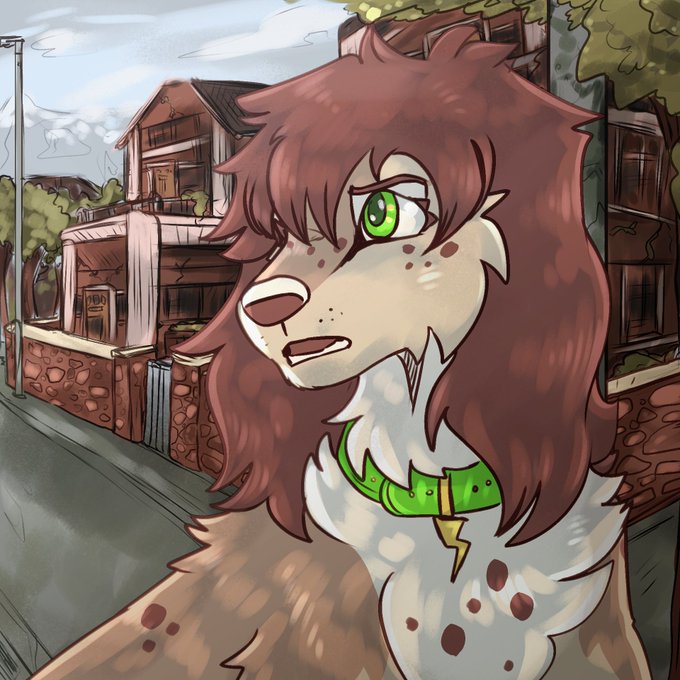
dog art where they are not in a gradient void so i can practise bgs!


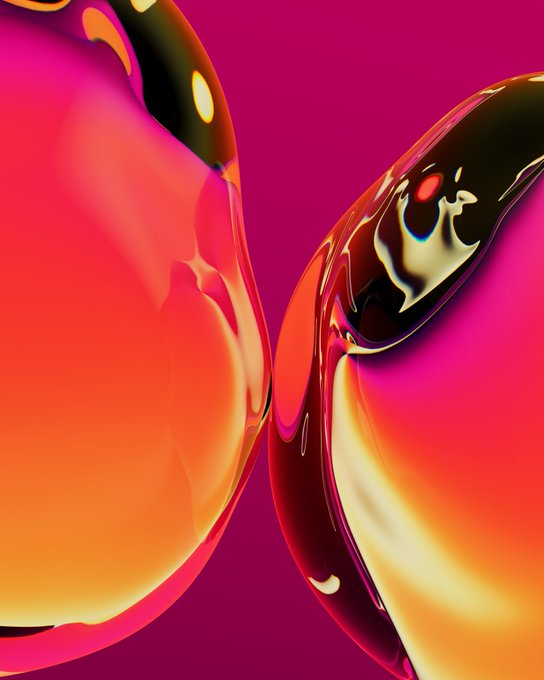


literally still so fucking insane to me i finished this in like 1 hr 30- gradient maps are so op


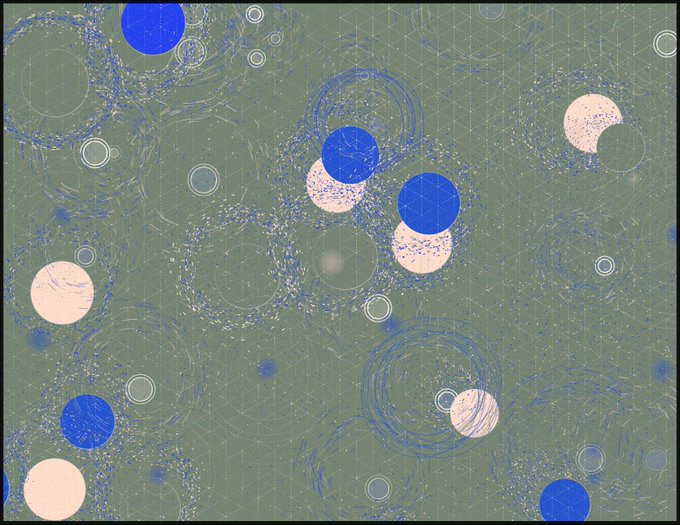


pretend as if i could draw
(*used gradient map setting by potg333

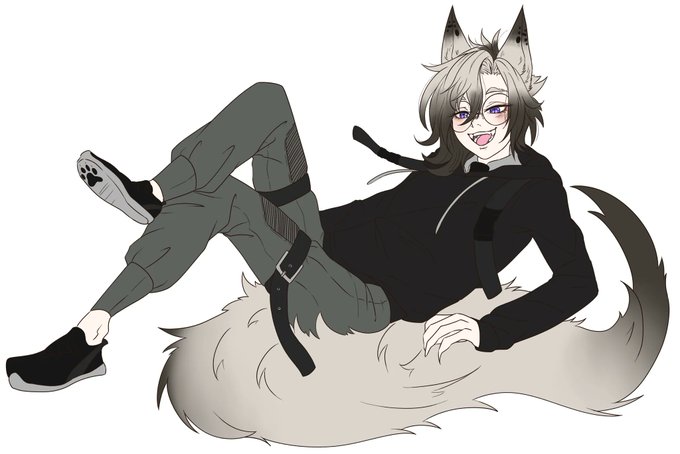
@Dark_Kitzune My PNG mama drew the spots as an extra, but the original one what I drew from myself don't have any spots, just an ombre gradient. It's more like a variant of red fox what I wanted to create for Mafuyu, since red foxes have a lot of color variants~

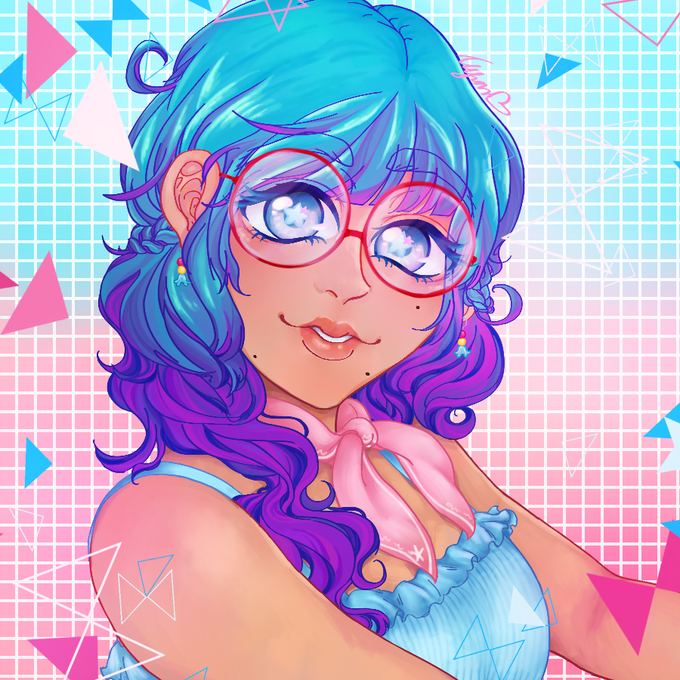
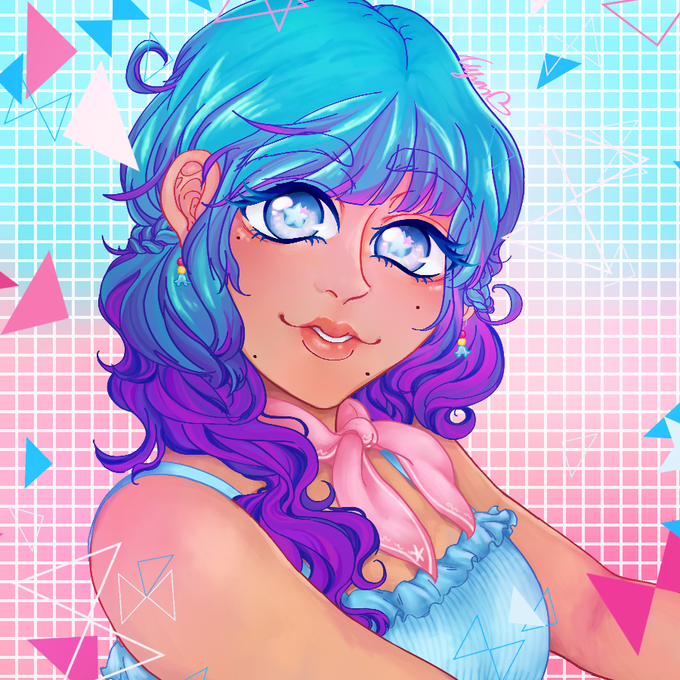
New profile alert! Needed something new and fun and this time I tried out a new kind of gradient style. ✨✨

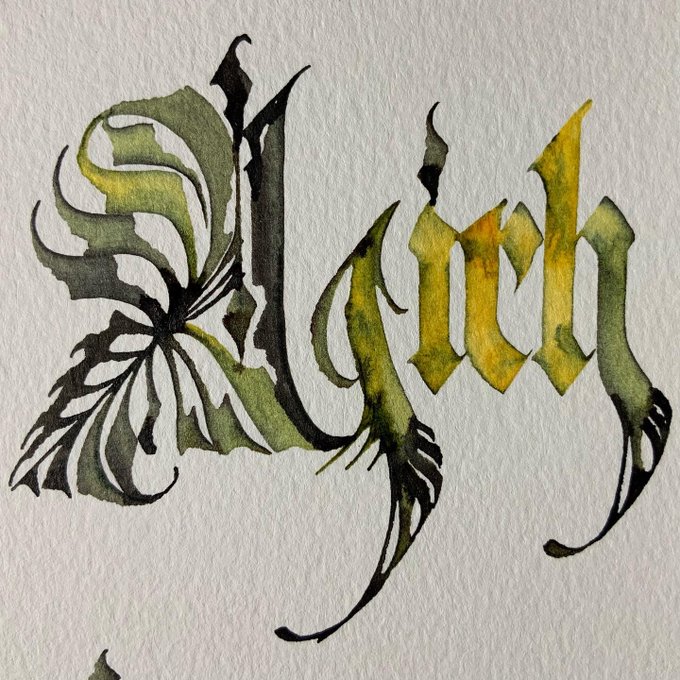

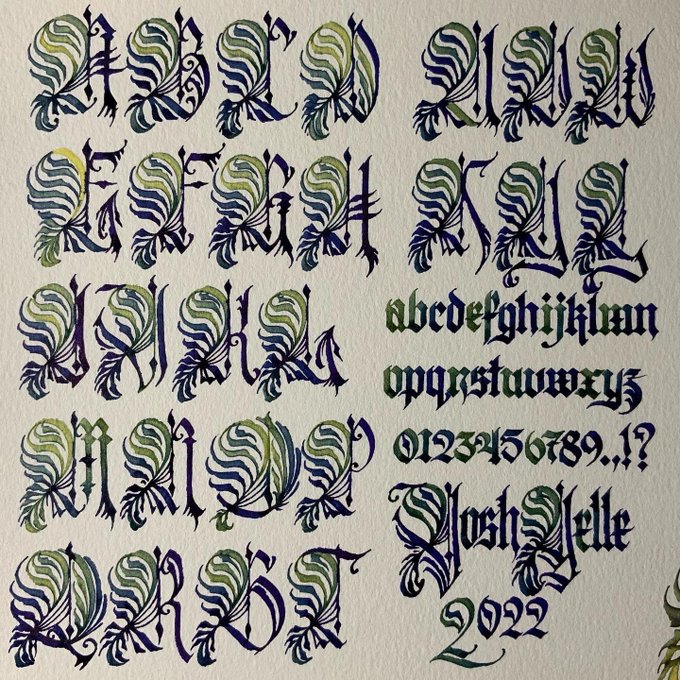


Added 2 requested colors!
Gradient Weather icon set https://t.co/YrNsko2GBD


I began to get twitchy about Cidar's design, and nothing seemed to look right, until a friend suggested a tail gradient... and she really does look much better

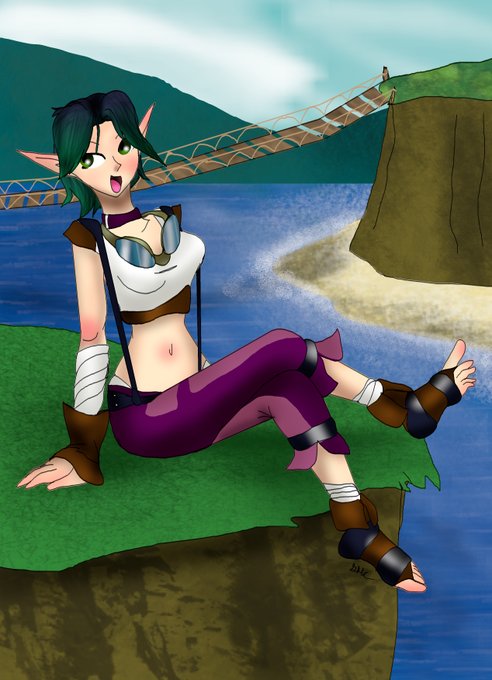


@IUBWORKS I have 3 ways
1: I draw em out in advance before going digital and take it from there
2: I do it last and think of something on the fly for the character
3: just a gradient if I'm not feeling it
I'm pretty good with nature backgrounds though


