LineaのTwitterイラスト検索結果。 15ページ目


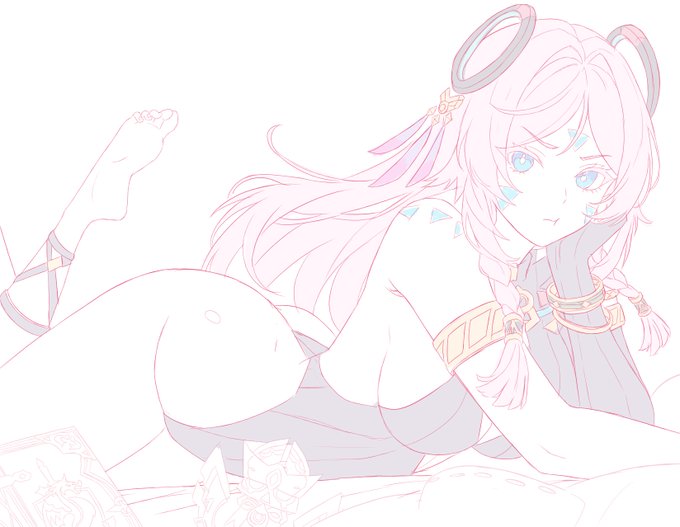
My step-by step is actually sketch-->rough color-->lineart-->render
Because if I do line first, I'll usually have to correct the anatomy A LOT and that's just too troublesome with lineart; so this way is more efficient for me.


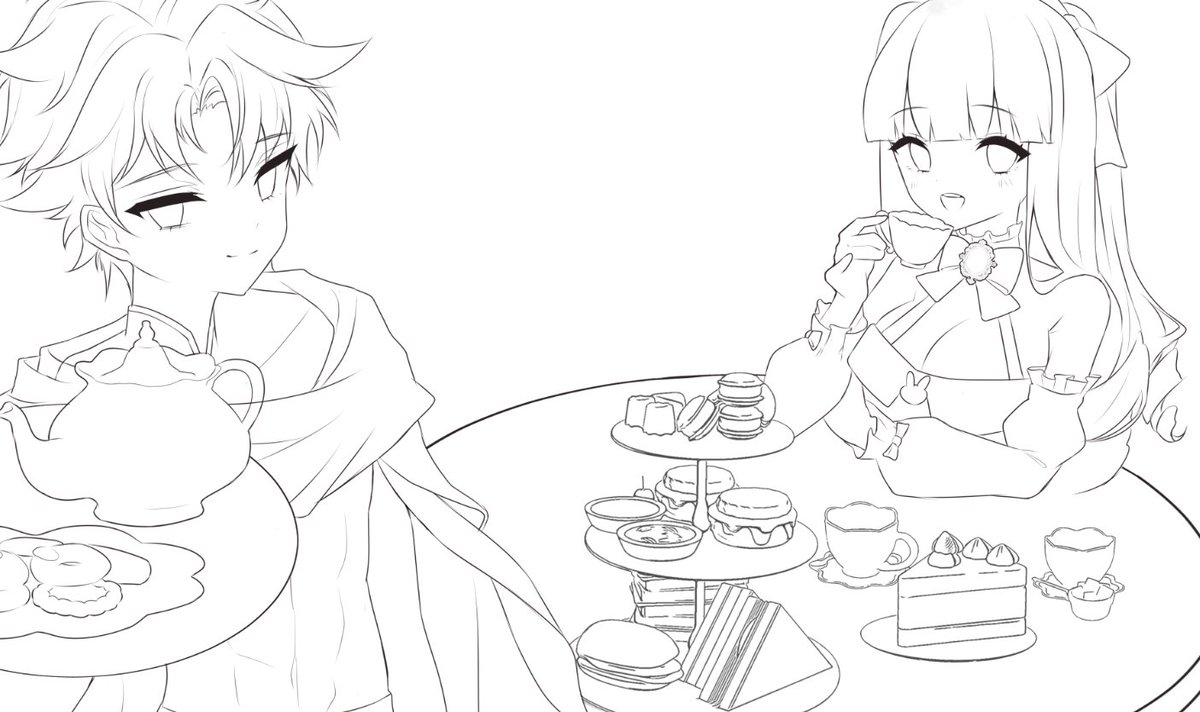


Suddenly feel like posting a WIP💜
will be using this drawing for a lineart tutorial comin up!
#Citlali #GenshinImpact
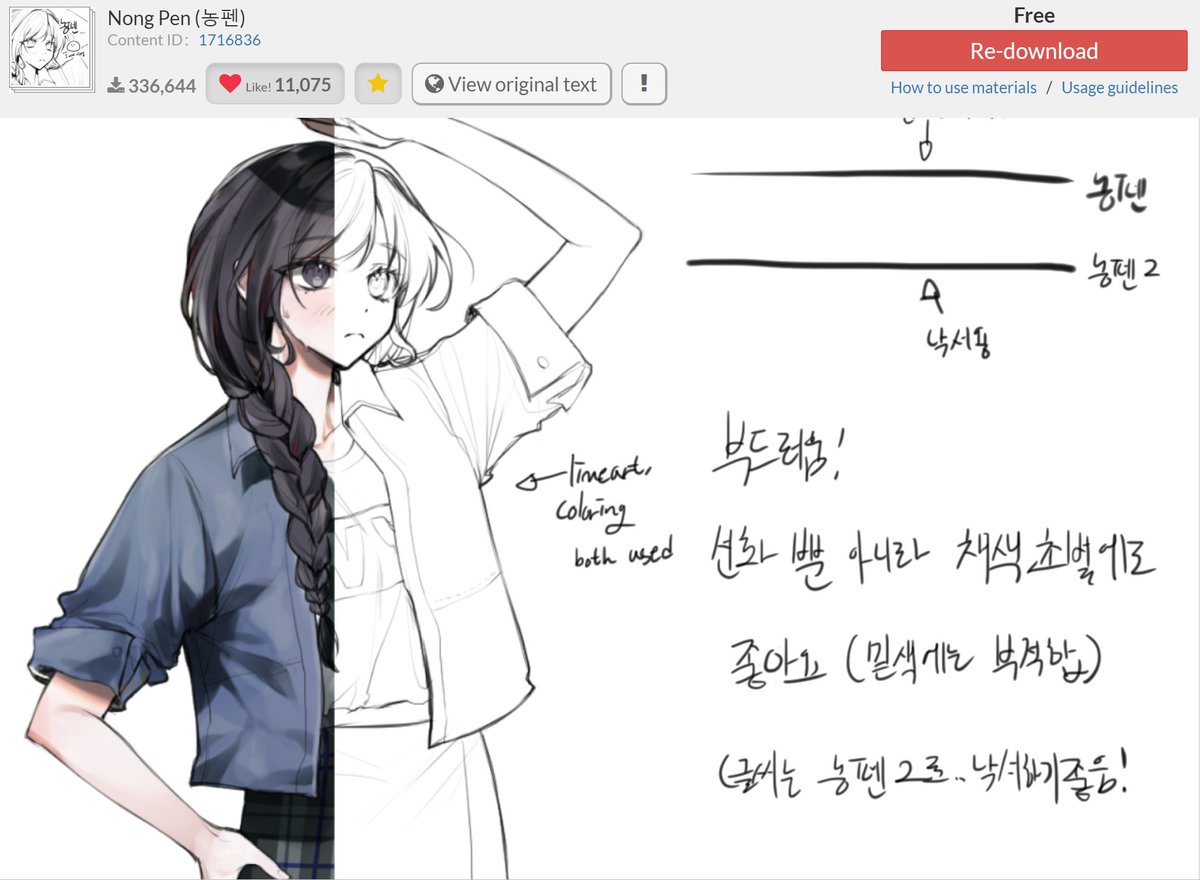
yang inih, link nya di atas.
ada dua, 1 untuk lineart ada texture nya tapi ga kentara banget ( selera aku bgt sobss)
satu untuk sketch gitu enak banget smooth hshshsh

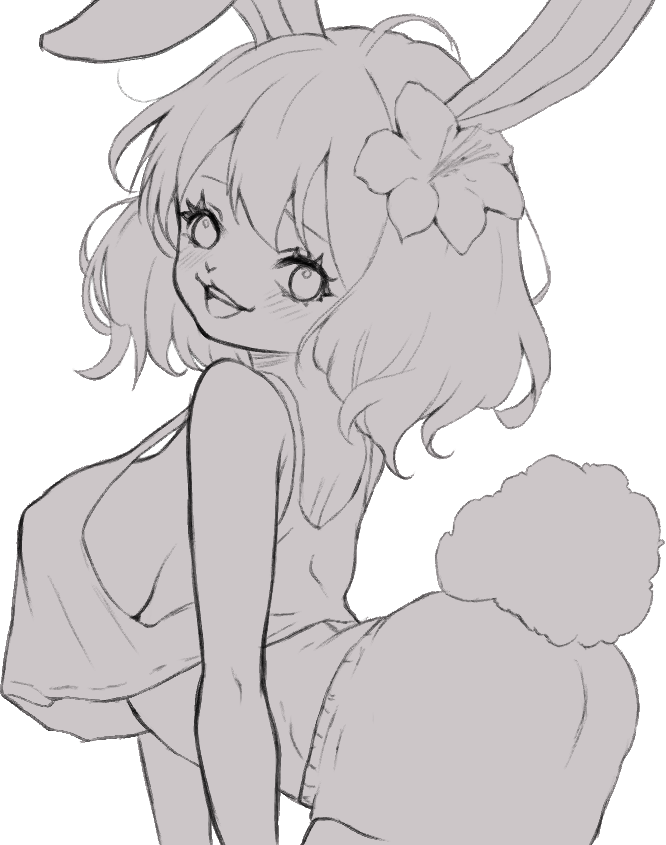


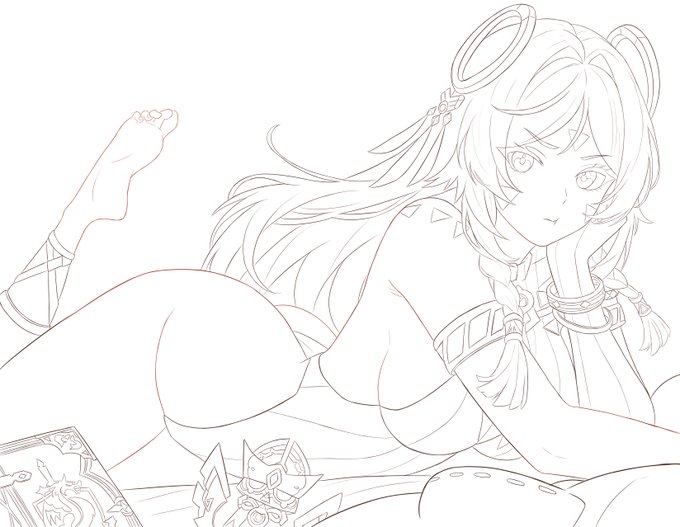

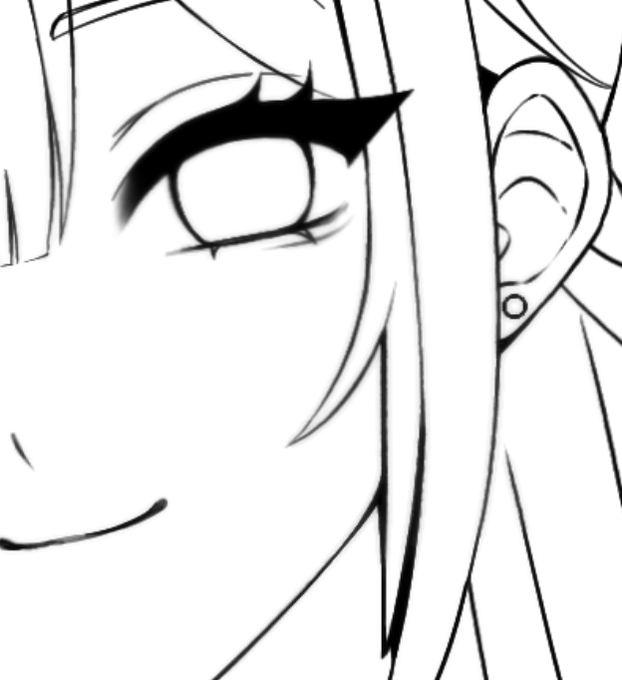
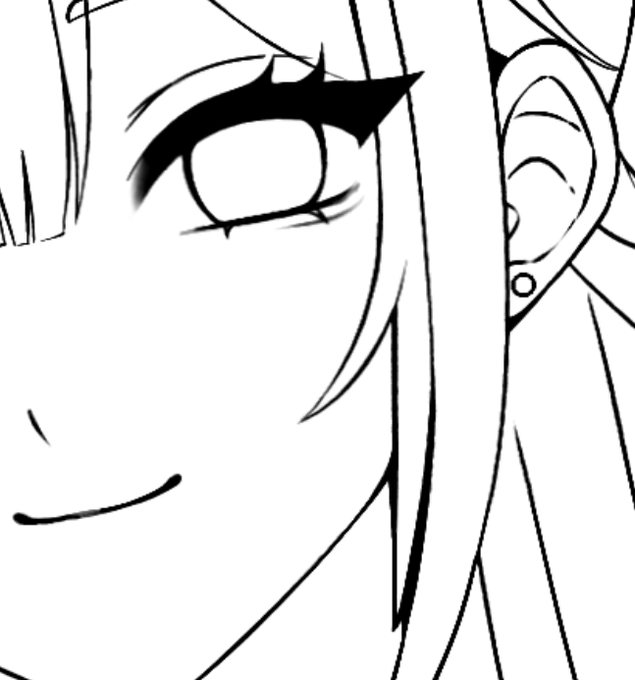
Estragou a qualidade da sua lineart?
Usa o filtro "máscara de nitidez" nela e deixe ela novinha em folha!


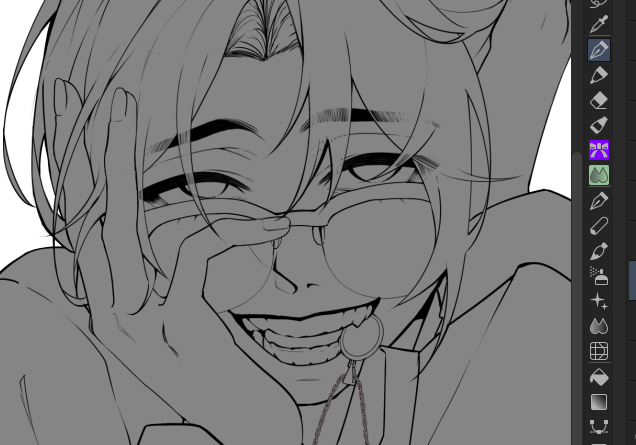
I have a very love-hate relationship with lineart, but good god isn't that clean af


strim over, ty for hanging out!!
got the lineart done and spent a whole hour on these eyebols, please perceive 👀🙏


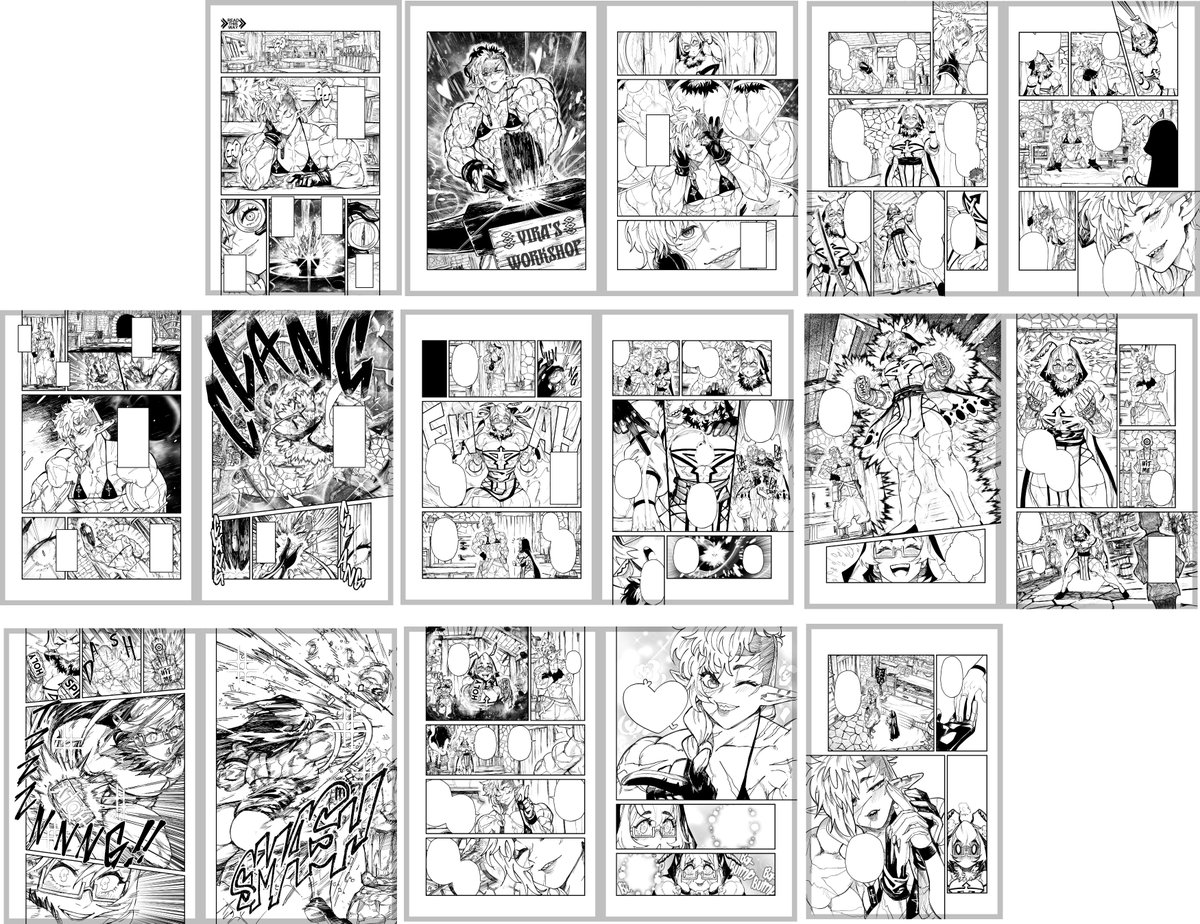
The lineart is all done, finally! 😤
Time for a mini break before I do the tones and call this story complete!
Keep an eye out for completed pages to be posted soon! 😉👍


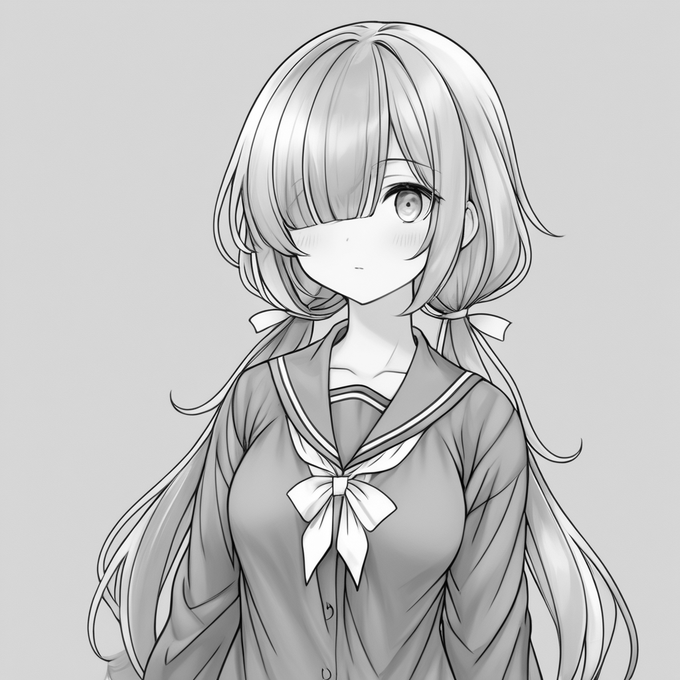


普通にCN lineartで画像生成してグレースケールにすればいいんじゃ?と思ってたんだけど、ただグレースケールしただけだと線画が一番暗い影として判定されてしまうので、うっすい影しかつかず全然実用性がなかったので、個人的には結構大きな課題だった