ctrlのTwitterイラスト検索結果。 15ページ目


The Mids from CTRL+Z #1 art by Riccardo Cecchi/ Marcos Martins via /r/Cyberpunk by u/ Cmho1y #cyberpunk #cyberpunk2077 #gaming


Rabbit (Arcade, Aorn, 1997) https://t.co/rfX7hAvxk3
The Japanese fighting game set in China that poses the question: who needs Stands when you've got spirit animals?
Standard Internet Archive arcade controls, 5, 1, arrows and Left Ctrl, Left Alt, Space and/or Shift.


Sign up for:
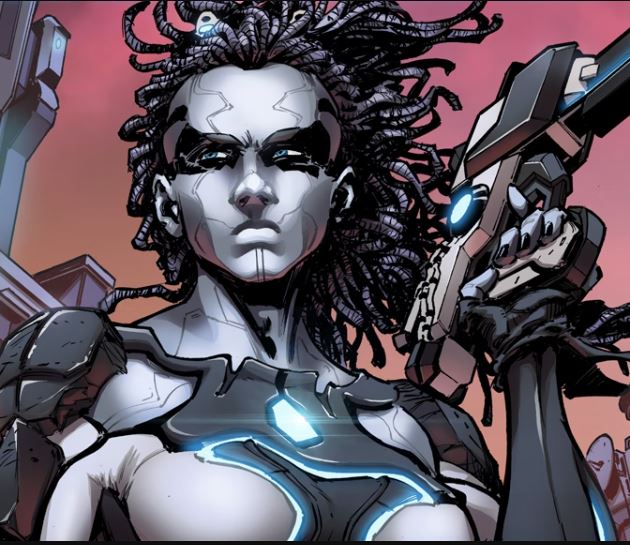
@Rchrismoses CTRL+Z #1 & 2
Then look at:
@BillyTucci Shi: Second Coming
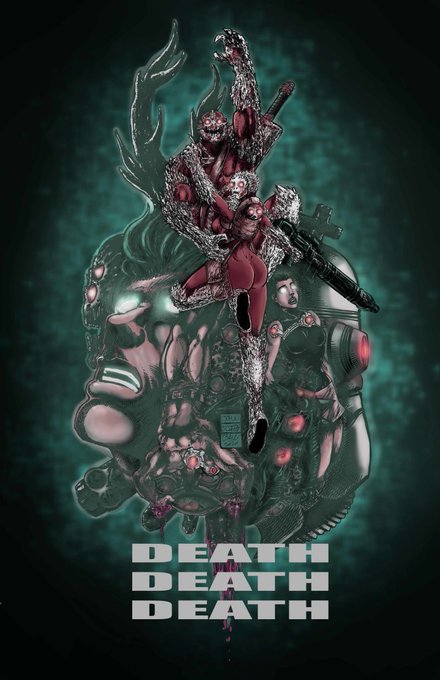
@comicartmaster1 DEATH DEATH DEATH
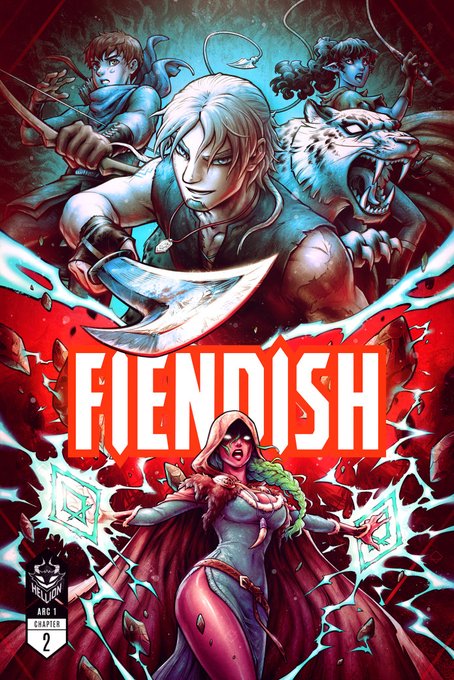
@RenieDraws FIENDISH: Chapter 2: Origins
or the other 120+ links at
https://t.co/Ax1yFdgOqm
#buyonebackone


nesse daqui eu só dei Ctrl + C Ctrl + V de um no outro mesmo KKKKKKKKK




Sign up for
@Rchrismoses CTRL+Z #1 & 2
After that look at
@TaleEndStudio @jakeradams COBALT: Death Stalks Us
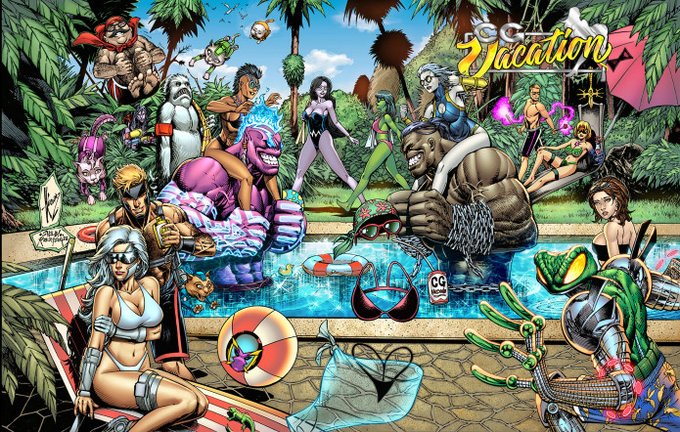
@FillPops CG Vacation
@TimBVigil David Quinn Faust: Love of the Damned Omnibus Hardcover
Or any of the 118 campaigns at https://t.co/Ax1yFdgOqm
#buyonebackone

The Skript Kids from CTRL+Z art by Riccardo Cecchi/Marcos Martins via /r/Cyberpunk by u/ Cmho1y #cyberpunk #cyberpunk2077 #gaming


4.ctrl+aで全選択→ctrl+cでコピー
ctrl+vで貼り付け→サイズ変更で垂直方向を64ピクセルに変更
5.3.と4.で出来た画像を見ながらビーズを置いていく(輪郭くらいは描いておくと楽っぽい)
6.アイロンかけて完成


@Caciclope Eu tenho a lore toda aqui no meu ctrl c e v
Eu vou mandar na dm do discord
Te prepara


おはようございます🌞
#おは戦41204dn🍨
いよいよ本日‼️🎊㊗️
#CNPcake ウィンターメモリーが発売されます🥰💕🧁❄️
記念日に合わせて、Cakeさんがプレゼントして下さったルナちゃんを #新しいプロフィール画像 に設定しました🐰🍫⌨️
チョコ×Ctrlキー×CNPRケーキの神コラボ😭
ありがとうございます🍀


Any Live2D'ers know why ctrl+z caused my warp deformer to crinkle this badly,,, I cant undo it either😵💫
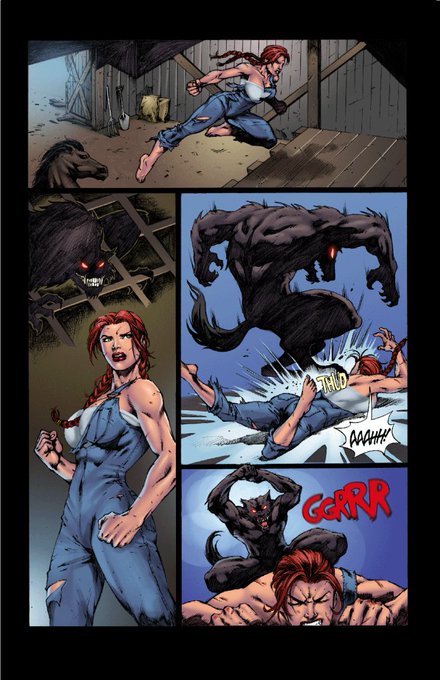
Sign up for:
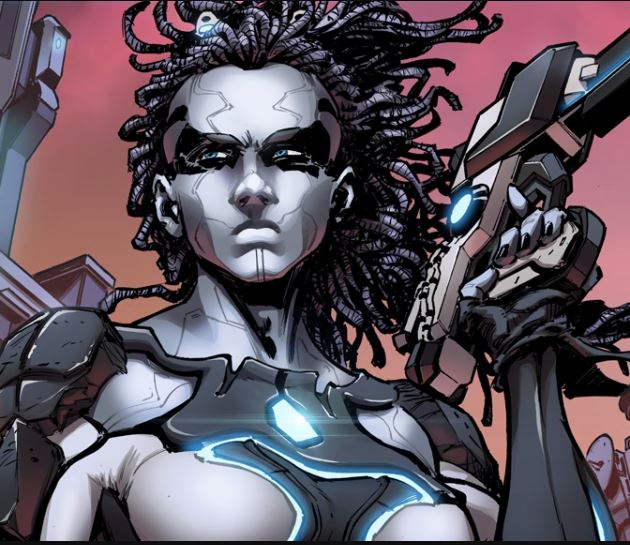
@Rchrismoses CTRL+Z #1 & 2
Then look at the 100+ campaigns like these:
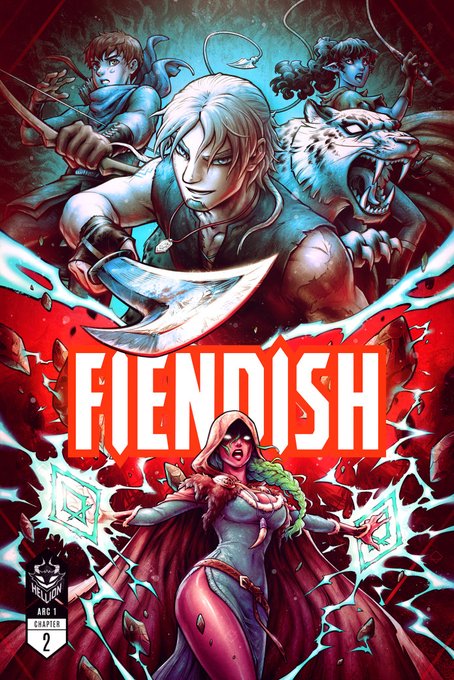
@RenieDraws FIENDISH: Chapter 2: Origins
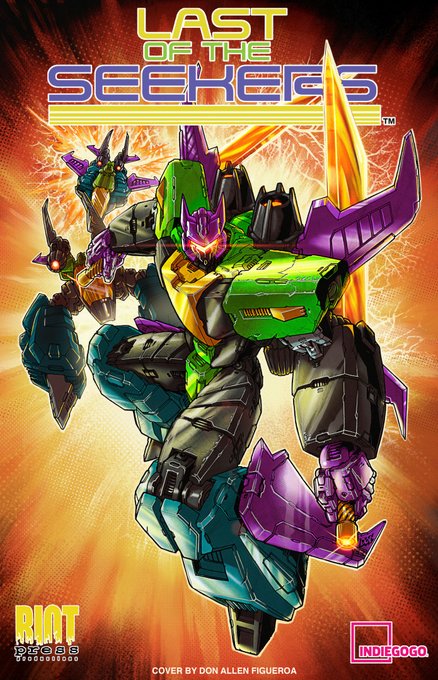
@RiotPressComics Last of the Seekers: Comic Book & Robot Toy!
@BeyondTimeInc MAGNA and THE POSSE
https://t.co/Ax1yFdgOqm
#buyonebackone

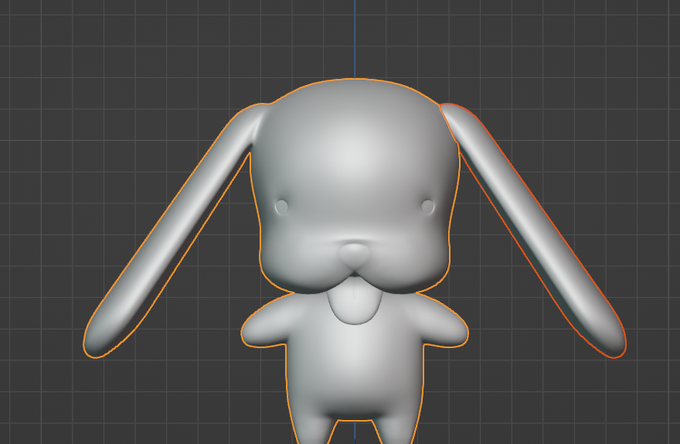

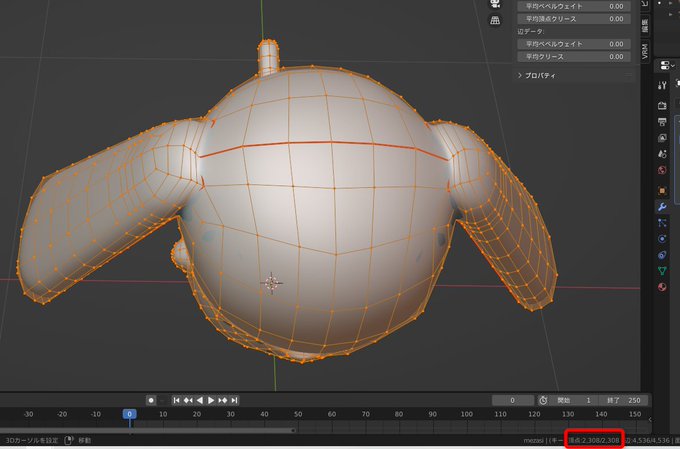
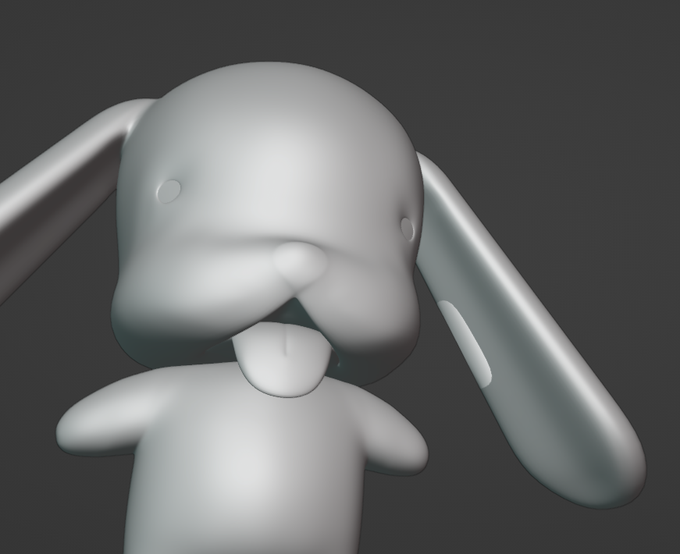
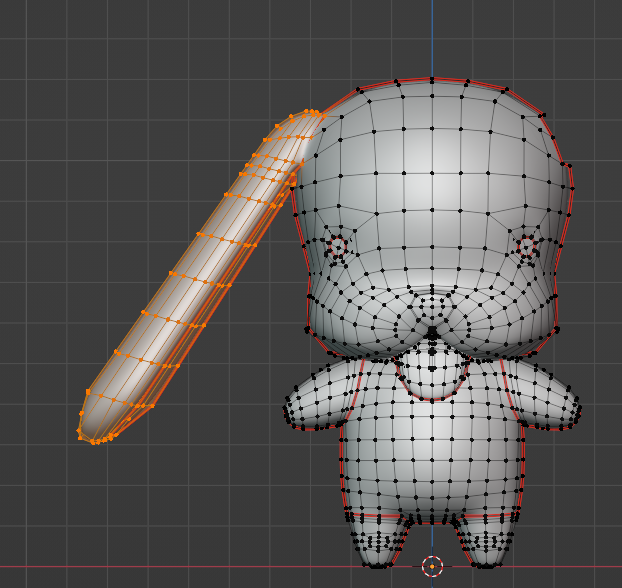


Constant ctrl+z and not being able to make up my mind = sketching process 🤪
#ArtistOnTwitter #Sketching