VERTEXのTwitterイラスト検索結果。 690 件中 17ページ目



#gohspoilers GREATEST OF ALL TIME. ZENITH OF THE MEDIUM. HALLMARK OF MEDIA. GOLD STANDARD OF STORYTELLING. APOGEE OF CREATIVITY. VERTEX OF INVENTION. CREST OF INGENUITY. ACME OF IMAGINATION. PINNACLE OF INNOVATION. EPIC OF EPICS. LEGEND AMONG LEGENDS. PEAK FICTION.


draw=_=>{createCanvas(720,720)
fill(0)
for(d=300;d;d-=2){beginShape()
drawingContext.filter="drop-shadow(0 0 15Q#"+d+"C)"
for(r=0;r<6;r+=.05)vertex(cos(r)*(D=(d+sin(r*9)*sq(d/20))*1.5)+360+sin(R=(d<99?8:r*9/d)*d+d/9)*D/5,sin(r)*D+360+cos(R)*D/5)
endShape()}}
#つぶやきProcessing


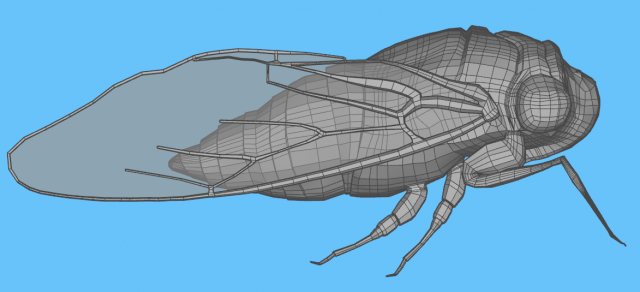

By our user Builder54 of ALoft Carpentry & Finishing.
On a hot summer's night, you may hear the buzzing sound produced by a cicada.
Cicadas Brood X 2021
@Sketchup Pro 2017
#QuadFace Tools, #Vertex tools, #SUbD from @evilsoftware
https://t.co/6mBRR2uBso


I'm not gonna show every single step of progress, next update will probably be when everything's finished
But here's the old head of Tanaka vs the WIP of the new head
From the general shape of his face to vertex normal positions and topology, we upgrading out here😤


Was originally gonna vertex paint it but blender's vertex painting tool chugs with high poly models and I didn't feel like unwrapping the sculpt or doing a retopo right now so I just threw some lights on it and called it good (for now.)

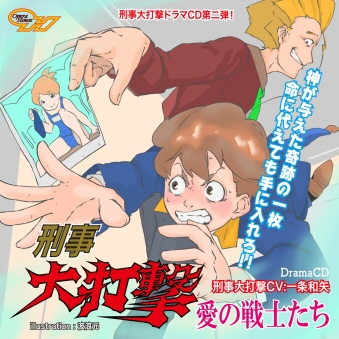

あすか120%X68000版Windows版収録のオペラハウスプレビューディスク2はFM VERTEX I-CHAOS THEORYやラスグレイヴ探偵譚等にお付けしてます。この他刑事大打撃関連( https://t.co/nN8XUTzW3o )ご注文時に連絡欄にオペラハウスプレビューディスク2希望と記載頂ければ差し上げます https://t.co/Gs3y4VNoje

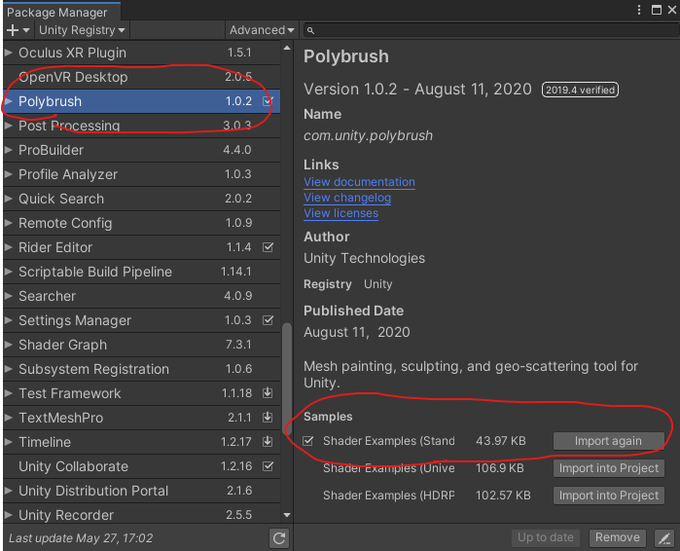

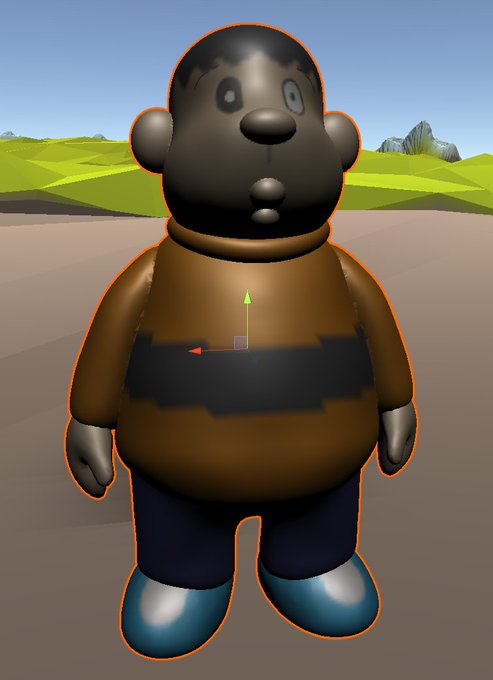
@hakusekirei0425 そうしましたらUnityのメインウィンドウからWindow>Package ManagerでPolybrushを検索してインポート
さらにPolyBrushの中のShader Examples(Standard)をインポート
その上でさっきのShaderのところからPolyBrush/Standard Vertex Colorを選択でどうでしょうか?


my greatest inspirations for 3D modelling are Megaman Legends, Guilty Gear XRD, and the Katamari Series
I use a very old trick based on XRD's Vertex Shading technique, to give a stylish look while being friendlier on older rigs and not worrying about texture resolution


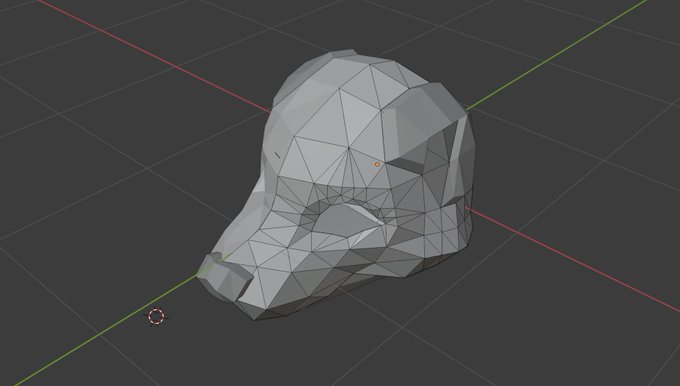

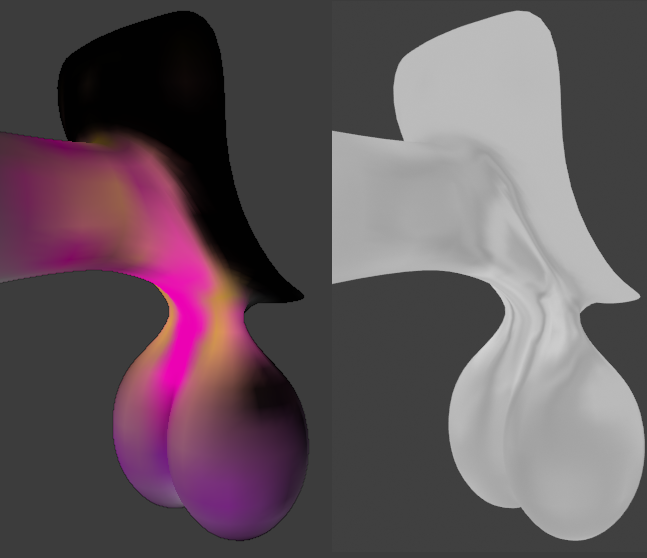
I used the object's generated texture coordinates and multiplied it with a vertex color map with colors to help influence the "direction" or "size" of the noise along the mesh. I'm still not sure what the RGB values mean besides trying to guess what colors mean up or down ^^;

taking a break for now but crossing my fingers i can recreate him
i rarely draw humans (should do it more) and I've never modeled one, so i thought it'd be good to try that and try designing some blendshape/vertex-repositioning effects (two forms in one mesh for TF aaahaha 😳)


Ack, almost forgot today is #VFXFriday ! Made an Abzu-inspired fish shader - no rigs just vertex animation 🐟🐡🐠 #VFX #madewithunity #realtimeVFX #gamedev #amplifyshader

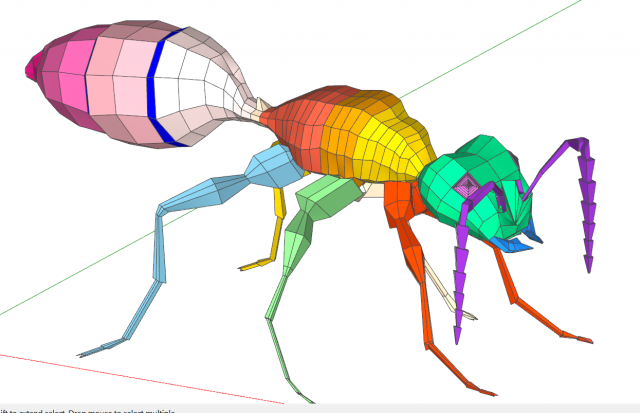

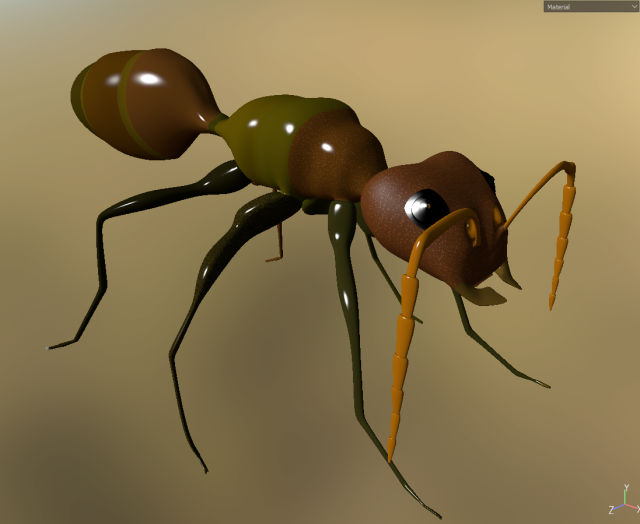
By our user Builder54 of ALoft Carpentry & Finishing. #Organic modeling is possible in @sketchup using @evilsoftware tools, #SubD, #vertextools & #quadface. The carpenter #ant.
Carpenter ants are large ants indigenous to many forested parts of the world.
https://t.co/d0QHMlEV2W

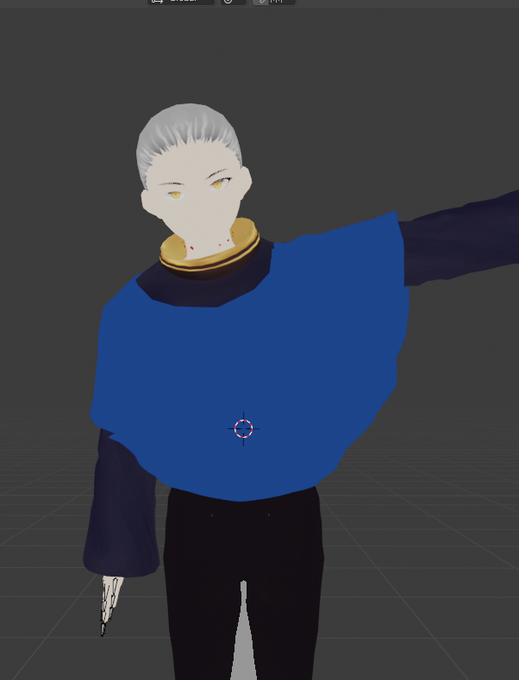
And yes it works on things like capes. For my friends WIP character, I took the hoodie, cut it down for the small cape, and then in Blender resized it to be bigger, then did this method to transfer weights and vertex groups to auto-rig it over the shirt.


If you haven’t checked out the Vertex books that Ryan Hawkins put together with a ton of talented artists you should. They are chock full of great #gameart tips and tutorial including some great #handpainted resources.
https://t.co/d4zNGXwYEl


[5/7] Step 3 : Your "vertex color" rendering has to be saved in a temporary map (it will be managed automatically by unity with URP/HDRP, but I need to do it myself with my custom render pipeline of course), so you can use it in a post effect pass.
Here is the map I get ⤵️

[1/7] #quicktutorial : Outline PostFX with vertex color in #Unity3d (so better outline control than playing with depth/normals/color params) ! #unitytips
How to get this? ⤵️


#俺ガン名前の由来
ガンダム レイジバーデックス
怒り(RAGE)の頂点(VERTEX)→怒髪天を衝く、より
また個人的なモチーフである鳥(birdy)も混ざってる名前。現在のアイコン
《亡霊/ファントムの意匠を取り込んだ英雄/ガンダム》 をコンセプトにファントムライト・フレイムソードを自作