opacityのTwitterイラスト検索結果。 1,333 件中 20ページ目


> Commissioned Edit for @mother_rhea
> Character: Lusamine (Pokemon)
> Artist: @0Lightsource
> Admin Note: I was planning to edit Light source art someday, but I never knew they drew this artwork until today. I tried some new opacity techniques with the tats. Hope you enjoy!


I hate how these watermarks look on toyhouse like I want to keep my art protected but I still want people to be able to see it? I wish u could lower the opacity on it :(


เทียบคร่าวๆเพื่อความเห็นภาพ (โลโก้ห้างคือสีเหลืองปรับ opacity 50>>100) ย่อแนวตั้งให้เตี้ยลง เป๊ะยันระยะห่าง เหมือน99.99% https://t.co/kF1o28qH1G




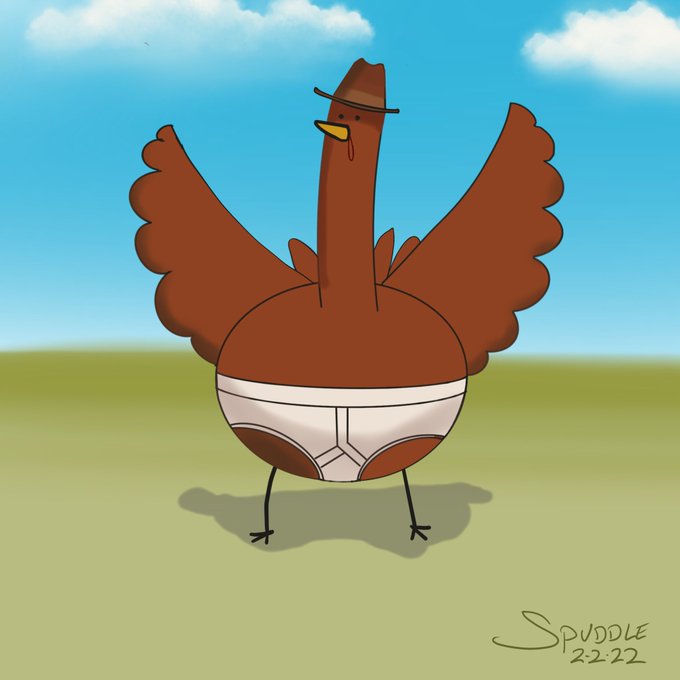
Realized I went way to dark on the shading of the chicken’s underwear yesterday and it looked like it had had an accident.
I tried two fixes. For Option B I just dropped the opacity on the shading layer. Literally took 2 seconds. But I kinda like the solution I used in Option A.

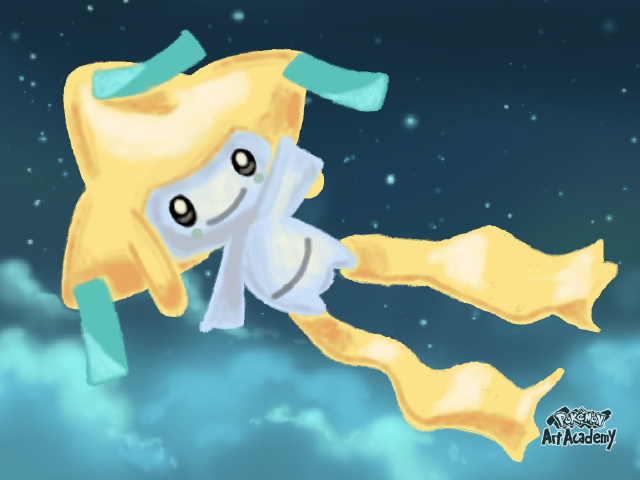
Oct 25, 2014. By: Y.O.L.O_Yoshi
[7 Yeahs!] [1 reply] (US)
https://t.co/cUkRqfbq6N
"The paint opacity is sort of a pain to deal with. This is what I made."


I drew a wicked gorgeous Pumpkin kitty fusion OC named Bon Bon, this wicked awesome OC belongs to @LadyWitchfox. I've been wanting to draw this for awhile but been sidetracked with some stuff, plus I've used opacity on this to improve on my drawing skills. 🎃🐈


Top Left to Bottom Right:
Patiently
Aren't We (feat. Or3o)
Million Dollar Day
Can't Find Love (sorry if the heart's opacity is too low)


My blender fucking jump scaring me after I set the opacity low tf


(เหมือนจะเป็น)stepการวาด ในส่วนของตัวละคนกับวัตถุที่อยากให้เด่นก็ลงสีพื้นคุมโทนแล้วก็ใช้บรัชปรับลดopacityปาดสีแล้วเกลี่ยๆให้สีเนียน ส่วนพื้นหลังก็ตัดเส้นใบไม้ที่เป็นforegroundหลักๆ ลงสีเขียวเป็นเบสคร่าวๆขอบเบลอๆเพราะพยายามให้เหมือนสีน้ำ แล้วค่อยๆเก็บรายละเอียดมิติใบไม้ด้านหลัง


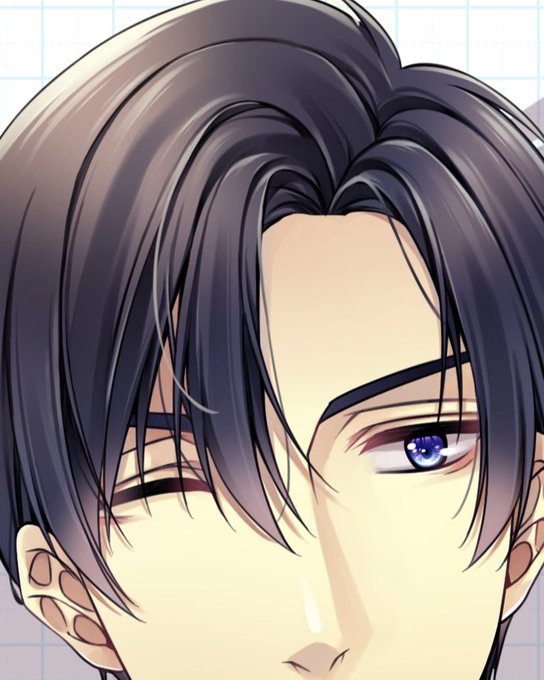
@artistsbase urutan mulai dari paling bawah:
- base
- multiply (prefer pilih warna yg warna ungu yg aga gelap), disini saya pake dua warna buat shadingnya
- multiply lagi buat bikin soft shading
- overlay (turunin opacity, use skin color)
- screen buat highlight

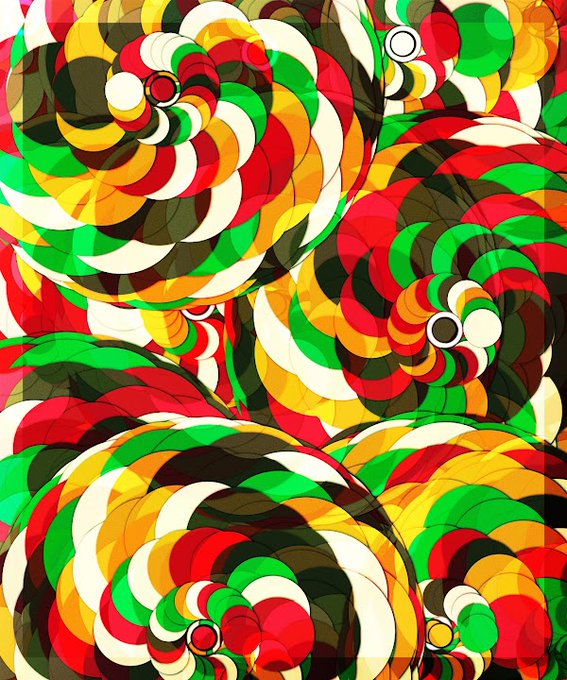


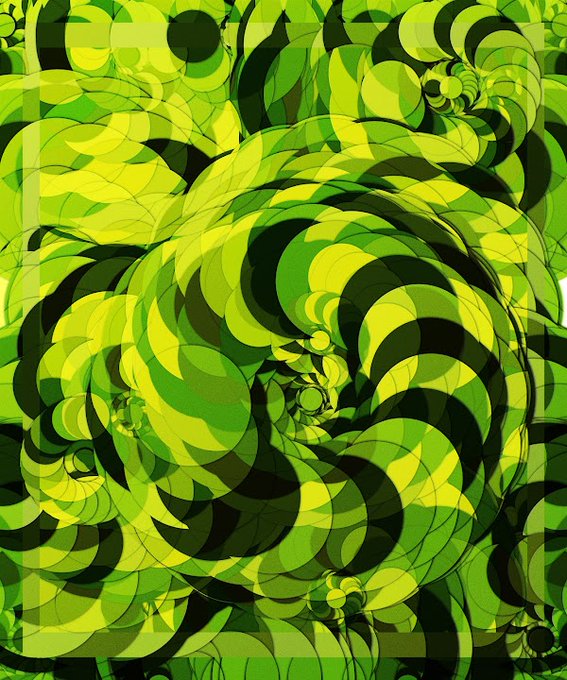
'stacked' is one of the most interesting trait on Cycloid, you can find it under 'Extra' cycloid collection properties. Two designs glued together + opacity for transparency effect.
Cycloid available on @opensea
🔗https://t.co/MmCZM7RZJ5
#nftart #nfts #NFT
jpg thread 👇 1/3


Oops i logurt, fuckin with the opacity but yeah,,, babies
#logurt
#wolverine #nightcrawler #xmen

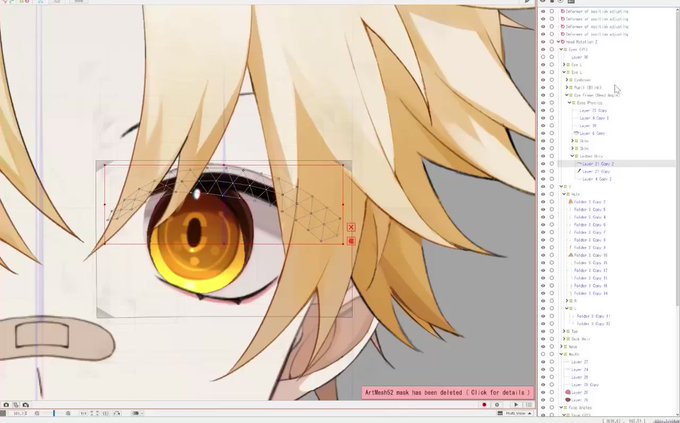


@reygunpocket I got this one that I did a bit ago. It was actually pretty easy, I just made a color-to-transparent gradient and turned down the opacity.


Jadi udah selesai, Nyes??? Tentu saja belum, ferguso! :"D
Ini optional, tapi biar ada kesan anime stylenya aku suka pake cara ini:
1. Merge down semua layer yg sudah kamu gambar dan copy layernya.
2. Blur layer tsb pake gaussian blur & ubah modenya ke soft light. Opacity 50%


@mysteryseong Don't know if this would help u, and I'm no expert, but usually I color pick the skin and slightly change the hue to a warmer tone, then choose a very saturated color from it, apply in a multiply layer and adjust the opacity. Is simple, but works!