opacityのTwitterイラスト検索結果。 1,328 件中 3ページ目


@croffeepot Hmmm, well a quick fix for the high contrast would be
a multiply layer set around 55-60% opacity with blue hues, but for the pose, I don't know 😭😭


Friend was watching me draw and said she’s infuriated by the way I select colours by using a really saturated and then lowering the opacity until I liked it and go back over with that colour 😞
Anyways have some enstars mama and koha cheebs


5/14 Next add an additive layer in between each mountain layer and with an airbrush at super low opacity fill in some fog in between each mountain in those layers. make it thin near the top and thicker near the bottom of the mountains. As well as thinner as you get closer.


@Roku_Sanj clone your drawing in another layer and lower the opacity of the drawing layer, go to filters, then go to lens blur and that's it


Learning to use procreate after using clip studio for so long seems so counter intuitive… why can’t I edit the brush so pressure only affects opacity


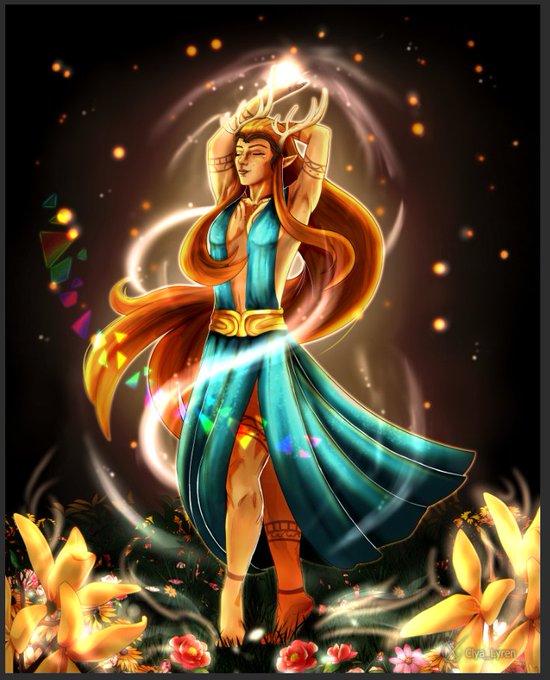
@TheWeirdBug One of my favorite things is to do rainbow effects:
- draw out your shapes (ignore the green line) in a distinct color
- lock the shapes layer and use the rainbow tool (might take some finesse to see what "feels" right)
- turn shapes into a glow dodge, reduce opacity, duplicate


@MuRo_CG いつもお疲れ様です!
すみません、質問なのですが💦先日新しいShoost(7.2)を使わせて戴くようになってから、これまでと同じ効果をいれて画像を書き出すと画像が少し透けるようになりました。
opacityかなと思ったのですが1でも0でも透けてしまいます。どの部分設定ミスってるでしょうか?


i made the armor white cos i'm printing him as a sticker, thus the bad mockup (his armor will be holographic, the outline white, and the flag at 50% holo opacity so you can still see the colors)


My render process is sort annoying but it works for me.
Each color lives on it's own layer. I lock opacity and render each color individually. I keep my shadows in line by mapping them on the sketch.

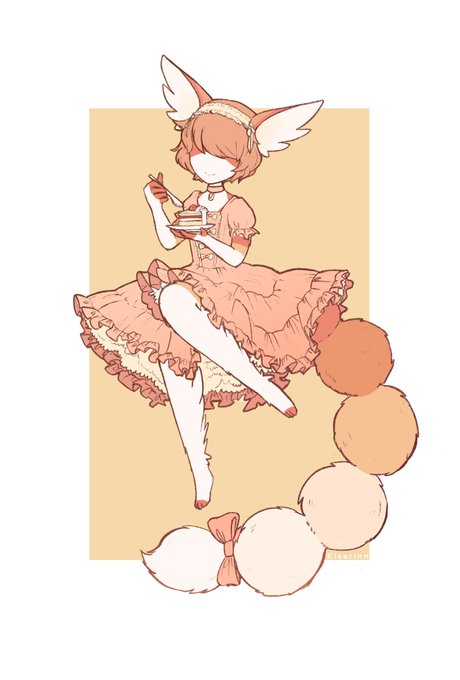
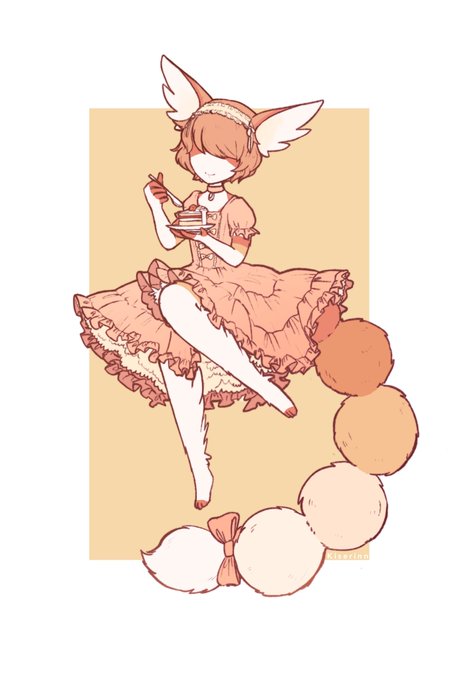
@ristiveto Ooks testannu et jos tekee kopion siitä linelayerista sen alkuperäisen alle + lisää siihen jonkun värin ja sit blurraa ministi / säätää opacityy? Laitoin tähän aika vahvan alle näytiks


2% charge left on my apple pencil produced the cutest most frantic kiriseal drawing ever
It died just as I changed the sig opacity 😅

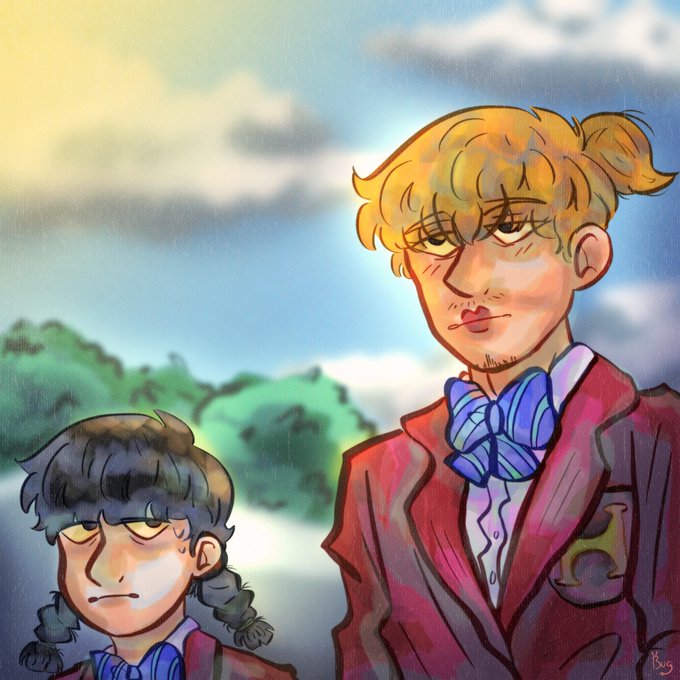

@PERIASTR0N Also I started making my layer opacity a little less dull so the colors should start being more vibrant in comparison to older work


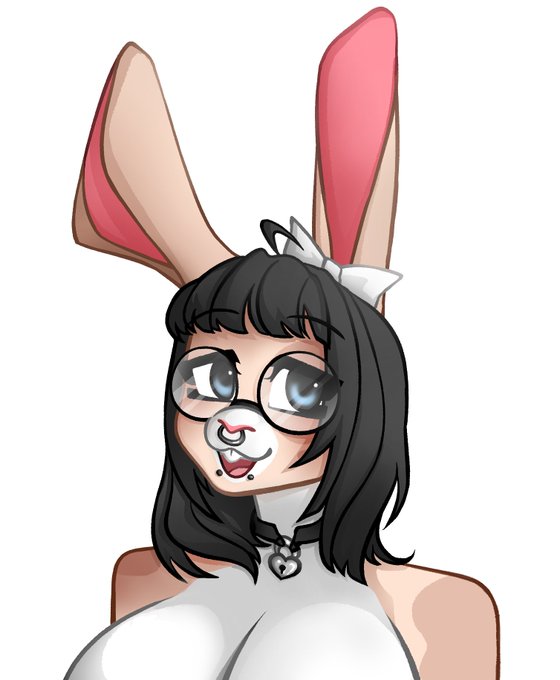

@momimiracle maybe lower opacity on the 2nd layer fuck around with the airbrush ereasing a bit, its very simple but i dont think u need more for a cartoonish artstyle


Tinggal di-reduce aja opacity-nya ges sesuai selera kalo mau keliatan ala2 watercolor👌🏻


Wanna ask incase these pops up in any of my moots tl, but since I kinda wanna make pc w these designs but its kinda to crowded for a pc, is there anyway to make stickers with half transparent n half full opacity? 🤔🤔 or maybe I should just go for it, urgh so many dillema


Portrait/lighting practice, all done with no lineart/undersketch, just a round opacity brush and smudge tool! A fun but challenging exercise <3 Please ignore the very unfinished eyes on these LOL


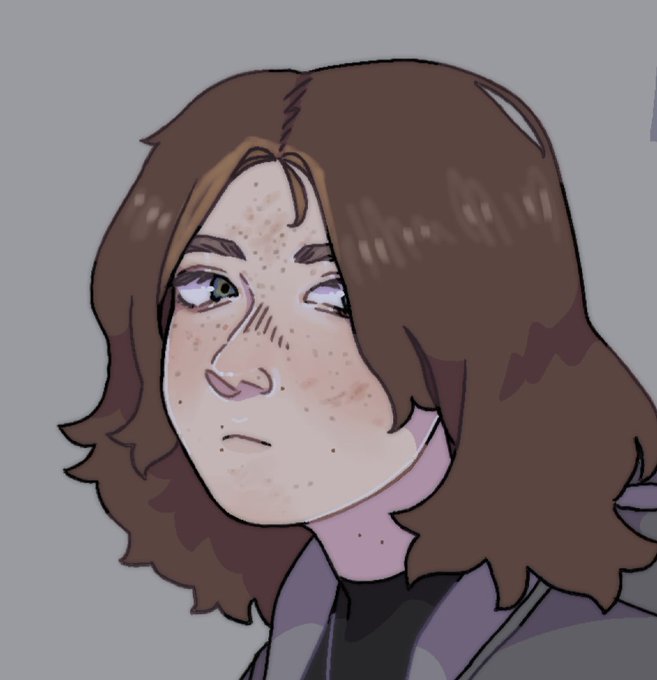
u want it to be real dark and moody (left)?? dark blue on multiply + lower opacity. u want it to maybe look a little overcast (right)?? light blueish-gray on hard light + lower opacity!!!!


จะว่ายังไงดี นุเน้นเติมแสงเรื่อยๆแล้วปรับopacityเอา😂😂 ตรงไหนยังว่างๆก็แต้มๆเข้าไปเลยย แต่ช่วงนี้นอกจากลงสีตาแล้วก็เริ่มลองแต่งขนตาเพิ่มดูด้วยล่ะ✨ https://t.co/hMqa8thB8f