InpaintのTwitterイラスト検索結果。 1,087 件中 21ページ目


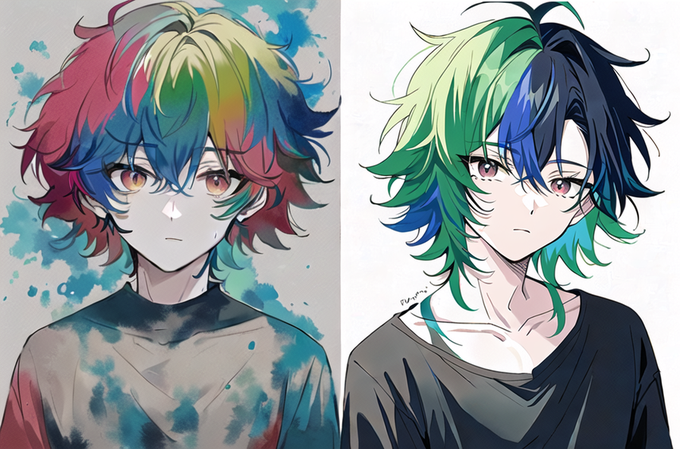


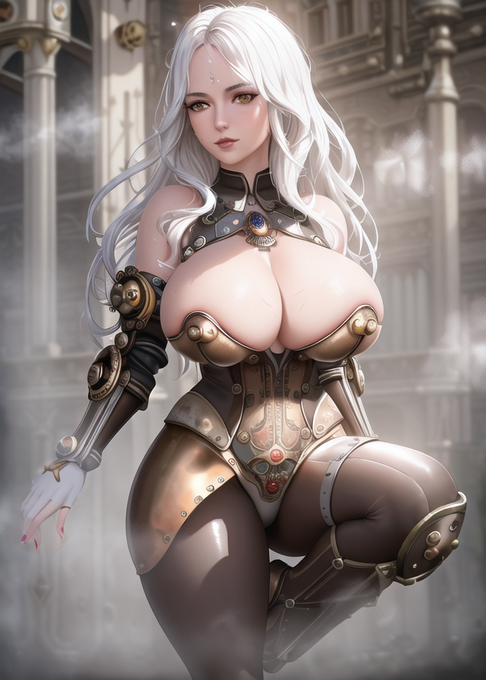

man my model hated steampunk but with inpainting we got it done !!
#SteamWaifuAIChallenge by AIDoge0613!!


Clearly SD did not understand that there had to be a person looking in the clouds. So I had to find a free image of someone sitting and add it quickly on PS to later take it to inpainting and have the same style as what I had been creating.
⬅️ ps edit / ➡️ after inpanting


I didn't like how flat the part of the bed looked. My goal was for the mountain to continue under the bed to give it more surrealism. So I took it to PS and quickly clone the texture to take it to inpainting.
➡️ And it worked. The texture of the mountain continues as bed sheets.


#NovelAIDiffusion #NovelAI #AIart #AIイラスト #stableDifusion
「連作:金魚と舞う」(タップ推奨、超横長なので・・)
金魚と舞うシリーズをSDのout/inpaintingで繋げたイラストです。
元の雰囲気を崩さず、金魚が自由にイラストを横断する補完をしました。
作ったものをつなげるのも楽しい!

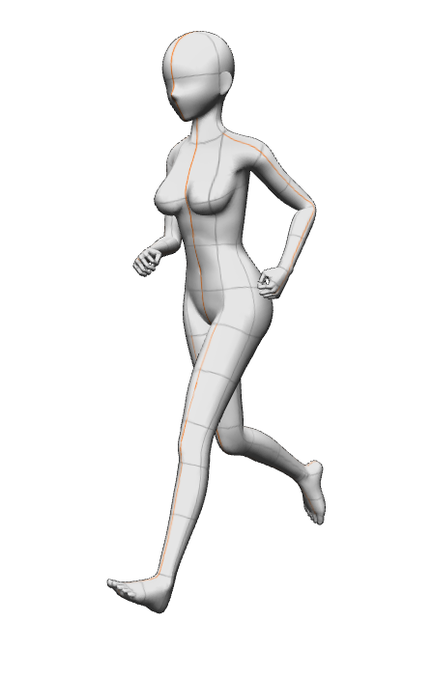
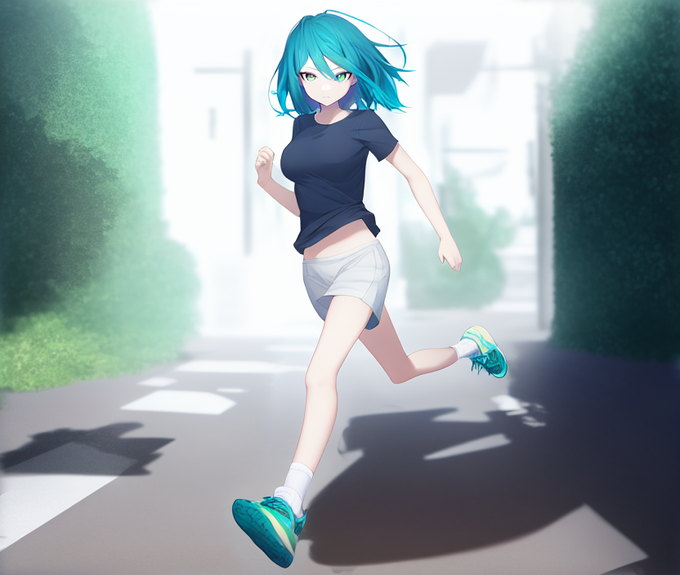




#stablediffusion #ACertainThing
作り方等はちちぷいに記載。
https://t.co/012eXrzKgr
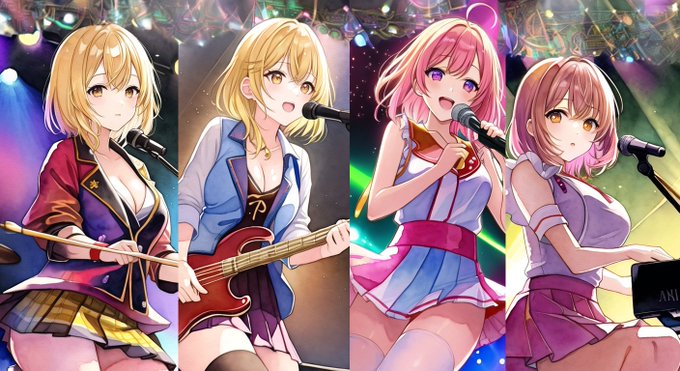
ガールズバンドのオンステージ画像を合成してみたりした!立体視すると結構楽しい!
①4枚の画像をClip studioで雑に合成
②天井部分をinpaintingで生成
③image2imageで仕上げ
④立体視画像 https://t.co/GxE65yVAbQ


Anythingv3 vs Waifu Diffusion VAE kl-f8-anime2 VAE.
The focus on colors and the inpainted faces are really different.


今日の取って出しAIカラス
ガチャに頼らずinpaint機能を使いこなそうの回
修正前→修正後
よしよし、なんだわかってんじゃねえかヾ(・ω・`)
#stablediffusion


超忙しいけど少しずつ…
#StableDiffusion 2.1のInPaintingで実装したOutPaintinigで左右にループする横長画像を生成。latent diffusionで超解像。
途中、切れているところもあるけど…

