GradientのTwitterイラスト検索結果。 202ページ目


@XSuperiX The pink-purple gradient looks fantastic on her, they shall flaunt it with elegance. (Heccin byoutiful work~)


@mainmxnn Fave Color Palette??
eye- *sweats* color go brrt?? but if you notice, there is a subtle gradient of wash in my base colors and I dig that


'you guys see the view? the beautiful view of Malaysia in 4K!' Also happy independence day to all Malaysian out there!
and i change my hair gradient to Malaysia color. Why?
because i can.
#merdeka63tahun
#Malaysia


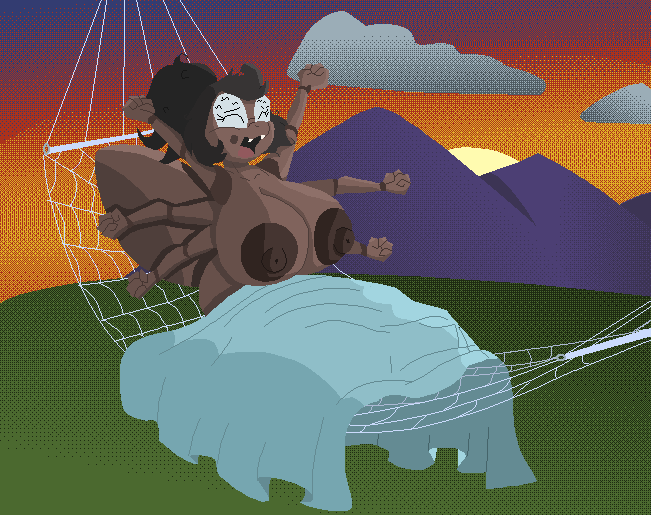
Colored a sketch for @GabrielKelly123 of his spider girl Bittie. Had a lot of fun with the gradients here


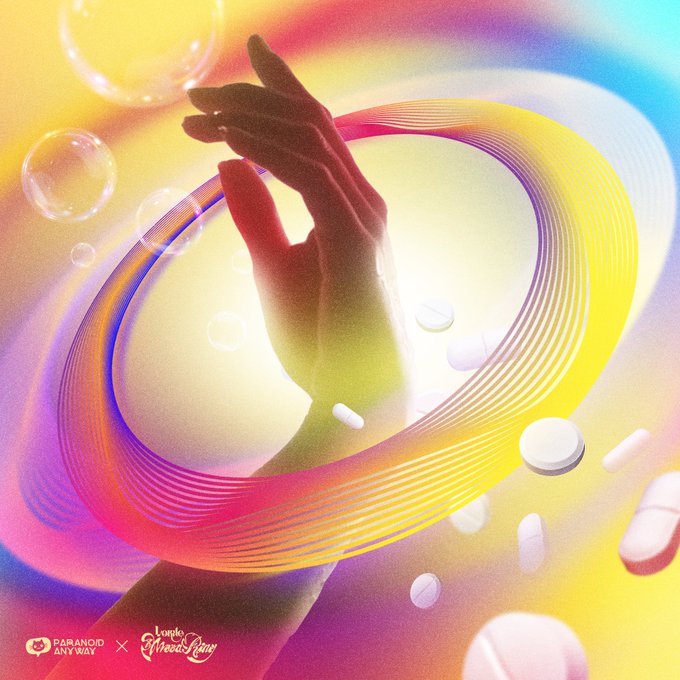


@KnownOrigin_io @OttisOts Heyy! I’m Vik! A 24 yo bi-cultural artist from the border of Slovakia and Hungary ✨ The central themes of my artwork focus on distilling feelings into simple shapes, gradients and intertwining threads of repeated, glowing lines 😊 (I also love to add motion and music)

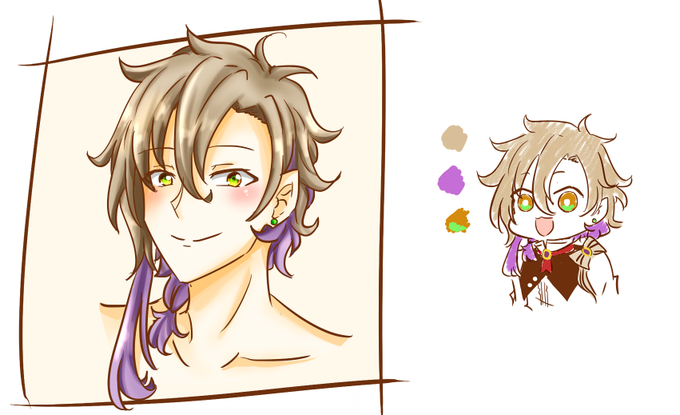
The last one I had was this fcker Kohi and ppl said "kimetsu no yaiba hair" like YES?? I strive for that no explanation hair gradient ?? printer ink in the womb ran out and now he's just two toned for life


Finally able to get rid of that dumb gradient shade in my icon
It's good now


Here is a Fjorm! Gradient hair is a pretty good design trait
#FireEmblem


just a tiny gradient map tutorial, specifically for @clipstudiopaint but you can create gradient maps in Photoshop too!



More Foons Listed!✍️
FOGGY FOON, YIN YANG FOON, and a new fun set of GRADIENT FOON #01, #02, #03, and #04
'Foon' is a Thai word for 'dust'.
FOON IS DUST
FOON IS EVERYWHERE🌫️🤍
https://t.co/rIUixYp8i8
#dust #foon #NFT #NFTs #collectibles #NFTTHAILAND #NFTartist #nftart


A dangerous woman and a cute pupper is always a good combination.
Two part commission of #Hunter from the indie game #EnterTheGungeon ! I am way too proud of this background considering it's just stripes and gradients
#Commission #Corgi #Videogame #crossbow #elfgirl

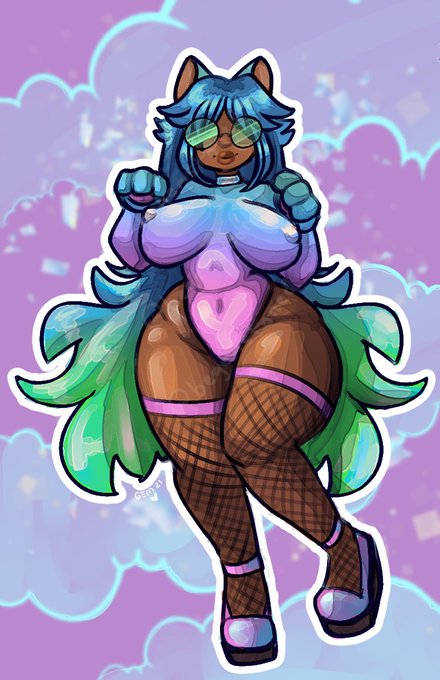

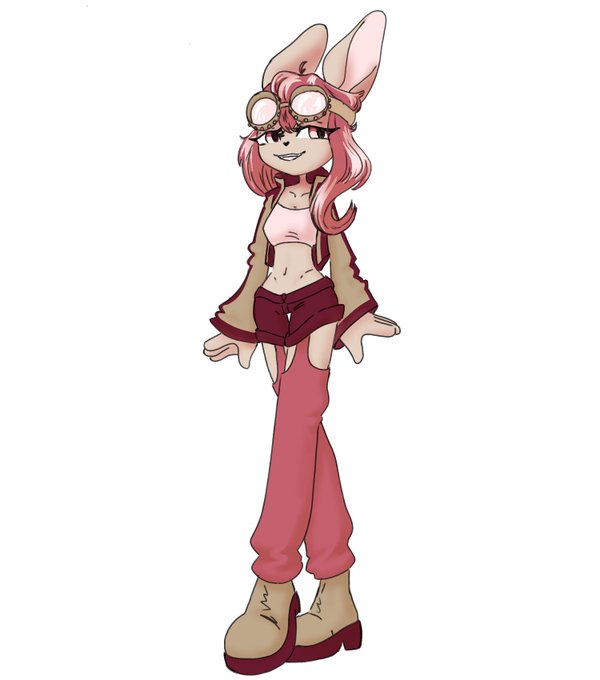
i tried using gradient maps here and some basic messy shading! i wanted to add something green to the outfit but..... i kind of don't like green.... https://t.co/FyKekflTG4

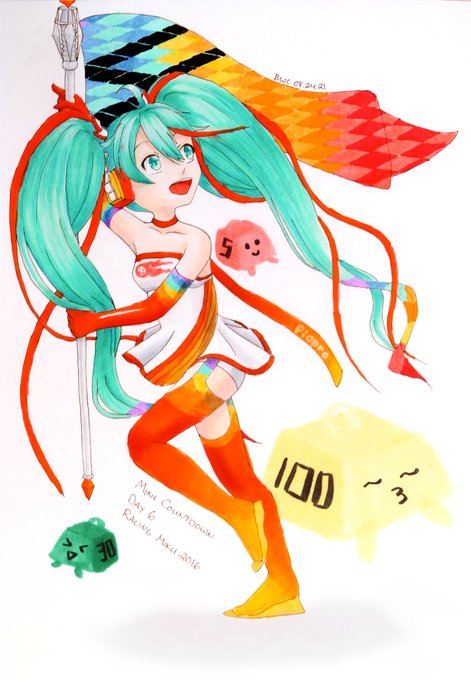
Day 9 of #countdownmiku ! Today's prompt was Racing Miku, so I drew my fave, 2016!
I regret picking this one! HAHAHAHAHA I was terrified of attempting the gradient on her boots but it worked out in the end.
Slowly I feel like I'm figuring out how to photograph my art...