model.のTwitterイラスト検索結果。 227ページ目


By this point I'd added separate meshes to build the skirt, eyelashes, etc.
The colors here are just materials with Base Color set. Assign them to the appropriate areas. Makes the model "feel" more complete but also visually separates areas of the model. Nice for UVing later.


Finally done lining and coloring her outfit. She is complete... now to do it two more times 😩 I’m going to just copy it for the second model.


Minecraft Tylosaurus model. Tylosaurus is a type of mosasaur(a family of marine lizards, not dinosaurs), it could grow up to 13 meters. This is part of an addon called MOSACRAFT, which will be released shortly, for free. #Minecraft #tylosaurus #addon #mcpe


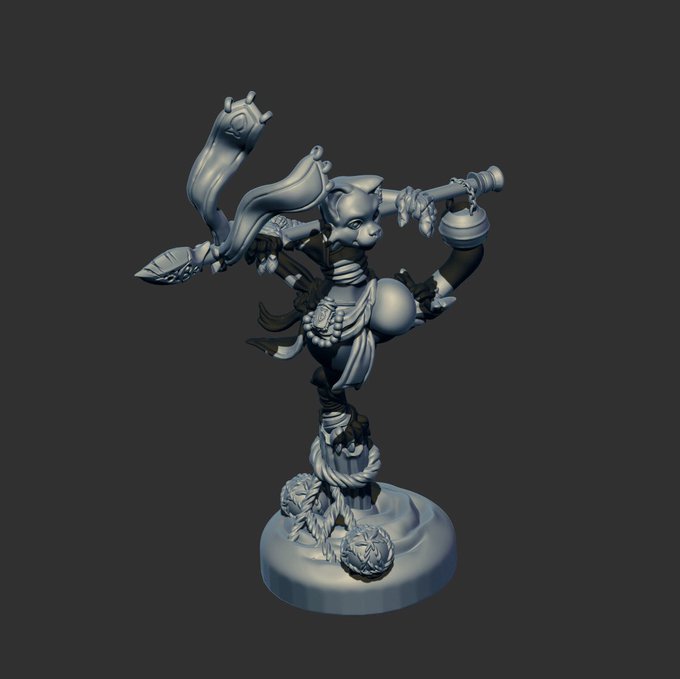


My newest 3d model... need to run the test print but eeeeee😊💕 #3DModel #zbrush #3dprinting


Day 10 of #OC_tober ! Meet Tula's parents: Daichi, a kind florist, and Ava, a beautiful model. #originalcharacter #OC #mhaoc #bnhaoc #digitalart #family


I thought this looked fun to join, lol #samecharacter
The first style is the one I've used the longest, but I abandoned it before Radiopride, which was drawn to be on-model. Last two is my current style choice :3
#sameartist #HazbinHotel #HazbinHotelFanart #HazbinHotelAlastor


@SilentTandem I wish I could draw her, but the most I can do is add improvements and costumes to her Koikatsu model... Like SO!

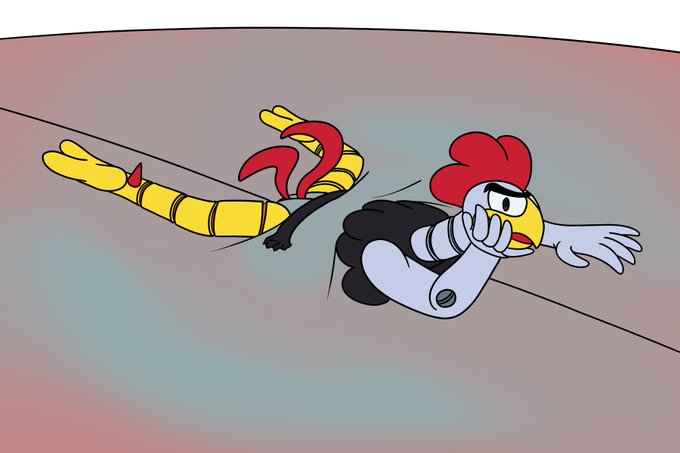
I haven't posted in a bit, so have something I drew to tease someone. Just something simple, Scratch stuffing himself up to please some onlookers. It was a fun little idea and I think I was pretty on-model. I would have put some bulges in his gut, but this was meant to be quick.


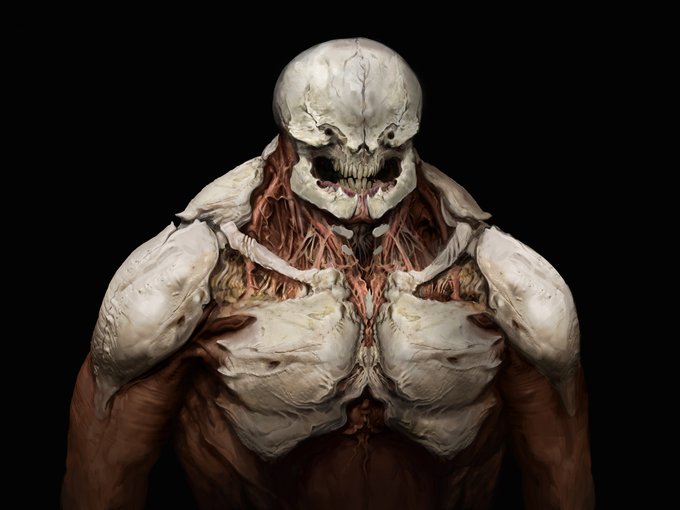
Doom inspired piece. An overpaint of a friend's character model. I didn't want to drift away from his initial design to much :) I'll post the base in the comments.


Day 6 With Asmo: At first she didn’t trust Asmo that much. After some time, she began to enjoy his company, fashion advice and beauty rituals. He paints her nails from time to time. He was really supportive of her work as a model.
#obeymemctober #obeyme #obeymeasmodeus


was practicing twitch emote sizes. I cant use them myself yet but figured if I ever offer them for commission it'd be good to have a simple style down lol
Here's Hal. He's very pleased with himself for being the first test model.

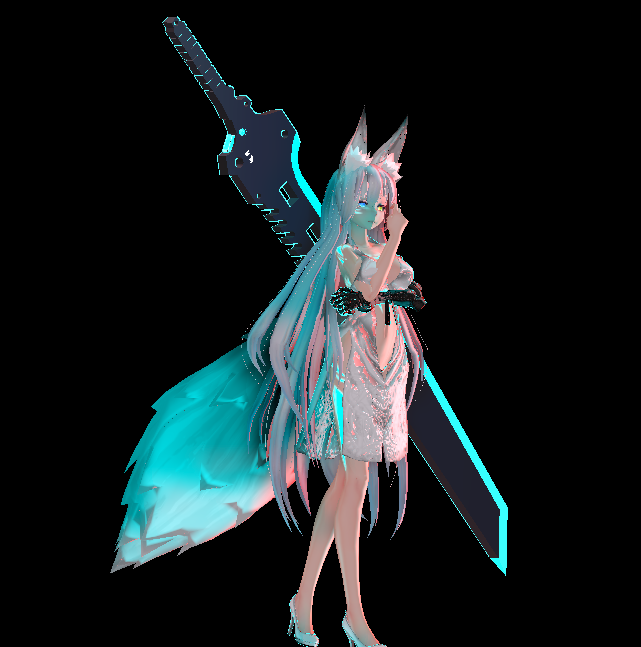
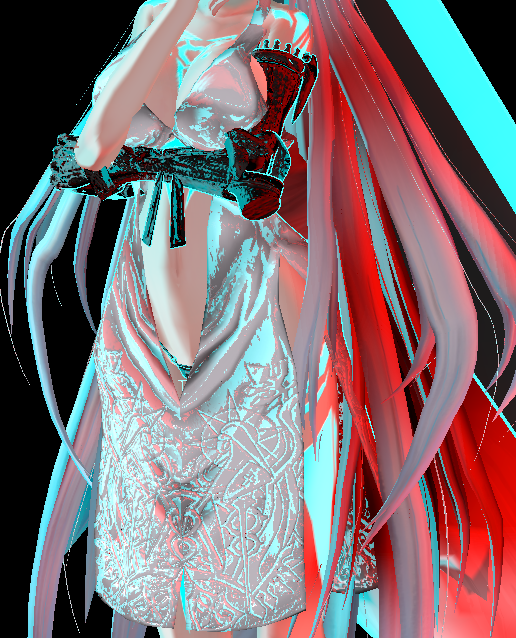
It's one of those rare moments when I suddenly update my #VRChat model.


should i try..... mapping the sculpt onto the model....
the retopo really did the original face dirty


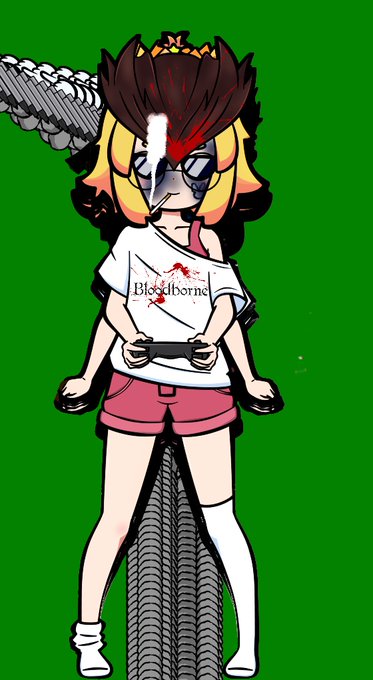
My face tracking setup has a lot of buttons to control all the stuff I can do with my model. Some stuff hasn't been updated in a while. I tried slamming all the buttons like crazy to see what'd happen

