opacityのTwitterイラスト検索結果。 1,333 件中 24ページ目

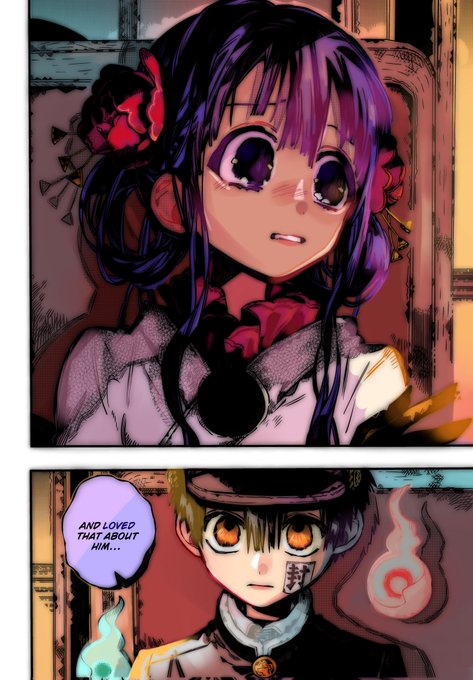

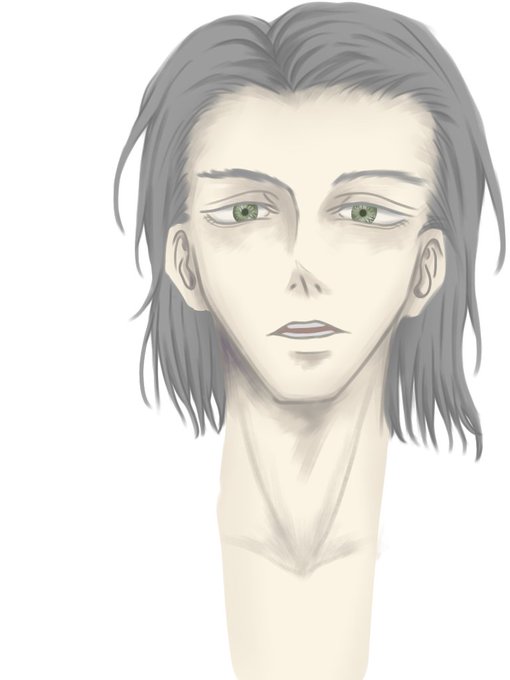
here’s some alts :) first one is where i turn the opacity way up on the lineart blurring and the second one i turned it off so we’re just left with the original lines with no colored ones

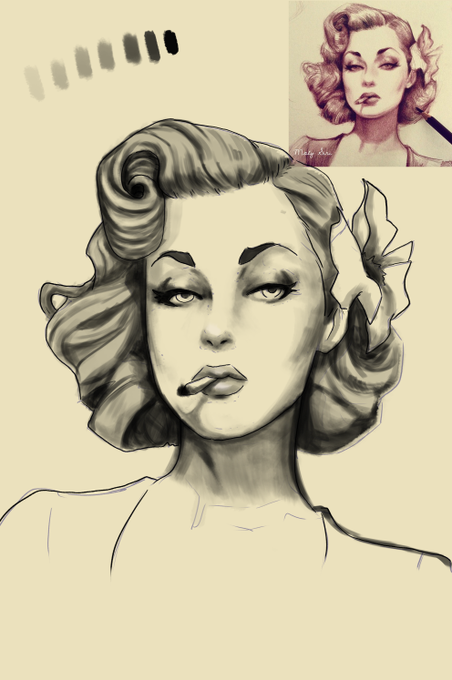
i tried emulating greywash with different opacity and didnt use the eraser as a way to practice tattoing what do you guys think ?


DEMI APA AKU SENENG BANGET NEMU FILE ANIMASI JAMAN S1 BEHAHAHSIJFBSADLJKFSDAJKLFSD JELE BANGET BARU SADAR ADA BAGIAN YG 1 LAYER LUPA DIBALIKIN OPACITY NYA ALIAS MULUT TEMBOSH KE IDUNK


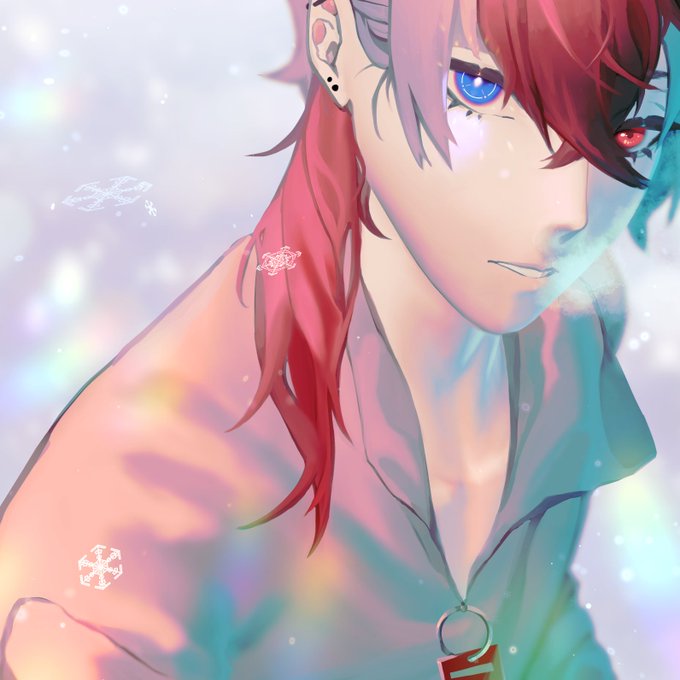
This wasn't meant to be a winter thing but it works so i added snow
Final effects:
Prism shine on blue eye
Breathy smoke on mouth & nose (w/ cloud brush)
blurry lights background
Snowflakes
Low-opacity prism rainbow around the lower half
bc we can never have enough prism effects


Time-lapse วาดจริง4ชั่วโมง50
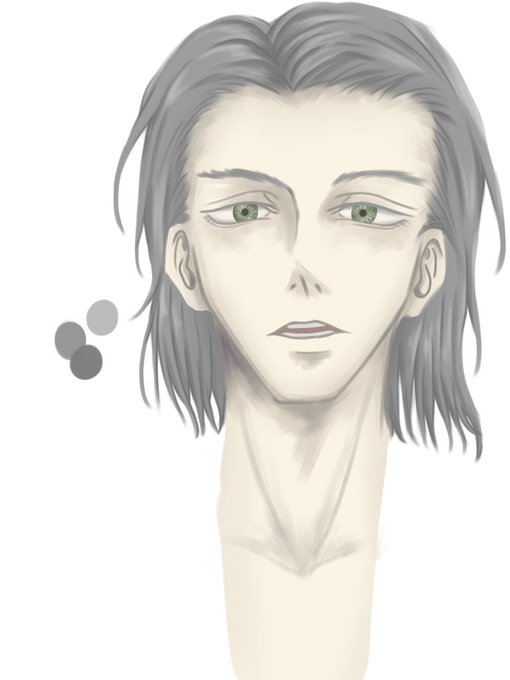
ไอ้ก้อนๆสีที่อยู่ตรงซ้ายบนมันไม่ใช่การไกด์สีนะคะ คือเราลงสีใช้บรัชที่opacityไม่ถึง100%เราเลยป้ายน้องไว้ข้างๆเวลาจะใช้สีเดิมก็ดูดมาใช้สะดวก


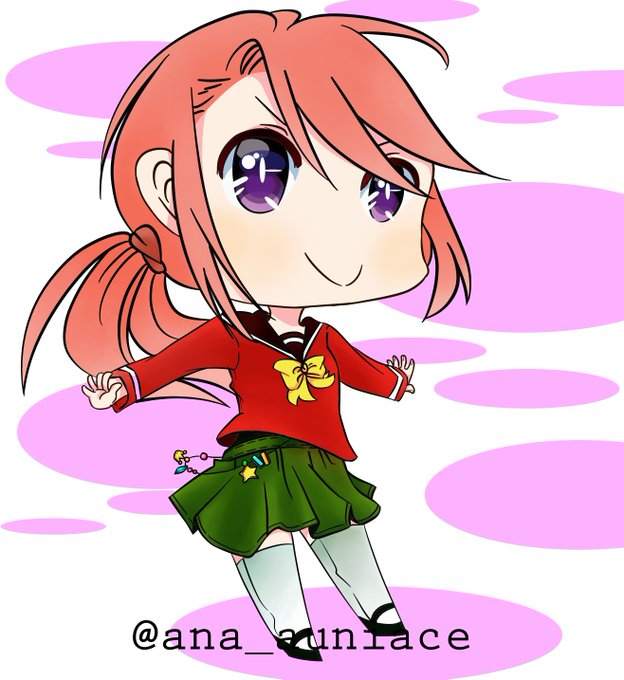
After that I keep drawing non stop. The first two pic was when I was at the staged that I don't even know what is clipping mask for, what's multiply mode, overlay and stuff. I don't even know opacity😂After that, I watch videos about my drawing software & how to draw digitally

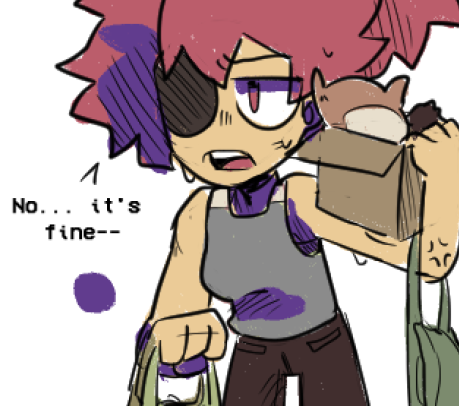
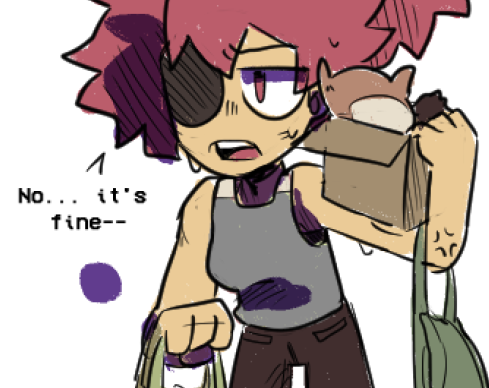
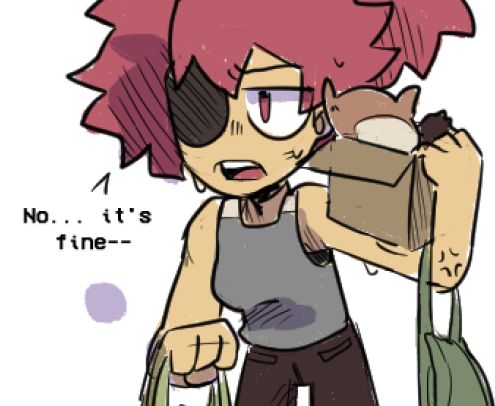
@pinkclawzz you can pick a color for the shadow (like purple, red, blue, idk whatever it fits the mood of your drawing) and just use it as a shadow on a separate layer
a quick example i did on the drawing i was just working on lol
shadow > multiply > lower opacity

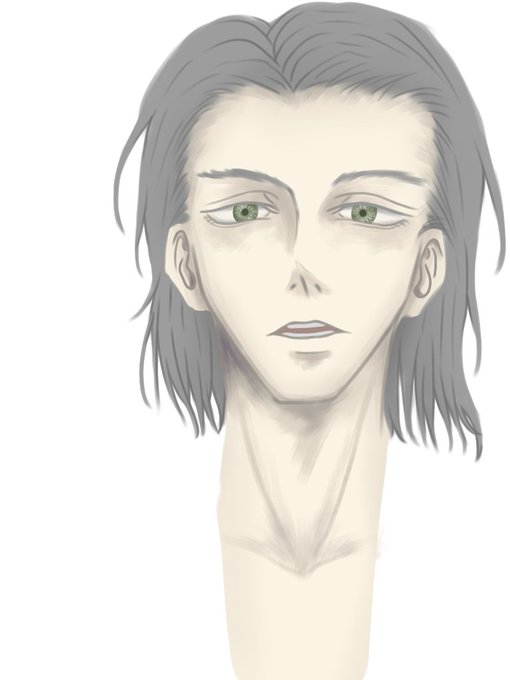
@artistsbase Aku simpel banget sih..
Cuman gini aja xD
Utk highlight. Opacity nya dikurangin.


Tae's remodel reposted, again heavily inspired by @Proxicute and with an extra without the wings because I can never tell what kind of opacity is too much/not enough.
Watermark'd because I'm trying to be better about this kind of thing.


RIP, I forgot to crank up the opacity for the background. Aieeee.


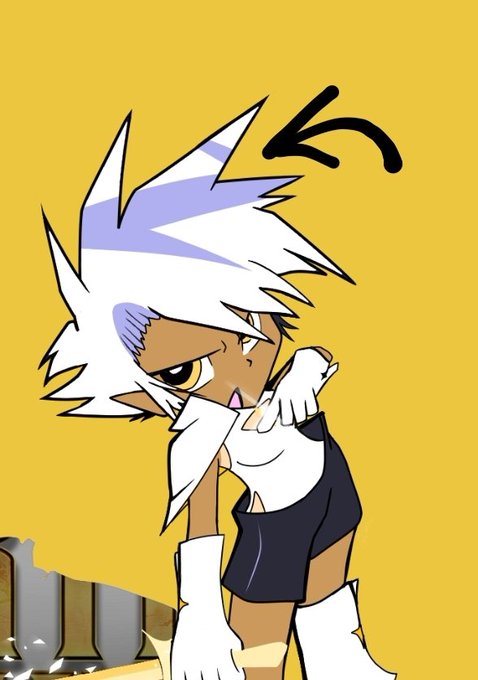
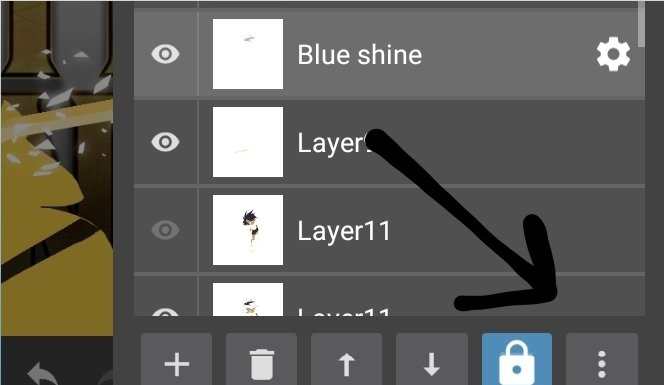
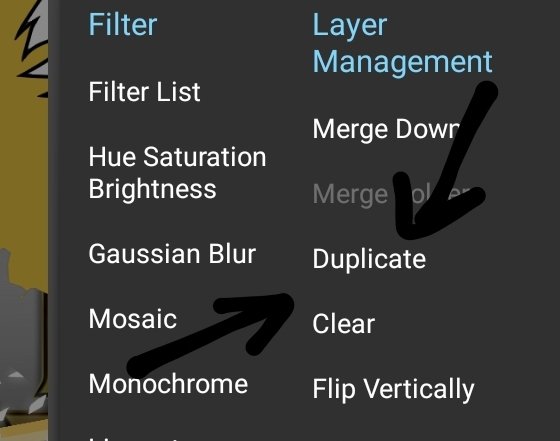

@Maruto4thez @rose_meris Duplicate what layer you want to make glowy, lower the opacity on the Duplicate layer, (lowering and highering opacity can vary the glowy output, so play around with it)

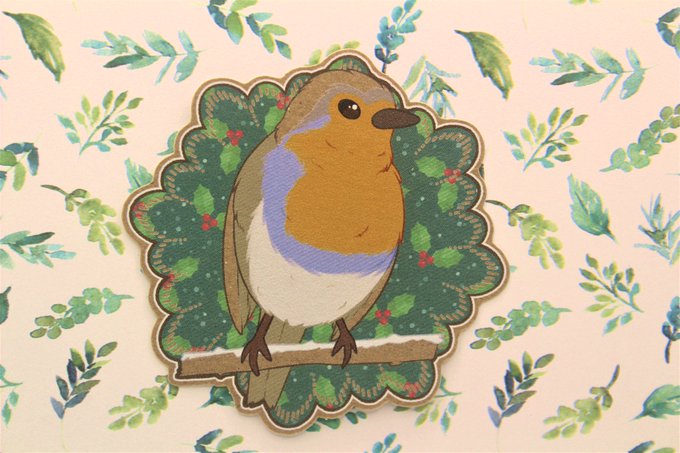
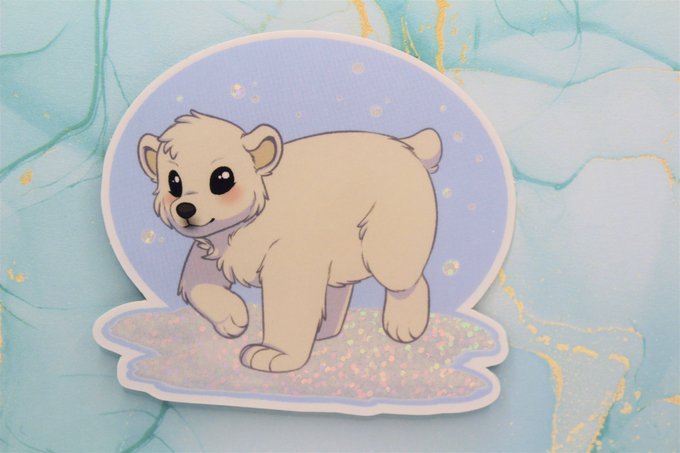

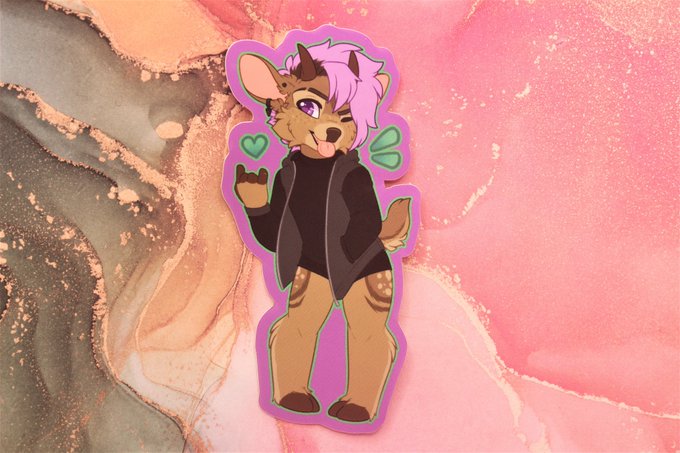
For the top two tiers you get:
Robin: 7cm x 7cm, brown craft paper
Polar Bear: 8cm x 7.3cm, glossy vinyl sticker, with a 30% opacity white glitter effect on the snow!
Bonus top tier sticker club get the furry character sticker of the month!
Leon: 5.8cm x 10cm, glossy vinyl


4. I add bluish and darker colors on the base color when I shade so shade where you where you think shadows would form on the hair? use alpha lock get an airbrush pen and shade in there too (lower the layer’s opacity to whatever seems fit, I use 70-80%)

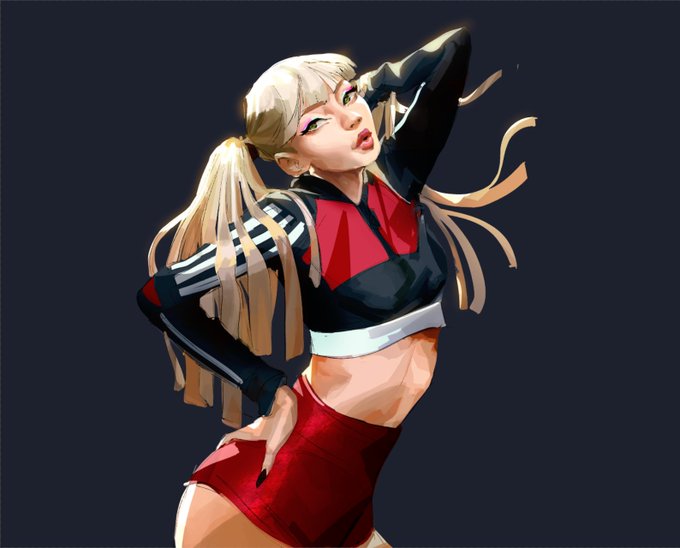
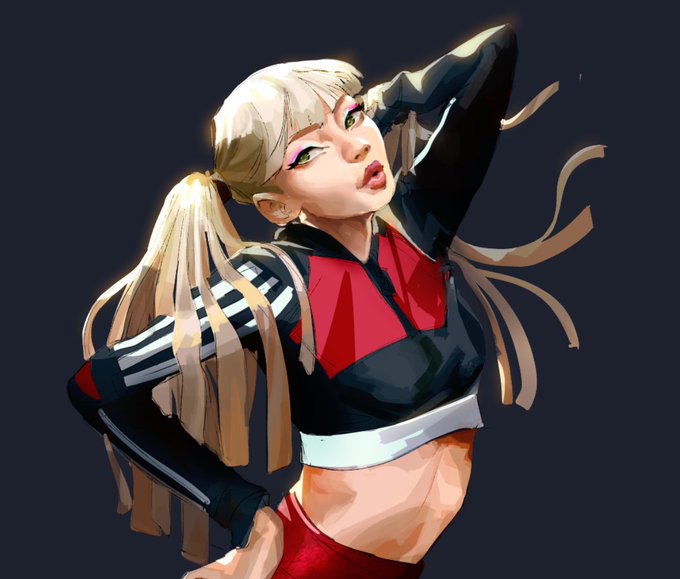
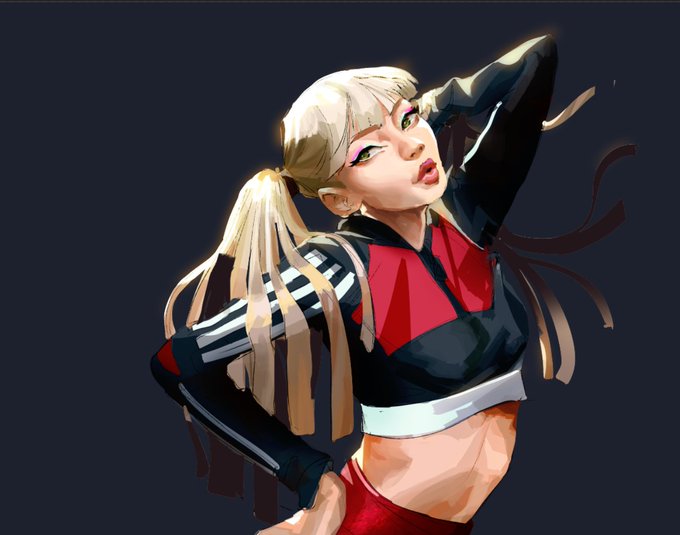
Neat trick #2 - I wanted her hair to feel like it had more depth so I took the background color, painted it on some strands and lowered the opacity

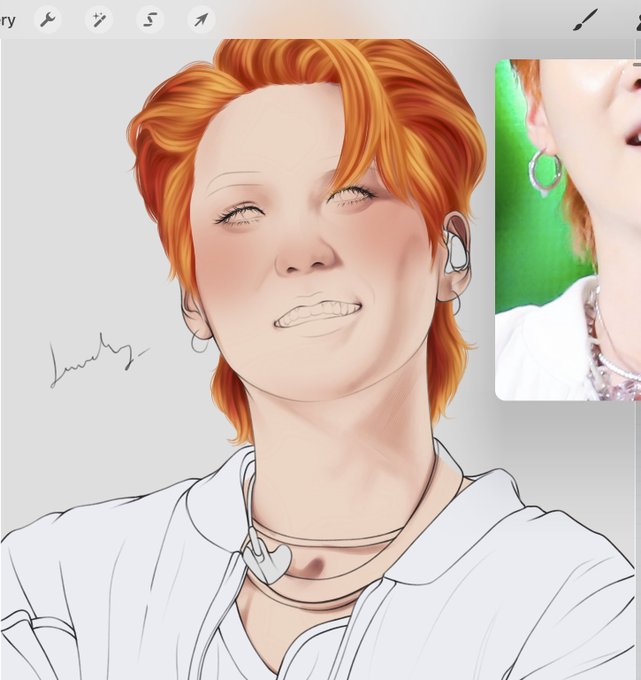
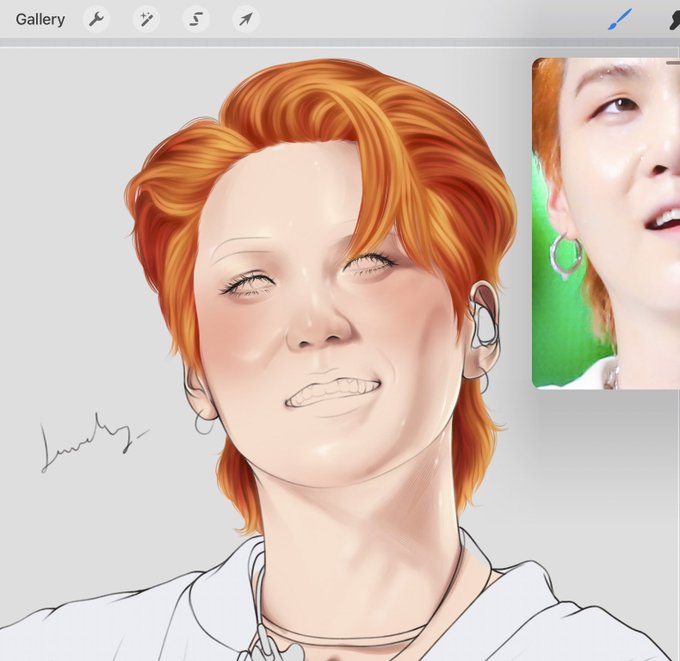
on another multiply layer, i pick a bright coral color n paint in the blush then blur it and lower the opacity a lot (like 30% ish). then i add in the highlights using a rlly light yellow color on a normal layer.