UpscaleのTwitterイラスト検索結果。 26ページ目


#midjourney のv4 alpha 、4枚→1枚のupscaleがまだ不完全で、5回やったら5回細部の二ュアンスが変わるので、いい絵に詰めようと思ったら、ポケモンの個体値厳選みたいな作業になるのよ。


Still fighting the stream of pale waifus, two smoulders at a time this time.
#midjourneyV4, upscaled with #Codeformer #AIArt

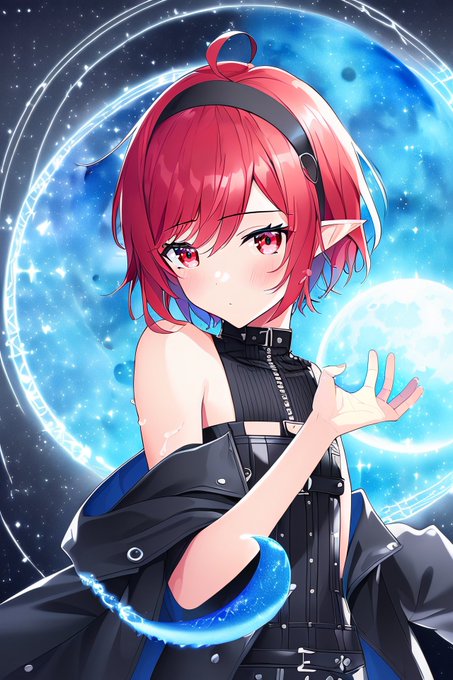


WD1.3+dreambooth
t2i->upscale
#StableDiffusion
#WaifuDiffusion
#Dreambooth

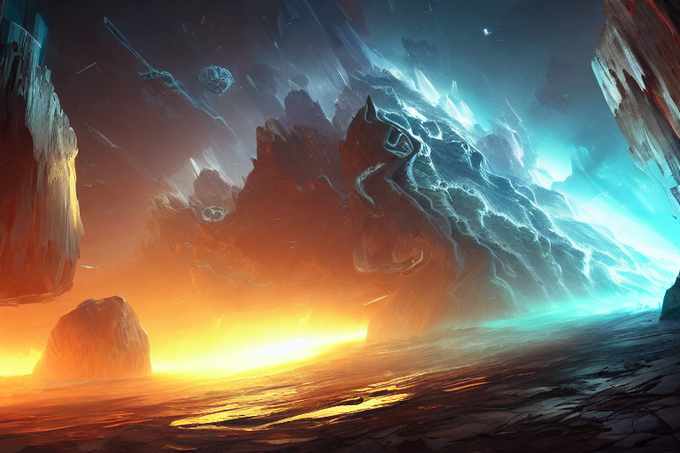
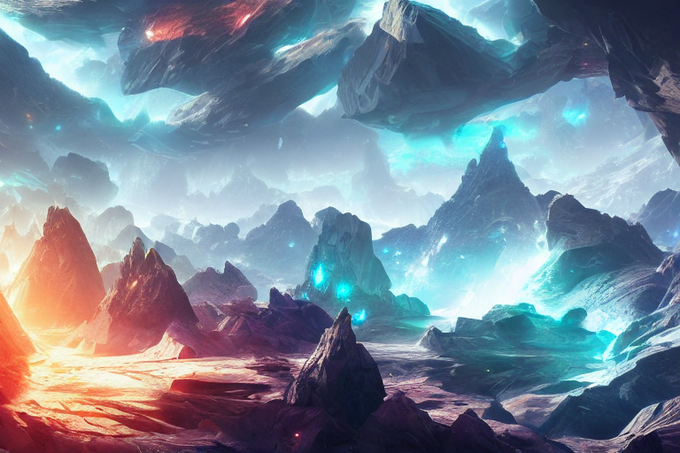
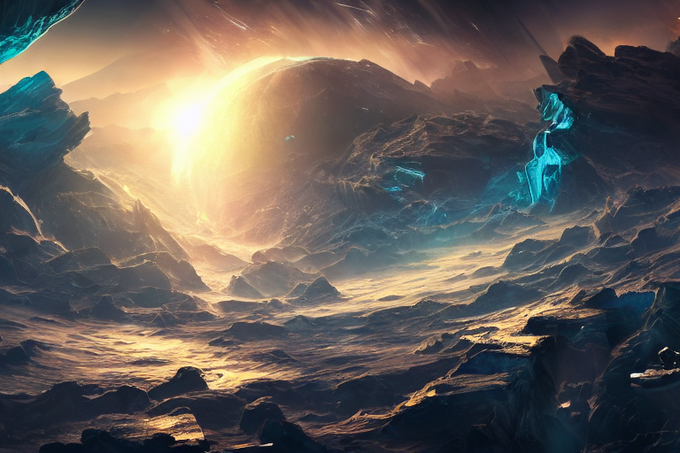
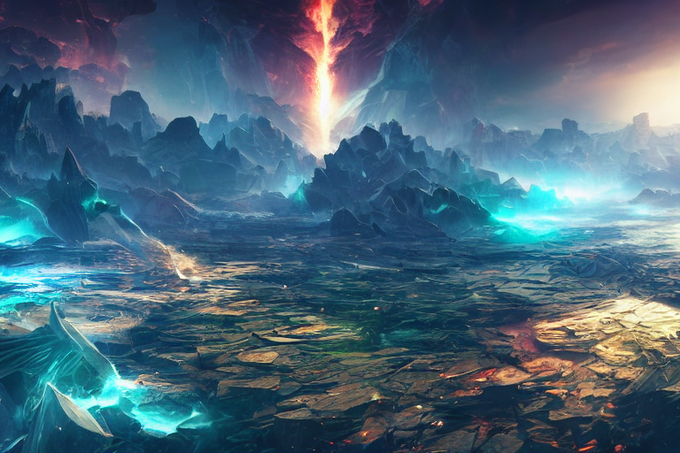
@get_starryai Shattered worlds. The prompt core is producing amazing imagery; so much so that I'm photo printing a bunch of upscales. ^^
https://t.co/8gNtXWx6tU

Still fighting the stream of pale waifus, one smoulder at a time
#midjourneyV4, upscaled with #Codeformer #AIArtwork

WD1.3+dreambooth
t2i->upscale
#StableDiffusion
#WaifuDiffusion
#Dreambooth


The beautiful artwork of #Hagane: The Final Conflict used on the #SuperFamicom version, and also on the #SuperNintendo NA/PAL versions albeit trimmed down. It's a fantastic piece of gaming art! Upscaled, cleaned, logo removed and retouched.


Discovered this old painting from 2016 on my Tumblr, and realised I lost the original photoshop file after successive hard drive failures. So I decided to upscale and paintover! It is Resurrected!

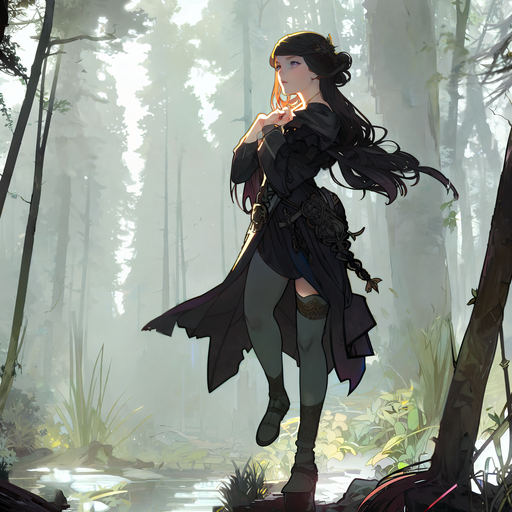
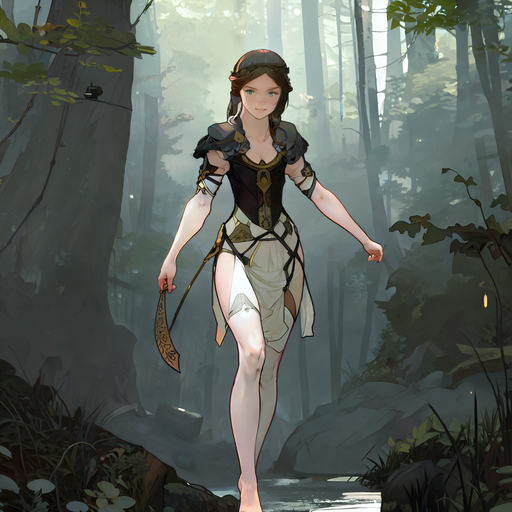
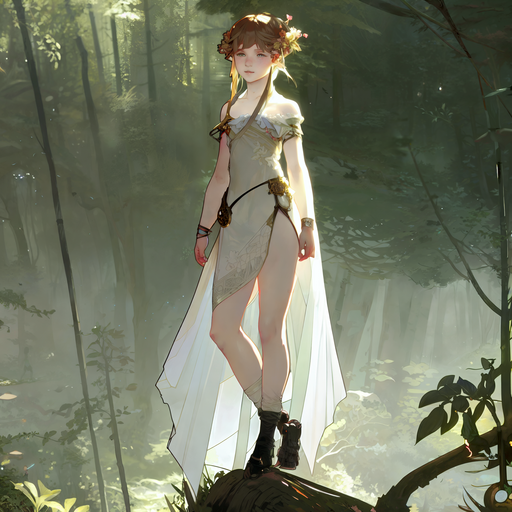
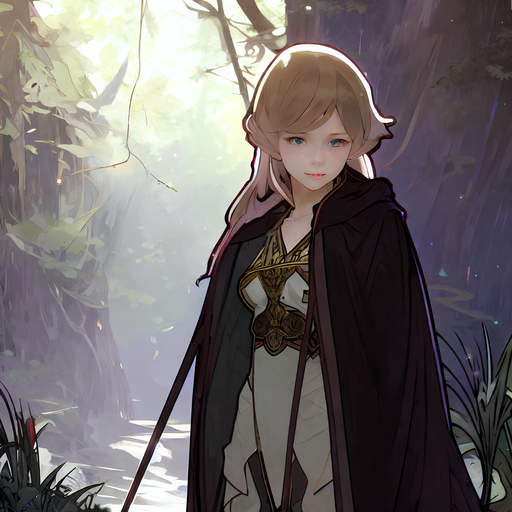

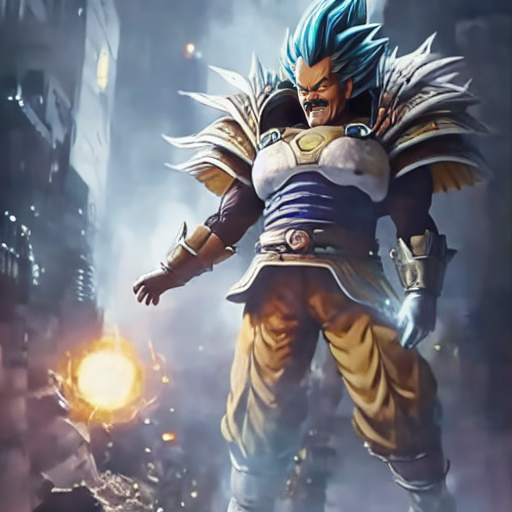

@Droktulft Sure.
It's a model that I trained mainly from screenshots taken in the famous upscaled video that everyone knows.
I will probably make a V2 with more various images of him later.
I hope you enjoy as i enjoy making funny diffusions with him.

WD1.3+dreambooth
t2i->upscale
#StableDiffusion
#WaifuDiffusion
#Dreambooth

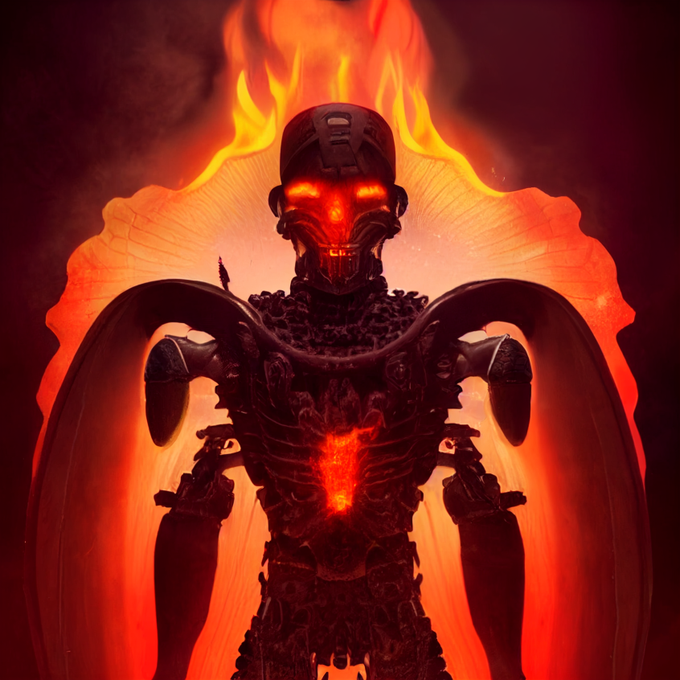

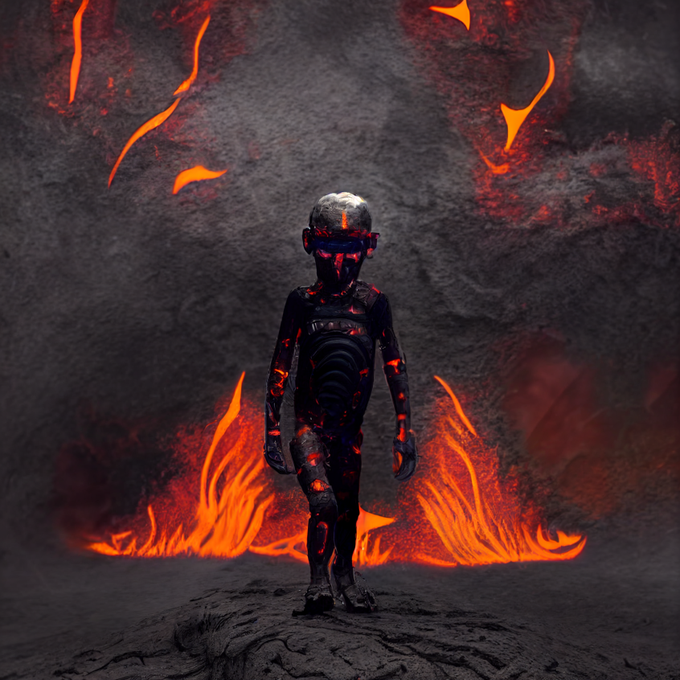
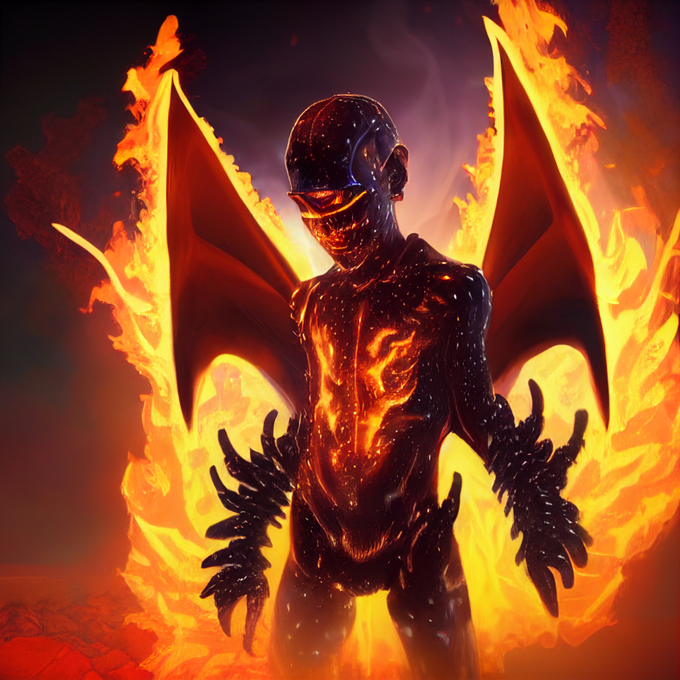

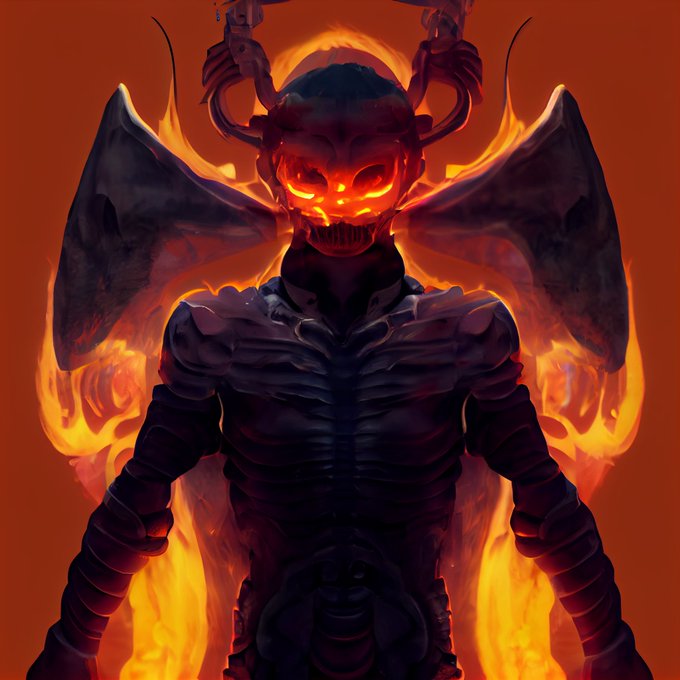

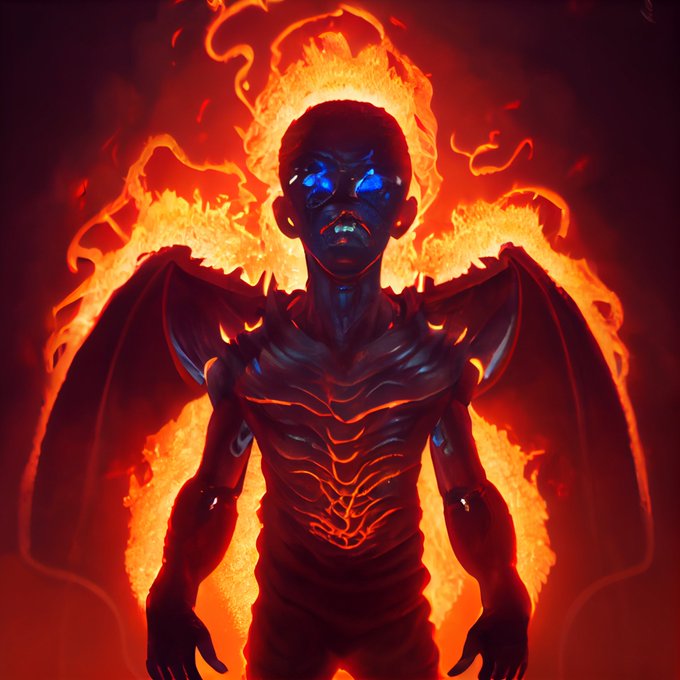
And to take it a step further, I did the same prompt + some variations in #AIart
v2 to img2img
v3 to Remaster
SD to img2img
v4 to Beta Upscale to Remaster


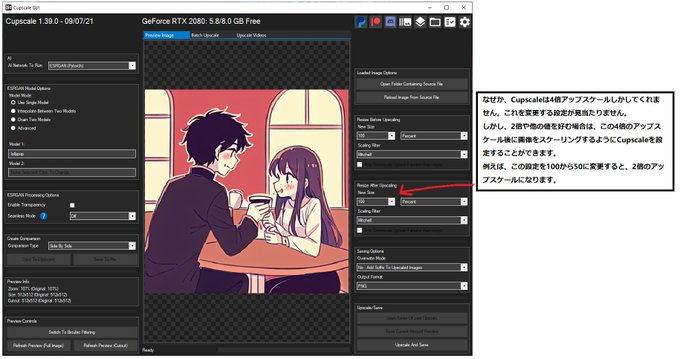
準備万端!
あとはCupscaleの真ん中に画像をドロップして、右下の「Upscale and Save」をクリックすればOKです。お使いのパソコンによっては、5秒から60秒かかる場合があります。
新しいファイルは元のファイルと同じ場所に保存されます。

