opacityのTwitterイラスト検索結果。 1,333 件中 26ページ目




Tw// lil bit of blood
repost because the watermark opacity was annoying me
commission for @dark_574!
fennix got in a uh uh uhm uh uh uhuh uh
fight :((((


Spoiling a few things from my collection...
(traditional sketch+low opacity flat colours)
#wip

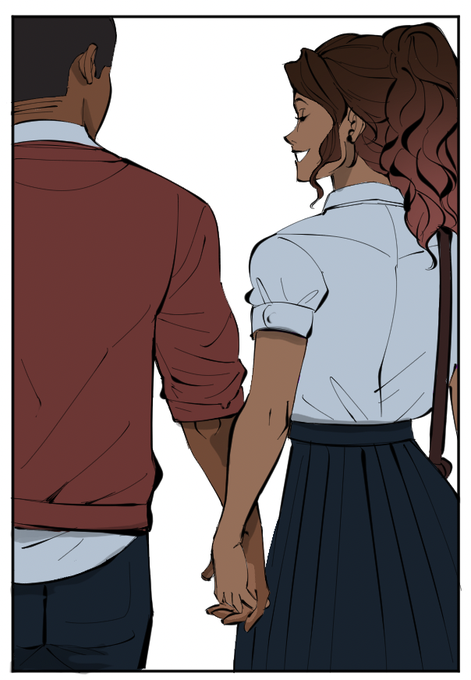
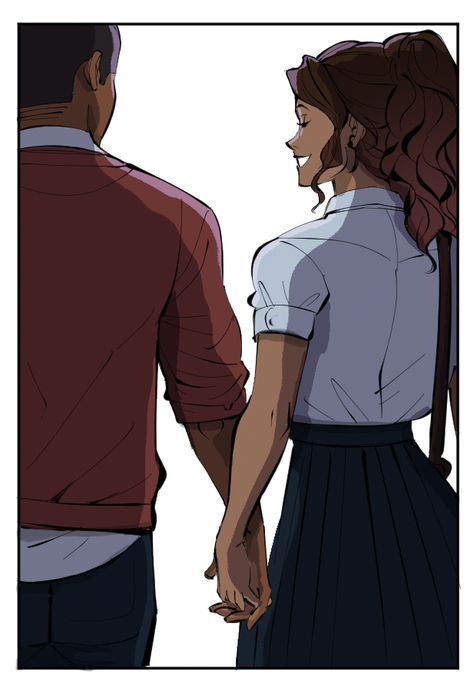

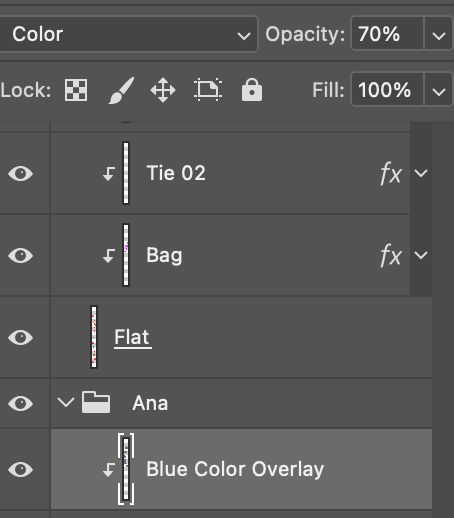
HOW I did this was after flatting/rendering I put a Blue/Grey Color Overlay set to the ‘Color’ layer style in Photohshop at 70% opacity. (3/6)


Minted 2 Hash Three Points , but the second one seems to have an opacity filter 😅 ... Does it look rare @tensafefrogs ?


Open collab with @AioleS
Just want everyone to know to love your friends especially if tomorrow's not promised. My friend Caity lost to Covid...
I loved doing this piece but it really messed me up as soon as I turned down Chip's opacity.
Anyways, love often.

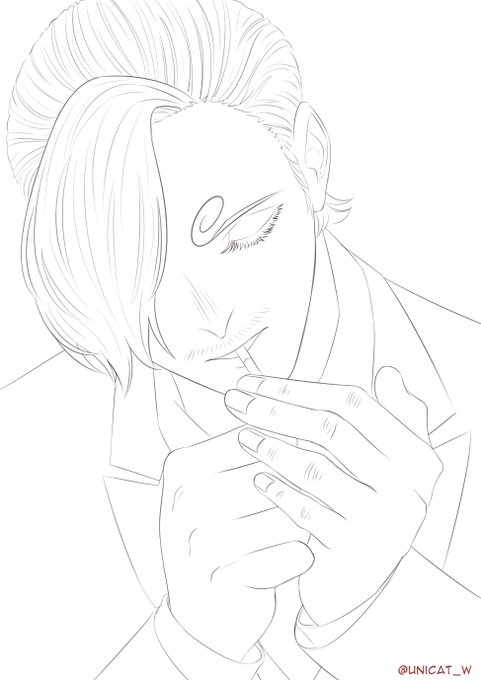

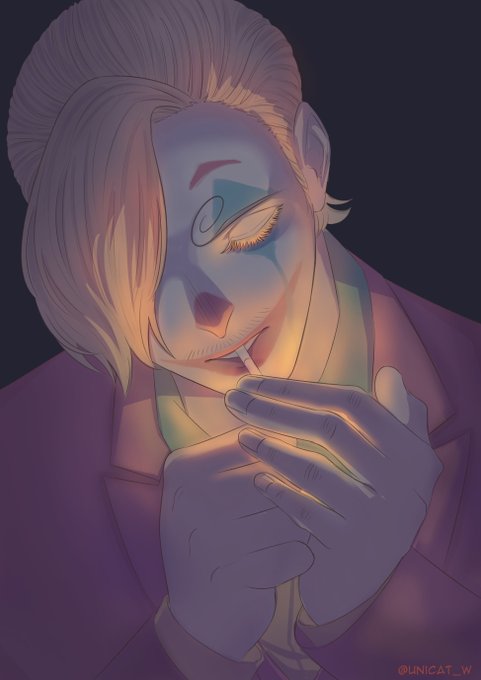





imagine having infinite brush types and sizes...that's the world of #generativeart
👇#WIP for a dynamic brush profile. rigger<fan<mop. softness controlled by number of overlays and opacity.

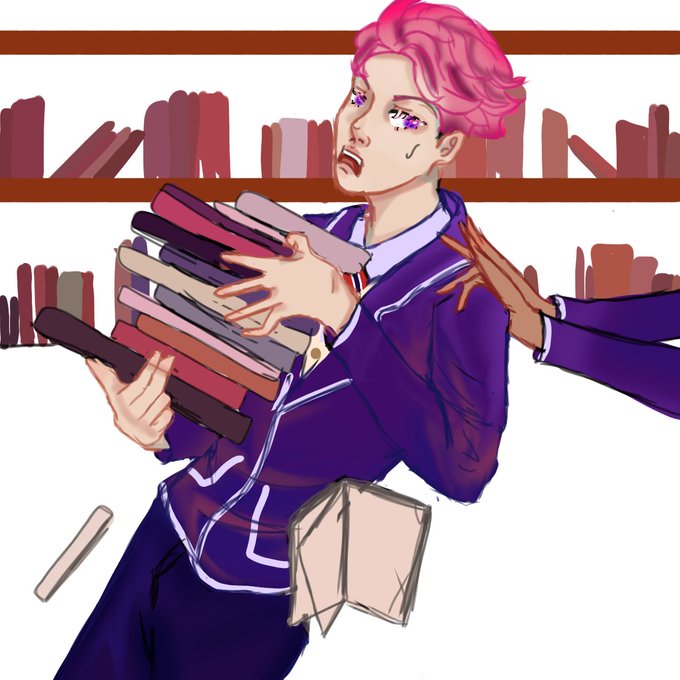

@Cludi_a_ I sketch and then color the base over it. I use your typical round brush to color, but it has a lowered opacity so that I can color pick colors that are layered on top of each other. I also use the watercolor brush and airbrush to create shadows and depth.

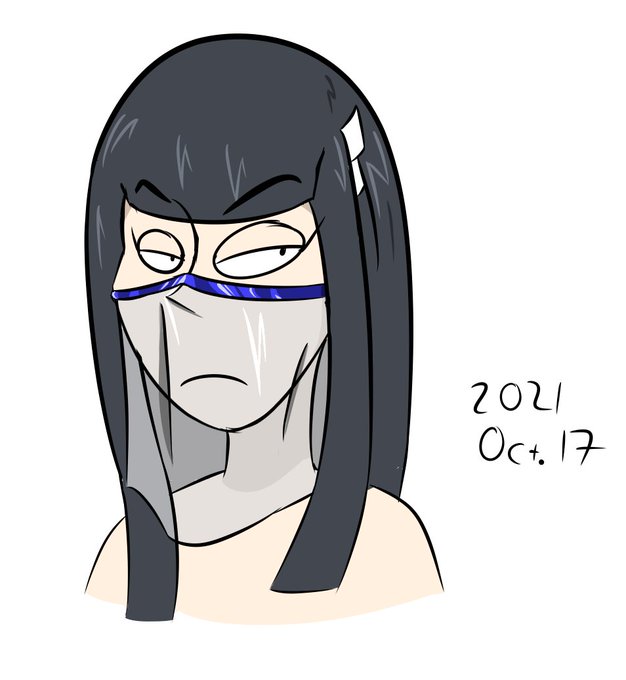
transparent clothing test
featuring kiryuuin satsuki with a face veil
my method from this session:
>base veil color and shading is transparent
>lighting is at 100% opacity, may make this trans as well
#killlakill


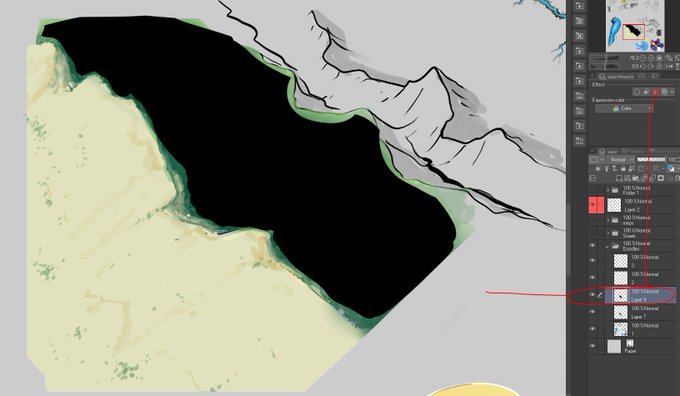


Figured out I could use the Tone effect(Noise) to get kind of thick forest texture(gotta blur it a little to avoid pixelation and lower the opacity as well).I worked off of it as a base but it'd probably be better suited to adding after I get down the major shapes.


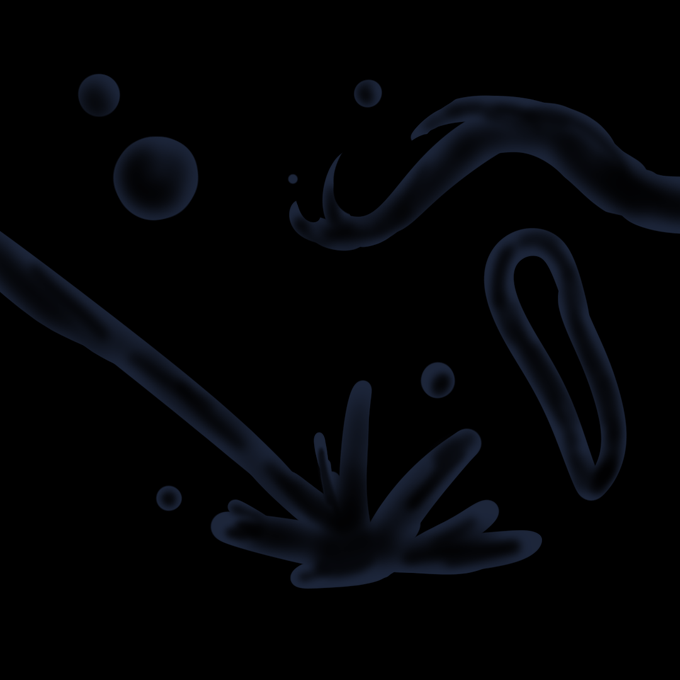

@KittahtheWolf95 hi kittah! im no expert, but this is how i understand water: it's mostly light and shadow. bc of that, i feel like it stands out in dark backgrounds more.
1. start with a base: i use light blue at 30% opacity to make the shape
2. hollow it out with a soft eraser
3. add highlights


Art! Cara setting pressure opacity di ibis paint biar bisa gini gimana ya? Ini di autodesk sketchbook btw :(
Makasih sebelumnya~


Oct 25, 2014. By: Y.O.L.O_Yoshi
[7 Yeahs!] [1 reply] (US)
https://t.co/cUkRqeTPff
"The paint opacity is sort of a pain to deal with. This is what I made."


The cracks help sell that there's glass there despite the lack of opacity, right?


Lower opacity on the lineart and higher opacity on the shadows,
Better


@KirbyEarthbound Interesting! I also use it. I don't have much to say about lineart as it already looks good enough.
However, when you are about to shade the coloring you can use the clipping tool, set on multiply and low the opacity. This video explains better https://t.co/F8AJnFuFbm


@GlitchDetective first I color the lineart with a slightly darker but very saturated color, and I use that color to shade too but I put the shading layer on 73% opacity and also erase the sides where it touches the lineart!


Another redux piece lmao. Except I turned down the opacity on the shading layers so it's not so damn dark like the original was
#FeralFiends