ctrlのTwitterイラスト検索結果。 29ページ目

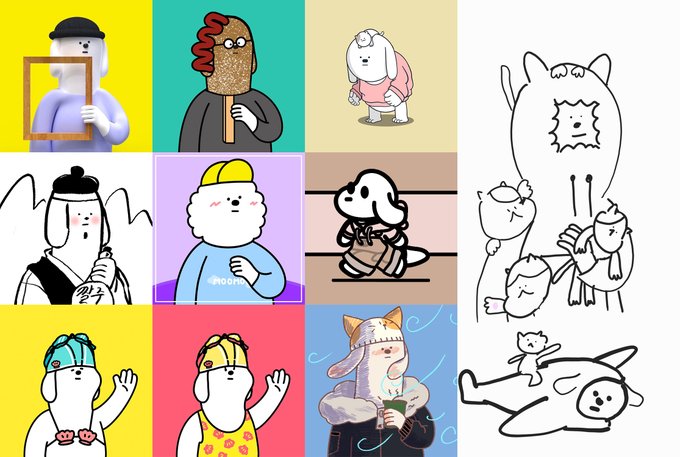
🐶🌭어쩌다보니 왓도그챌린지🌭🐶
였던... ㅋㅋ
받았던 팬아트들을 모아봤어요! 😘🤟
정말 최고최고최최고👍
다음 주제는 "도깨비👹" 인데
갑자기 왼쪽 새끼손가락에 통증이 생겨서
ctrl을 누르기 힘들어졌어요 ㅠ
조금 천천히 갈게요!
왓도그와 친구가 되고싶다면 👇🐶👇
https://t.co/ZyhNaPr1WN


More cool Variations popping nicely of my latest @fx_hash_ 'No Ctrl Z' series.
Love these abstract creations.
Get yourself a treat, I minted 77, 10 are already gone. 3 $XTZ each.
https://t.co/PDHNKlvp4k
#NFTCommmunity #abstractart #generativeart #fxhash #tezos #digitalart #art

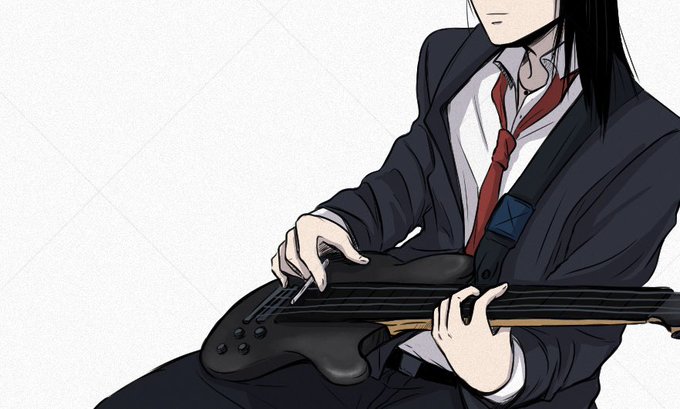


Ctrl+T
Peut importe la langue j'arrive toujours à comprendre qu'Asano est un mec qui essais de faire passer ses kinks chelou pour de l'art.


@ume3fmp https://t.co/y0YmDUGVrr
まじですか!ありがとうございます。
↑にd88ファイル置いときました。
一応、BASIC+マシン語なので立ち上がる直前にCTRL+Cで止めることできます。
画像にあるファイルが抽出できるとありがたいですm(_ _)m


my pc crashed and i lost the other painting i was doing. I have no words to express my sadness at this moment.
(i forgot, GOD KNOWS WHY, to ctrl+s)
#art #illustration #character #design #digitalpainting #commissions #artistsontwitter


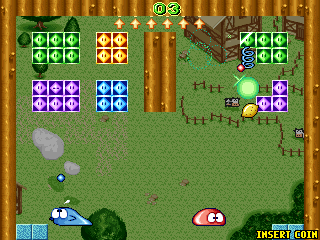


Bestri (In-browser, Arcade, F2 System, 1998) https://t.co/hMuf1jbyMz
Korean arcade game. Also includes Gomoku and an arcade-ified version of Go.
Controls: 5, 1, arrows, Ctrl and maybe Alt.


Pros of being a traditional artist
+ Really a relaxing process, very interesting to blend markers/paints/color pencils, hand stretch
Cons of being a traditional artist
- No CTRL Z during lining and coloring

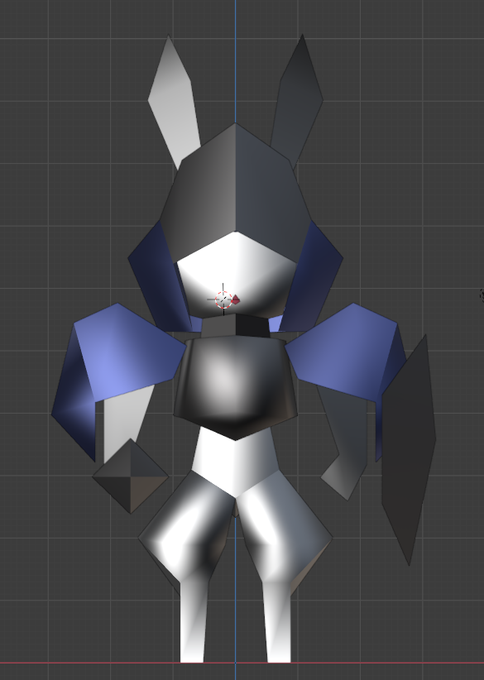

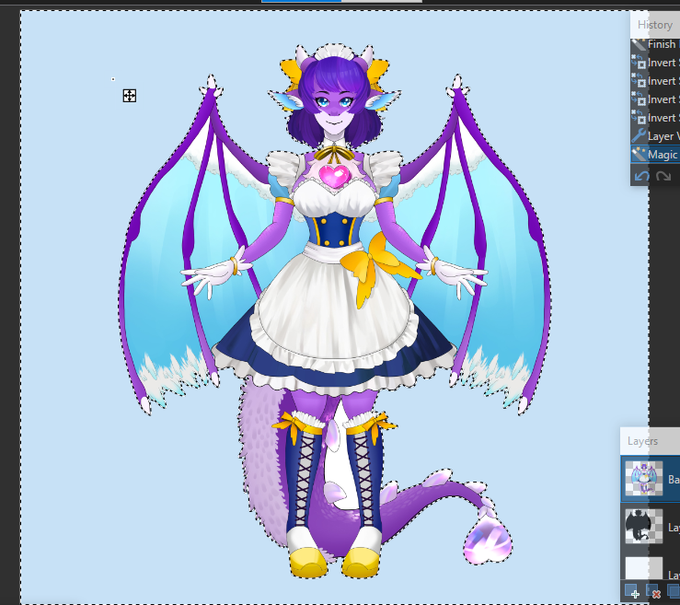
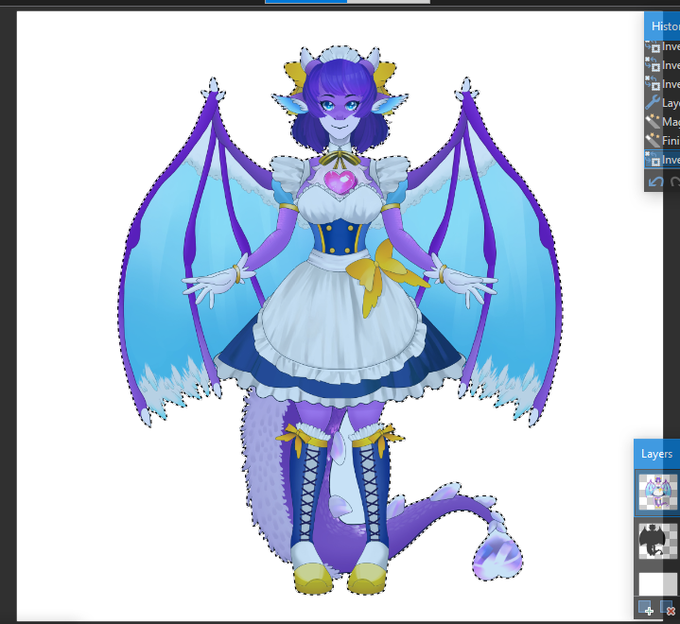

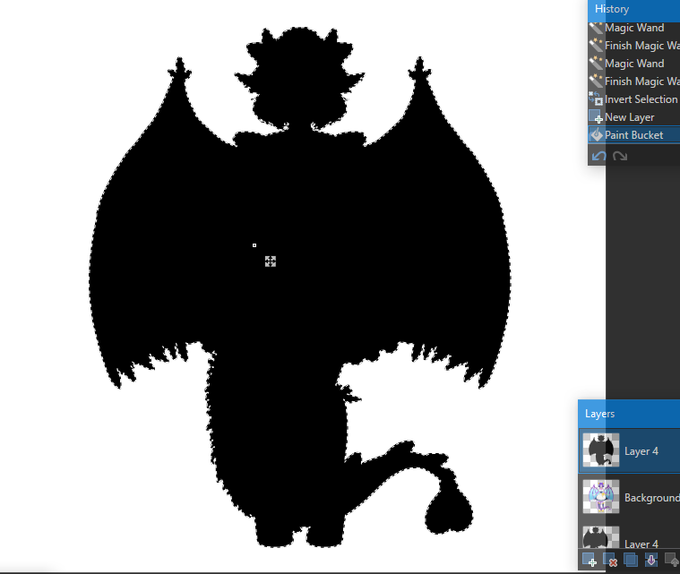
@inabamitsu SO imagine your model if on a plain white background, - - magic wand to get everything
- CTRL + I to inverse selection
- create new layer
- paint bucket onto new layer!
That's what i did, works well!
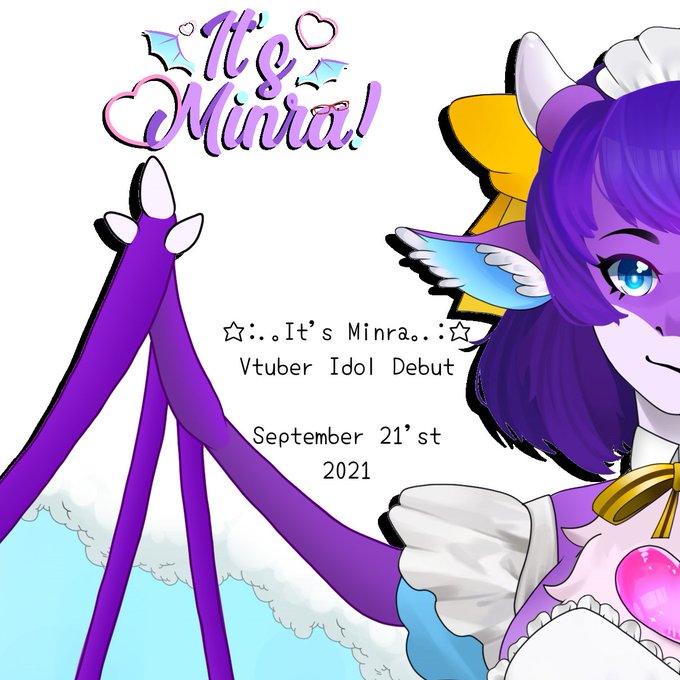

@inabamitsu So sooo!! I did this for when I was doing my debut stuff a bit ago!
Behind minra model, you see an outline, that's actually a separate layer of the model, blacked out silhouette.
I did this in paint(dot)net!
Ctrl + I can inverse selections you created❗


Anyone's bucket tool ever does this shit? (I'm using Medibang)
It only happens on specific layers for whatever reason, and restarting the program doesn't help.
I tried both duplicating the layer and ctrl c ctrl v-ing it. But for the copies of said layers the issue applies as well


Night night everyone!
*me accidentally deletes one of my drawing layer* AAAAHHHHH NO NO NO———
*press Ctrl z* Thank you, my computer
#goodnightvtuber #おやすみVtuber #晚安Vtuber #新人Vtuber #ENvtuber


(2-1)
→ Ctrl+T의 회전 툴을 이용해 중심을 맞춰보세요.
회전양은 감입니다. 우리는 살아오면서 수많은 '서있는' 사람들을 봤기 때문에 감으로도 충분히 맞출 수 있습니다.
→ 내 그림에 세로선을 하나 긋고, 그를 중심으로 맞춰 그립니다. 딛은 발을 중심으로 맞춰주면 보다 쉽게 맞출 수 있습니다.


Unpopular opinions
-ctrl z se hace pulgar en ctrl indice en z
-el borde de la pizza god
-cerezas feas
-AoT empeoró a lo largo
-evangelion overrated
-discord blanco
-barra de tareas a la izq
-vidya siempre en modo ventana
-smt p3>p4
-el helado no es tan bueno
-el porno es malo https://t.co/gU7lJ6xgij


コップレジェンド様
精霊回路ドライヴCtrl-Z/ゼロ にて、
カードイラスト4点描かせて頂いております。
ご興味ございましたら是非チェックしてみてください https://t.co/ML3uqslfz7


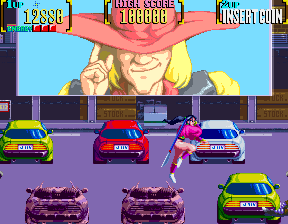

Mystic Warriors (In-browser, Arcade, Konami, 1993) https://t.co/bvuv5P8cY6
Controls: 5, 1, arrows, Ctrl, Alt, possiblu Space.

