opacityのTwitterイラスト検索結果。 31ページ目


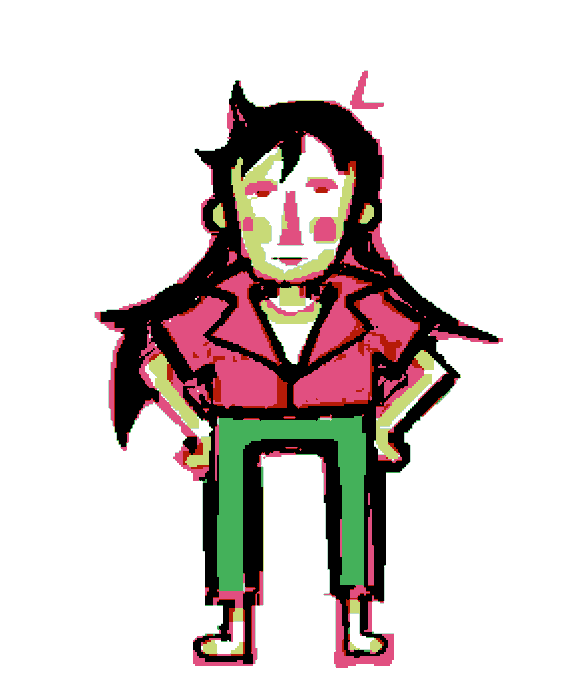


I can't believe I've literally never thought of this. I could've just added a gaussian blurred copy of the image and put it at a lower opacity to achieve this blur effect.
I think it looks so much better with that hazy, dream-like feeling, don't you?

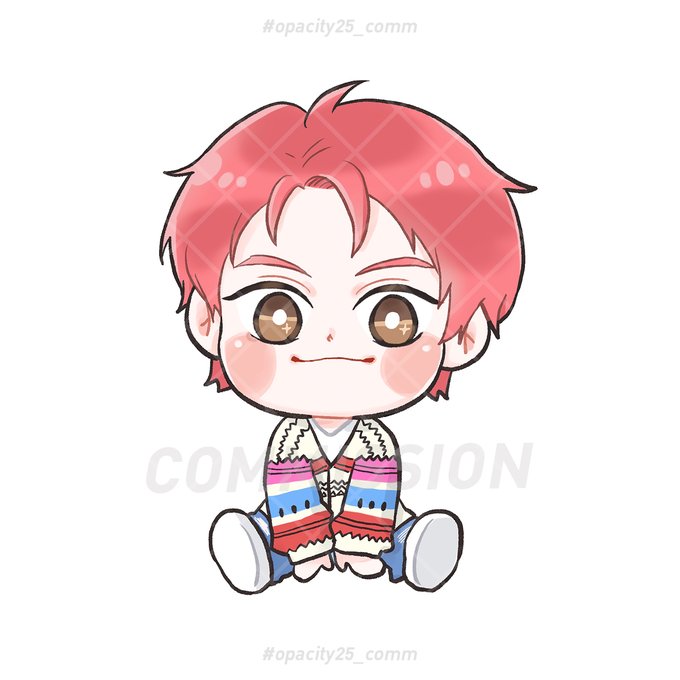


Just flat colors today, head is being problematic in the migraine and anxiety department. Might paint an actual painting of NMJ later, but here’s a 73% opacity Nie Mingjue
#mdzs #theuntamed #niemingjue #nmj #chifengzun


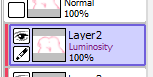
@Connieruko i put this, clip them on the drawing layer and lessen the opacity and lighten the layer


Am trying to learn how to shade and blend digitally but getting frustrated. Changing the opacity and settings on the greyscale and color layers aren't giving me good results aand idk im struggling to make inflatables look shiny and good aaa


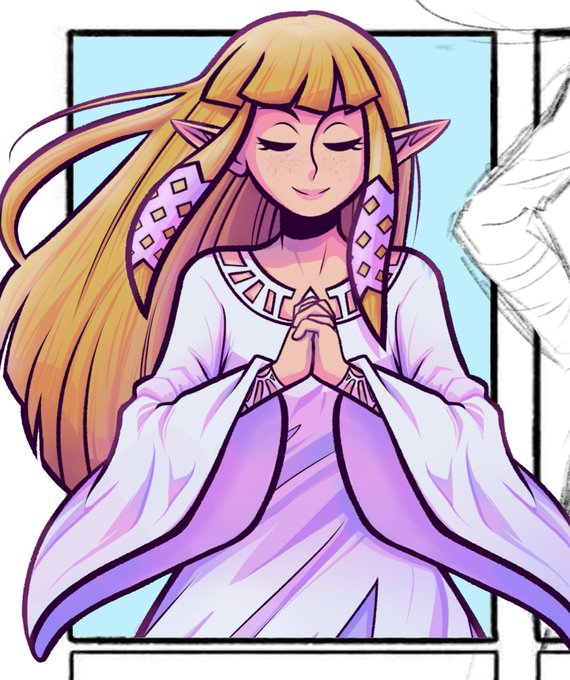
And here is what a pink color dodge layer at 15% opacity can do for YOU


[WIP 1/2] From now on I'm using different brushes with opacity changes for the lineart. It looks and feels more natural


@BurstingSeas im talking about artists who sit their and shape their cloud themselves. I have a brush that i just lower the opacity and tap the screen a bunch and the brush just does the work for me, im done in like 2 minutes and here is the result. Really organic looking


Wip of a stray kids sticker set I'm working on!
I do the colours before the lineart and then lower the opacity of the colour before doing the lineart on the layer above!


Here's tge alternate version, where opacity is lowered for the very bright hues


@koobunii I know it's not the same at a but maybe if you find a nice pic of noise online you could use the blending options like overlay or soft light to achieve a noise-like effect.
As an example: I used that noise pic with overlay at opacity 10-11%


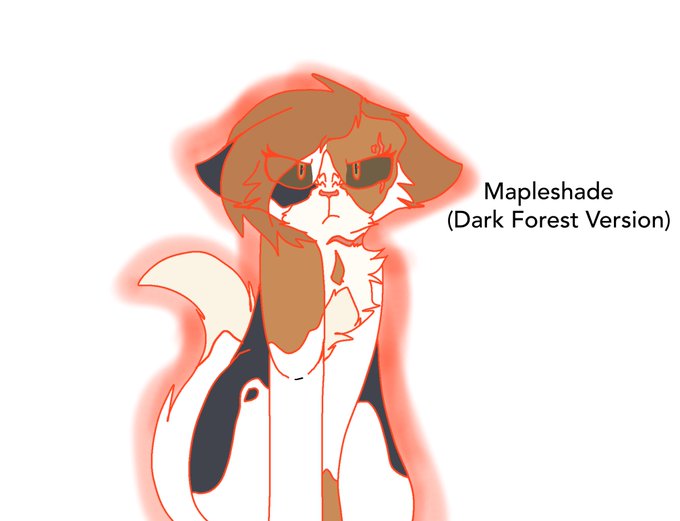
@spark_owl Here is my Mapleshade design! With dark forest version as well! The opacity on the dark forest version is 60%!


@Eponarts Does the perlin noise just not show up, or something else?
Example of just adding some on a new layer and lowering opacity: