KeyframeのTwitterイラスト検索結果。 1,055 件中 32ページ目


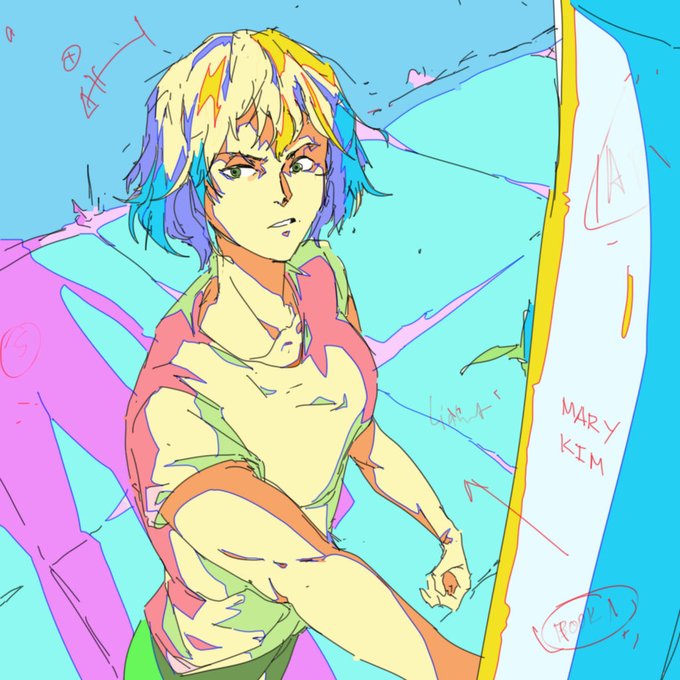
I think I did the hw wrong b/c most of the other students did lil sequences (which… makes sense in a storyboard class), but the teacher said these were still good composition studies, more like keyframes than boards. I’ll take it!
#theshawshankredemption #SpiderVerse #art


@BaukjeJagersma Hi!
I post art about OCs, love painting keyframe sketches and designing characters + will always sneak in some horses. I also post studies!
currently working on a yeehaw-themed short webcomic that I'll start posting soon ~


Stage Concept for my game
I found this on one of my old flash files back when I use keyframes as new canvasses. I dunno if I did well with this one back then, though I'm pretty sure I was close enough with the camera angle that I usually see in fighting games.




“By my deeds I honor him, V8”
#MadMax #furyroad #keyframe #illustration #study


🎉06.19 ANNOUNCEMENTS🎉
1. Bungo Stray Dogs Keyframe Book Vol.2 Release
- Ft. the Dark Era (anime eps 13-16) with cover by Character Designer Arai Nobuhiro. Details to follow
2. Bungo Stray Dogs Wan! Anime
- With congratulatory msgs from Kanaineco, Asagiri, and Harukawa-sensei:


10. You can also replace the graphic animations too if you want to smooth your animations :3 Example I want to add more dynamic to this part just to smooth things out. I make new keyframe into this frame (next to it) (Pic 3) Then I redraw the face a bit squished.


Another example. Tail was animating on its own (loop inside) and now another part with the hole. Again, seperating the frame by doing "insert new keyframe" So it is sandwitched between two keyframes

As then it moves that part on ALL the frames after it. You need to like seperate the long frame into "keyframes" After You do it, then you can change that specific tail without moving the tail off on every other frame. Then you can check how it moves untill new frame.

8. You can mirror leg in graphic and align it on timeline! 2nd leg here is just same as leg 1st, just flipped. As it moved in its own loop, I had to insert keyframe and change the specific frame as it got holes. But that's also very good time saver if the leg is mostly the same.

Like here. I first inserted keyframe so the black dot comes. Otherwise it wont work. Then I pasted that exact part a bit further. Now it repeats the loop from that specific part


Future goals: collecting animation cels/keyframes
from the Golden Boy OVA by Studio APPP

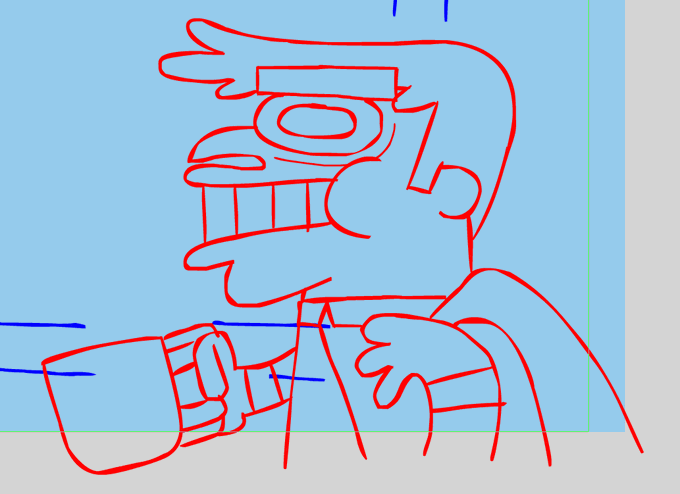

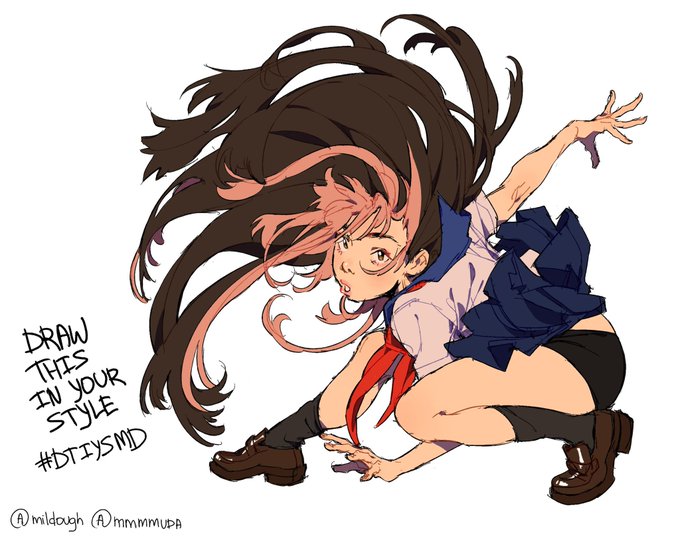


these are the merges of the keyframes and all of the frames in the animation above. i'll try to make neater sketch lines in future works #ArtistOnTwitter #artwork

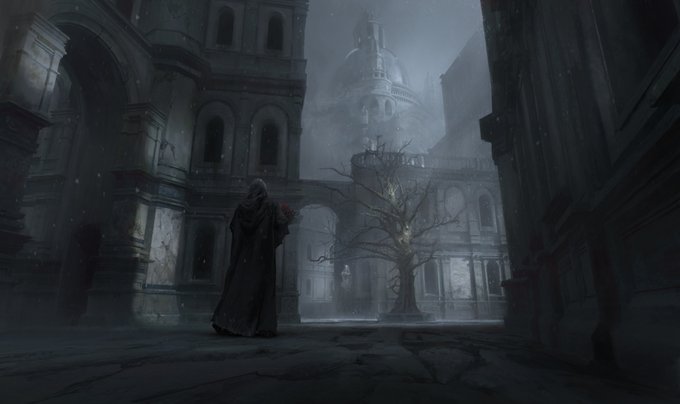
Personal piece today!
https://t.co/P0p5TPp6OX
#art #2dart #concept #painting #environment #illustration #story #keyframe #design #conceptart #conceptartist


【9月予約】
機動戦士ガンダム KEYFRAMES CALENDAR 2021 -安彦良和アニメーション原画- (KADOKAWA) 予約開始です!→ https://t.co/qjaqYtS4bQ
「機動戦士ガンダム」から、安彦良和先生が描いた原画を楽しめる2021年の卓上カレンダーが登場です!
#g_1st



Designs and colortest of my interpretation of Beetlejuice and Lydia as part of the @BJCSReanimated project!
Beginning to plan keyframes for my scenes, excited to start animating this! 💚 #BeetlejuiceReanimated


thumbnails for the @ArtStationHQ and @LightBoxExpo challenge, I'm on the keyframe design modality, come and take a look at my work til now 😃
https://t.co/dQzI6BItMf
#hudinart #keyframe #artwork #blackartists #drawingwhileblack #fantasy