ctrlのTwitterイラスト検索結果。 32ページ目


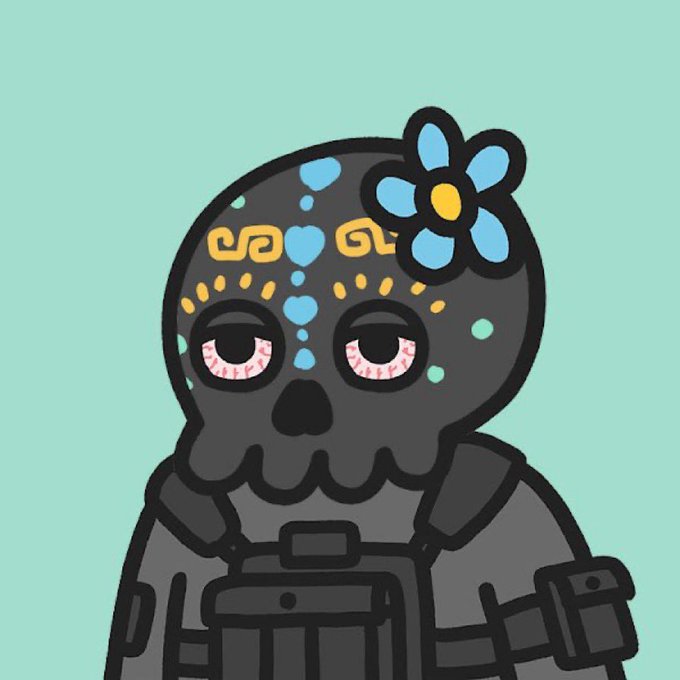
Got these 2 gems from @ADIDAFALLEN from his genesis collection!
Check out his art and this wonderful collection of art exploration with NO CTRL Z. Click on his link to his bio, art and unique style


-Buenas tardes gentecita les traigo mi coloreo de Gamers!
- sorry por la doble notificacion :'c no me salio el ctrl+v
#anime #manga #mangacoloring #coloring #mangaart #CLIPSTUDIOPAINT


Don't forget to brush your teeth and CTRL+ S
#conceptart #characterdesign #illustration





@EZE3D (nobody ctrl c or screenshot it it's a one of a kind non-fungible bday card)

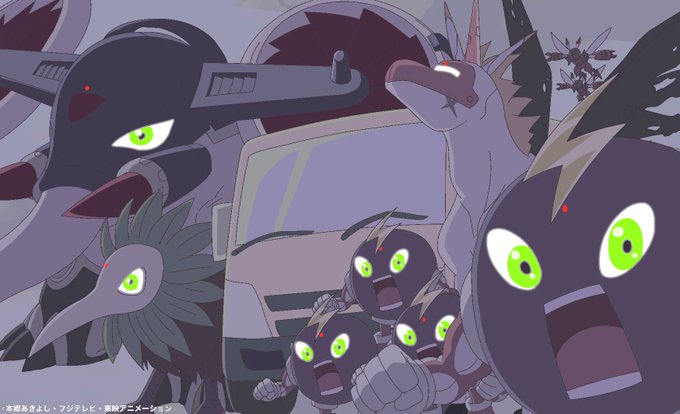


ロシアのMSX - グループ2
INFIDグループと彼のコンピレーションであるByte Masterの6つのゲーム(MSX1モードでシンプルなスプライトを使用していてもMSX2)を紹介します。
CTRL-Stopで画面タイトルに戻る
https://t.co/phYtXt4UNh
#MSX #MSXWorld


Russian MSX - Group II
Let's continue with the group INFID and his compilation Byte Master,6 games (MSX2 even if it uses simple sprites in MSX 1 mode)
Use CTRL-Stop to go back to screen title
https://t.co/phYtXt4UNh
#MSX #MSXWorld


@Kayne448 Essentially, the animations as a whole should be in their corresponding symbols.
When you're done animatin' those symbols, ctrl click to select your animations, then right click and hit generate sprite sheet. Make sure to export with the data format of sparrowv2 or starling

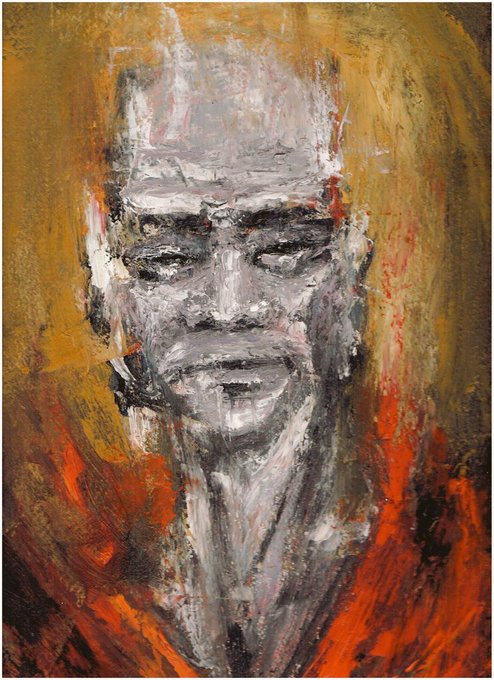

My two first tradicional studies finally scanned.tbh never though i had to modify so much my creative process to work with oil painting no ctrl+z or layers no sir


i finally setup my switch joycon to use it as a shorkey ctrl while drawing and tried it out w this yeo :]
#loonafanart @loonatheworld


【新機能のお知らせ】
PC向けのショートカットを仮実装しました。
Ctrl+Enter = 続きを書く
Ctrl+R = リトライ
Ctrl+Q = Undo
Ctrl+Shift+Q = Redo
Ctrl+1 = デフォルト
Ctrl+2 = セリフ
Ctrl+3 = ナラティブ
#ainovel

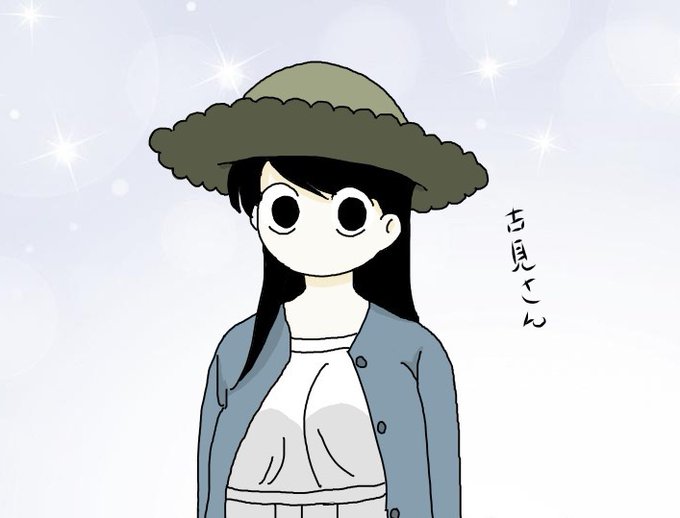
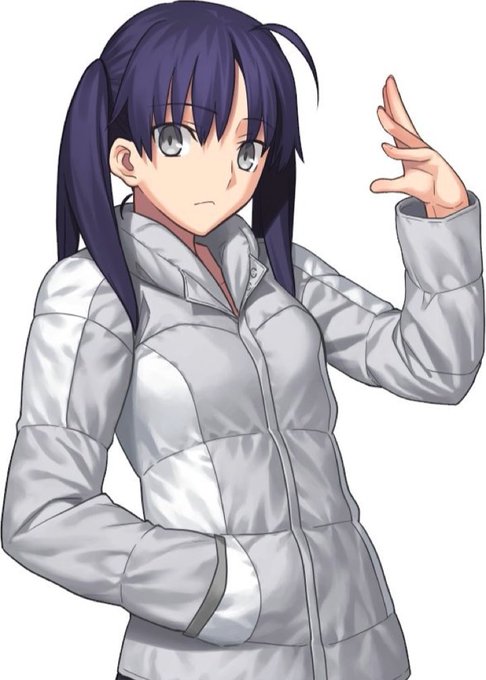
古見さん、イマイチとか言ってすいませんでした!!
毎週楽しみに観ています。。
簡単な絵でもショートカットキー(Ctrl+Zくらいしか使わないが)全部右手でやらなきゃならないのが辛い。
もちろん文字入力も右手だけで。
#古見さんはコミュ症です

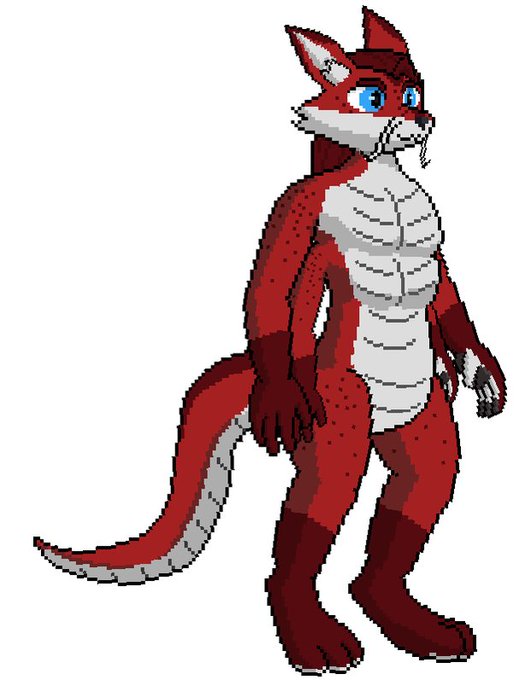




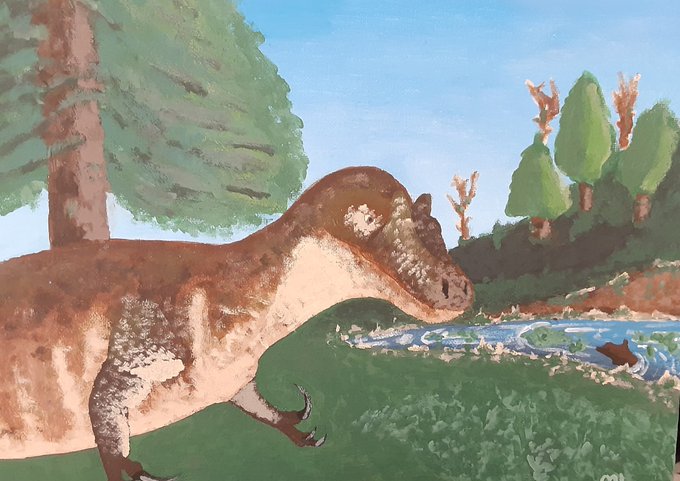
Wow look a physical canvas with physical brushes and physical paints to make it and no ctrl z and I can actually touch this huh. Not a computer in sight. Strange.