opacityのTwitterイラスト検索結果。 33ページ目


I finished customizing my lead wolf's mate on wolvden last night!! added azure eyes + luna marks + opacity tweaks. I faffed a lot with the marking opacities but I think i'm content here?? Their name is Flow and they're adventurous ;w;


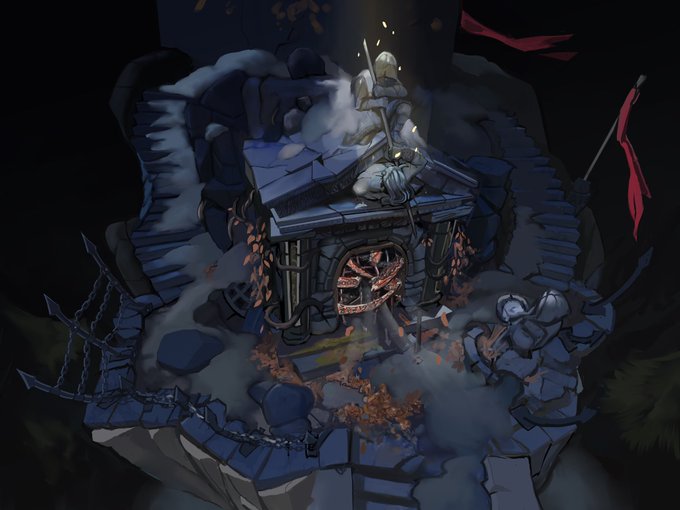

Latest environment concept art I’ve been working on. Trying to draw with 100% opacity to show clearer shapes faster. Started out from a sketch.
#conceptart #gameart


@CheapB0n3s ghfdjhkgfdjkhgfdjkh I luv it!!! I'm glad you like em!
Thanks to CSP's Brightness to opacity feature I was able to colour it as is! ^^


It's #PanVisibilityDay and I would like to become slightly more than 0% opacity with this little doodle


Second #Moebius inspired #illustration in what will be a series of 4. Less digital "cheating" (layer opacity, filters, etc...) with this one as I'm getting a bit more comfortable. #drawing #scifiart #saturated #pastel #photoshop #exercicedestyle #artstudy #Practice #conceptart


he be smiling
OK SO
we got my normal way of shading, no shading, and my normal way of shading but the layer opacity was left at 100. To be honest I forgot the line art for one of em at first-


Terus finishiiinggg.
Aku mau bikin warnanya jadi warm pinkeu pinkeu 🥰 Tambahin layer baru overlay, gores2 pake brush tipis2 aja (pake feeling untuk letaknya 🤡)
Terus layer baru mode soft light, aku bucket semua terus turuniiiin opacity sampe 20% (kayaknya). Selesai 😂

Modelnya na jaemin xixi.
Ini udah aku kasih base color ya, sama udah warnain mata. Btw aku bikin lineless (selain wajah (kulit)), jadi opacity layer sketchnya dikurangin biar keliatan. Dan aku make BANYAK layer yaa 👍


@B0FISH i choose the blush color i'm gonna use but make it a little darker because i lower the opacity of the brush so i can paint it over the lines and everything


Painting and drawing of Ally McBeal from the episode "Cro-Magnon"; the last scene where she dances with the dancing baby. I used a synthetic web brush, pencil, and course watercolor. I used 69% opacity on the synthetic web brush.
#allymcbeal


Since I just retweeted the Ai picture I thought I'd show off this interesting little effect. I copy and pasted the lines layer and gave it a yellow border. That was way too strong so I lowered the opacity and it created this poppy neon effect.
Compare it with the plain ver!

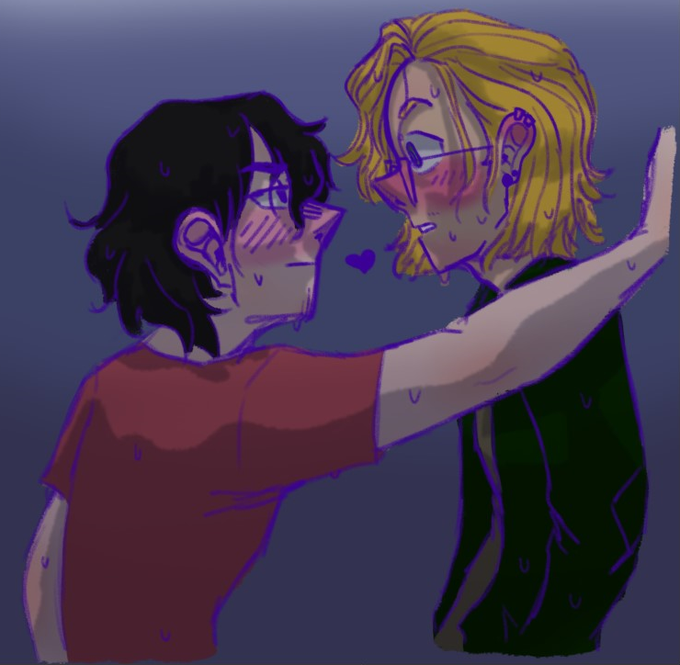
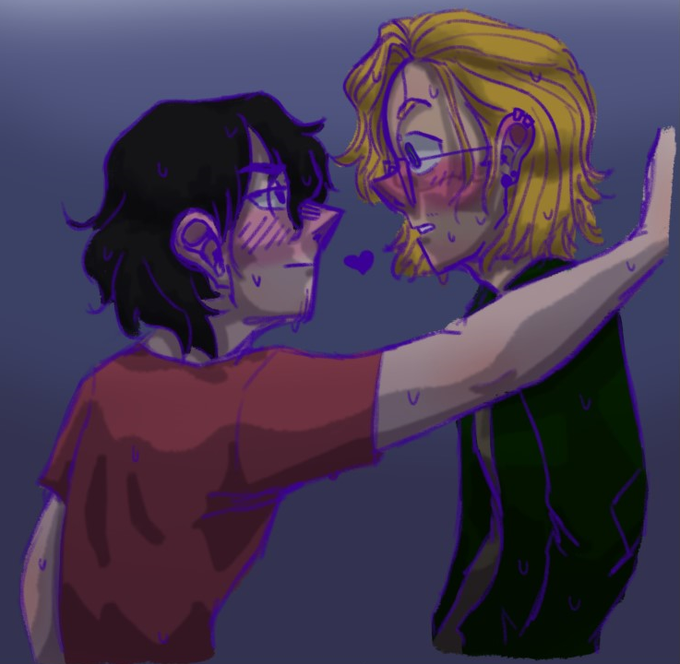
9: Soft Shadows! New layer [Multiply], Start cell shading light shadows. Use Gaussian blur filter, set to 15. Change layer opacity as desired.
10: Hard shadows! New layer [Multiply]. Use Gaussian blur, set to 15. Change layer opacity as desired.


@nitrogen_hoodie that means a lot!
Well you use cliping layers on panel after converting brightness to opacity then filling it with color to make it brighter, then fillingbase color with little trial and error you will get it right!for now i just wanna learn more about coloring different settings


Something I worked on yesterday, the vampire side of Scarlet~ My first time messing with opacity for the eye shine and shading. I'm proud of this one. UwU


Previous art and newest art of Milla art style comparison.
Maybe looks same but the shading style and the lineart colors are changed, even though both are using the same color and shading color palette, except I increase the opacity a little bit.
#freedomplanet #freedomplanet2


@YourGaynezz @Zimmimaru Sure you can!
a - turnip brush on a glow layer with medium opacity
b - custom made paint tool, made from oil paint type
c - 'finger tip' blend tool
My all time favourite brush to paint with is the transparent acrylic paint brush tool you get with Clip Studio, which is what I use!