opacityのTwitterイラスト検索結果。 1,333 件中 36ページ目


last days have been 100% work and nothing i can post yet, so let's go with an old piece i still like a lot. did this whole thing only with the basic brush at zero opacity and took two whole ass days, not something i'd do again
#NFT #NFTart #NFTartist #NFTCommunity

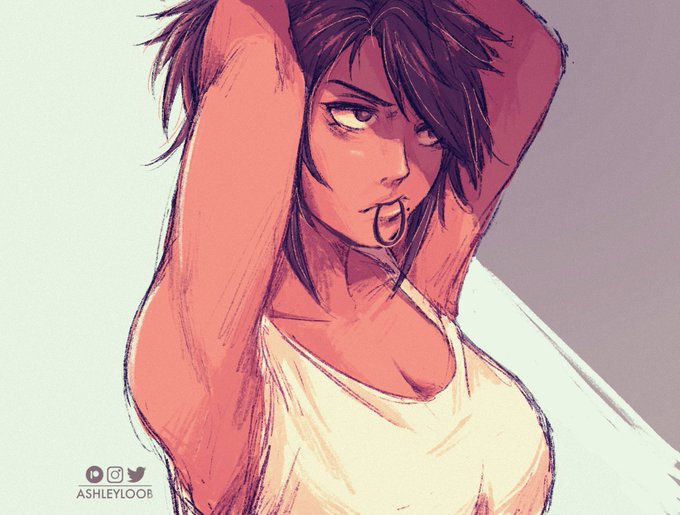

its been ages since i've used a brush with opacity sensitivity turned back on, kinda missed it :')


there are 2 kinds of shading
using multiply vs using soustraire and reduce the opacity https://t.co/hpAO5x5iK0


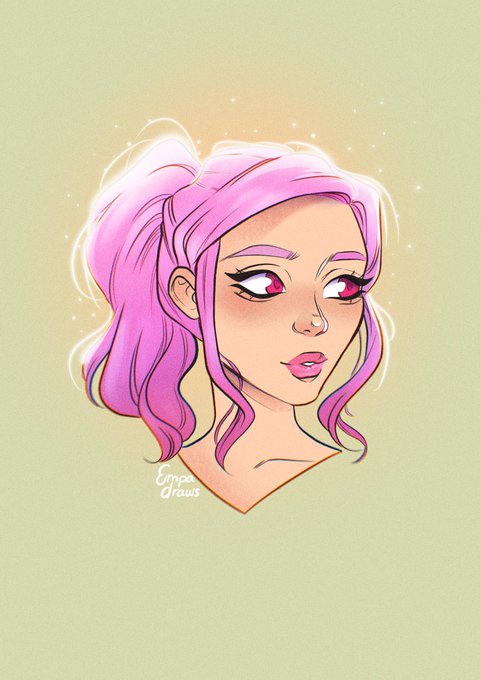


every few weeks i look back at this piece and just how much detail i put into it and i smile. heres my favorite part, with more opacity. https://t.co/hDVlCmPgrV


@Tankakuka Uhh here ye go
The 1st and 3rd one i painted with no pen pressure, size sensitivity, or opacity control.


@sad_istfried I always like to nest the whole scene, duplicate it on top and add blur (10-15%) with opacity (30%-45%) so it looks less crunchy???? and also I add little more blur on the edges so the scene looks even cooler :D
[here are pics to compare before and after adding the effects]

I planned on re-upload my first drawings since opacity didnt work properly, so say hi again to these cute slimes~
#GenshinImpact #原神 #art


I guess I can post this one
Tried a new simpler sign + watermark at VERY low opacity
This one was a painting practice


yes im aware travelers birthday is just our birthday thats why their opacity is lowered <3


Im sad i broke my tablet pen and the only art program that works with the pen pressure is FireAlpaca, so when i use CLIPSTUDIOPAINT it has zero pressure sensitivity but for some reason has opacity sensitivity?? :-(
So i did this cute Tav to make me happy


6. now, blushing! add another layer, set it to multiply and pick an orange shade (trust me), then, after u blush the character with the orange shade, pick a red shade and go over it, but don't cover the orange completely! when u lower the opacity it looks marvelous.


5. now, add another layer and pick the airbrush brush and just shade again, you can lower the opacity too

4. now add another layer, pick another darker color and shade on where u think it would be darker. i can't explain very well but i think you understand by looking at the pic, also you can lower the opacity to your liking.


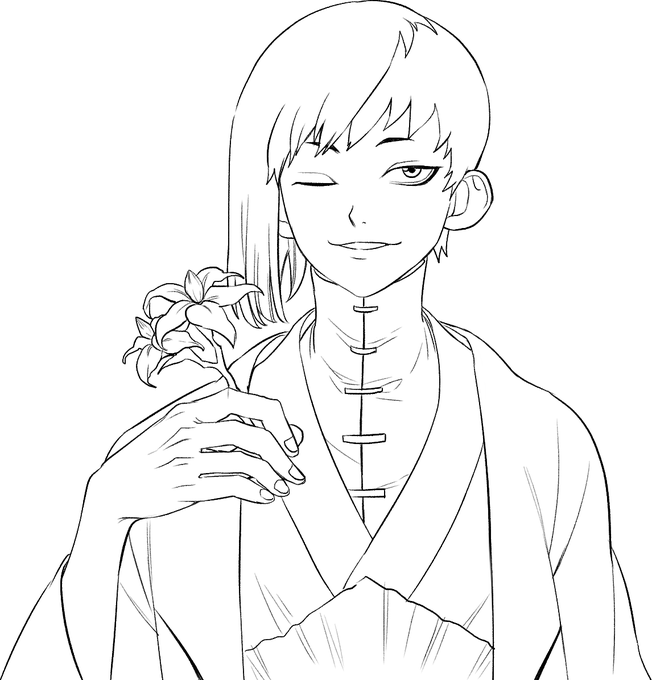
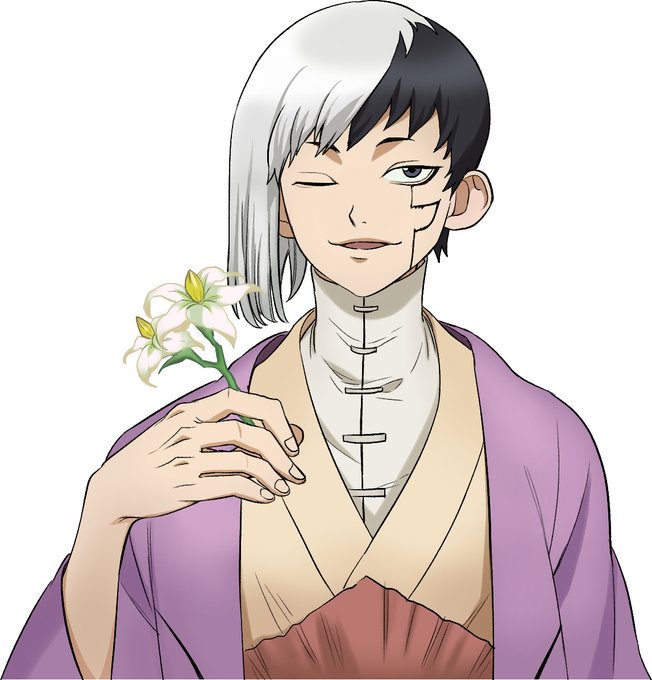
How to เนียนอฟช
สเต็ปแรกหาเรฟเทียบ แล้ววาด
สเต็มปองใส่สีกับเงา
สเต็ปสามduplicate เลเยอร์ แล้วปรับให้เบลอ แล้วปรับ opacity ให้ต่ำลง (ภาพจะฟุ้งขึ้นนิดๆ)
สเต็ปสี่ ใส่เทคและพื้นหลัง และโลโก้
จบปิ้ง

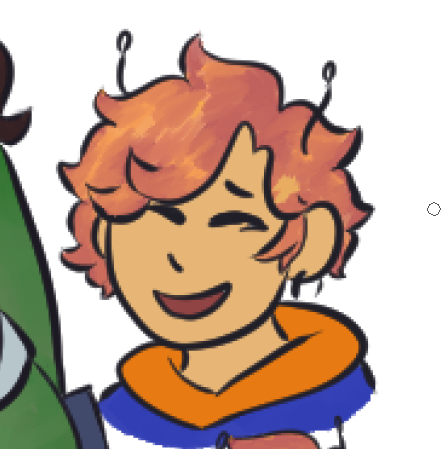
accidentally turned down the opacity of bumbles hair so take pink haired bumble?