opacityのTwitterイラスト検索結果。 1,333 件中 38ページ目

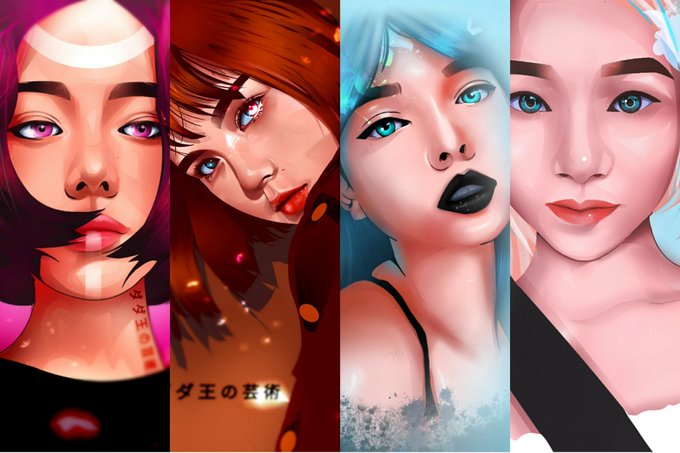
@theninaellaine Looking for gift? Hi, Im in and digital artist/freelancer, doing commission through Digital Art. Just DM me for inquiry.
btw, nag pic lang sya anong issue dun ?😭🤧 The "Opacity" ✨


I've never had fancy brushes before! I usually have to do all my effects myself with erasing and opacity changes.
#goodomens #Aziraphale #digitalart #digitalartist #ineffablehusbands #goodomensBTS


the early silhouette explorations of wilburs cape..anyways i ended up merging the three at 40 percent opacity bc i couldnt choose LMAOOOOO also feather and cravat


(do not rt)
duplicating the layer (drawn with less than 90% opacity brush) is nice....


step 4- based on the light source, make the first layer of shading with a dark blue (or any dark color that isnt black) and lower the opacity like how you lower your standards for those around you because you feel like a bad person

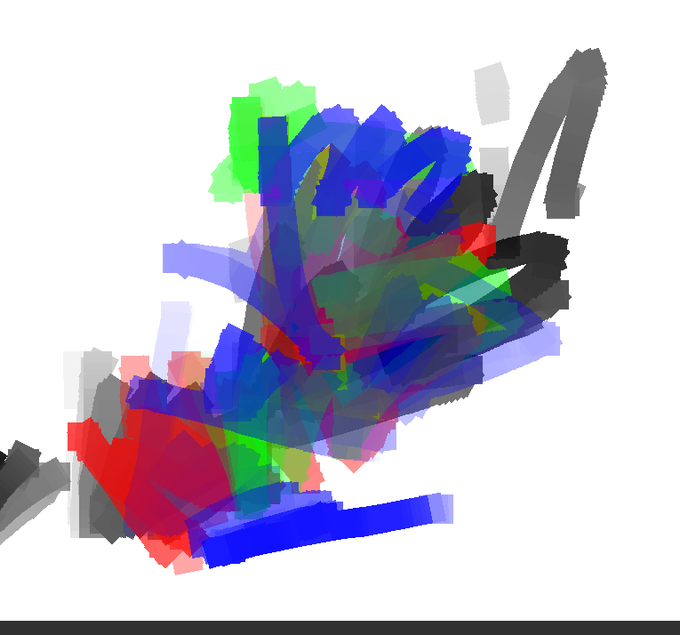

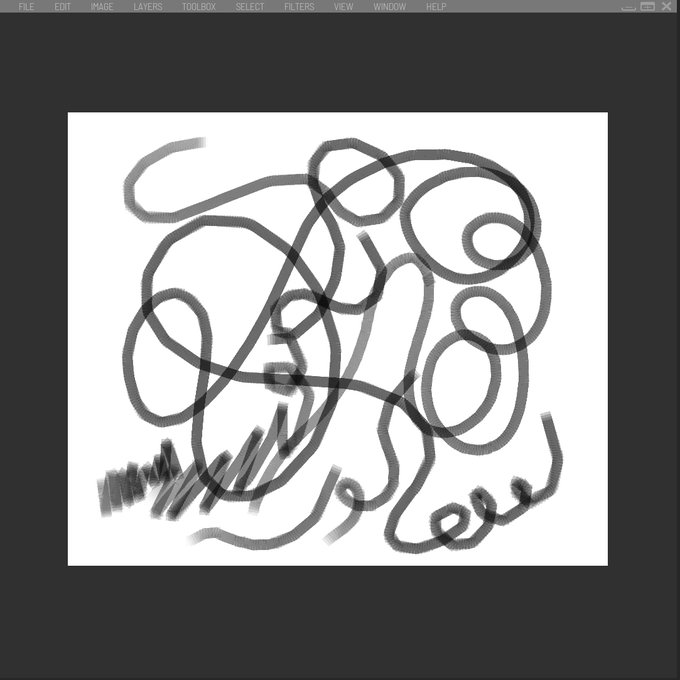
13/ I had set up stylus input and opacity by pressure control early on, and thought I was good to go for a while. Nope, not so much. Opacity and flow is actually pretty complex.


@ha_hahihihi @artistsbase Terakhir aku timpa lagi shading tadi pake pen yang sama, seperti biasa opacitynya selalu aku ubah ubah sesuai kebutuhan

@ha_hahihihi @artistsbase Terus bagian yang banyak area shadingnya aku hapus pake penghapus pen fade yang opacitynya kurang dari 50% (sesuai kebutuhan)

@ha_hahihihi @artistsbase Pertama aku bikin shading utamanya dulu gitu pake pen yang tadi aku kasi, biasanya aku mainin opacitynya

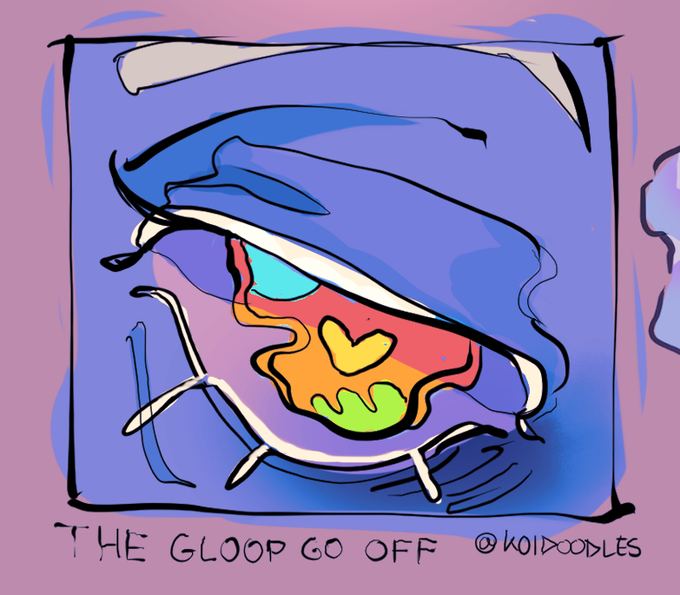

@tazatouilles also the standard gpen with high stabilization, max opacity, and brush size adjusted by velocity enabled gives a rlly nice effect imo

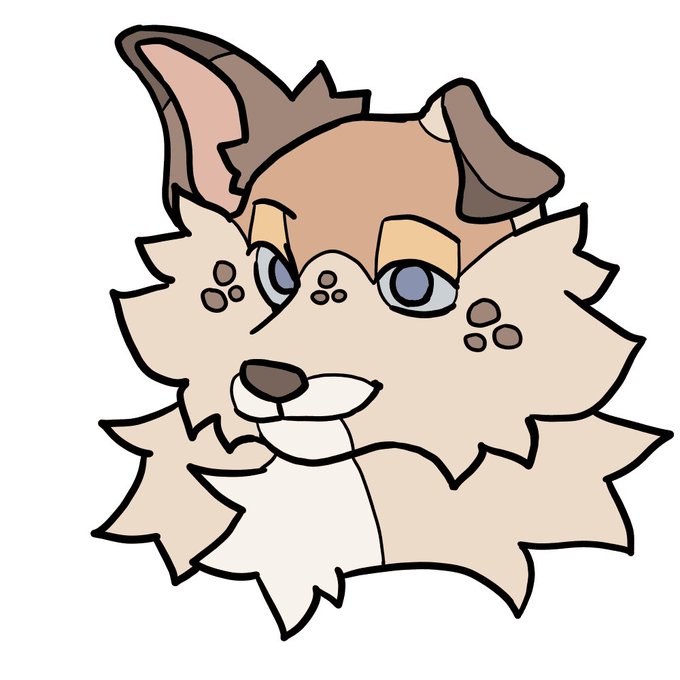
IM GONNA LOSE IT WHY IS THE OPACITY DIFFERENT FOR ONE LAYER OUGGH AUHH GMG ??? I DID NOT HING I SWEARR


Also because I have a good example to show the anime-ish blured lines (right):
🔸Copypaste your lineart layer 2 times so you got 3
🔸Blur the middle one with the gausian blur about 9-12 px
🔸lower opacity to 70-80%
You're welcome 💜


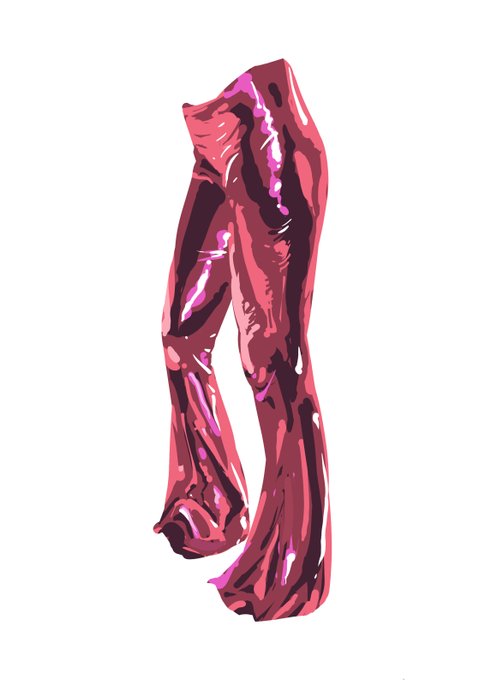
some hands from fuelstains and a textile study with only hard round brush. Its so hard painting anything with only hard edges and no opacity control!!!😭


Here he is in colour! I looks like I didn't know colour theory or opacity brush settings very well back then 😂


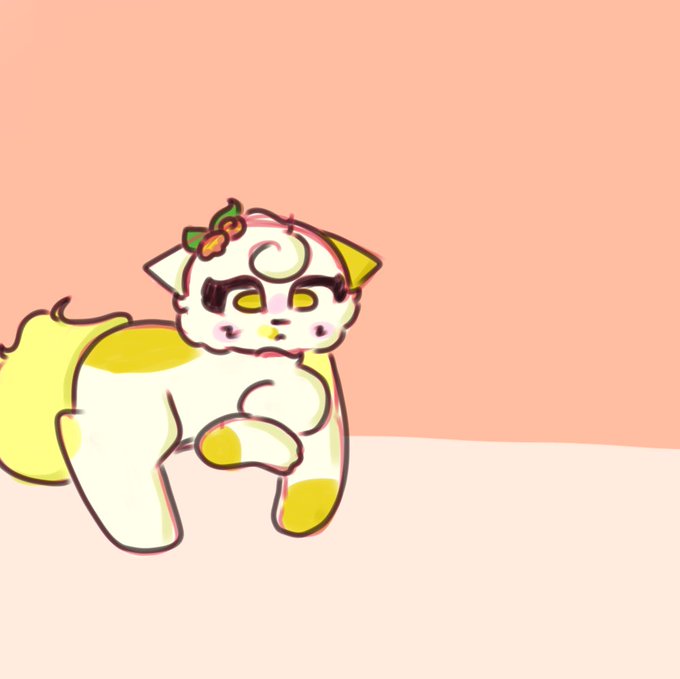


I tried a cool sketchy style with a fade brush on full opacity and I love it :)