opacityのTwitterイラスト検索結果。 1,333 件中 39ページ目


Another one of Mal. I was playing around with some different lineart techniques with this one too (colored, more sketchy/flowy details with variance in line opacity)


วันนี้เอาบรัชมาแจกอีกทีค่ะ
เราว่าเอาไว้เวลารัฟแล้วมันดูนุ่มๆดีค่ะ5555
>> https://t.co/oxKZuQwOlw
ปล ถ้าเอาไปลงสี แนะนำลด opacity เอานะคะ แต่เบลนยากอยู่ดี5555555&5


“Looks like you needed that favor after all”
.
.
.
.
BRR ALL MY BRAIN POWER WENT INTO THIS PLS (also I’m still learning backgrounds so pls don’t clown me for using one of the backround brushes in low opacity to help) here they are!
#dreamfanart #technobladefanart

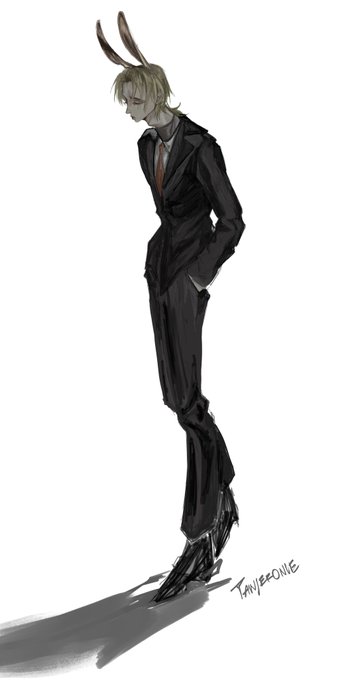

If you look closely,..... it’s just me scribbling nonsense with a felt pen on 30% opacity. #sketch #oc #tanjeronie #digitaldrawing


@wartrader @PVasiljevic This is a good example. Its the use of a hard round brush, set with a certain opacity. You can see it specifically on the architecture in the background. That's what I mean by, 'Pshop lends itself to a certain style'. Yes, if you're good you can escape this, but I see a lot of it


full opacity wings and textless versions
(context, a bit of a followup to my endprince ranboo doodle)


@zonakaryaid Kalo menurutku shadingnya pakai pen aja (ngikut lipatan jilbabnya), terus ambil warna yang lebih gelap dari warna dasarnya. Kalau buat bibir, sisi luarnya diblend atau dikasih airbrush (kurangi opacitynya) biar keliatan alus. Jadinya kayak gini.

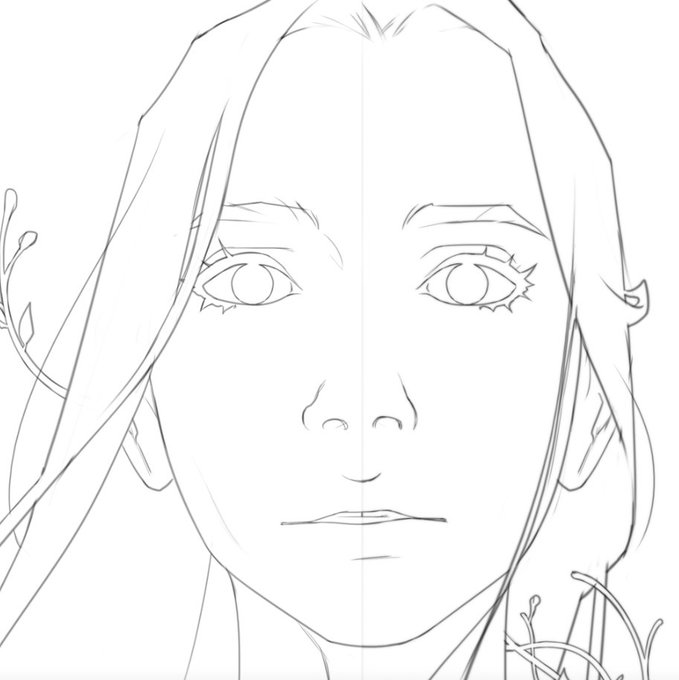

And because someone asked... I hate how crisp digital art can look - so I have two steps to fix that...
1) I duplicate + Gaussian Blur the new lines & set to 45% Opacity
2) I have a finishing action that blurs and also medians the image (at opacities)
(Before / After):


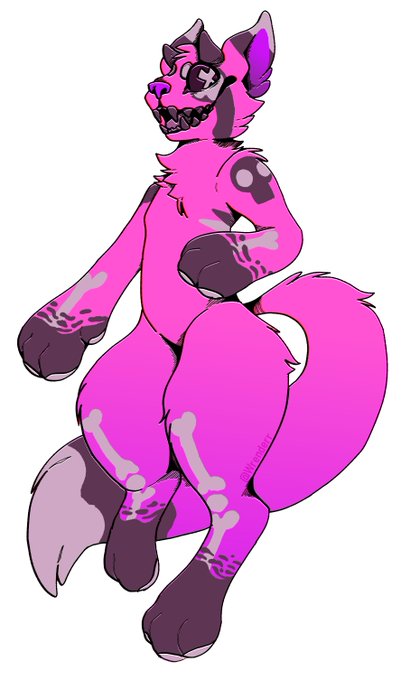
@Slumberyote I have to turn down the opacity when I color them in so I don't hurt my eyes.


It doesn't matter if you start from the skin/hair/eyes etc really
Remember to play with colors, so long as you don't stay on the same hue of the color wheel, your colors should look interesting enough
(Also get use to opacity lock, and clipping layers so your color doesn't spill


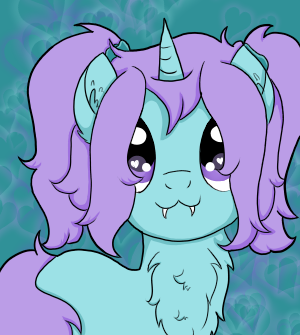
Better late than never, right? Used only the colours available (just changed opacity) and black/white #febhueary


@crypticinsomnia psss pss pss
This is the tutorial I used for gems! I didn’t do the last step and played with opacity btw


Man I love how I do eyes so much bc like they look so sassy before I turn the opacity down and add the shine and it makes me so happy

I haven’t yet figured out how to do a solid base colour layer with pressure opacity 🤔 do I disable it somehow or what?


@CentOSProject CS9 Sketch-2.1 try adding constellation resembling distribution's release number (cause of big and small waves of change), reduce excessive amount of dots and pattern opacity.


I'll turn down the opacity of this layer but I enjoy applying blush and shading skin... it's fun :)


Someone changed the opacity of the layer instead of hiding it 🤣
#dragonballlegends


Just wanted to, for whatever reason, share with y'all the sketch to finish for this one.
Last image in this tweet is almost the same as the final, the only difference is a coloured overlay and some changing of the opacity in the BG ^-^. https://t.co/mMI3vNjLPV

