opacityのTwitterイラスト検索結果。 1,333 件中 40ページ目

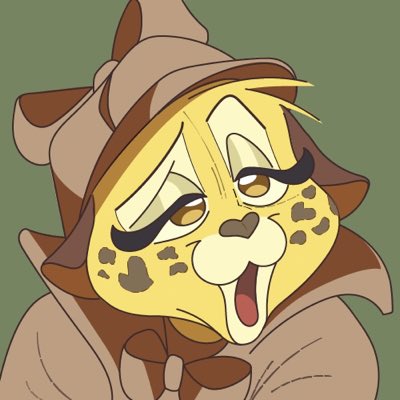
Recreated this expression from the comics in Illustrator for my #NewProfilePic - pretty pleased how dash lines and low opacity make for a more sketchy look even though it’s all vector.


Next, this is a neat tip i picked up from coloring pictures of sketches
If you color a base thats darker brown like sketch paper, you can use an Overlay Layer for your skin tones and edit opacity to make it neat.
U can just skip this step for weird ass skin tones (extra fun!)


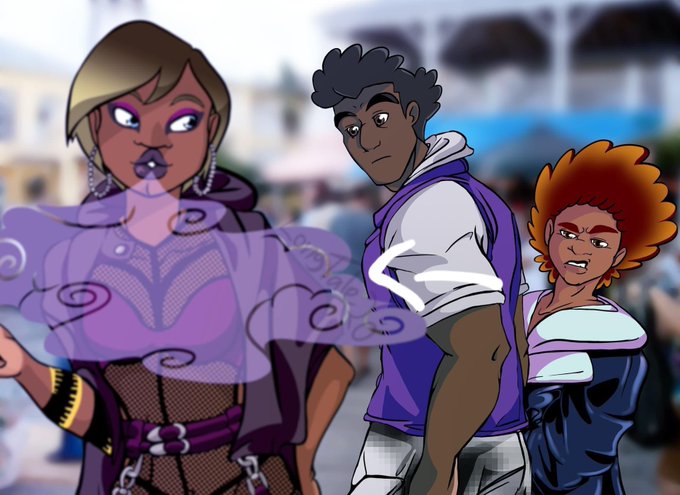
@theslowesthnery A cool way to watermark is to creativity have your sig as part of the art cause if attempted to remove its way obvious.
Like a low opacity shit design pattern.


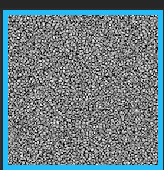
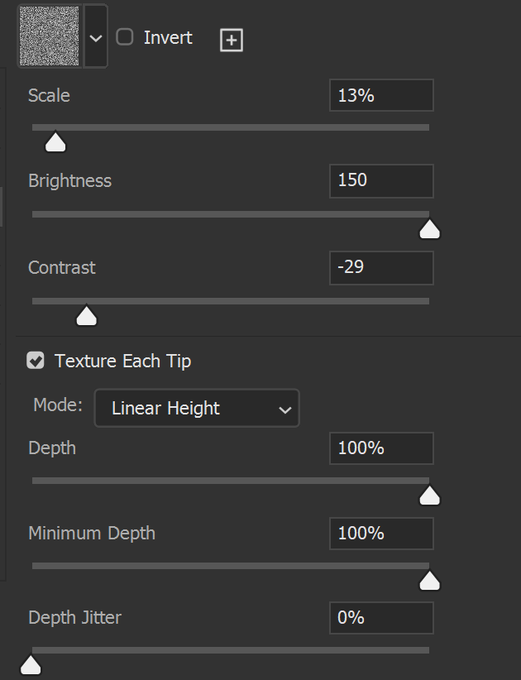
@ShinyAgate on photoshop, i put the noise setting on and put a noise texture on top
the second brush for sketches i turn opacity depending on pressure and with the transfer setting on, using the same texture but with different settings


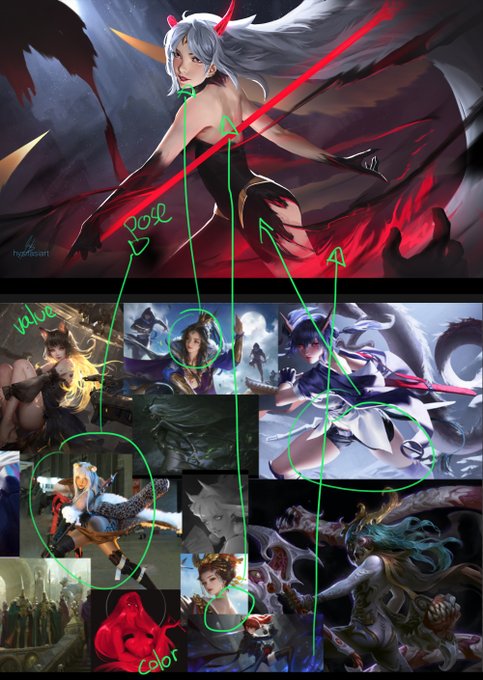
(id) cuma contoh klo ga yakin gambar lo ngetrace apa engga
1. ngetrace dari karyanya @vhyrieart
2. photostudy source pic gw&pinterest
3. make referensi dr moodboard
walaupun hasil akhirnya ada modifikasi, klo workflownya main timpa trus nurunin opacity itu namanya tracing


sometimes you play yume nikki as a teen and the only way you choose to express yourself is through shiipainter opacity sliders

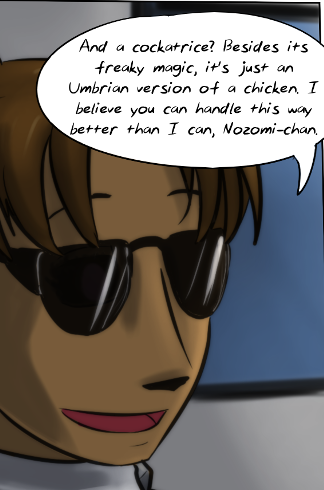
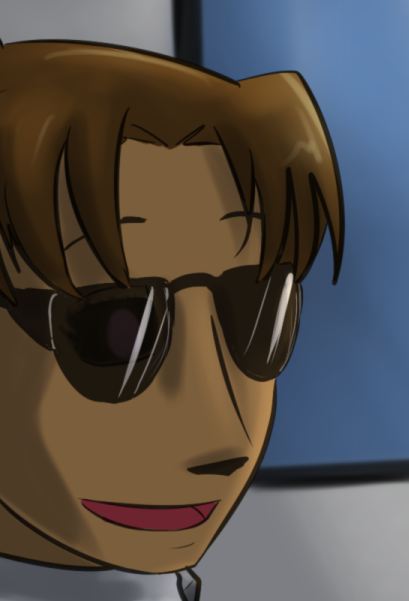
Yoooo.... *turns down the opacity of one layer*
This isn't a spoiler anymore, is it?
#raisondetrecomic


Quick tutorial
• Duplicate and merge all your layers into a single layer.
• Apply Gaussian Blur on the merged duplicate layer.
• Change the blending mode of merged duplicate layer to Screen or Lighter Colour mode.
• Adjust layer opacity to control the glow intensity.


Any special way you do those soft-looking musk clouds? I've been wanting to try for myself
—new layer on top, half opacity, airbrush tool with either white or light blue depending on the picture, then modify the contrast/brightness for a cloudy look
https://t.co/7fQFPkNkKq


this hoothoot art was a experiment with using less opacity blending and more solid colors, and I think my art benefits from it
#hoothoot #pokemonhoothoot #pokemon #digitalart #pokemonfanart


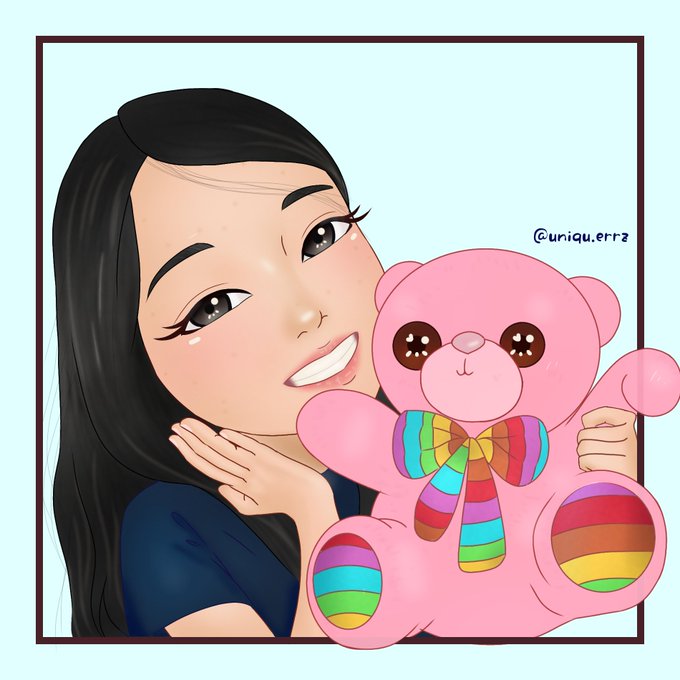
@MusketsGoBoom These doesn't have a lot of freckles and kinda low in opacity but I hope it's counted >,<
Anyway, thanks for hosting~! I'm Errz a self-taught digital artist! I'm open for comms to fund my online schooling 🥺~ I hope you check my art out! 💖
https://t.co/ba17YdOBQS


first time sharing sketches this year, I'm having fun with a smaller color palette and a brush without opacity, texture or antialiasing... 📌👺
,
,
,
,
#drawing #sketch #sketchdesign #characterdesign #colorpractice #artist #art #artwork #doodlitude


Shading tutorial (or at least how I do it)
1. New clipping mask layer
2. Set it to multiply and lower the opacity to 35%
3. Choose a dark pink~purple color (for this I chose this color)
4. Happy shading!


using @zazozaliad 's flags as placeholders
I used the sprite shading colors at first, but they were too light for my liking when I blended them, so the shading is the sprite outline colors. at lowered opacity bc that was too dark,


One layer.. Awalnya mo nyoba no lineart but jelek jadi lineartnya dikurangin opacitynya ehe...
And no sparkle-shinning-shimmering-splendid..
#artistsontwitter #haikyuufanart #practice


No-pressure round brush + only 50 & 100% opacity
tryin to work w/ a limited palette and trying to learn how to mix colors...


Portrait of Therron for 2021. Tried using only high opacity brushes to focus on shapes. My art goal for this year is to cancel the air brush. Delete it from my computer.


On the new shading layer, I use a light purple with a hard round brush. The Multiply blend mode does all the heavy lifting, but here's what it looks like after I rough the shade in.
Then with smartly applying the blur tool to the edges and lowering the opacity to 50.


so I made a brush from the one I usually use which became basically just removing opacity from pressure but uhh
it's pretty much just the marker brush I'm pretty sure lolol
doodle of Kaya. I need to figure out the design so she doesn't look like a silly pirate LOL


@mentorfucker As a person who turns their opacity on their sketches to abt 20ish% I can't relate