opacityのTwitterイラスト検索結果。 1,328 件中 5ページ目

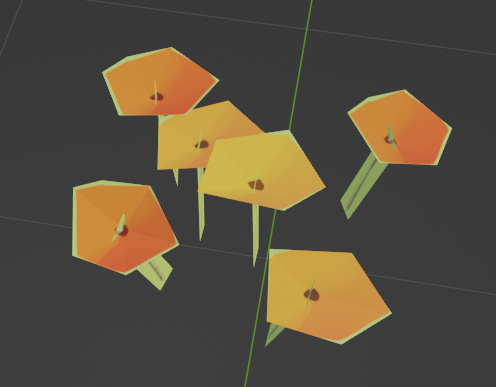
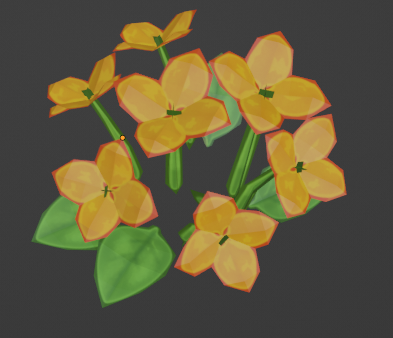


On a roll, hehe get it, with drawing practice, getting used to layers and opacity


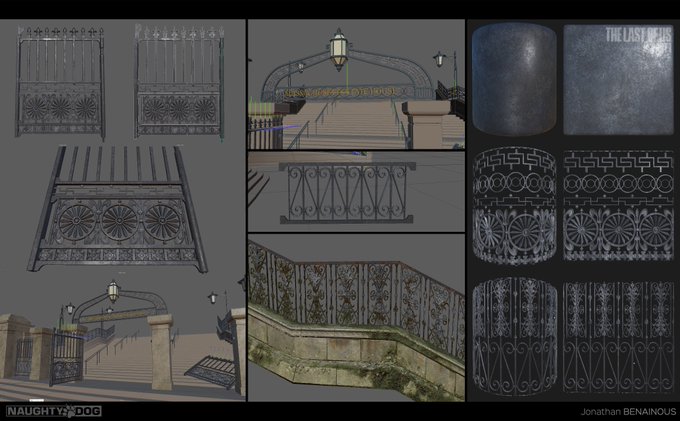

Tips & tricks - Here I'm using an opacity msk & a heightmap w/ POM to fake the thickness of the ornate details. The only mesh is the frame of the door and the handrail, the rest is just a texture made w/ @Substance3D #Thelastofus
More images @ArtStationHQ https://t.co/sUL2ic2PXb


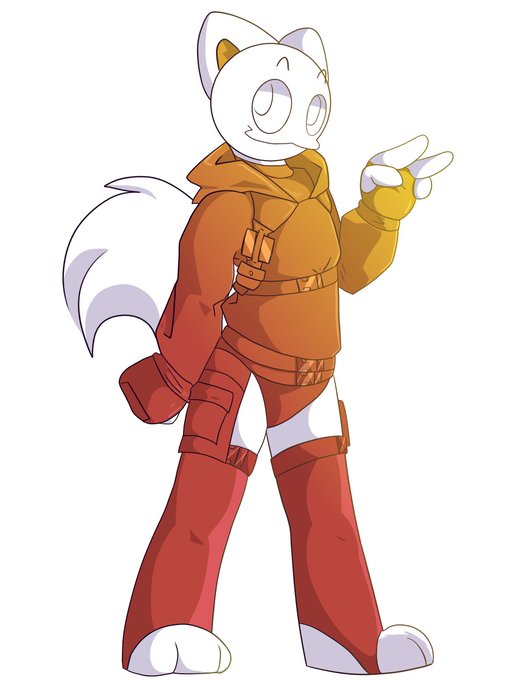
No gradient + 100% opacity gradient I ended up liking https://t.co/i9qrABXu4f


@GhoulGaoler I layer a lot. This is without the water layer it shows the background and where I didn't draw in the feet on purpose. On top of this is a 50% opacity layer and one more for the highlights, 60% opacity. It will look a lot more like water once I'm finished.


Reduced the opacity of the back drop because I thought it was to bold. Also realized I saved over the line art so no going back and recoloring WHEEEEEEEEEEEEEEEEE


who put the sepia 15% opacity filter on the streamer. speak up
/lh


@drizzlingprince i don't do complete greyscale but i do one interesting thingy.
Put the base colors first, and for the shadows use pure black, but adjusting the opacity of the layer to get the values i want.
Since the shadow layer is transparent it mixes with the base colors and get's the values

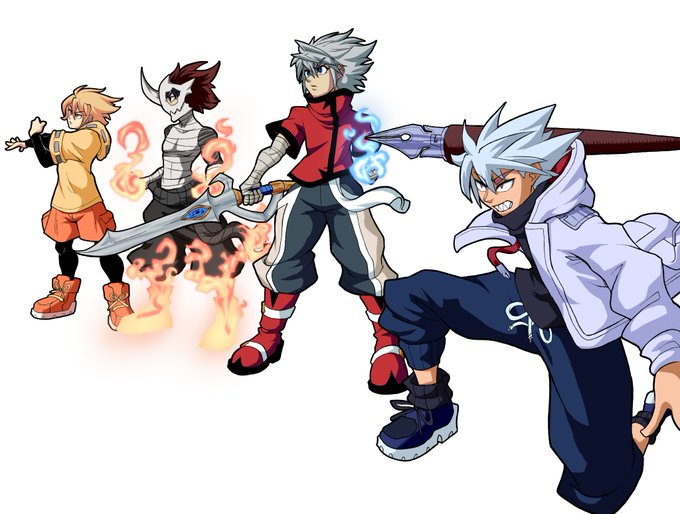
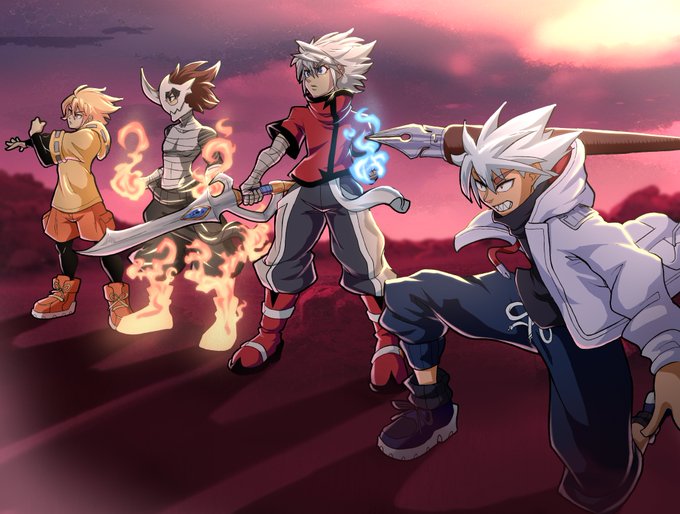
@HarukamiART @b0_nesaw @ShotoWest for comparison sake, this is the drawing with no bg and effects and the pic before finishing filters. incase any of yall would like to understand how i do stuff. the filter is just copied above itseld with a little bit of blur on Lighten mode between 40 to 50% opacity.


came back into a certain funny app and messed around (it has layers and opacity now 🤯)


Irie Kanata has fluffy hair. Fluff fluff. (With fixed opacity now)


quickly made up the colour concept for her out of an additional sketch I made
(its messy cuz I was too lazy to actually clean it up, I only converted brightness to opacity and then used binarization, thats why the lines are pixelated)


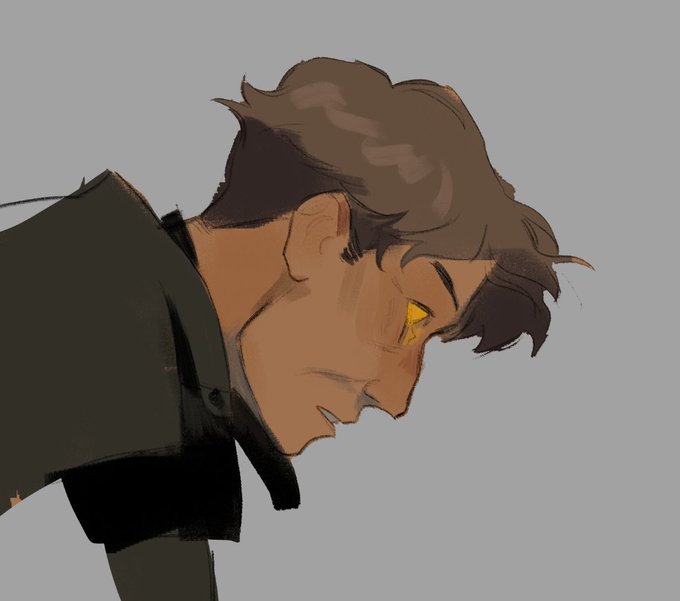


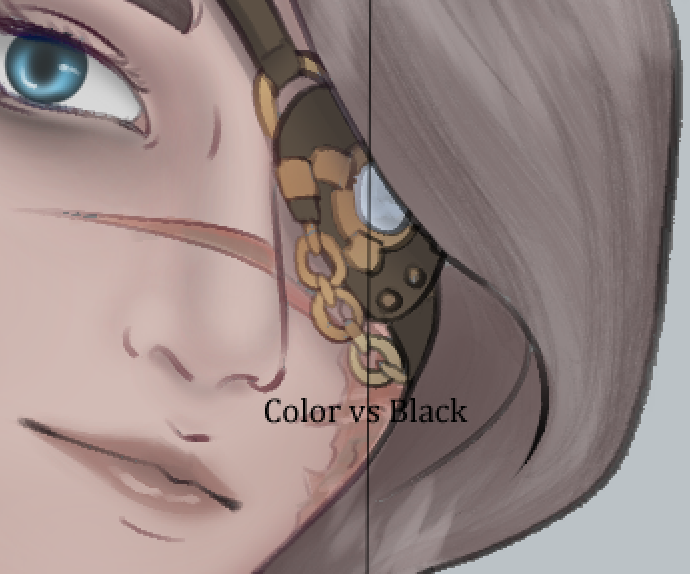
@BanditSpurs With regards to the lineart, if you use clip studio I have an auto-action I used to color the lineart for me! Makes it looks softer than the harsh black (which I do still love tbh)
I've also noticed that a low opacity lineart brush really makes a difference


@dvmbleach i used a custom gradient map on the grayscale layer and added a layer above it with saturated yellows/reds/blues according to facial color zones (see image) and messed with the blending mode/opacity!!

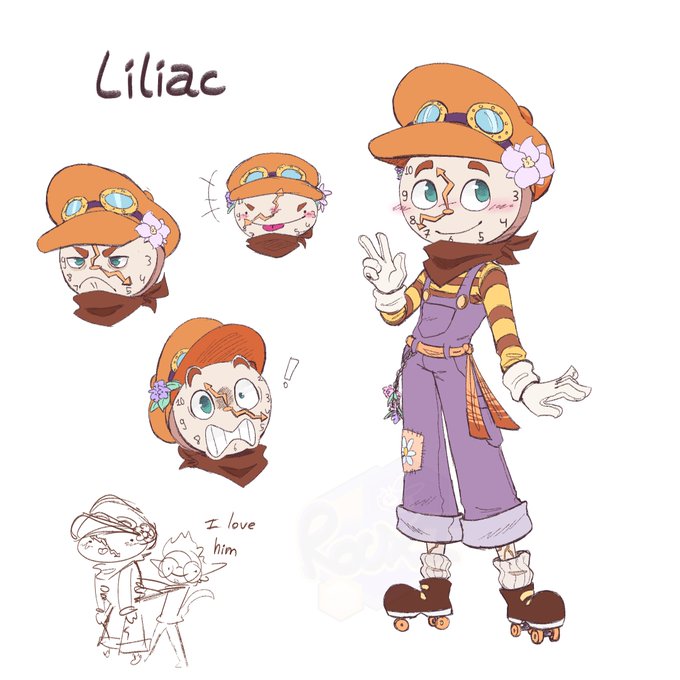


@gay_cars what i do is i usually put it in a corner and with little opacity. Or sometimes i just write my name on the side, also with low opacity, thought on rare occasion i put it on the entire drawing. Idk ;v;


trying the color with coloring brush opacity of 60-80% ahajdkdnshsn


Okay, quick question. I'm trying to do a skin-head effect to make a mohawk. Which one of the two effects do you like better? The Left One (No Opacity) or the Right One (Half-Opacity)?


I started adding layers on color mode and overlay, the key here is to not overdo it. It's all about the subtleties, In this case I lowered the opacity on the layers so my cold base tones still come through. Then, I changed the color on the dragons eyes to make it more dramatic.