opacityのTwitterイラスト検索結果。 1,333 件中 41ページ目

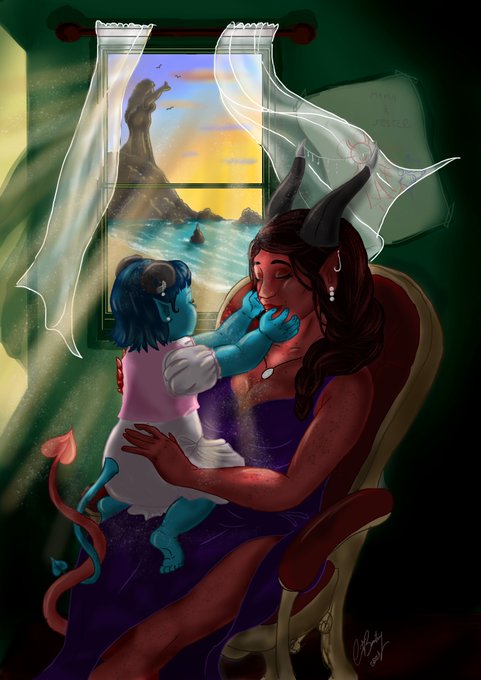
fixed some opacity issues and blending that were bugging me lol #Edit
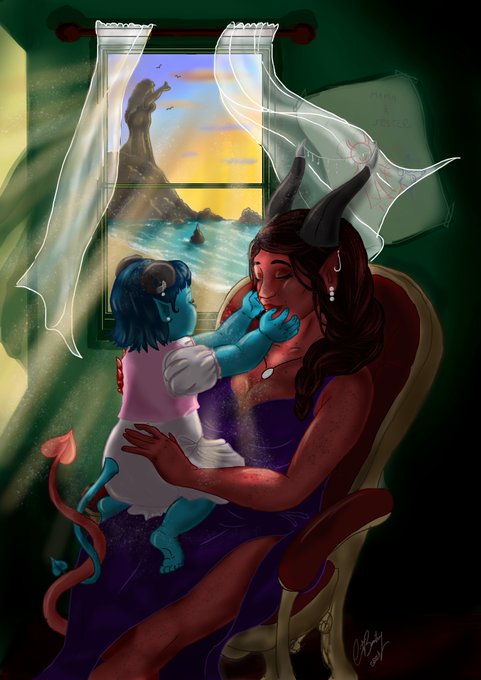
#sorry I'm re-uploading because I fixed some opacity issues and blending I wasn't happy with :) #criticalrole #fanart #digitalart #criticalrolefanart #motherslove #babyjester #jesterlavorre #rubyofthesea

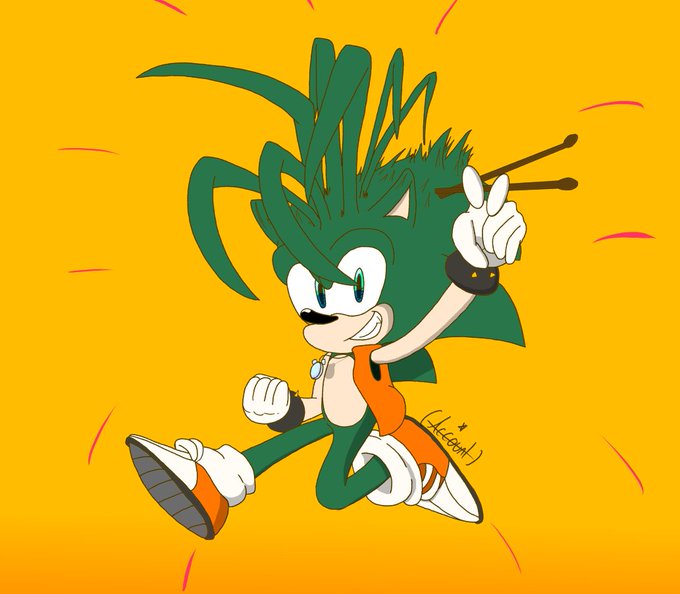
#mugidrawsManic
lowering the opacity on the line layer, is yet another example of my inattentional genius

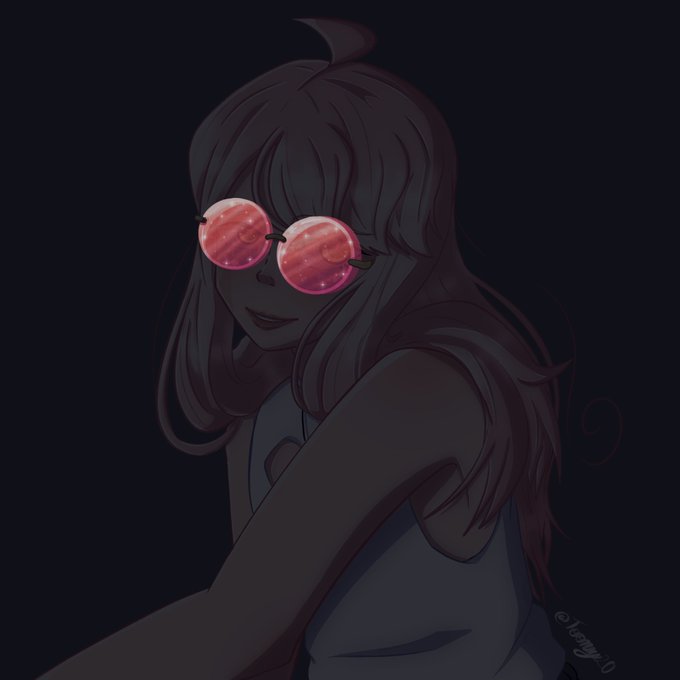

I couldn’t decide in which opacity looked better soooo, have both


i used a flat brush with a really rough canvas texture and a textured smoother brush! for the colour tweaking it was a posterized version on 30% opacity and a pink glow dodge layer >:) the posterization is really what gives you some sexy colours,, this is full opacity v original


Looking back at my last piece, It is not so bad, but I need to remind myself to use lower opacity and take my time when rendering lmaooo
Time to get back to work


@zonakaryaid Kaya gini kali ya nder, kalo aku bagian yang mau transparan aku pisah nder, solid colour dulu baru opacity nya diturunin


@fool2wantyou idk if this makes sense but i used a dark red/purple and set it to multiply, lower the opacity and then clean the layer up a bit


@RatQueenCreates I totally forgot to show you what I meant with the partial scales >~< but here. You could also just lower the opacity on the scales, so the colors are softer and blend better with the base ^^


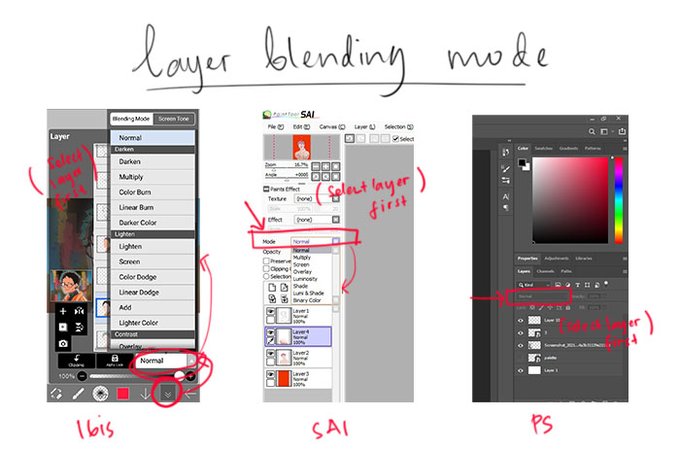


3. SHADING & LIGHTING
Buat shading & lighting, palettenya masih same story✨👄✨ tapi aku masih suka main-mainin warna/opacitynya, alias ga saklek selalu di tone/persentase tertentu.

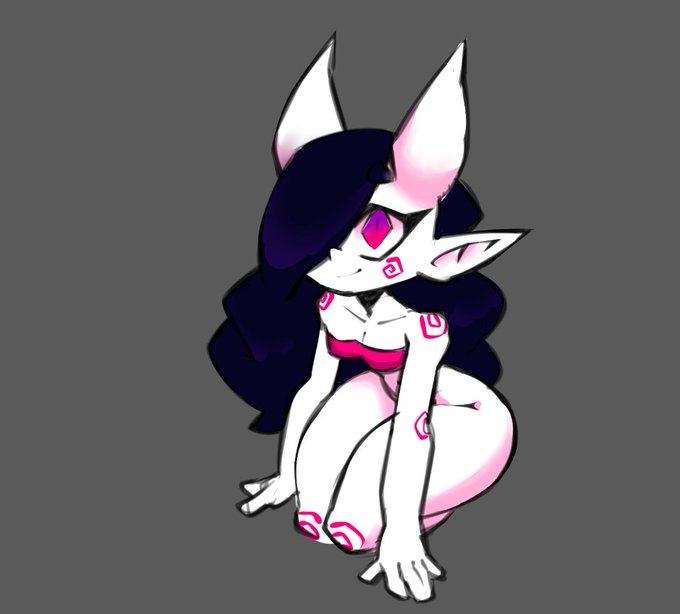
Trying a new method of sketching that i notice being used by the bigger artists out there. youknow the one where you draw with a thick low opacity brush and kinda just whittle it down and sculpt it with the eraser?

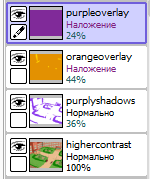
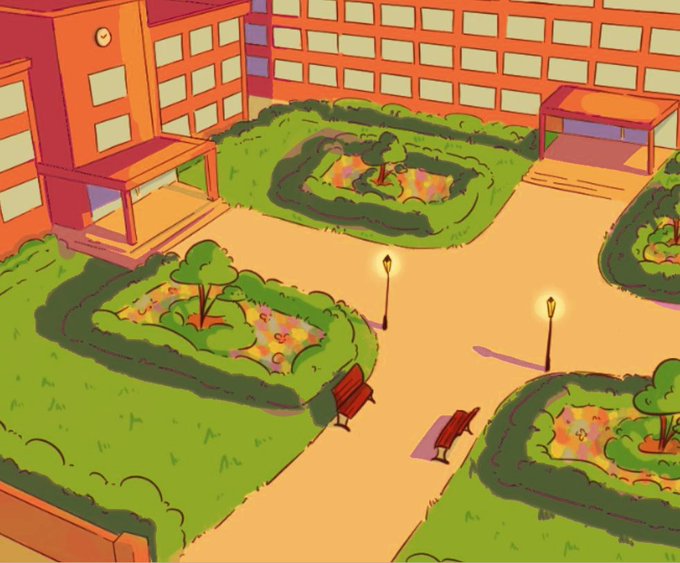
@cybervalkyria my go-to would be one orange and one purple layer on overlay mode
you coud also make the picture a bit more contrasty, and add purple/blueish shadows
good thing about this is you can play around with the order of the layers and adjust their opacity
hope this helps! (。・∀・)ノ


Ni contoh ilya punya. kalau line lawa, result akhir obviously akan jadi lagi lawa. Dia punya intensiti blur rasanya lagi tinggi & opacity layer maybe dalam 70~80%. Aku suka blur sikit2 je & kadang2 tak turunkan opacity layer sebab outline asal aku buruk


@pweachysoda YEAH !! I used the normal dip pen w/ hard tip, the blur tool, and my stabilizer was on 10 along with force fade with a hard tip. I also used the eraser on a big scale with a low opacity to get little gradients


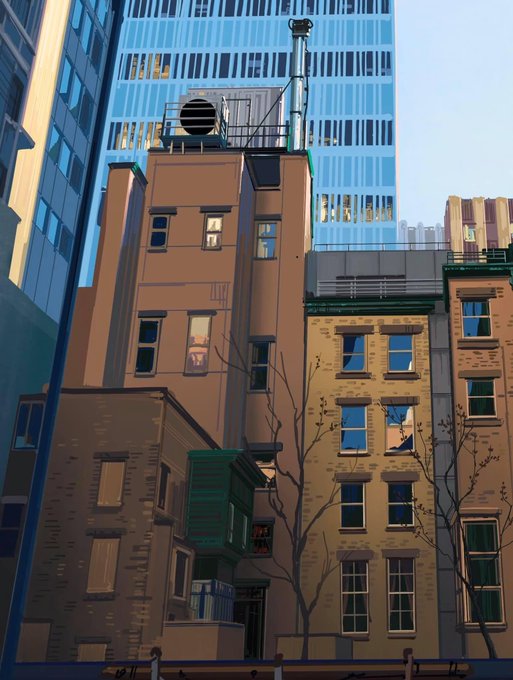
Hello There,
This will be my last digital painting for 2020, 100% opacity round brush @procreate fun (I know, I can be so old school sometimes ... but hey, back to basics guys? No shortcuts 😉) as usual, based on my personal photography art.
Wishing you the best for 2021 🥂👊


[reposted bc i messed up the opacity]
hbd quack the tree!!
#quackityfanart #quackitybirthday


Not 2010 but probably 2011/12?
Drawn on a site called Sketchfu where they provide a canvas.. you can modify brush size, color and opacity but that's all! I remember suffering because you couldn't save mid drawing so I spent hours trying to finish a drawing in one sitting :') https://t.co/eYE7HXzly5


I drew on digital this beautiful & thicc sun girl named Mo. Nilla (I think that her name of this OC I drew, I'm not sure) but do know that this OC does belong to @Mo_Nilla. I did pretty well drawing this OC other than the jacket being tough & did good with the opacity as well. 🌞