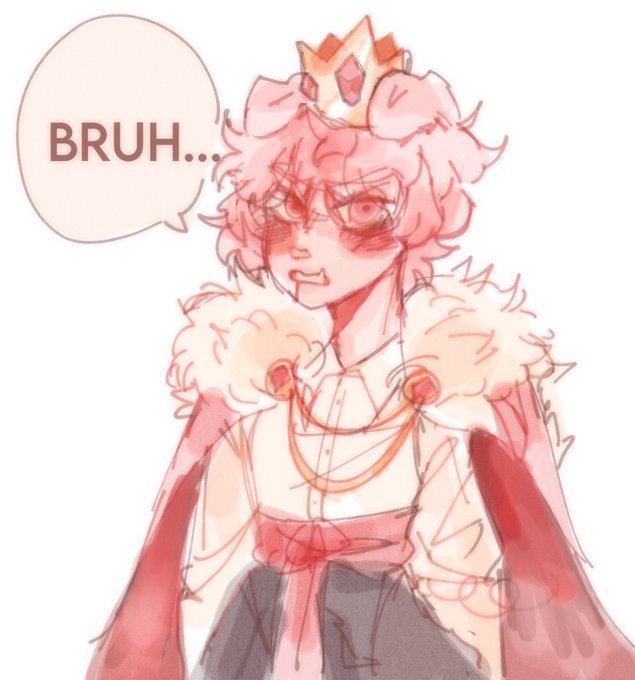
opacityのTwitterイラスト検索結果。 1,333 件中 42ページ目


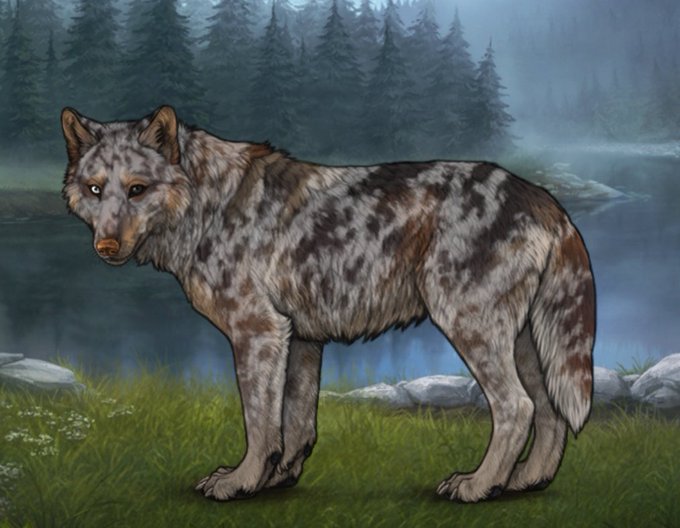

Saga Update: litter #2 coming thru with the clutch ;w; pic 4 is "different nose and two or three opacity changes"

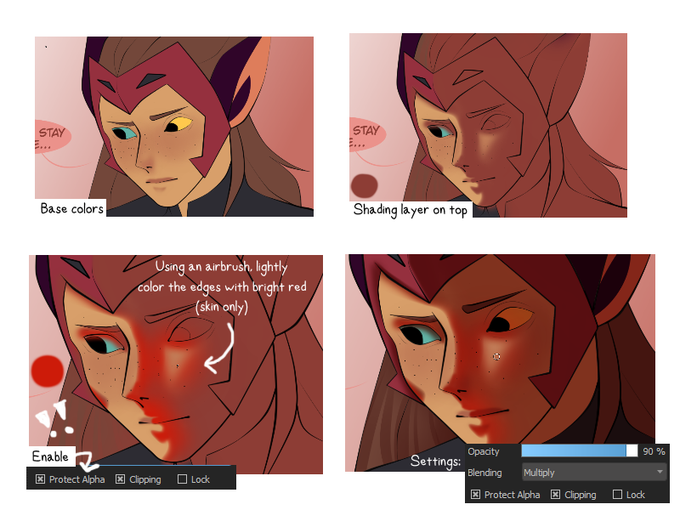
@MusicallyPan allie's got u covered with a crappy guide 😙 only color edges!!! the opacity of the airbrush depends on you but mine's set on 24%


Here's a hilarious digital artwork of 2 thicc girls Jess & FemScrub going down the chimney realizing that these 2 girls booties are too thicc to go dowm the chimney. Also I was trying to improve on different poses, opacity & new layers.
Jess- @3BArts
FemScrub- @ScrubForWork


Just got @Procreate for the first time and was experimenting with it by trying to draw @mikoscrub
There are so many brushes and I didn’t know how to change the opacity of the layers so I couldn’t ink it. >:V
I’ll keep practicing.
#tsunenillust #vtuber #envtuber

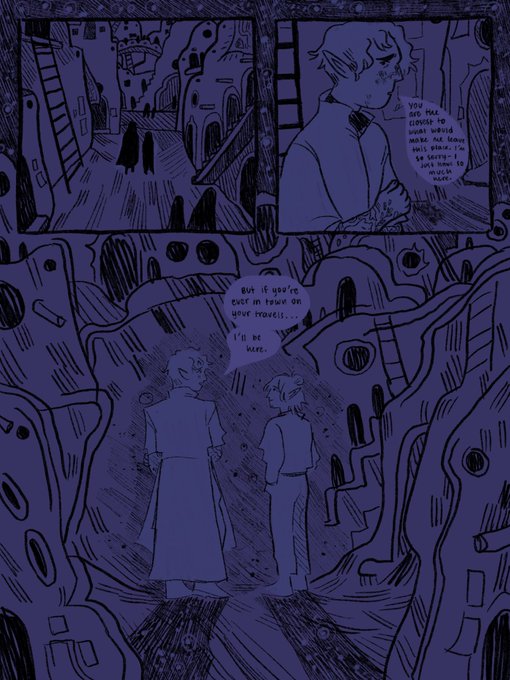
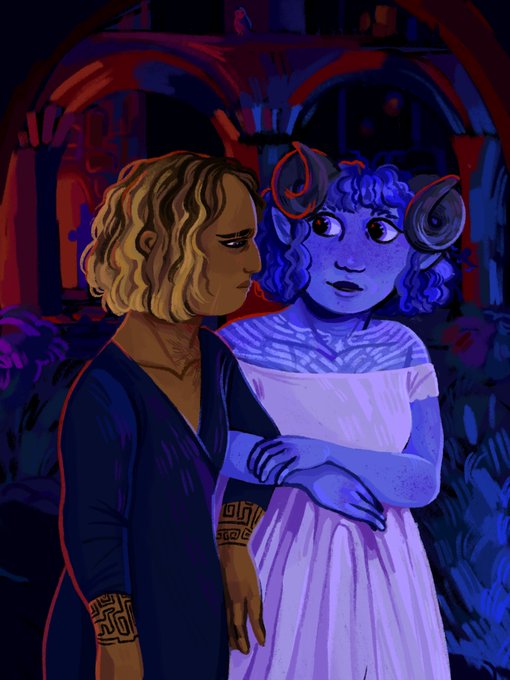


i should probably make a new pinned tweet hi i’m b(melts ur eyeballs with the pin light filter at max opacity on already oversaturated paintings)


Add layer baru, aku pilih modenya hard light buat highlight2 yg putih2, jgn lupa opacity layernya diatur~

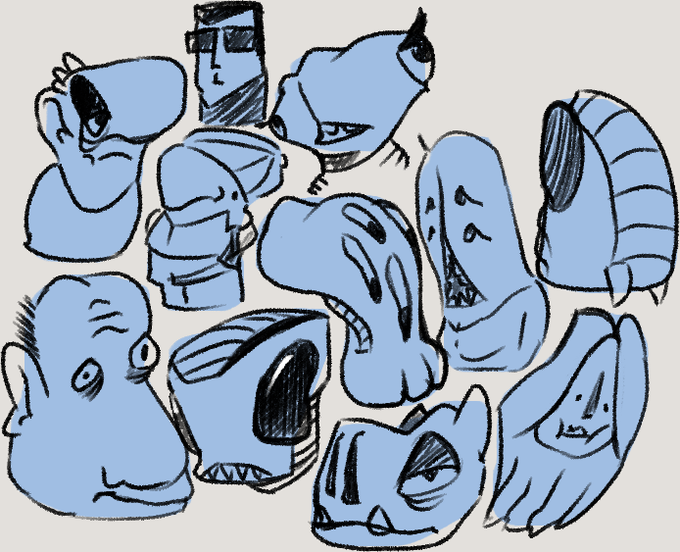
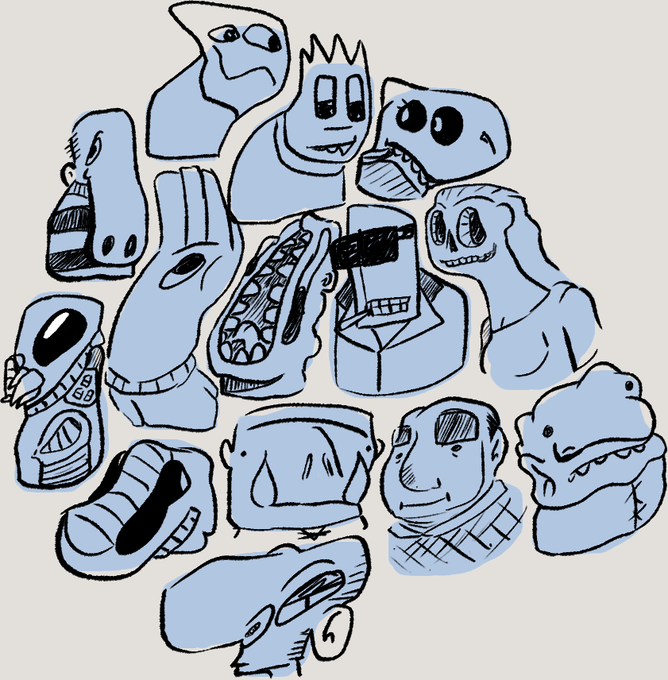
heres a fun game, blob out some random shapes, lower opacity, draw faces based on those shapes
#sketches #ArtistOnTwitter


Updated the rendering of a friend's character when I realized it's hard brush with low opacity --> new layer soft brush --> blend. Also comparison to old art 2 years ago hu


on top of that, add another Multiply layer the same color of the shadow that covers the entirety of your character (adjust opacity as you like, my purple layers are all on 75% for the record). That will make the chara blend in their surroundings.

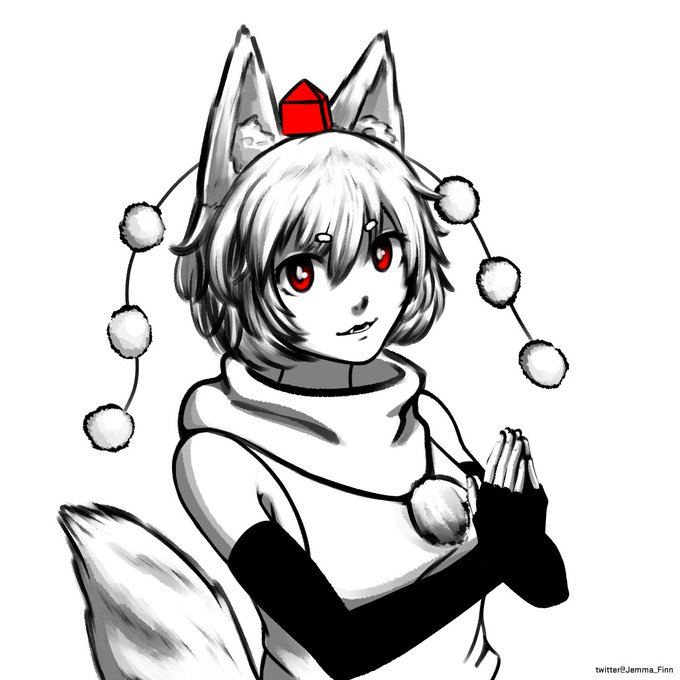


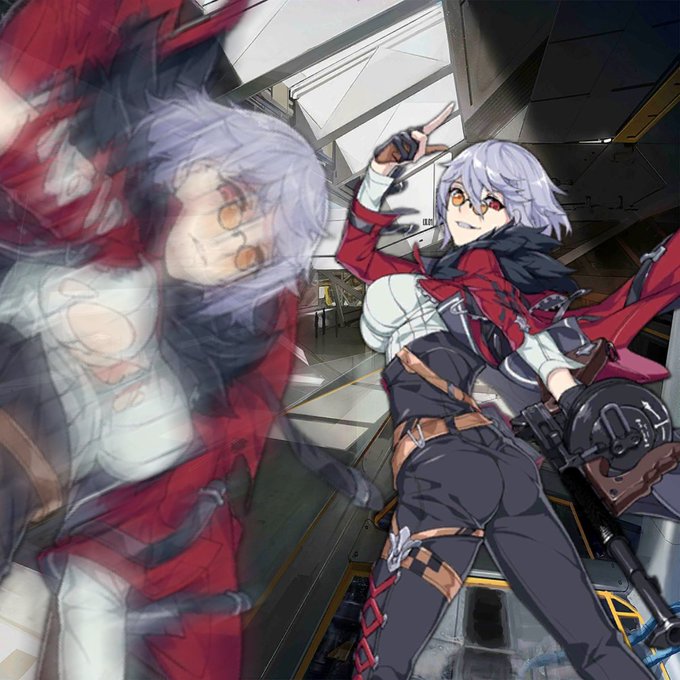


#VisibleNonbinary i'm actually at 40% opacity but my gender is at 0


@RosenniaArts ❄ Hi there I'm Alison, a digital artist/illustrator. The best art tip I ever heard was to use a low opacity layer of a picture of jelly beans to get natural variations in skin tone. Tagging @clytemenestras

Here's my digital drawing of this beautiful painter named Isadora, an OC created by @Gooby_draws during her live streams I watch & chat. Of course the opacity on her dress was so tricky & the best I can draw this, plus it ain't shiny since I don't know how to do those. 🌈🎨🖌️👩🎨

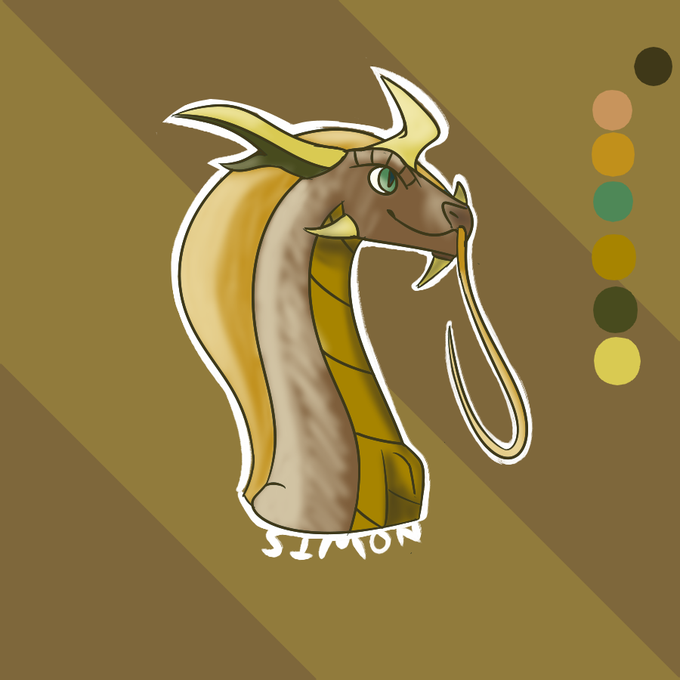
Airbrush + Opacity slider = Highlights & Shading
Made a dragon from scratch, just because.


@PrincessBlackr1 a way to shade is making a layer that covers the parts you want shaded with black then losing the opacity making the black mix in with the color its over making it darker this should also work with white and example can be seen on this drawing