opacityのTwitterイラスト検索結果。 1,333 件中 43ページ目


How I do my arts 👀
1. Sketch
2. Change sketches opacity
3.create new layer and start drawing
4. Repeat for each part of process
5.add blush and shading to areas and layers that need it.
6. Duplicate entire artwork
7. Go to new artwork and merge layers
8. Add final textures https://t.co/iRlY0ZRLUs


drew my buddy's fursona while experimenting with brushes and coloring, messed up a lil bit of the opacity but it still looks great! glad they loved it 💜


1) Sketch
2) Line art (my favorite part)
3) Base color
4) Hard shading
5) Soft shading
6) Highlights
7) Color line art
8) Background
9) Graphic design stuff
10) Ushy gushy my pu-
11) Adjust colors
12) Noise
13) Gaussian blur, lower opacity
14) uhhhhh
15) TKK https://t.co/ANO9Qw8oXQ

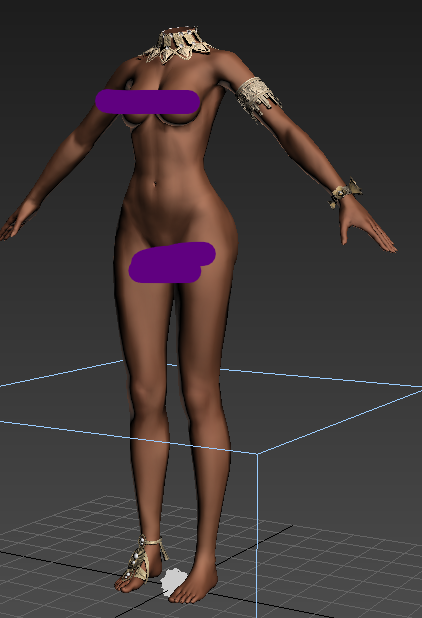
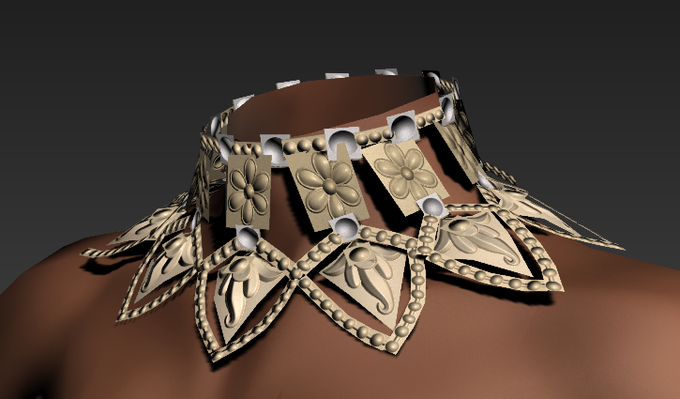
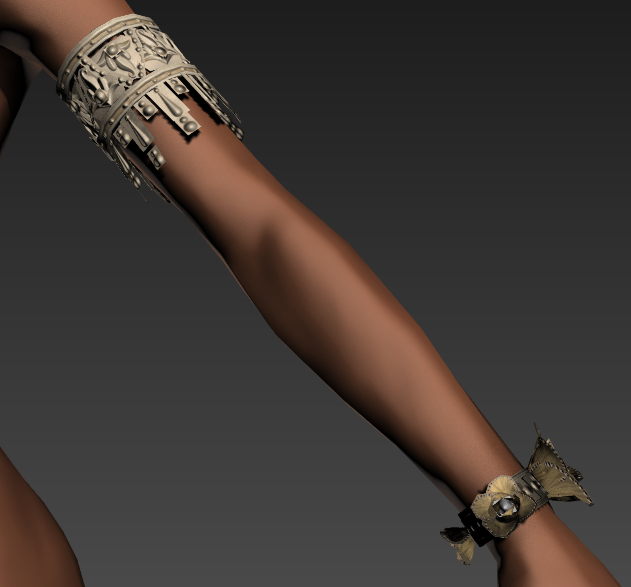
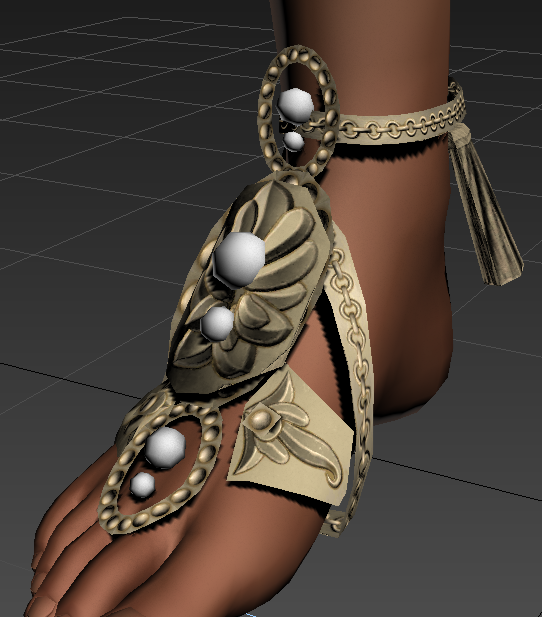
Working on an accessory bundle while stick in Ye Olde WoW queue of 160+ Mins. Getting the base shape hammered out right now. (Not pictures is the headpiece or the opacity)

[Likes and rts super appreciated]
SHE IS DONE
AN SHIRAISHI
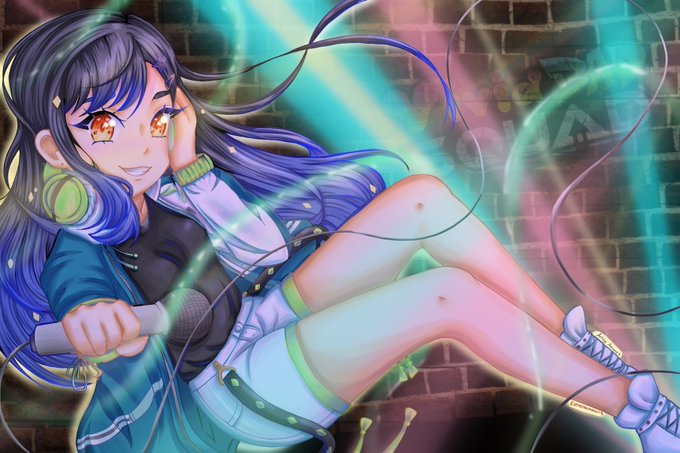
I actually spent time on this one and I'm surprisingly kinda happy with the result!!!! Idk how to do lighting, I just experiment with layer opacity oof
#pjsekai #projectsekai #anshiraishi

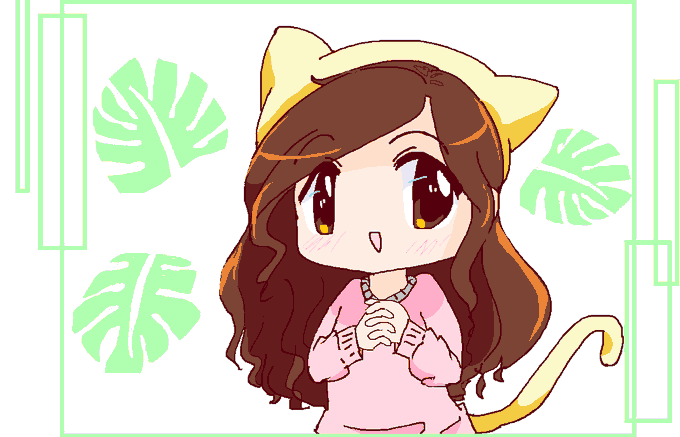
I cheated and lightened the opacity so here's the version as it was made in MS paint. I forgot to color the shadows near the side part!!


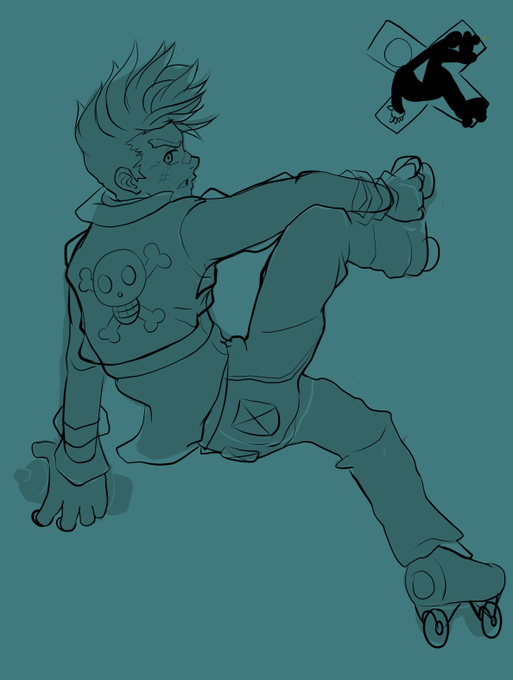
@otherdudedraws @tropical_daemon @Taijuutsu @JackaryDraws @Xshadowgod10 If you're having trouble with sketching, one method I use is to sketch a pose thumbnail and make silhouettes and then work backwards by carving away at the blobs with the eraser (like sculpting). Then drop the opacity and sketch on a new layer above it.

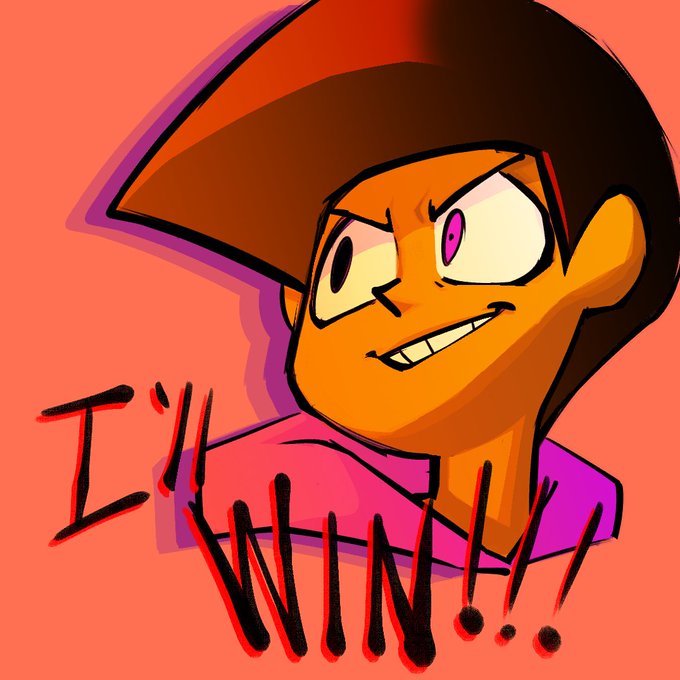

I play around with the opacity of color and lighting to make things look a bit more decent


@molkywaye I use a bright purple multiply layer (hot pink also works for me) on ~20% opacity on top of my flat colours and then just kinda,,,wing it
usually it kinda helps me to fill the whole thing in with the shading colour and then erase the parts that are lit


ghostbur but its just wilbur with lower opacity
#wilbursoot #wilbursootfanart


So apparently the opacity of my fuckin brush was screwed up so I had to go back and fix the colors
Uuuuh
Take this little elias.


I DID IT I FINISHED THE THING
I spent like all night figuring out the perfect bg (& goin back to my ol' 2008-2013 multi-texture/opacity layering ways) BUT IT'S DONE AND I'M HAPPY WITH IT
💜✨


@jessieisnot10 @TheFreshKnight1 I love soft colour pallets, I use them a lot in my art.
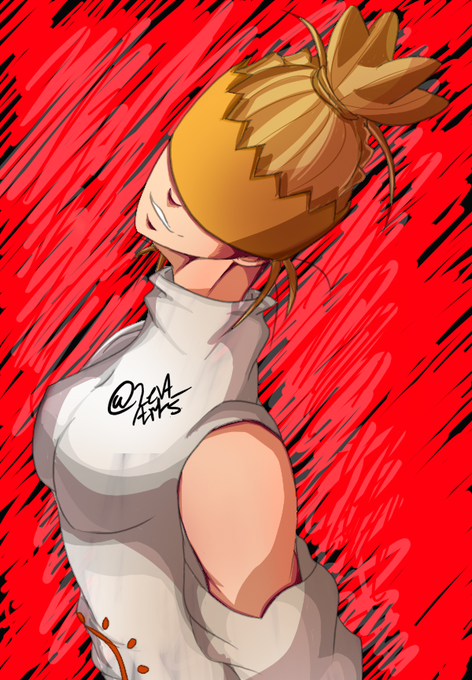
The first picture is a normal art of mine. With line art and shading and everything. The second picture is mine as well, but I turned the opacity of the bucket fill tool down, which makes the colours appear more soft.



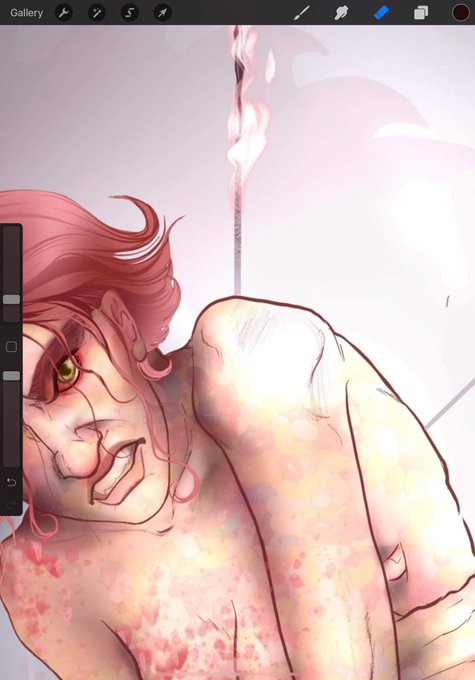
@RedFoX194 I read that using a low opacity overlay of a picture of jelly beans helps create those super subtle variations in skin tone. It's really handy! (On the right you can see the overlay. In the left it's blended into the final result. No more candy, just a subtle range of tones)


Thinking about just not lowering the opacity on the shading layer anymore
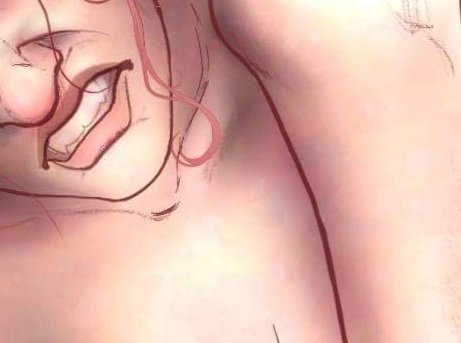
I read that you can use a low opacity overlay of a picture of jelly beans to get natural variation in skin tones and...I gotta say....It works. #wip


@muffinyashleigh I used an app called Framecast and used the opacity at 100% lol


Character artists (especially you bois)!
Learn how to paint makeup properly. Stop taking a soft round with low opacity and adding the laziest smokey eye.
Contouring, highlighting, properly following the waterline... makeup is the hallmark of selling the portrait of a character.