opacityのTwitterイラスト検索結果。 1,333 件中 45ページ目

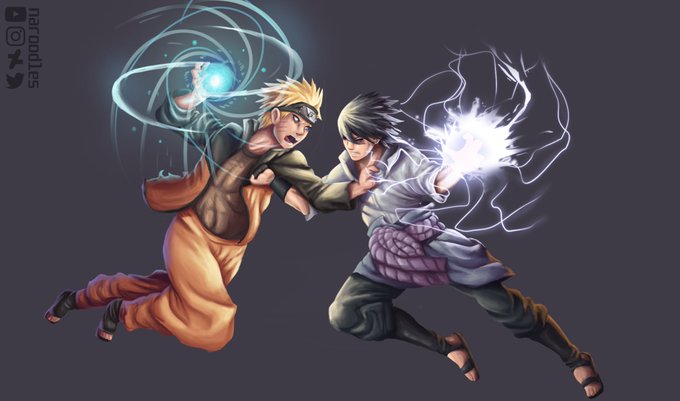
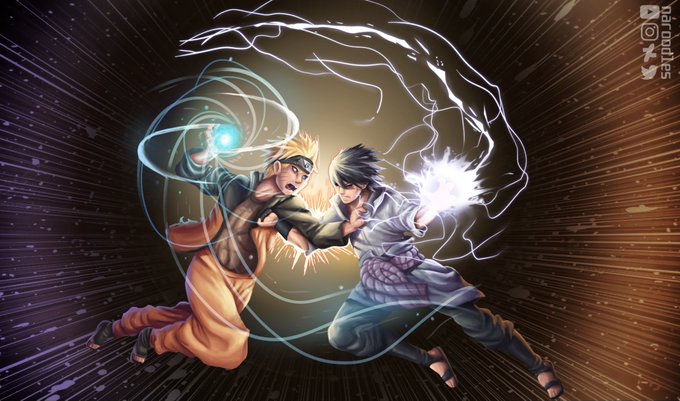
Did this for an art project, most of the rendering by a basic opacity round brush, kinda proud a bit 😟


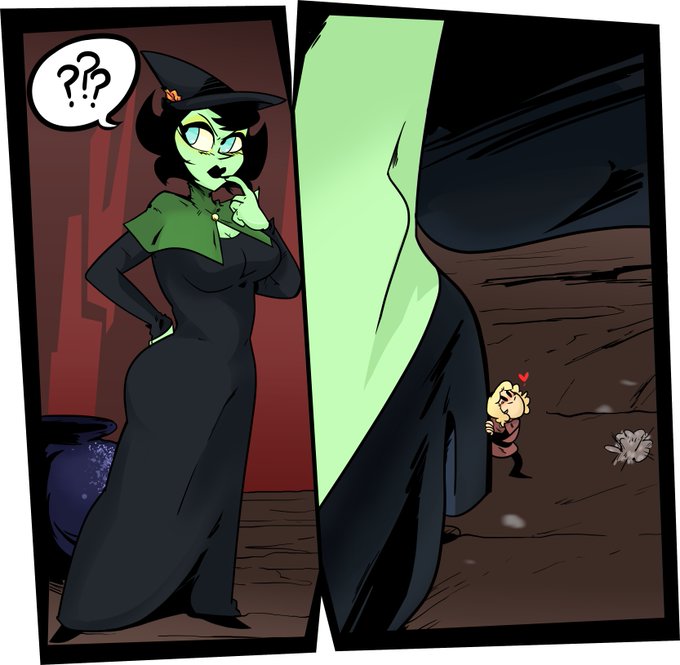
The third panels opacity was off so here's a fix. If only I could JUST GET IN THERE and fix it but what ever.


@fairyamity Both of them are too ligth, because i used a color marker. I know her skin isn't that light, i used the original color palette. Amity's even more light than luz here (?) is the same color palette, only diferent opacity because the tool that i used :3


@polylovesjrwi 5. color layers only affect color, so if it needs to be lighter/darker, i duplicate the layer and change it to "glow dodge" for lighter, or "multiply" for darker. then i change the opacity & extra color as needed (and clean it up a bit)
and done!

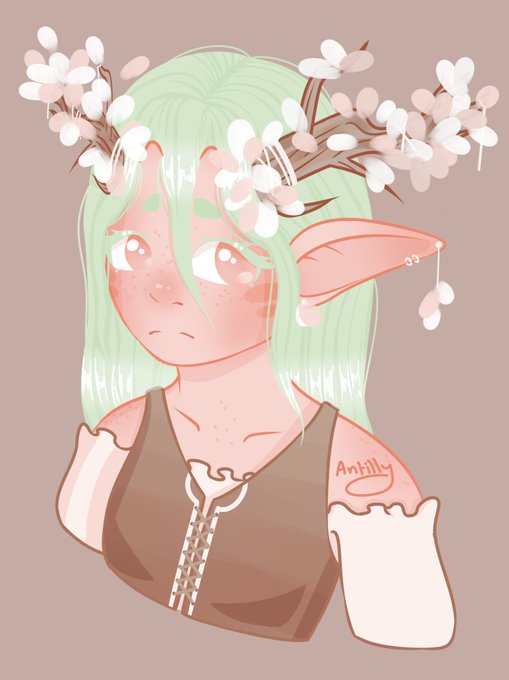
I then add a new layer and fill the whole canvas with white. I set this to an overlay layer and lower the opacity until I'm happy, then it's done!

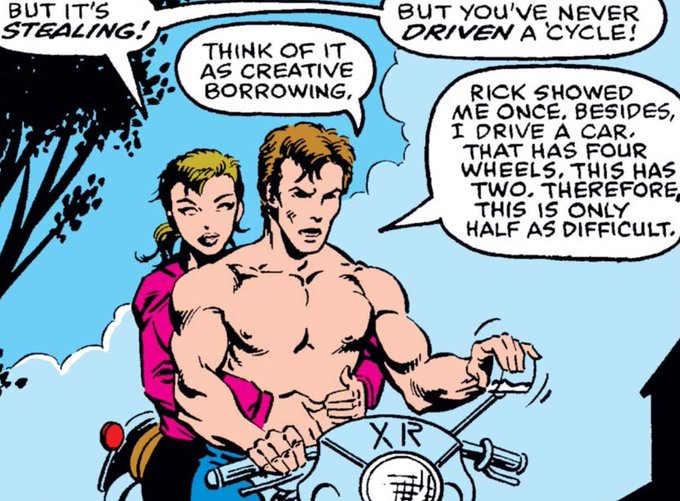
superimposes rick at half opacity into the sky in the background with a singular tear rolling down his face as he smiles PROUD of what hes done


That feel when you fall in love with the opacity brush as both a paint/sketch tool. Also, I've drawn Nana as a human! I wanted to draw Tin-Tin as this meek silver-headed boy but uh...i didn't like it too much.


gf is sick rn and i originally photoshopped her selfie so she was frodo waking up in rivendell with 40% opacity elrond floating around her but i think she wouldn't appreciate if i posted that (work of art though it is).


@hamykia @ElinGregory Its not! But I got some custom cloud brushes, so playing around with colors, opacity and strokes got this result which looks amazing! And its the same brush I used for this one


I know it sounds like I'm just hyping this up, but I really mean it when I say this panel has so much going on. So much has to perfectly work (facial expressions, line waving, opacity, placement) for an unsettling vibe to come across with no motion or sound. It's incredible!


Today’s study is a lot more simple than last week’s, since I’m trying to do something really simple, no texture, no opacity, just focus on values and composition.
Original picture is Mt Saint Michel, Normandy, not that far from where I grew up. Need to go back there !


Maru ended up looking kinda yandere before i lowered the opacity on the shadows,,,, share ko lang HAHAHHA https://t.co/1urnwneJQl


the opacity of the color layer is low (37%), because at 100% the edge looks badly colored (Catra's hair and pants)
but here it is 100% (99% 😅)


I made a brush you can download for free off clip studio paint's site!https://t.co/x6KQaohCYt #clipstudiopaint #sketchtober #csp
I like this brush because it lets me feel like I can screw up however I want and it's all good in the end👍And it has a lot of opacity variance!


@swordsafety the opacity of the color layer is low (37%), because at 100% the edge looks badly colored (Catra's hair and pants)
but here it is 100% (99% 😅)

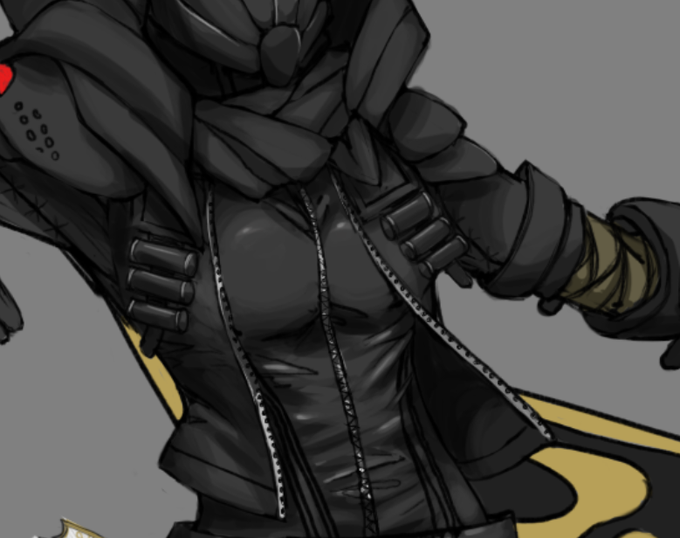


I really enjoy Ashley Wood's art. Trying to do a study or emulation piece has always felt daunting. I spent a little over an hour tonight just jamming away at 90 opacity flat brush & eraser without sketching.
I'll work on this later. It was fun.
#Midna #legendofzelda #study #WIP


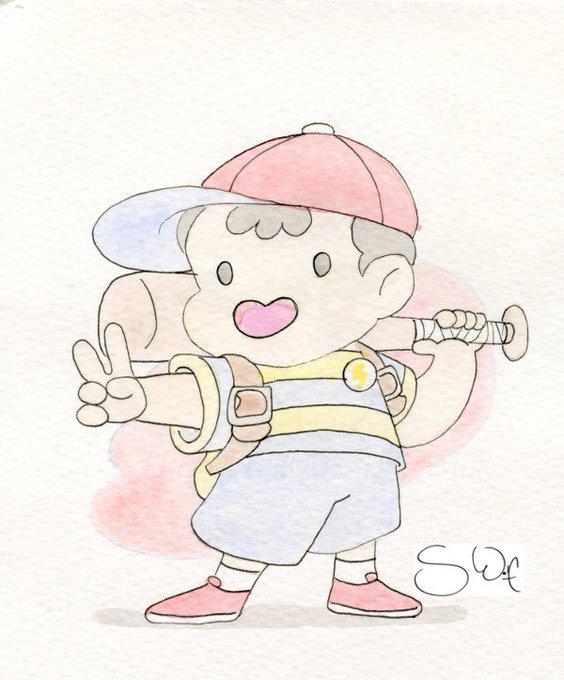
Ness- DIGITALLY REMASTERED (new one on left). Just like w/Maj. Kusanagi, I "re-inked" the line art and went over the original paint w/50-80% opacity in #CLIPSTUDIOPAINT . It turned out fantastic! #art #Earthbound #Ness #Nintendo #fanart #SmashBrosUltimate #Mother2

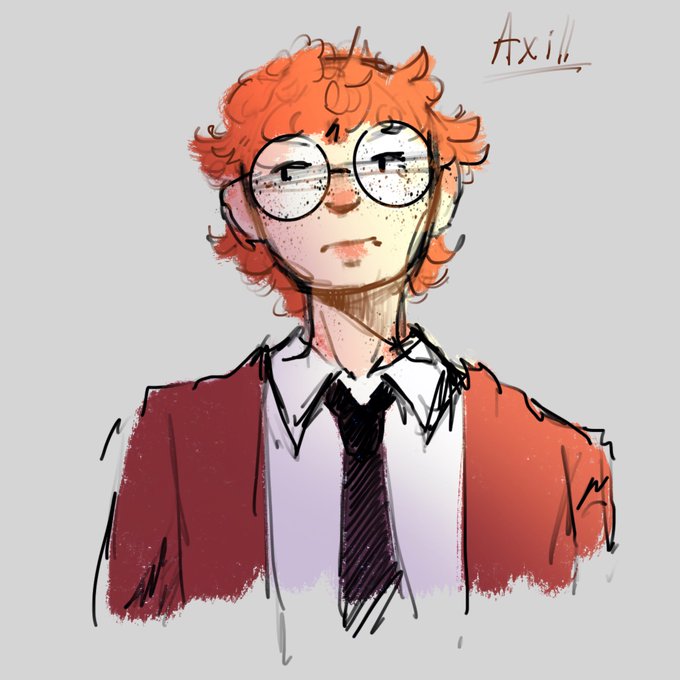

After almost 2 years I still love the round brush with pressure opacity