TOOLのTwitterイラスト検索結果。 16,609 件中 441ページ目


🪐Sailor Saturn🪐
•
I really like the background on this one. This tool really long, so likes and retweets are heavily appreciated! Thank you!
#art #creativity #cute #digitalart #medibangpaint #fanart #anime #animeart #animefanart #waifus #sailormoon #sailorsaturn #hotarutomoe



@TanukiVR Wow, this tool is great! And I end up playing the tank or juggernaut. In one pen and paper game I abused my tanking ability so much because the game master forgot one little detail and we only realised how OP my ability was after I blocked every single attack from a dragon


I finally got around to finishing my Mei drawing! Played around with the blend tool again with this one. #MonkieKid #LegoMonkieKid


here's day 9 of #sculptjanuary Pointless Tool.
#blender #b3d #3d #sculpt #sculptjanuary2021


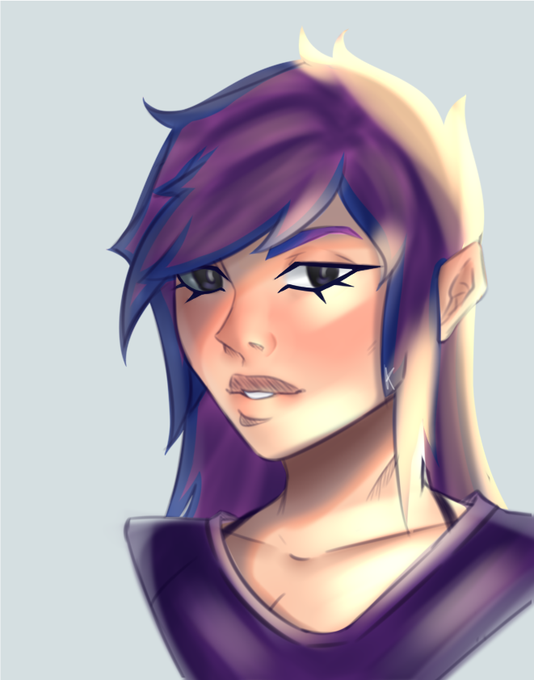


next two programs were paint tool sai and photoshop cs2 (this version was ancient but technically free because product keys broke)
I used these when I first got my drawing tablet between 6th and 7th grade to make fakemon lol
lineart was done in sai and coloring in photoshop


Started with MS Paint with a mouse, now I use Paint Tool SAI (Photoshop 2020 for transparencies & larger projects) on a Huion KAMVAS Pro 16 screen tablet. https://t.co/vDFFJdag0D

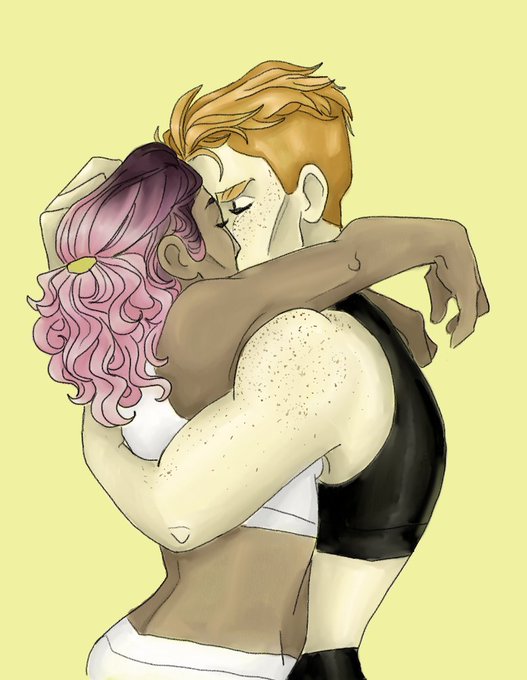

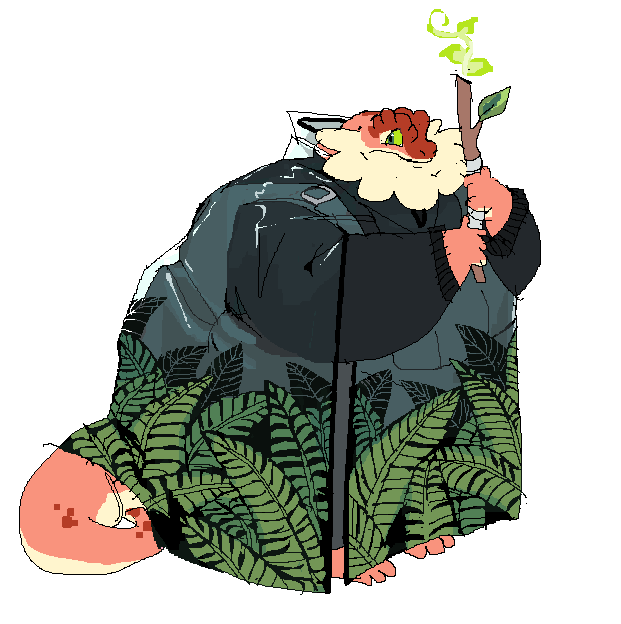
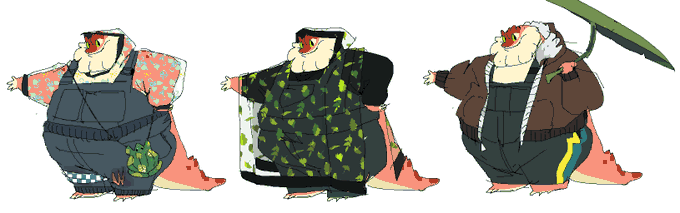
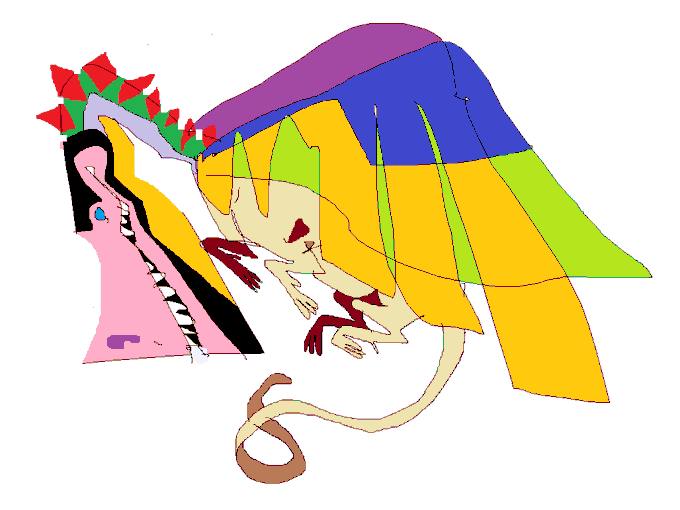

Jan 2021, explorin more rosie outfits and some other fun doodles.. rosie usually isnt shy but in this world dueling is like.. #1 conflict resolution tool and she's very scared of dueling


I don't know how this will work on Twit so I'll post crops. An old world with some new additions. Playing with a new pencil tool that I really like. It feels good when doing organic and textured designs.


Day 09 of #sculptjanuary #sculptjanuary2021 - Pointless Tool
I can't think of no tool more pointless for a rock smashing palaeontologist than a glass field hammer! It does look cool, though... And a small detail engraved on my model, the SBP logo!


my first experience was kidpix, but i considerpaint tool said as my first because that's when i got my first drawing tablet. and now i use procreate and ps https://t.co/Q84SoNsOhw

Started with krita, now I use paint tool sai. I liked the brush presets on krita but it doesnt have a stabilizer like sai lol https://t.co/WfYH5Gua7H



Day 7 of #100MetalMarches and it's number 18. This one needs no introduction. Permanent fixture in my top ten albums since it was released 🔧🔨 #Tool #Aenima


Used MS paint on my family's old computer to make Naruto OC's with bases from deviantArt, and now I'm using ProCreate.
There is a middle man where I used Paint Tool SAI on my old laptop 🥺 https://t.co/mFWpl6W8As


@Jpaikmedia I’m sorry about I said “I’m nobody’s puppet” thing I just have to say that to all the bastards out there. Everyone don’t work for anyone if they treat you like a tool or something worse. Be free and independent!