opacityのTwitterイラスト検索結果。 1,333 件中 46ページ目


@zonakaryaid nanti layer kacanya bisa dikurangin opacity-nya, atau set layer mode jadi hard light/soft light.


Face part now bUT IN DETAIL. Legit- same concept. Lock a layer. Add some shading and lighting. Blur a bit and then unlock- detailing with bush tool on low opacity


@RehtseStudio Process: Maya 3D blockout / Lower Opacity of the Models and Do a library pass / Flats / Shadows / Highlights


Anyone else having problems in #Procreate5X with opacity layers when exporting to photoshop? 😳 this is the preview vs when i open it in psd 😭


Nahh biar lebih heboh lagi. Aku tambah lagi layer gradasi warna merah sama biru. Setelah itu di overlay trus opacity nya di turunin sesuai selera kamu ehe. ^_^

Setelah itu, aku blend pake brush watercolor, aku betulin letak letak highlight + shading nya. Opacity brushnya aku pake sekitar 10% aja, supaya warnanya bisa aku build up pelan pelan.


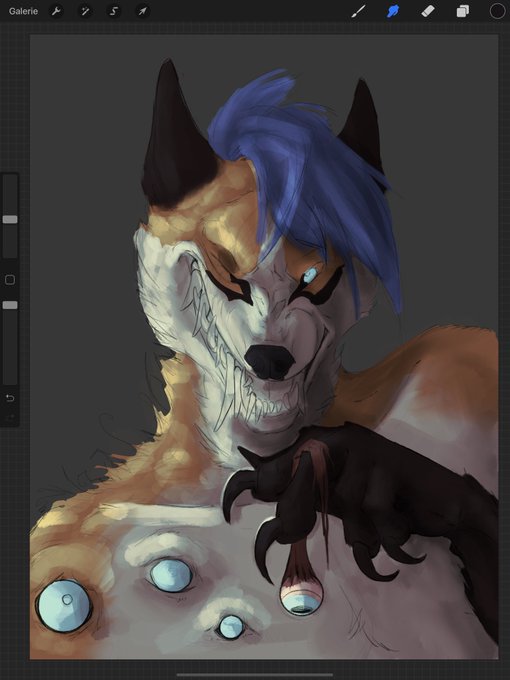


Playing with the new gradient Mapping @procreate
1. Basic Layer
2. duplicate Basic, gradient mapping 50% opacity
3 duplicate Basic, gradient mapping 50% opacity + overlay
4. add some structure
next step lighting
Thanks 4 watching ❤️
#wip
#halloween


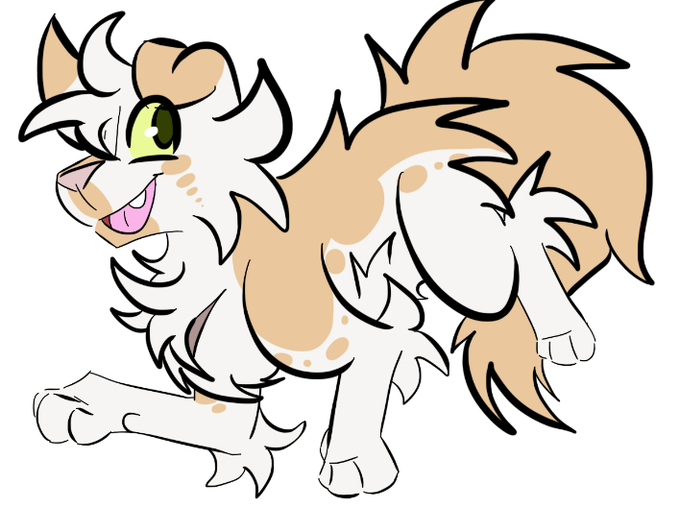
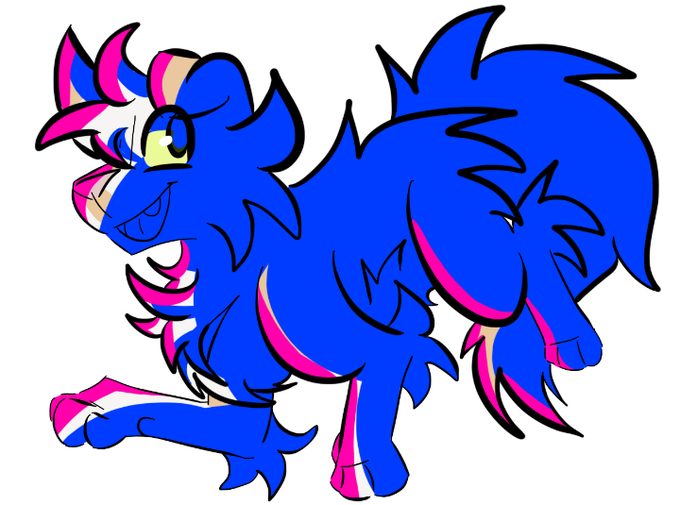
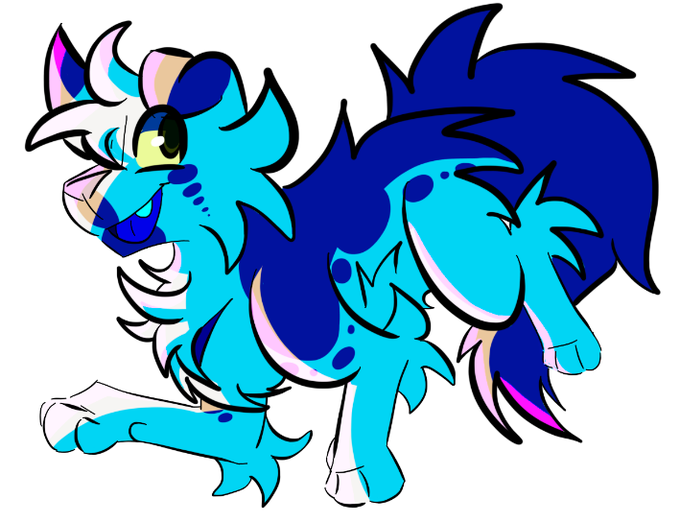
@richienotfoundd BLENDING MODES, USE THE *FUCK* OUT OF THEM!!! Here's an example of a drawing where there is no shading/lighting, an example with the base color (no blending modes) of the shading/lighting, and the same exact shading/lighting (no opacity/color change) but with blending modes!


Quick arm studies in 4 passages:
1) Sketch + fill with a solid color
2) Lock the layer and block in the darker areas
3) Block in the light
4) Refine
Keeping the last passage short will considerably speed up the process.
Hard round brush with opacity control is my fav for these


すごい!!✨🌈
testing some other brushes, opacity, multiply layer, experimenting~ :]

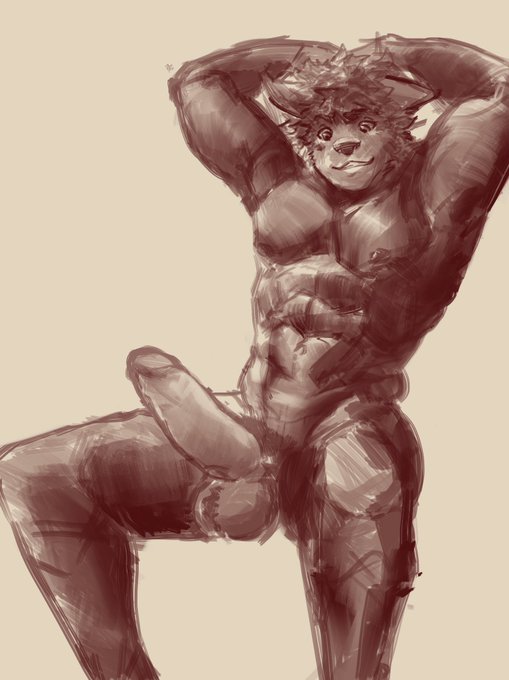
Still exploring, smudging and layers with reduced opacity instead of relying on pen pressure for value. Hmmm


Guess who figured out how to turn on the pressure opacity settings?
Some sketches of Astrid, Caleb, and Eodwulf while trying to decide how I imagine them.
#criticalrolefanart #blumentrio

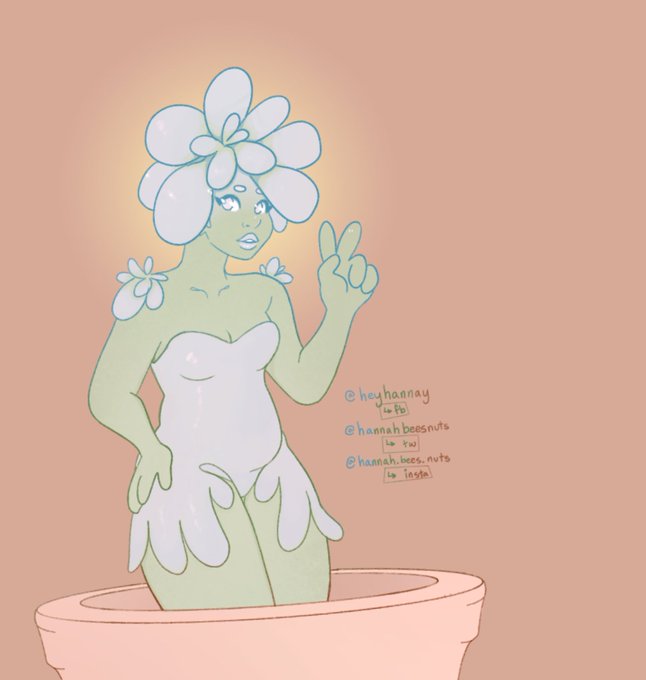
alternate background color /minor edits to my post from last night. I like this better ? #plant #lady #succulent #pot #glow #beanbrows #pastel #opacity #digitalart #commission #deuces #monstergirl


Yeah, lineart is cool and all but why not just do some weird opacity shit and shading to make it look dope af #fundy #fundyfanart @FundyLive

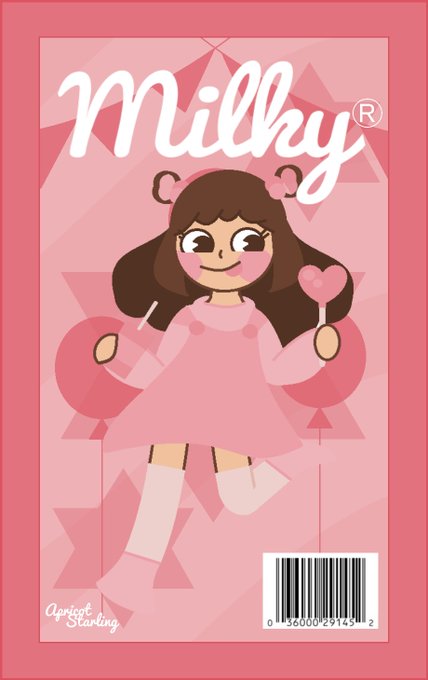
Bonus: I made a front version, so a few things may seem different, such as text size, placement of objects, opacity, etc.


I did a digital drawing of @m5mona Halloween version of her OC. The trickiest part on digital is drawing a see-thru lime green skirt to be very specific with the opacity, I got a long way to improve on my drawing skills. Love this one just like the Neon Circus one. 🎃🦇🕷️🕸️💙💚🖤


Ok, I’m pretty happy where we ended up! Tweaked the pencil tool I use and lowered its opacity more or less and just a splash of color to her cheeks to show that the whiskey is doing its thing! https://t.co/3oTjh9Uf2o