opacityのTwitterイラスト検索結果。 1,333 件中 47ページ目


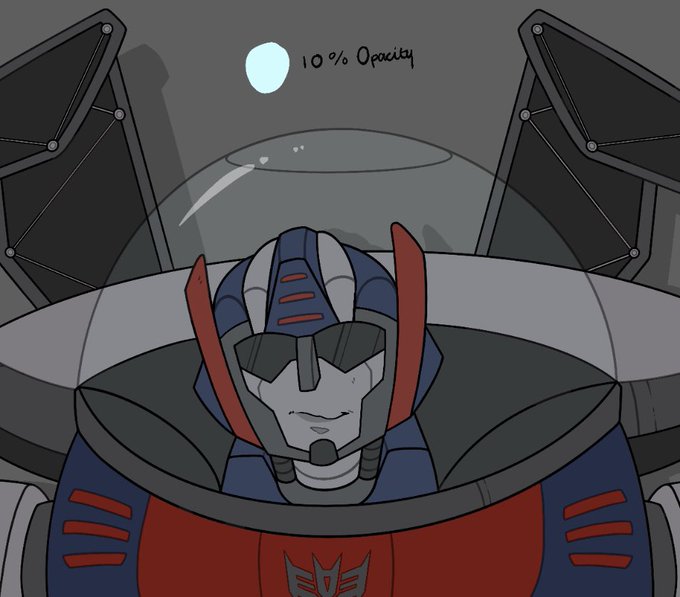


3. Lightning!! Ini bagian yg paling (((malesin))) buatku, kalian tinggal bayangin arah cahaya aja, trus blur beberapa bagian (btw aku pake layer shine dan jangan lupa opacitynya diatur)
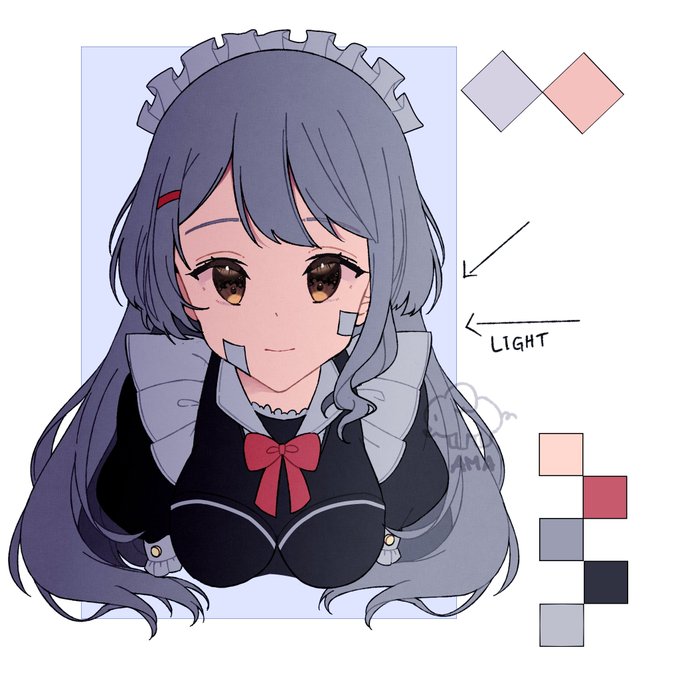
2. Buat gradasi gelap, aku pake layer shade dan warna bagian atas kanan. Disaranin buat ngewarnain lineart, bisa buat layer baru trus diclip atau lock layer, kalo aku pake clip layer dan ambil warnanya dari base color trus aku kurangi opacitynya👌👌
![apple [🍏🎨]さんのプロフィール画像](https://pbs.twimg.com/profile_images/1691906857621757952/L3r1S_OE_normal.png)

@cornpoff Thank you!! green-teal is a good colour that should be used more ;; The texture is a transparent version of this that I made years and years ago, set to 2% size and Hard Mix on a lower opacity. I discovered the effect by chance a long time ago and still really love it.


Daily Sketch #106 (Gecko Mechanic)
She clearly wants you to give her a tool. But which one?
Wanted to try shading with complimentary colors instead of black on a low opacity layer.


Man i love gaussian blur with 20-25% opacity, idk it just looks so nice .-.
#MonsterHunter #digitalart #fanart


Here's how I shade- at least the colours for Cheeto
I put it on 20% opacity (this is Cheeto ((@.Spicyisdumbb)))

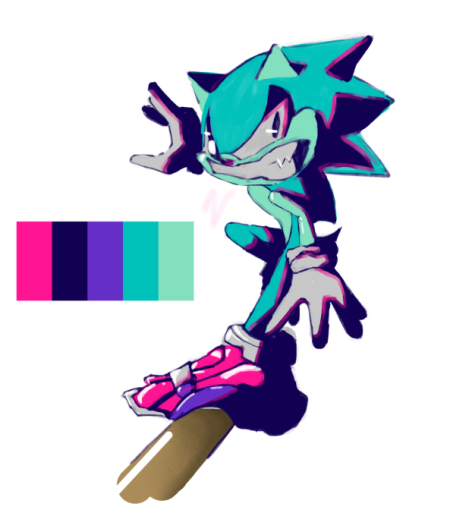

bonuses: 100% opacity shading and a doodle that turned into this drawing


pick a very saturated shade of the color you want, draw it like it's opaque and then lower the layer/folder opacity bro it's like magic. also add another layer of shading on parts where the fabric overlaps so you create that "see through" feeling.
that's how i did these: https://t.co/uv2qBLITpH


@NoBeardSa nope! your transparent layer should be 100% opacity. also if you look at their graphic, you can see that white layer i'm talking about. basically the area you want to be transparent is cut out from this white layer and that's why you can see through it


@paintoverpaint Hey thank you for the artshare, this is my 1 1/2 year progress. 😅
I love how I had no clue how opacity/pressure works 😂
If anyone want to see more of my recent works, here is my ko-fi: https://t.co/VCl0ndvgkU 🌸


been playing around with the oil brush settings and im going to start incorporating it into my workflow from now on and use it for most of the beginning stages of the paintings and then save the rendering for the opacity brush #ArtistOnTwitter #environmentart #illustrationartist

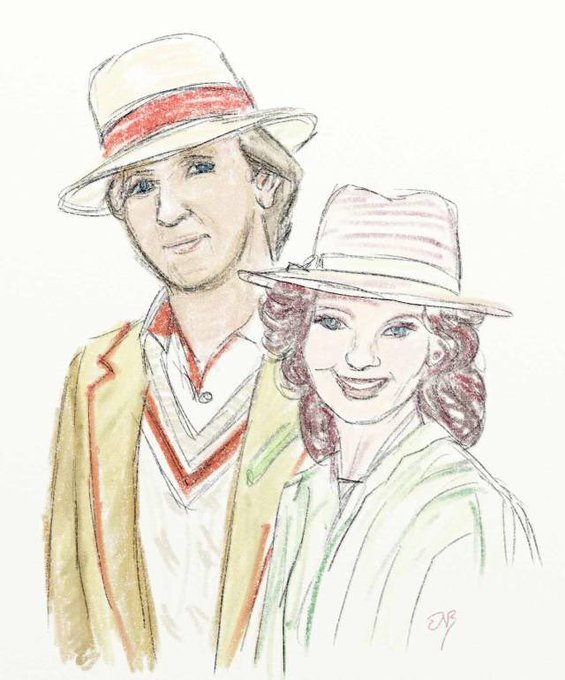
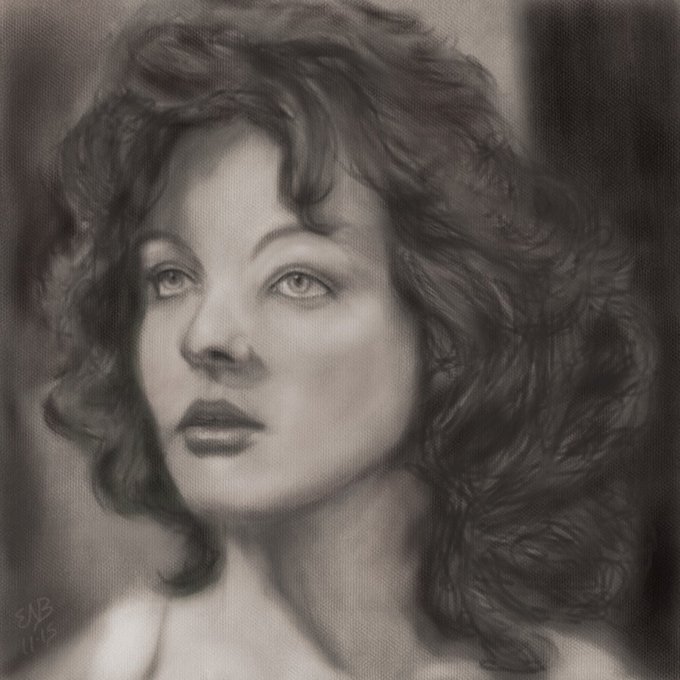
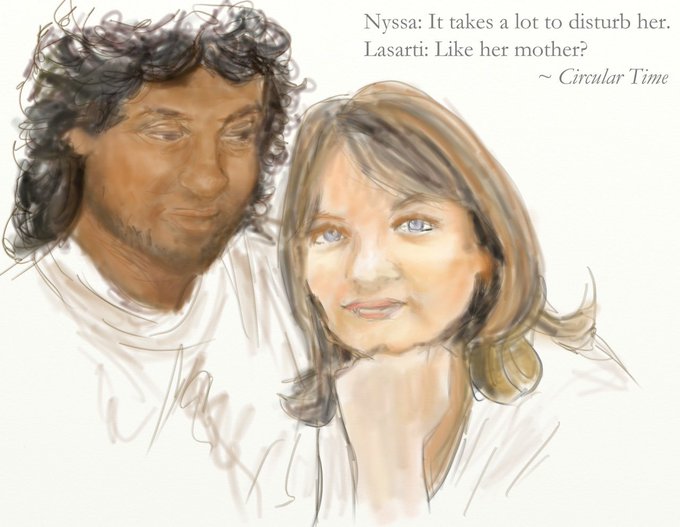

@friendoface "Cheat" fanart: I used to get frustrated with faces that didn't look right, and I'd wind up dropping a faint-opacity photo in the background, so they're partly traced. Boo. But here's a few of my "training wheels" pieces when I was still learning...


HFJWBDKEH I SOLVED HOW TO MAKE THE COLORS STAY INTENSE WHEN I DOWNLOAD THEM TO MY PHONE I MAKE A FILTER WITH WARM BABY PINK + OVERLAY + 30% - 50% OPACITY AAAAAAAH


A #lightingstudy to test using ‘colour’ layer mode in #Procreate to change flat colours into a unified scheme; such as overlaying a blue and lowering the opacity. I also used other layers and techniques to quickly put it together. Comments welcome! #art #digitalart #angel