opacityのTwitterイラスト検索結果。 1,333 件中 49ページ目


Love the Helltaker art already. Yet, I'm horrible at it... Can't quite get the same "rough" lines as original from Łukasz Piskorz. But I'm pretty sure that in the artbook he used opacity for the glasses. (Simply using an eyedrop tool isn't working) #Helltaker #artpractice


More on step 3: the multiply layer opacity should be less than 100%. It just kinda depends on the base color
More on step 4: I used the base color and set the layer on multiply. Again, the layer opacity is less than 100%. entirely depends on the base color
(forgot to mention)


Base layer 1st coat vs 2nd
Shading + emblem 1st coat vs 2nd
Work in sections! You want one smooth layer of paint even if it’s streaky.
WAIT FOR THE FIRST LAYER TO DRY!! Painting over tacky paint overworks the first layer.
Add more layer to achieve your desires opacity ✨❤️

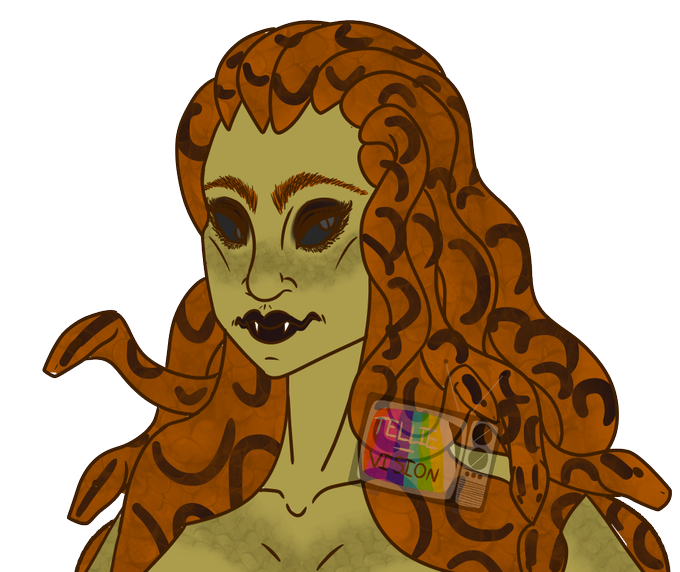
Started coloring Brangwynn because I wanted to test the snake scale texture brush i found and I,,, have mixed opinions
on one hand yeah its scales but on another you can only see the detail close up unless I have full opacity but then it screws up the color😩
#DnDcharacter


@MugiwaraMikey #Mugidrawsgregmartinsonic
so I tried to do what you were doing with the air brush but I used a blending tool and less opacity brush suggestion's? also here's a hedgehog assassin based off assassin's creed but I might just restart or drop it because I don't like it


@PMSeymourDoodle I’m basic.
I usually block in all the colors and then block in shading. Sometimes I do gradient shades, sometimes it’s just blocks. (Both of which is done with pure black on an above layer with low opacity)
Any glows are above all layers and similar methods


i've purchased brush sets for fur, and I've spent lots of times experimenting with different possible textures...but at the end of the day I always return to the free program Firealpaca and an opacity-by-pressure marker


playing around with the Opacity with a new art lol
(Nella and her 4 souls)
(...I think I watch too much Toilet-bound Hanako-Kun but I can't stop watching it)

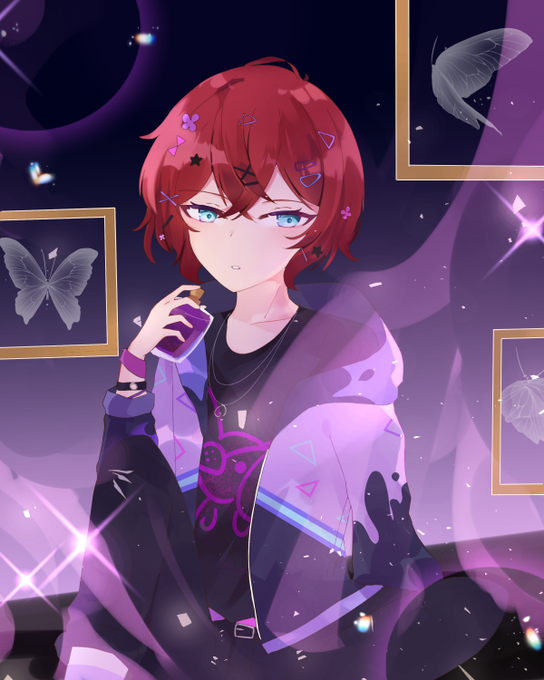
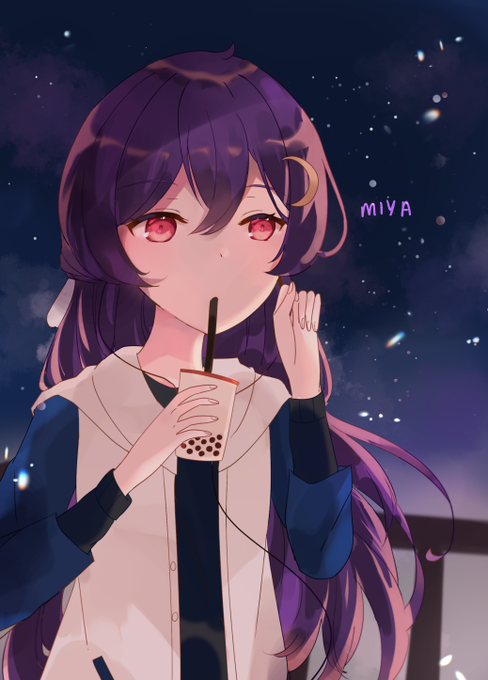
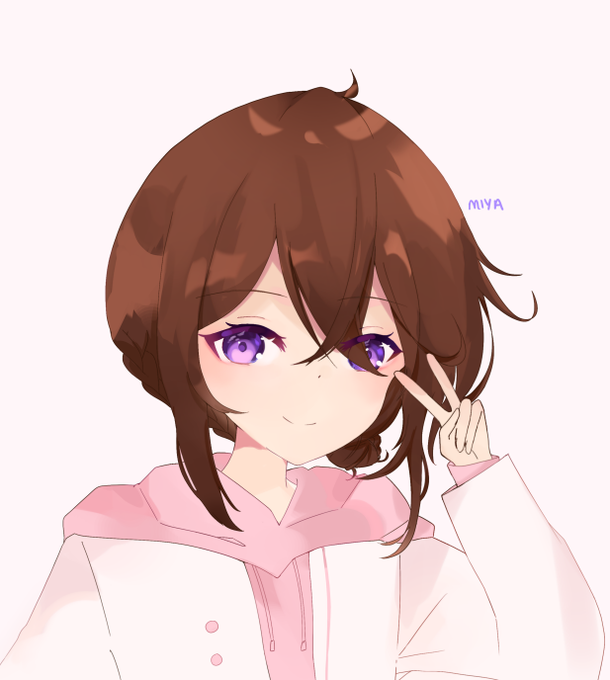

hello #ArtistsofSEA !! i'm miya, an artist from singapore, and i like to draw ocs (and do fanart Very occasionally), colour eyes and set 10 layers of overlays at 4% opacity each! 🍮💖

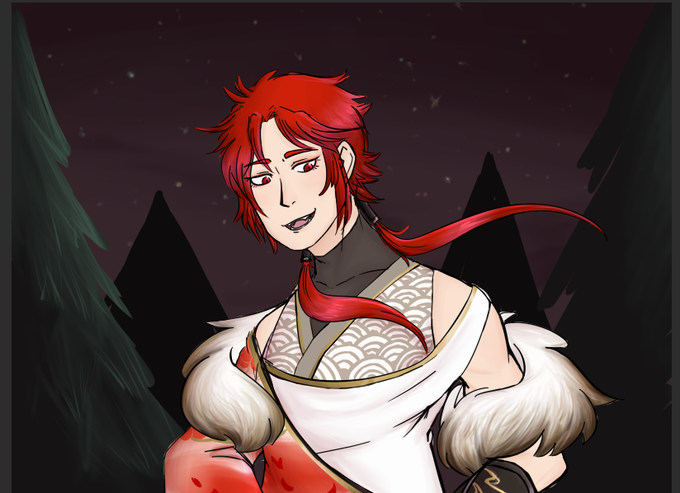
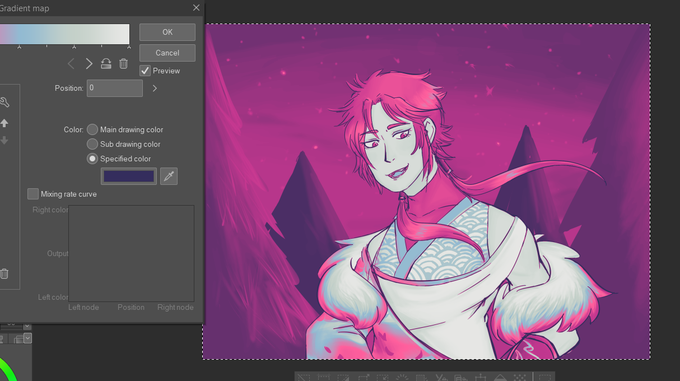

@Hnybnny you can apply them in order to change the colors of a picture! here’s the before and the after (I usually turn the opacity down a lot + set the gradient map as an overlay, like in the 3rd pic. I used a different gradient map for the third pic than in 2nd but yeah)

sometimes I just vibe with fur, and other times it is my antagonist. this is all just from a marker brush with pressure opacity 🤔🤔


9:Add opacity in the layer of shadow and determine the volume.
10:Add a second shadow layer.
11: Repeat the process of step 9.
12:Add more details (optional)


5:Last clean up and fixing.
6:Lineart in opacity, overlay option.
7:Add a new layer under the line art for the color.
8:Add a dark gradient, (that's the color I use, you can use another)


@adobetrash HAHA FAIR to dip your toes in i would suggest doing this for a while!! shade with all one fairly saturated color and then set the shade layer to multiply and adjust the opacity, and play around with overlays if you like too, don't be afraid to try all the colors on the wheel lol

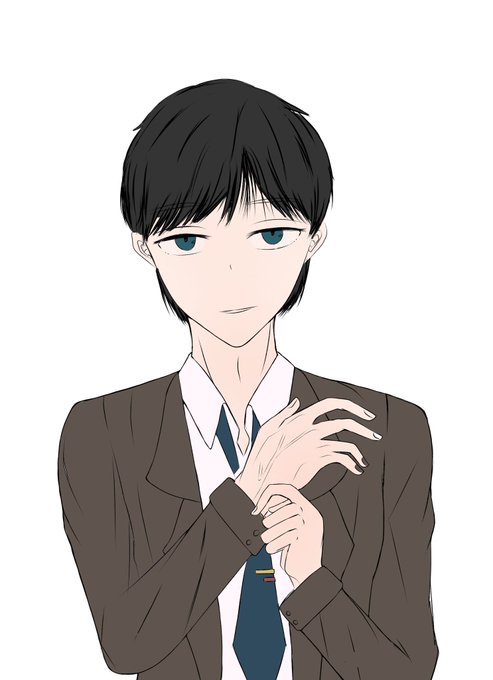

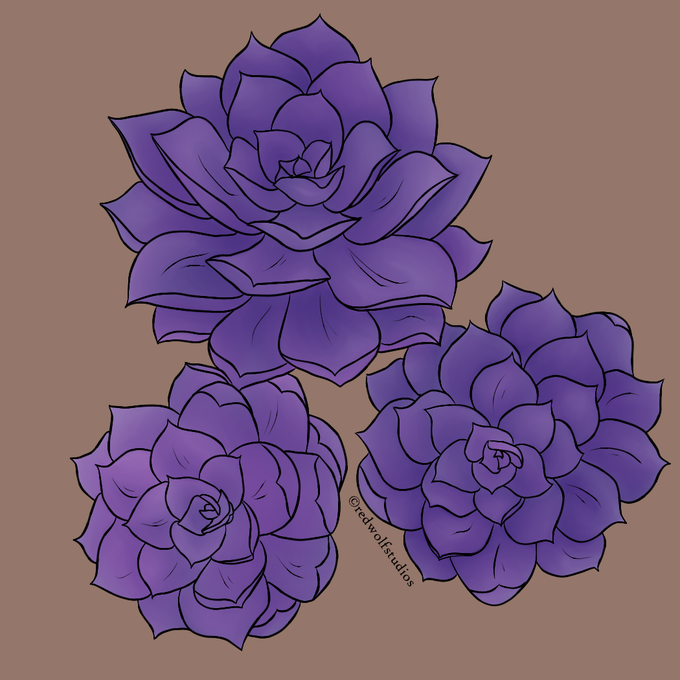
I lowered the opacity on the layer clipped on top, and changed the saturation and luminosity levels on the base colors to make it less oomph. It's nice having a 2nd screen to look at because I can see the slight different in color representation. BUT I think this is done now.


Here's what it looked like before, the weirdness seems to be coming from Arnold filtering the base color but not the opacity


Thank you so much to @louisefletcher_art for inviting me into her welcoming Art Tribe group to talk about my creative processes. Here is a section of the watercolour demo we did together exploring fluidity, granulation , transparency and opacity- and al… https://t.co/5WbY1koXLf

I couldn't resist not coloring it, I shouldn't have lowered the opacity permanently, yet here we are.
Watch me escort the lads and the ladies in roller skates 😳✨
#dttwtprom #dttwtpromfit


My digital drawing of my beautiful OC Cosmic Sapphire. tried to draw a different pose but I did something new on digital if you look at the star & moon I attempt to do a glowing not bad but not perfect so I decreased the percent of opacity, still can't do galaxy style. 🌌🌠