krita'sのTwitterイラスト検索結果。


tested out Krita's watercolor brushes :> pls ignore the really bad hands.
Art of Mosaic and Mozzy from @MosaicMozzy #ItsMozzyArt (Not sure whether I should tag or not ><)





Sorry the lineart is poopy, I'm still getting used to using krita's stabilizer feature. Also, merry Christmas!

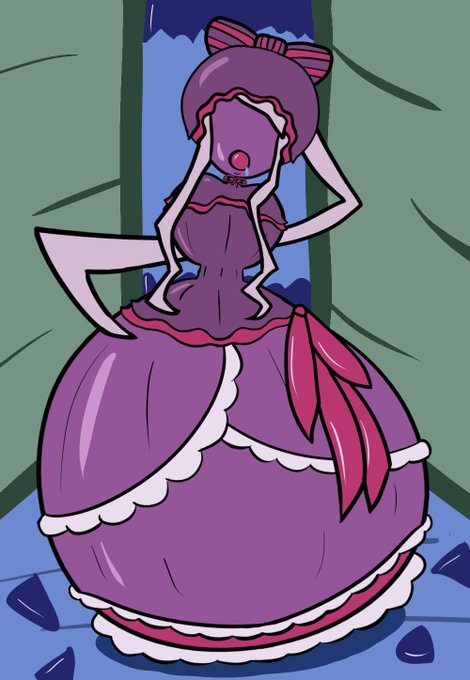
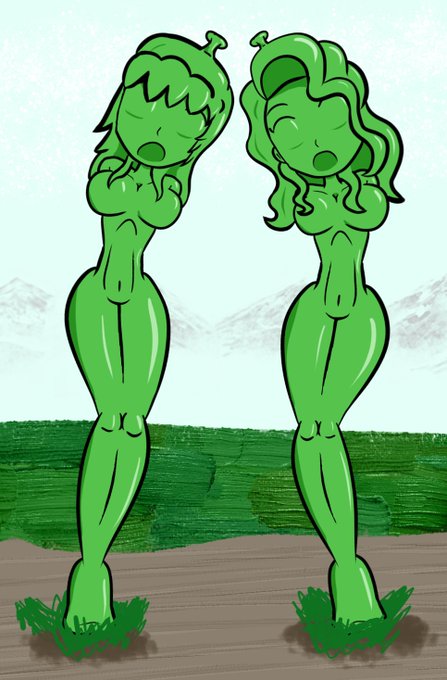
Recently, I read up on Krita's Cage tool (When using Transform Tool, use the Advanced options). Unlike Warp, which has a midpoint, you define the outside points then shift them to bend the drawing, and in the example I saw, it could make a crouching monster stand up.


Okay, so visually, I still like the second one better. But I really want the text readable in its entirety, which you can't really do on the second. Or maybe you CAN read enough? Uhg. I feel like if Krita's text tool was easier to use, maybe I wouldn't be struggling with this?


Some sprite creation studies I did. I basically took my drawing and turned Krita's resize filter off to "nearest", then manually retouched the sprites. Because I can't create pixel art through pixels! XD

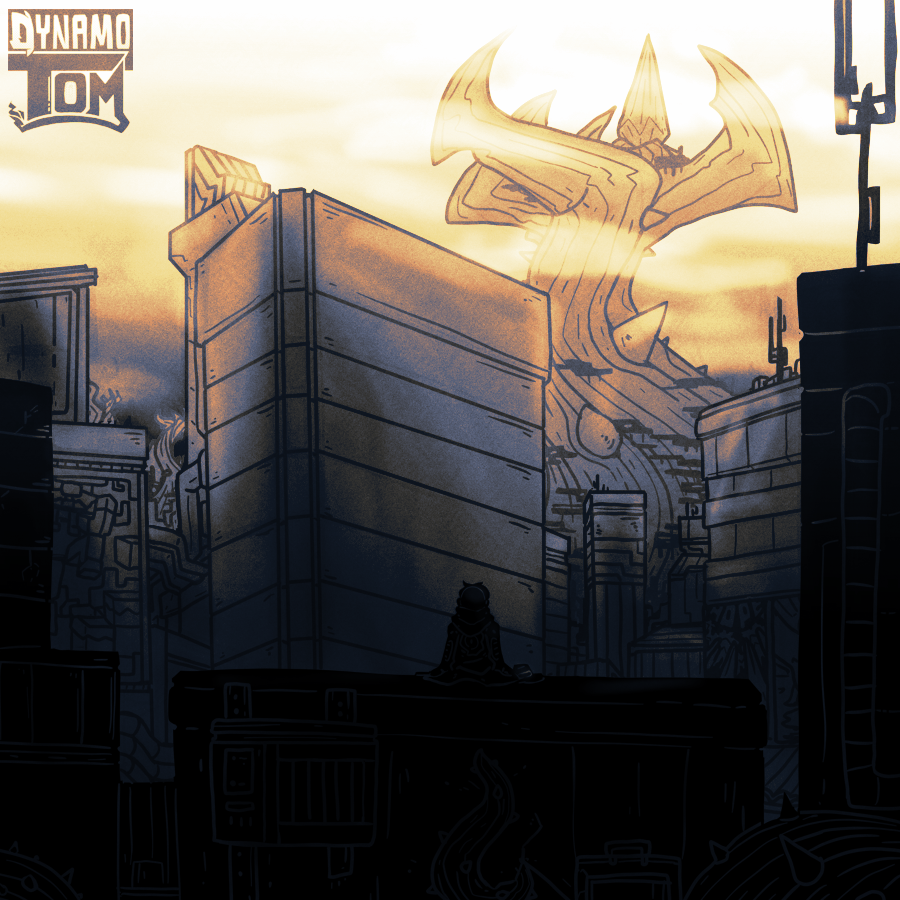
another stream ended by a Blue screen of death... at least #krita's autosave was a homie and saved the art
thanks to everyone who lurked/dropped by


Timelapse of my recent K/DA Ahri fanart. Created using Krita's timelapse feature and edited in Movavi Video Suit 🎞️
#Krita #Ahri #ahrifanart #timelapse #movavi

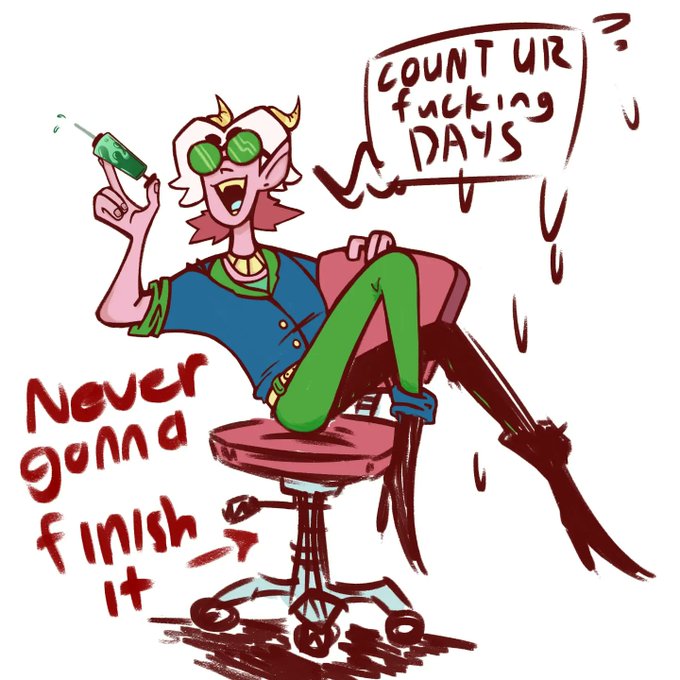


Quick doodle.
Been trying to find a program for my tablet. Krita's very uncomfortable since it has limited utility for touch.
Currently using Fresco. :p


Finally has something nice to post. Aerith fanart finished! I am trying to be active in Krita's forum, it's time to actually to "learn learn" the app and ask question about it when I am confused.
#Aerith #FinalFantasyVIIRemake #digitalart #portraitpainting #digitalillustration


I usually don't post my sketches but I like how well Krita's brushes emulate the rough looks of gouache, charcoal, and mechanical pencil


Messed around a bit with Krita's RGBA brushes. Brought back fond memories from when I painted with acrylics.
Be sure to install the Pigment O plugin by Eyeodin for more granular colour control if you plan on trying out Krita, especially if you are coming from Photoshop.


Continuing my color experiments. This time i'm
using Krita's "Hard Overlay" blending mode to shade (a better version of "Hard Light" that mixes Divide with multiply instead of Screen)
The colors aren't as vibrant as i normaly like, but it's really easy to make a good contrast.

