modesのTwitterイラスト検索結果。 4,741 件

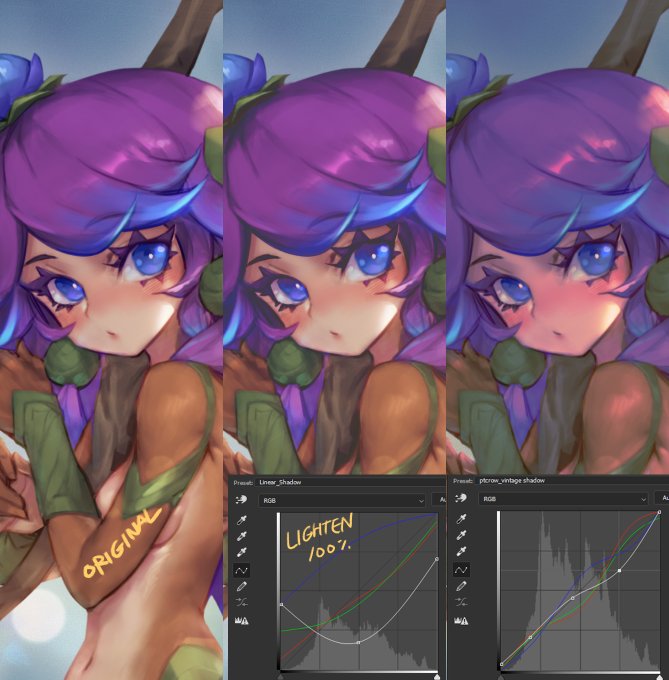
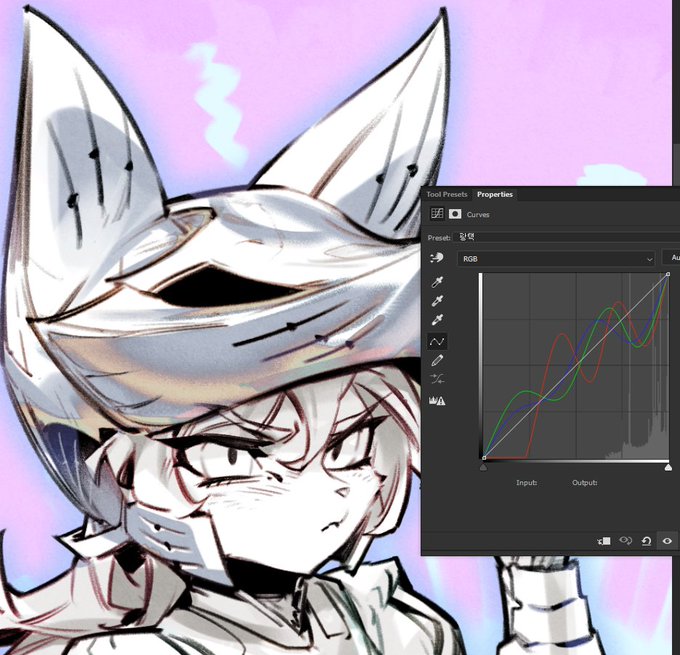
The versatility of curves is remarkably diverse. You can quickly adjust tones to achieve your desired mood by blending different blend modes, or create artificial chromatic aberration effects on highly reflective metallic surfaces
Just play around with it for a few days, it's fun


この度、【NIJISANJI Stun Mode Type:Fuwa&Saegusa】にて不破湊さんと三枝明那さんの等身ビジュアルを担当させていただきました。
#NIJISANJI_modeselect


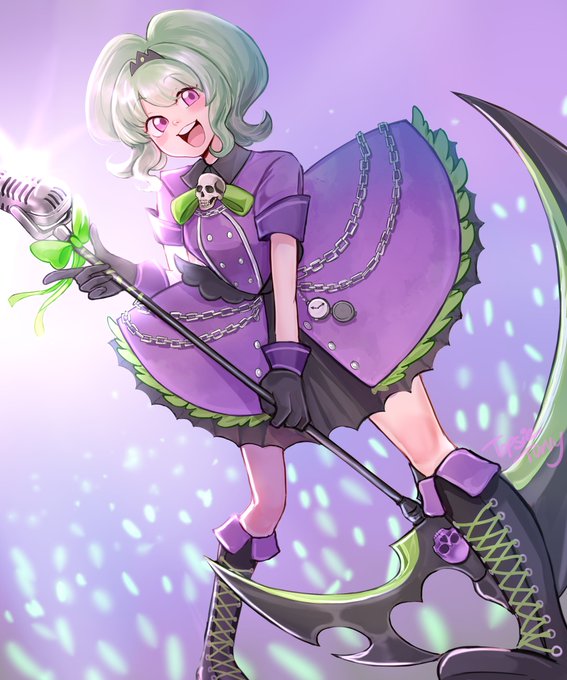

had to boot up gimp just for this since sai doesn't even have these layer modes lmao
anyway! cool tip! i don't think it suits my art at all though lol https://t.co/bUHExfjWLj


I wanted to share my favorite way to apply effects, so I'll share it here. It's simple since it only uses three blending modes, and it's truly my favorite.




『NIJISANJI Elegant Mode Type:Kanato&Hibari』にて、キービジュアルを担当させて頂きました
よろしくおねがいいたします~
#NIJISANJI_modeselect https://t.co/ISNVy9YpEs


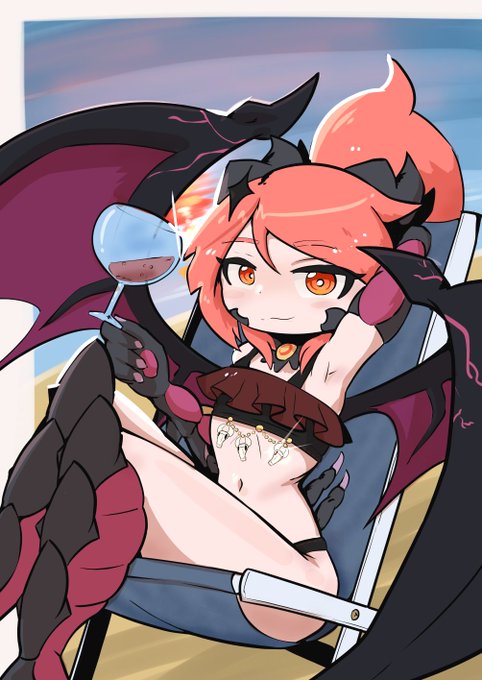
The first pic I shaded using a lot of different layer modes and brushes. The second one was done using very little modes and keeping the pen as the main tool.
Comm work for @RandomDudeGhx
#魔物娘図鑑 #魔物娘図鑑二次 #monstergirl #魔物娘図鑑二次


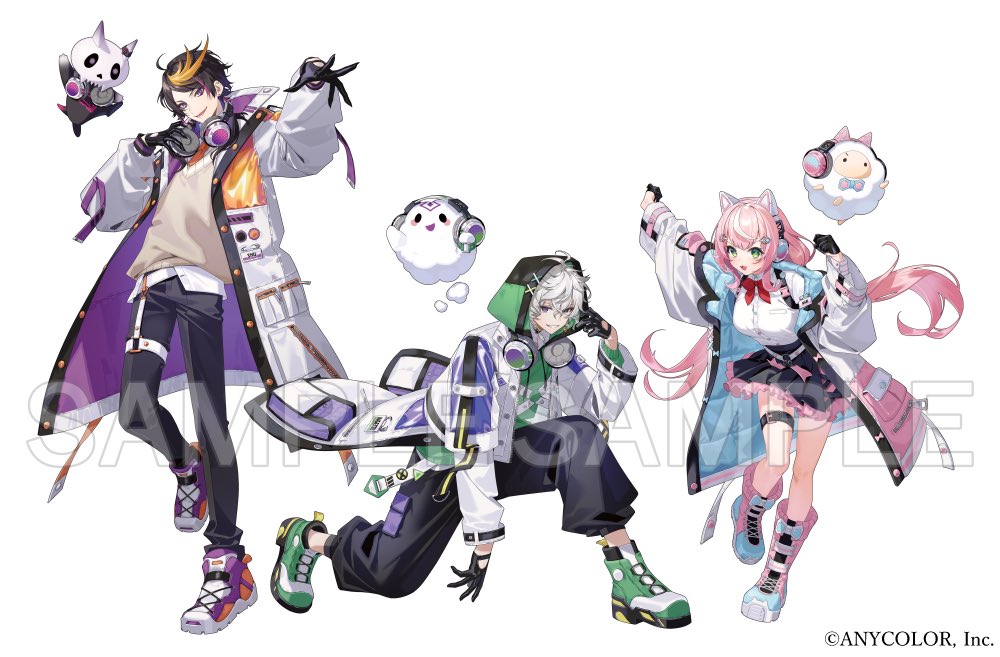
【NIJISANJI Buddy Mode Type:Shu, Kagetsu & Nari】
闇ノシュウさん、叢雲カゲツさん、ヤン ナリさんのこちらのビジュアルを担当させていただきました。
よろしくお願いします!
#NIJISANJI_modeselect


@NecroSynthesis The video is about blowing myself up while in the fire select menu, not actively trying to shoot anything. You can see how I actually successfully switch fire modes, but the launcher goes off anyway at the same time.
This stratagem just hates me

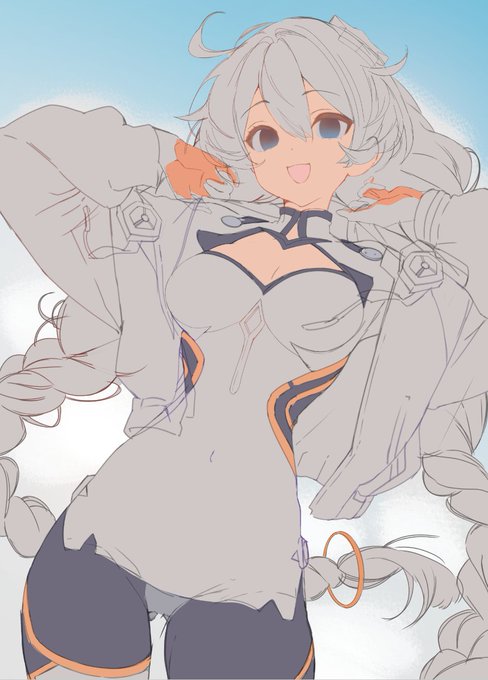


⚠️ 女体化 / TS
lately i think i have been drawing 🎍♀️ with rather modest chest size


