uvsのTwitterイラスト検索結果。 10ページ目


Another super small window of free time and another quick update... next step UVs and a quick texture bath


also some good ones: my shading studies, and the beautiful shark spaceship that got fucked up (y'all have no idea how painful that was, i perfected the UVs, saved, came back the next day, and it looked like that. No undo.)

I am not doing this as I would not be able to make it an actually optimized mod (as the shoes have EIGHTEEN 2048x2048 textures). I was gonna make a "texture atlas" in a grid for the different UVs but like ew the shoe model and materials are obviously designed for marketing

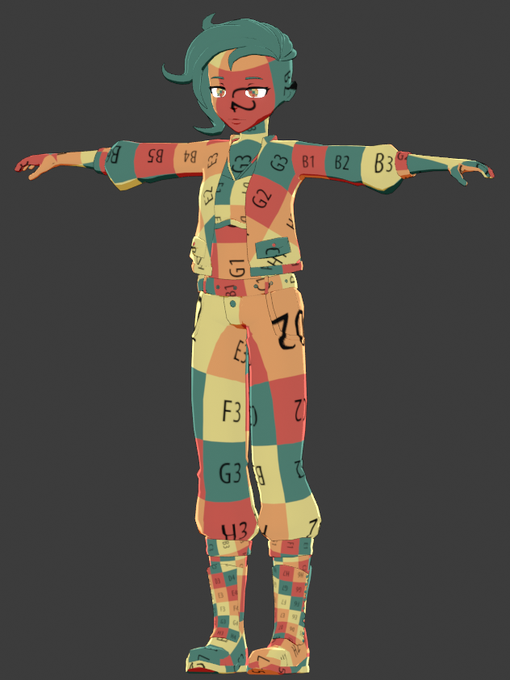
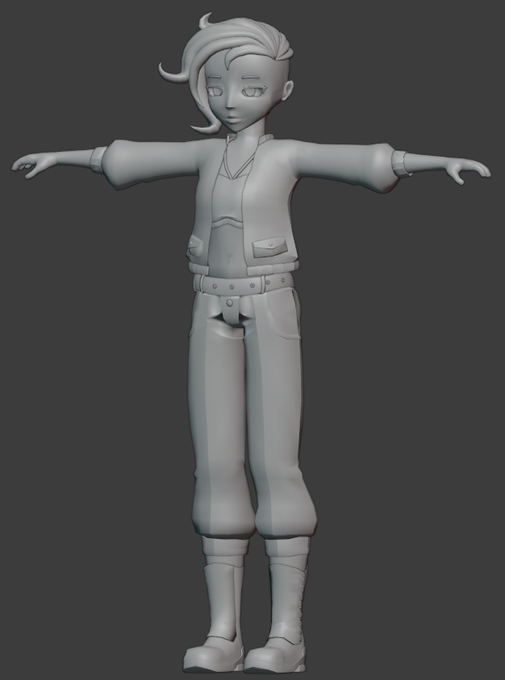

✨Final mesh is done and i've layed out the UVs. Tomorrow I start Texturing! Exciting!!


I just drew the entire time since last night (minus food/bathroom/sleep)—now I have an idea how to fix my UVs without any hassle! I know the method worked in Blender 2.8 so I’ll see if I can find the right commands in 2.9. See, sometimes you just gotta do sth else and boom! Idea!


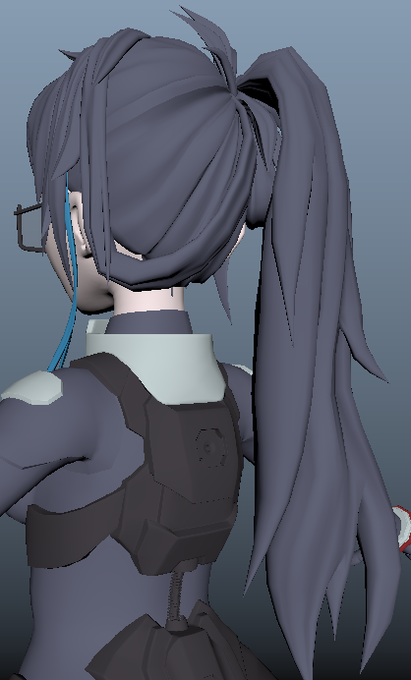

May as well show off what I've been doing for the past 3 weeks. Currently in the process of mapping out the UVs.


Behold! My foundation year of Game Art uni work, I had absolutely no idea what I was doing at all and I really could not get my head around UVs 😱 The sculpt on the right isn't my most recent 3D work - it's from mid October but one of my most recent personal works. https://t.co/FpxjpXfw3t


Okay, UVs are all there, also made a "potat". Now on to preparing it for export.


➡️Restoring Lost UVs / White Meshes
New writeup on resolving a common bug in Maya when combining / separating meshes
https://t.co/4DO6nRsdPP


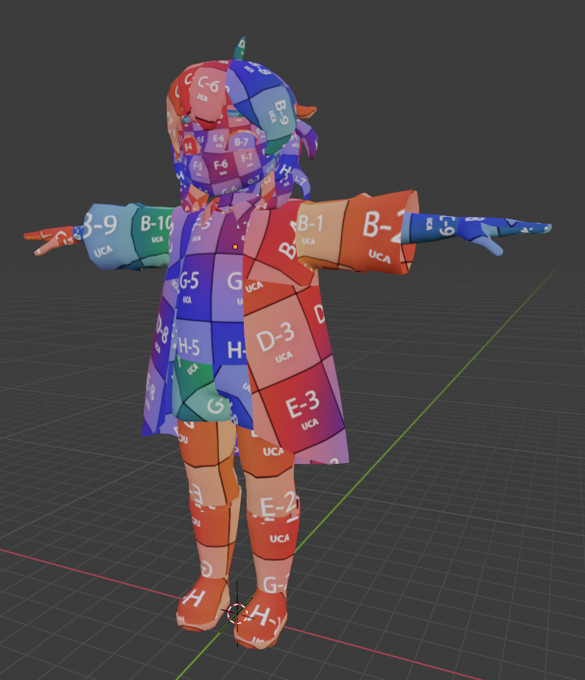
✨UVs done! Ready for textures. Also added a collar and defined the glove on his right hand because my dumbass forgot them


Spent a little more time this morning redoing UVs and baking maps again because the ones from yesterday were a hot mess and I wanted to make sure I understood the process correctly


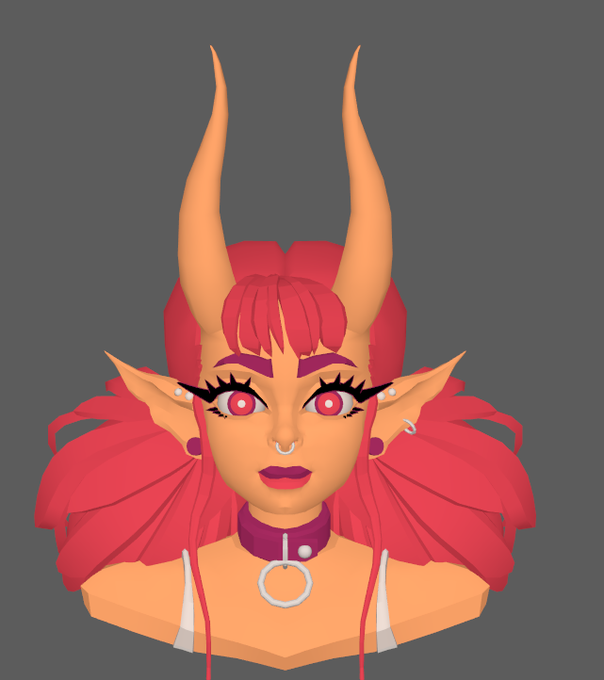

Retopo and Uv's took a bit! I wasn't sure how to do the hair at first... when am I ever? it took a while to tetris the UVs! 😭
Jumping ahead but this image fits best here sdfjkhf I mixed 3dcoats gradient tool and a lil handpainting to match the lighting on Danis outlines! ✌️😊


Yall ever just mess around with phongs to make them look pretty? 👀💖
Done with the retopo but yeall know me... I might change that hair again, Halfway done with UVs! 💕
Concept by the incredible @/danipanteez 😊
https://t.co/GXqjNLFXs2


First I made sure to sketch in Clip Studio Paint a side/front view sculpting reference from October's ref sheet. Then I took those ref planes into Zbrush to sculpt the character. Using the Polypaint feature I painted her markings and then generated UVs in Zbrush to bake textures.


Not the most exciting update but hey check out these UVs!?
Head, Clothes and Body.


9/10
The helms og UVs were crunched after all the posing and reworks I did, so I redid the UV, projected the helm back on with 3dcoats photoshop projection feature, and began to repaint, a lil at a time 💖💪😤
Now repainting EVERYTHING for pose and lighting 💃💖✨