opacityのTwitterイラスト検索結果。 1,333 件中 19ページ目


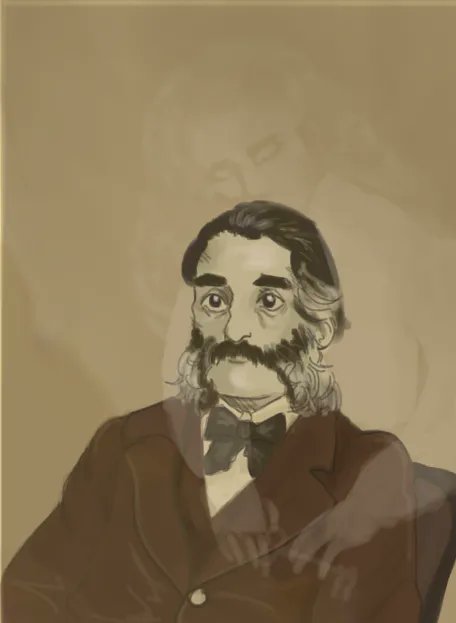
Jo Rodwell (@jojo.rodwell) uses a variety of materials and mediums exploring how colours and layers interact with each other, depicting light and shadow, and how translucency and opacity affect this.



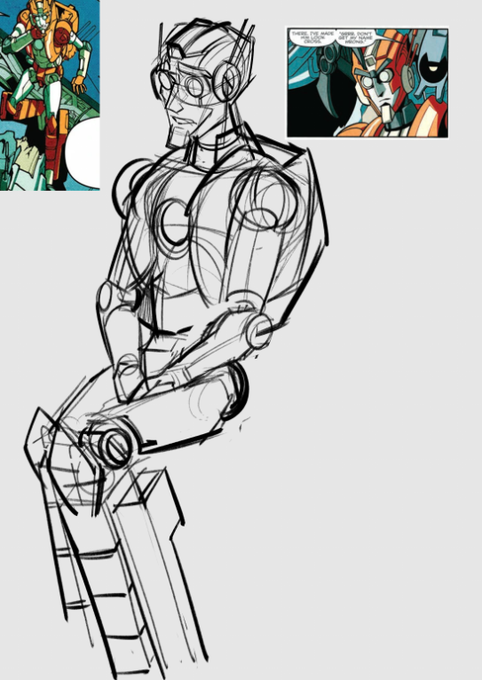


@Rumor_bleh @ozyrice but then I do shading! I mostly do it on a hard light layer with varying opacity and sometimes stack for the right shading. recently I dont even do highlights unless it has a hard light like this does. It's mostly just purple-red shadows and the flats showing thru for highlights


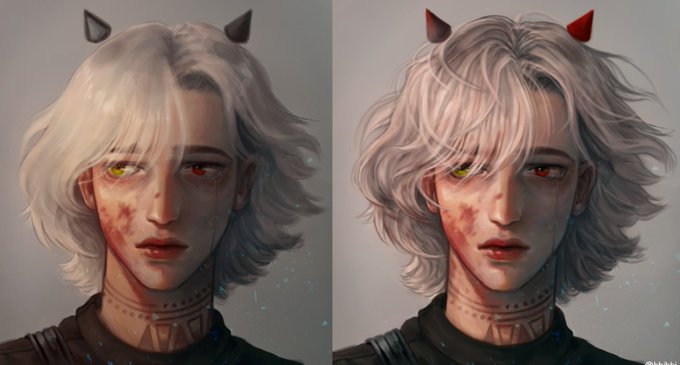
@peppewediwis its like uhhh when you finish the line,coloring and basic shading you go above all the layers (line, coloring, etc) and you paint in more details, usually with a brush like tool so you can shade with the opacity and by color dropping (↓2nd picture by chim_chimmy_jimin on Reddit)

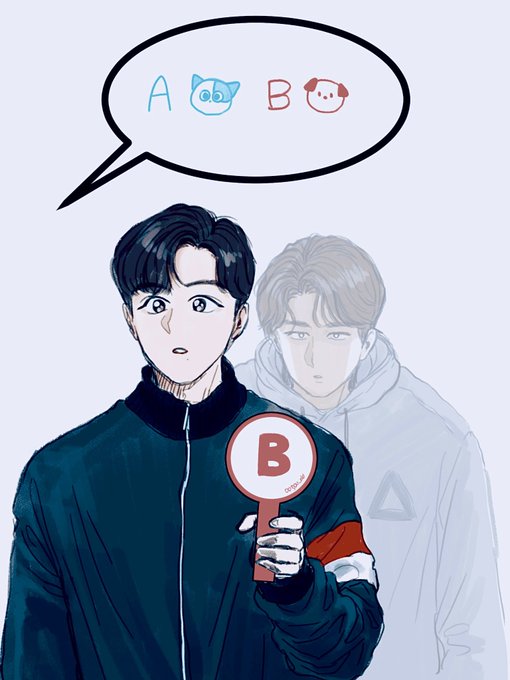


im sorry about the reposts, uh i managed to fix the problem. this is me trying to fix the darkening thing on krita, now i put like a white layer that is 6% opacity


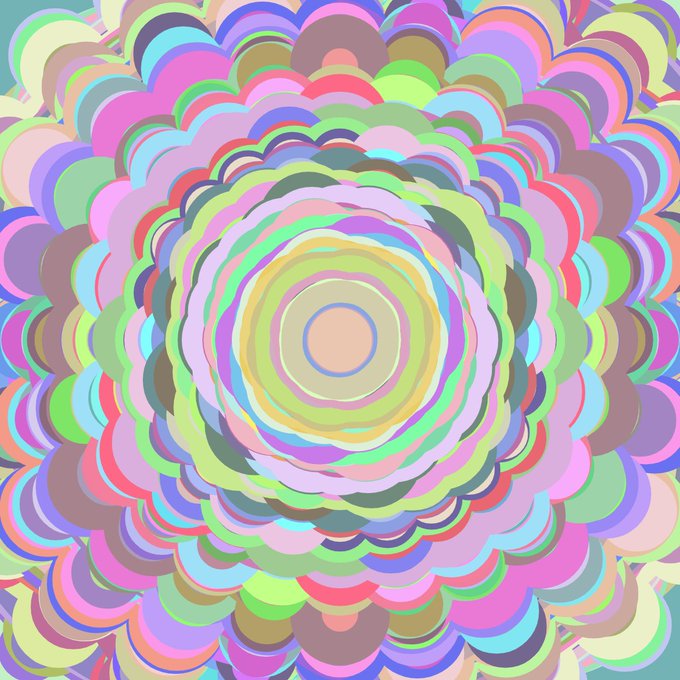
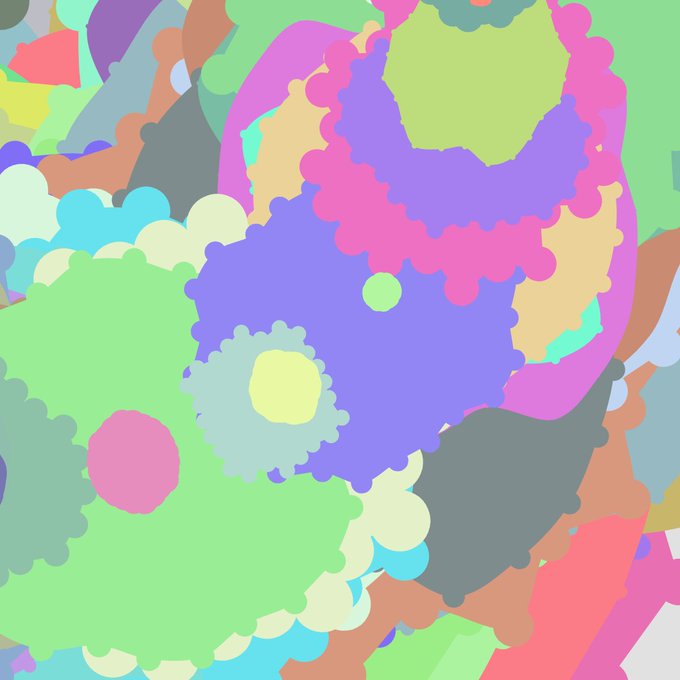
Day 139 in p5js. Ellipses and opacity.
#generativeart #generativeart


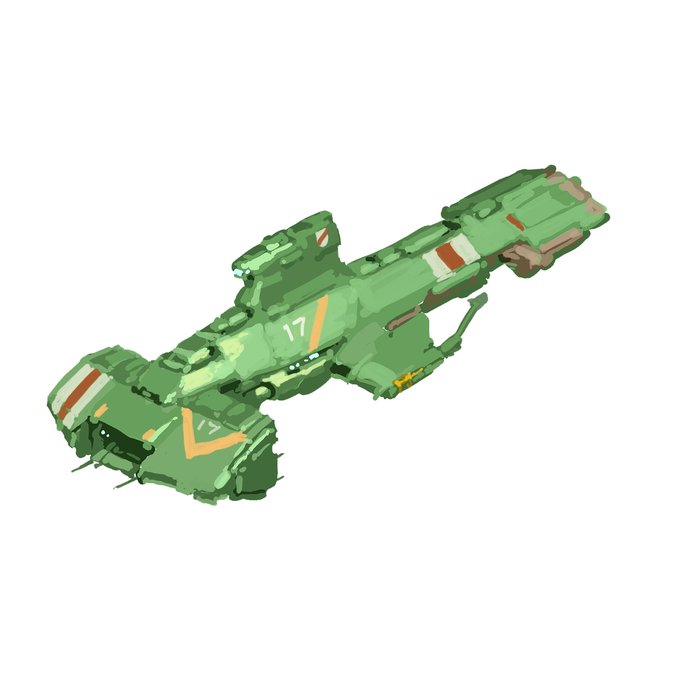

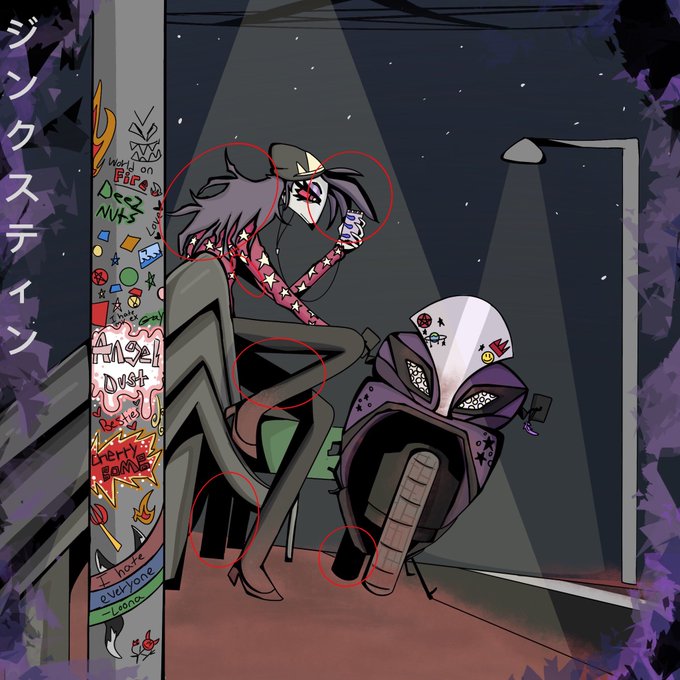
@Remkual i would say to shade in parts of your drawing using black (ik people don't like to) but it really helps me with wanting a more bold look ex: octavia's hair i made the lines thick to thin and filled in one of her legs with black instead of using a dark purple with 50% opacity





FREE Vector: Triangle Polygon Background with Opacity https://t.co/ZuX7rGCPig #background #template #art #card #computer #poster #BackgroundSets #radial #FreeVectorBackground #orange #backgrounds


If anyone is wondering how I do the glow, it’s actually really easy
Copy/paste the fur (all layers excluding line work), merge them, and use a Gaussian blur
Then set that layer to SCREEN blending mode. Copy and paste THAT layer and set to add(glow) and lower the opacity


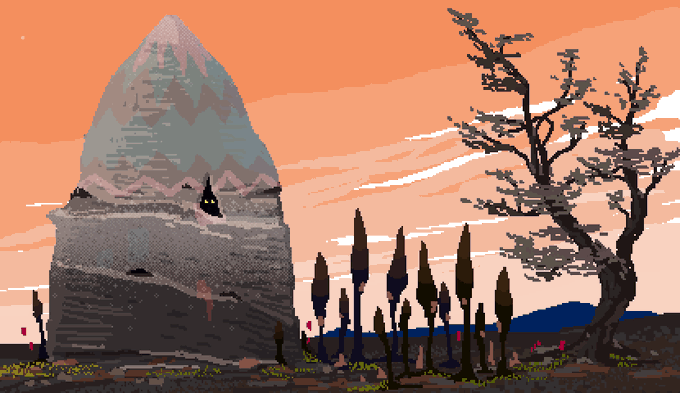
Improve your #pixelart with cathode-ray tube texture overlays. Place texture layer over original art with blend mode set to "overlay", 90% opacity. Scale up image to 2500+pixels. Strike the original art layer with 1.6 radius gaussian blur.

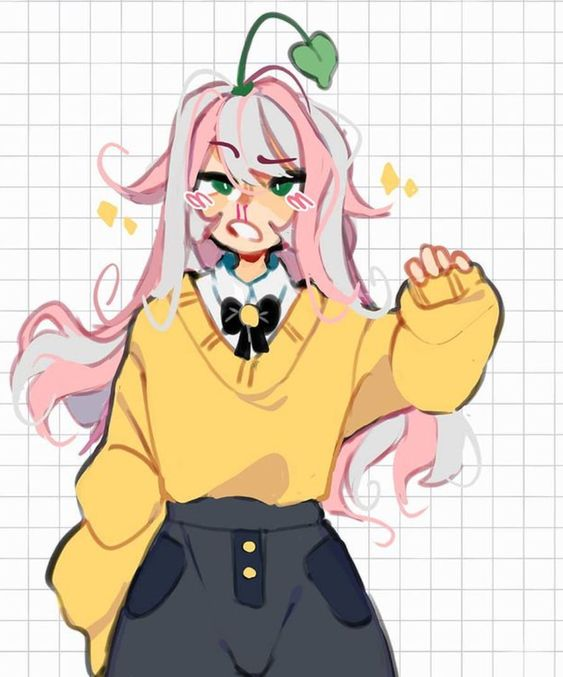
what brush are people using when the lineart looks slightly soft and the opacity kinda goes up and down????
it looks so good, like a soft painted style, but i cant figure it out
when i ask people they dont ever wanna tell me ><
only example i can find rn


@yoimnotsecond @DogboyRed2401 Ot doesnt look as good as I imagined, maybe less opacity and some adjustments? Screen layer? ;=; me lost


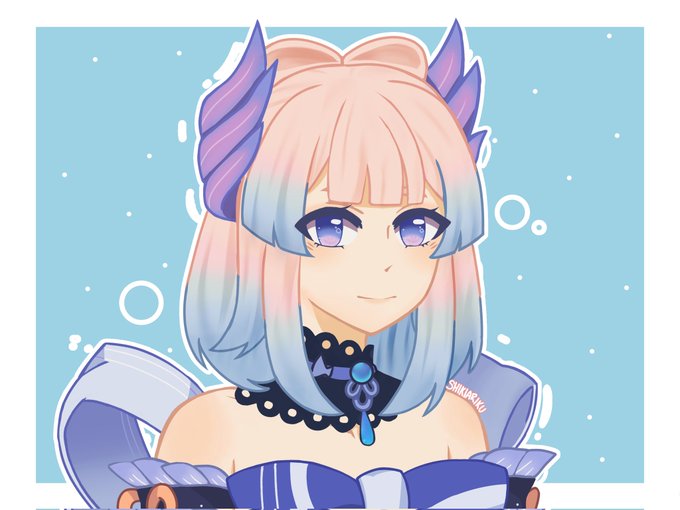
Also this version without the 10% opacity pink layer because I couldn't decide