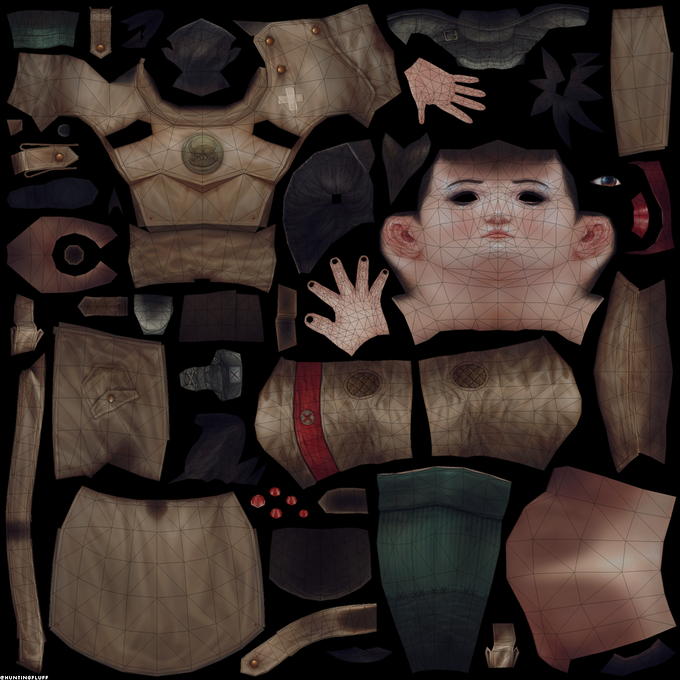
uvsのTwitterイラスト検索結果。 15ページ目


Took the trooper sculpt and tried some new workflows. High Poly/Low Poly/UVs completely with Houdini and SubstancePainter then quickly rigged with mixamo auto rigger and rendered in marmoset toolbag.
#gameart #zbrush #marmosettoolbag #substancepainter #3dart #characterart


@rathaelos @beakfriends Sure! The UVs are completely mirrored haha but it gets the idea across!
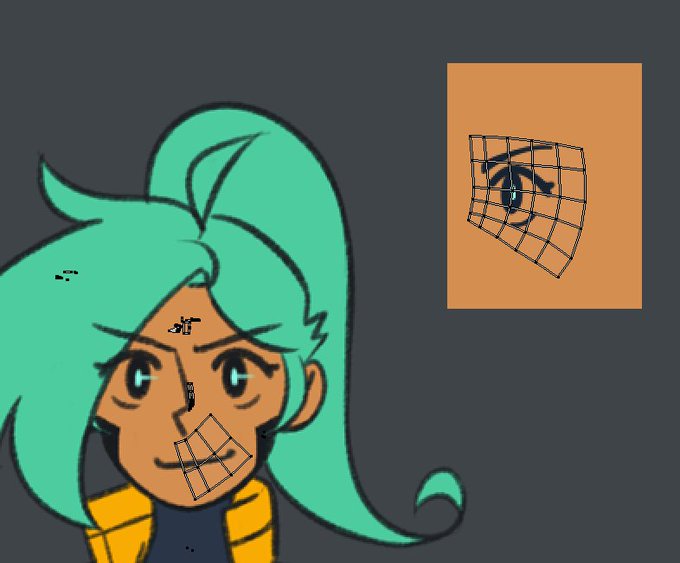
@beakfriends Sometimes when I get really impatient and want to see what my model looks like textured, I throw UVs all over my concept art

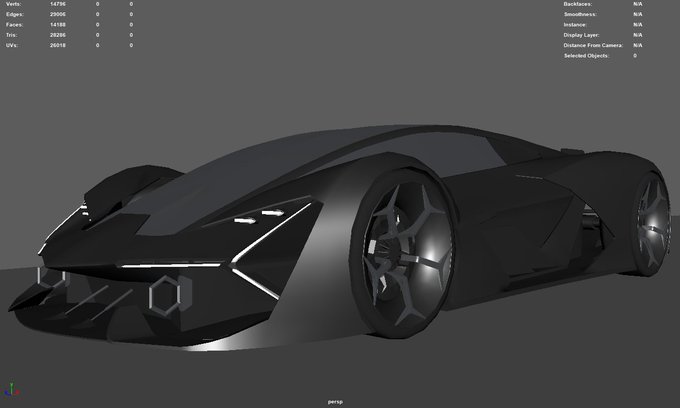
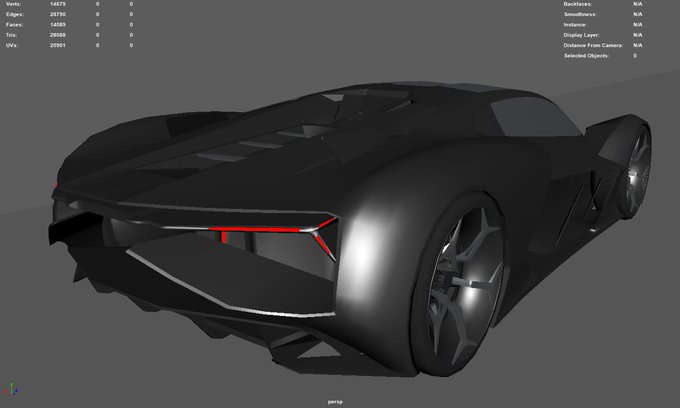


#3DModel done! Now up for the UVs and texturing :D
#MadeWithUnreal #UE4 #unrealengine #gameart #gamedev #3DModel #3DModeling #3dart #3D #wireframe #lowpoly #Maya #ConceptCar #supercars #automotive #Lamborghini


The UVs are taking a while to finish... I might be able to sort them out the next day, but we'll just have to wait and see. On the bright side, I'm relieved that the texture process ahead won't give me the same sort of trouble.

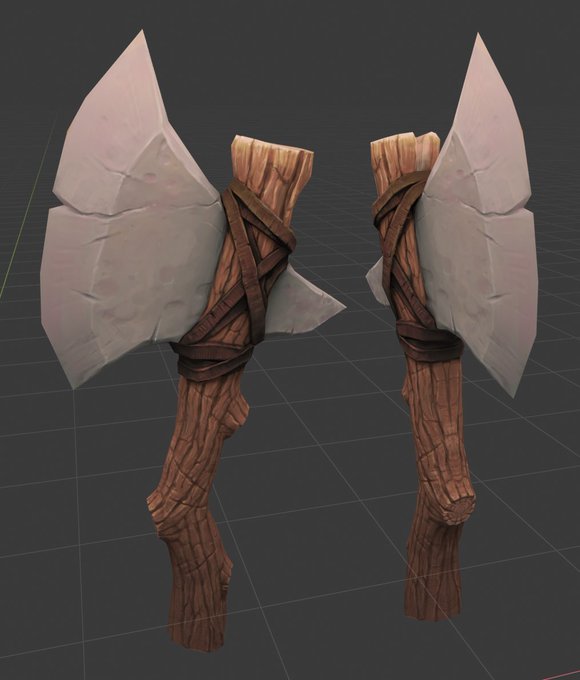
Another week long practice project done. ~500 tris and a 1024 texture. Baked a base from high res using the DOTA2 texture guide as a starting point, then painted in Blender 2.8. Learned about the value of good UVs, and using a cage for baking. Turned out cooler than expected :o

I'll take completing this in the course of a single day over spending over a week finishing more progress. Still lots to do, but at least I'm not floundering with UVs.


@mirokroslin Okay, so i use an image for a color palette and when i uv i scale each patch down to 0 to make it a single color. An effect I've been playing with is using a second uv for a gradient and blending the uvs. That's basically it.

I'm afraid I don't have any good Halloween surprises this time... Still, I have progress, which includes a different sort of horror: dealing with wonky UVs.


@david_danger Thanks! I use a gradient texture and 2 uv maps. the first uv is just flat colors, uvs scaled to 0. The second is just a top down gradient, made using uv project usually. I then blend the two uvs in shader before sampling the texture. Hope that helps!


After seeing the low res version load, i realized how important properly laying out UVs is xux theres a lot i wanna change but ehh ill do better next time.
Also heres the model on sketchfab https://t.co/NH8AcwhW7Q

Here's the last of the more complex planks that need UV adjustments. The top of the right piece is a little distorted; however, even when I manually pieced the UVs together carefully, the problem persisted... Guess I'll live with it...

Yesterday was hectic, but now I'm back in the Netherlands!
Anyway, the faces for the plank are going as well as applying a cheese grater to the head... I knew UVs are tricky, but it's more apparent that Maya's unfold tool is rather unreliable.

I'm on the last leg for the path tiles! I think this is all I'll handle for now until I get more information. Next up, I'll handle a little grass under the broken bridge and deal with the UVs of the bridge itself.


I finished modelling and unwrapping UVs! 🙌💪 next step will be rigging and testing in UE4 🤔#gameart

I'm spending a good amount of time trying to get the road tiles complete. This may take a bit due to the UVs.




This is part of the atlas I created using this method and three different colored versions of it. The UVs are made to fit the texture (not the other way around) so it can be used for many different kinds of assets. #screenshotsaturday


Get this base mesh with full unwrapped UVs!
Find it here https://t.co/Q6L9Psn9Mm
#digitalart #anatomy #3dart